A-Tech
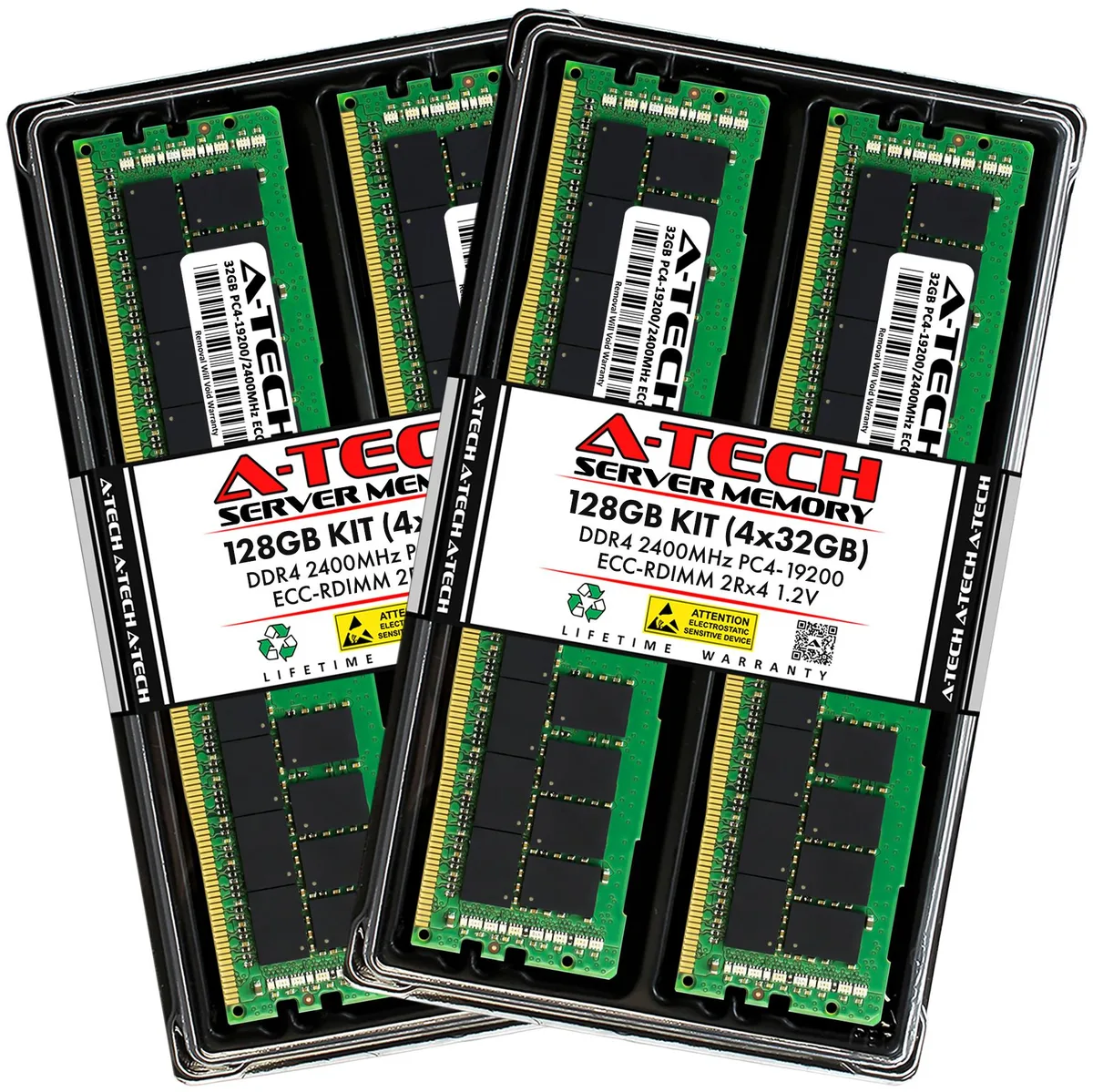
A-Tech 128GB (4x32GB) DDR4 2400 ECC RDIMM 2Rx4 memory upgrade
- 128GB (4 x 32GB)
- 288-Pin DDR4 SDRAM
575,99 $US
0.0073397BTC
En stockNous acceptons la cryptomonnaie — les cryptos que vous détenez peuvent ainsi acheter du matériel réel.Payez en crypto, dépensez-la en matériel réel. Livraison assurée offerte partout dans le monde au-delà de 399 $. Cartons neutres, sans marque, expédiés depuis l’Allemagne.Livraison assurée offerte au-delà de 399 $. Votre taux est bloqué pendant 30 minutes dès l’ouverture de la caisse.Taux bloqué 30 minutes. Chaque article est scellé, son numéro de série est vérifié, et il est couvert par une garantie de 24 mois.Scellé, garanti 24 mois.


A-Tech
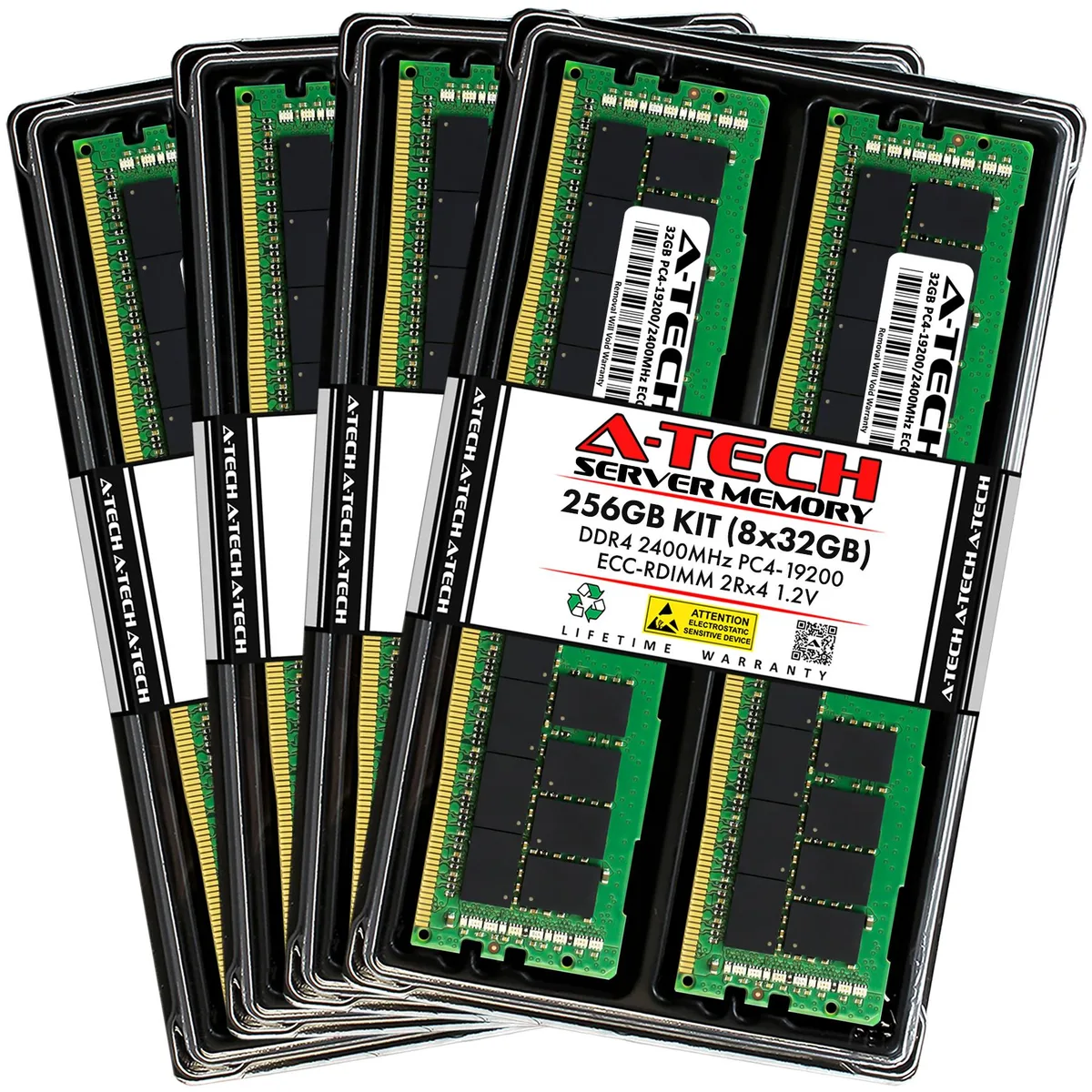
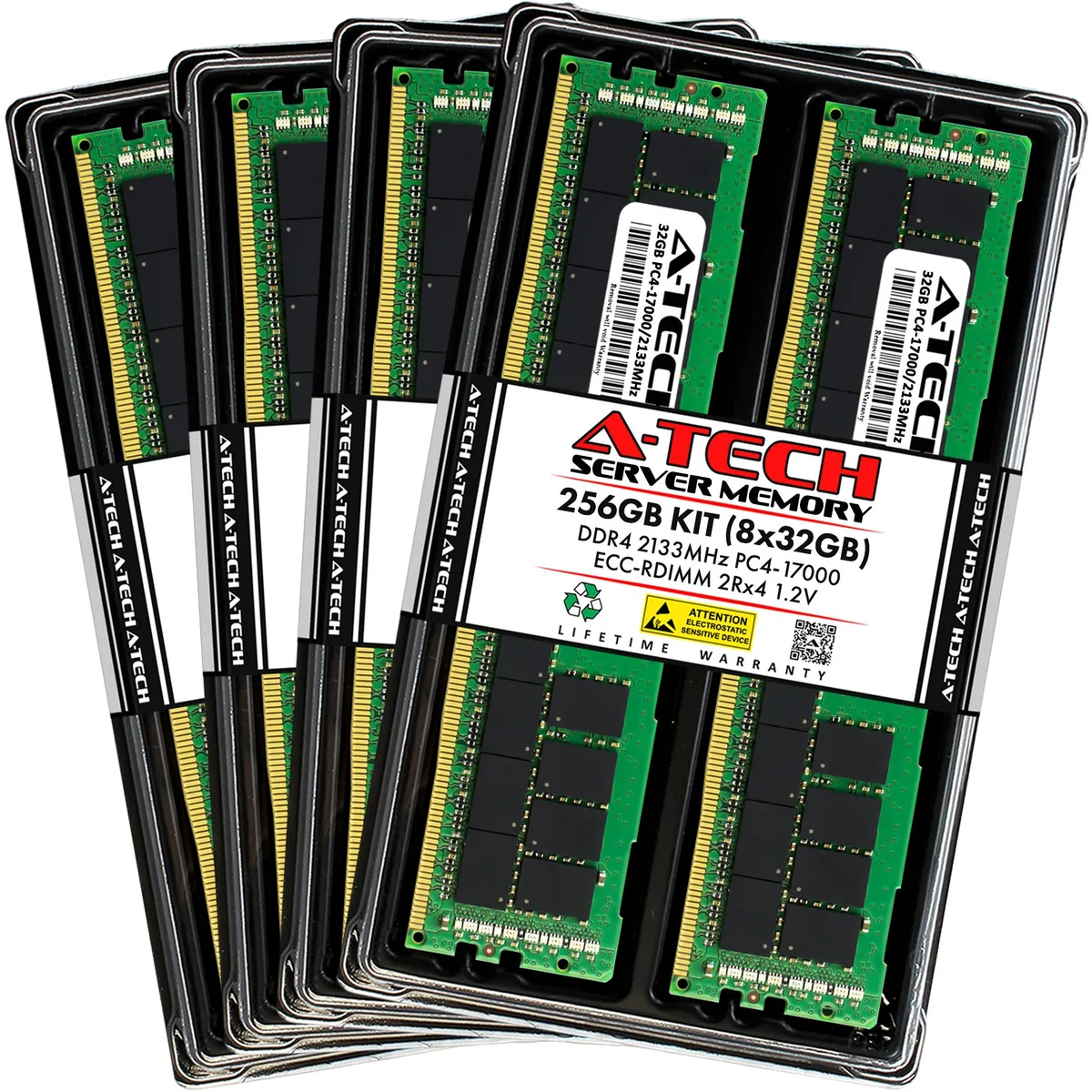
Eight registered DDR4 modules add 256 GB of ECC memory to Dell PowerEdge 13th Gen rack servers
Capacity 256GB (8 x 32GB)
Speed DDR4 2133 (PC4 17000)
This 256GB kit contains eight 32GB DDR4 2133MHz ECC registered DIMMs built for Dell PowerEdge 13th generation rack servers including the R430, R530, R630, R730, R730xd, R830 and R930 models. It targets administrators who need maximum capacity across all memory channels for virtualisation, database or high-throughput workloads. Each module operates at 1.20V with CL15 latency and a 2Rx4 organisation.
The kit replaces smaller factory configurations or mixed-capacity DIMM sets that limit total addressable memory and channel balance. Installing eight identical 32GB modules ensures the system runs at the full 2133MHz rated speed without down-clocking to the slowest installed stick. It is not suited for desktops, laptops or any platform that only accepts non-ECC unbuffered memory.
Registered buffering and on-die ECC maintain data integrity during continuous multi-threaded processing across all populated channels. The dual-rank x4 layout allows the memory controller to interleave requests efficiently, keeping throughput stable during extended compute cycles. Modules lack heat spreaders, so adequate chassis airflow is required to maintain specified operating temperatures under full load.
| Brand | A-Tech |
|---|---|
| Series | 13th Gen Dell PowerEdge Rack Server Compatible |
| Model | 256GB (8x32GB) 2Rx4 DDR4-2133 RDIMM for Dell PowerEdge R430, R530, R630, R630 XL, R730, R730 XL, R730xd, R730xd XL, R830, R930 |
| Part Number | NE-MS-0065 |
| Capacity | 256GB (8 x 32GB) |
| Type | 288-Pin DDR4 SDRAM |
| Speed | DDR4 2133 (PC4 17000) |
| CAS Latency | CL15 |
| Voltage | 1.20V |
| ECC | Yes |
| Buffered/Registered | Registered |
| Rank | 2Rx4 |
| Chipset | Major Brand Chipset |
| Heat Spreader | No |
| Compatible System | Dell PowerEdge R430, R530, R630, R630 XL, R730, R730 XL, R730xd, R730xd XL, R830, R930 | 13th Gen Rack Servers |
| Option | Compatible with Dell PowerEdge R430, R530, R630, R630 XL, R730, R730 XL, R730xd, R730xd XL, R830, R930 |
| Features | Designed for Dell PowerEdge R430, R530, R630, R630 XL, R730, R730 XL, R730xd, R730xd XL, R830, R930 |
| Package Content | Eight Modules |
Autres versions de ce modèle
Même famille, mémoire, ventirad ou fréquence différents — comparez avant de vous décider.
This kit is designed for Dell PowerEdge R430, R530, R630, R630 XL, R730, R730 XL, R730xd, R730xd XL, R830 and R930 13th Gen rack servers.
Follow the server manual for the correct channel population order; the most common mistake is filling slots sequentially instead of balancing across memory channels.
Replace a module when the system management log shows a rising corrected-error count on a specific DIMM, indicating that the 2Rx4 chipset is degrading.
Également dans ce rayon
Même rayon, même caisse — huit monnaies et un taux bloqué 30 minutes.
Ce que vous envoyez, et ce dans quoi vous lisez les prix.
Envoyé depuis votre portefeuille à la caisse
Affichage seul — le catalogue est libellé en dollars
Aucune monnaie ne correspond.
Choisissez la langue dans laquelle le site vous parle.
Première visite ?
Vous avez déjà un compte ?
Il n’y a pas de réinitialisation automatique : cette boutique n’envoie aucun e-mail, il n’existe donc aucun lien à usage unique à demander. Laissez l’adresse sur le compte, elle sera traitée à la main.
Demande enregistrée
Rien n’arrivera dans votre boîte de réception — cette boutique n’envoie aucun e-mail. Quelqu’un s’en occupe à la main.
Vous l’avez retrouvé ?