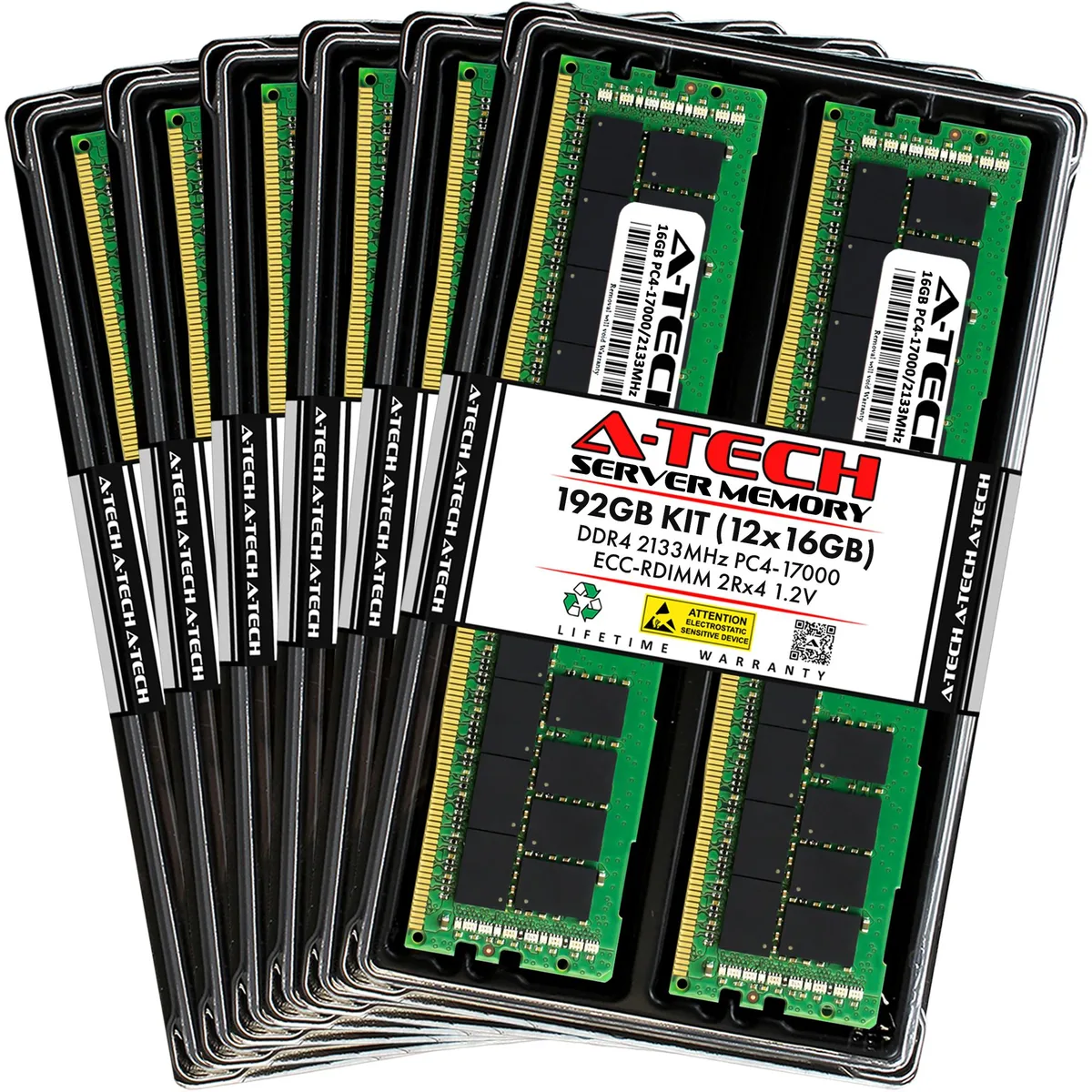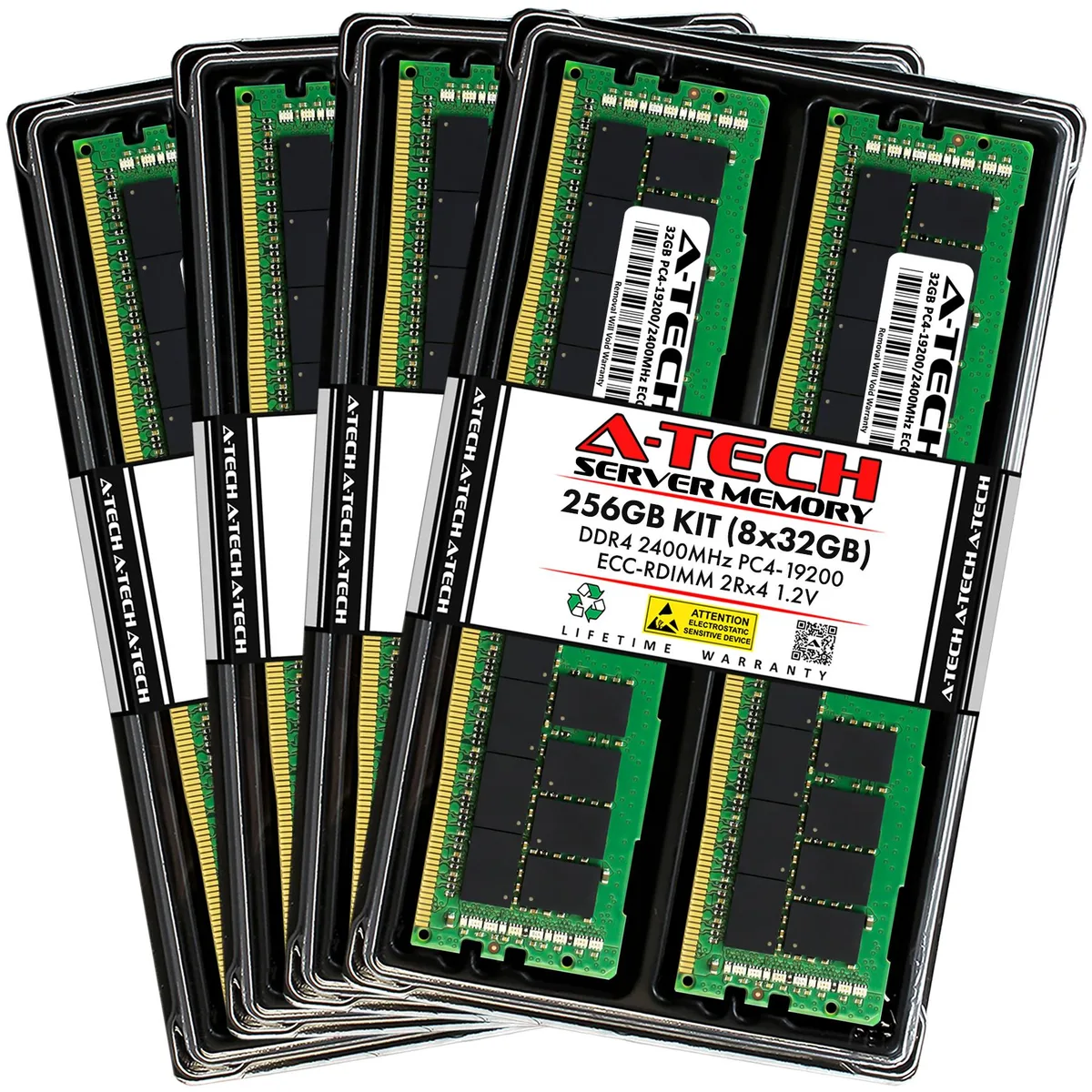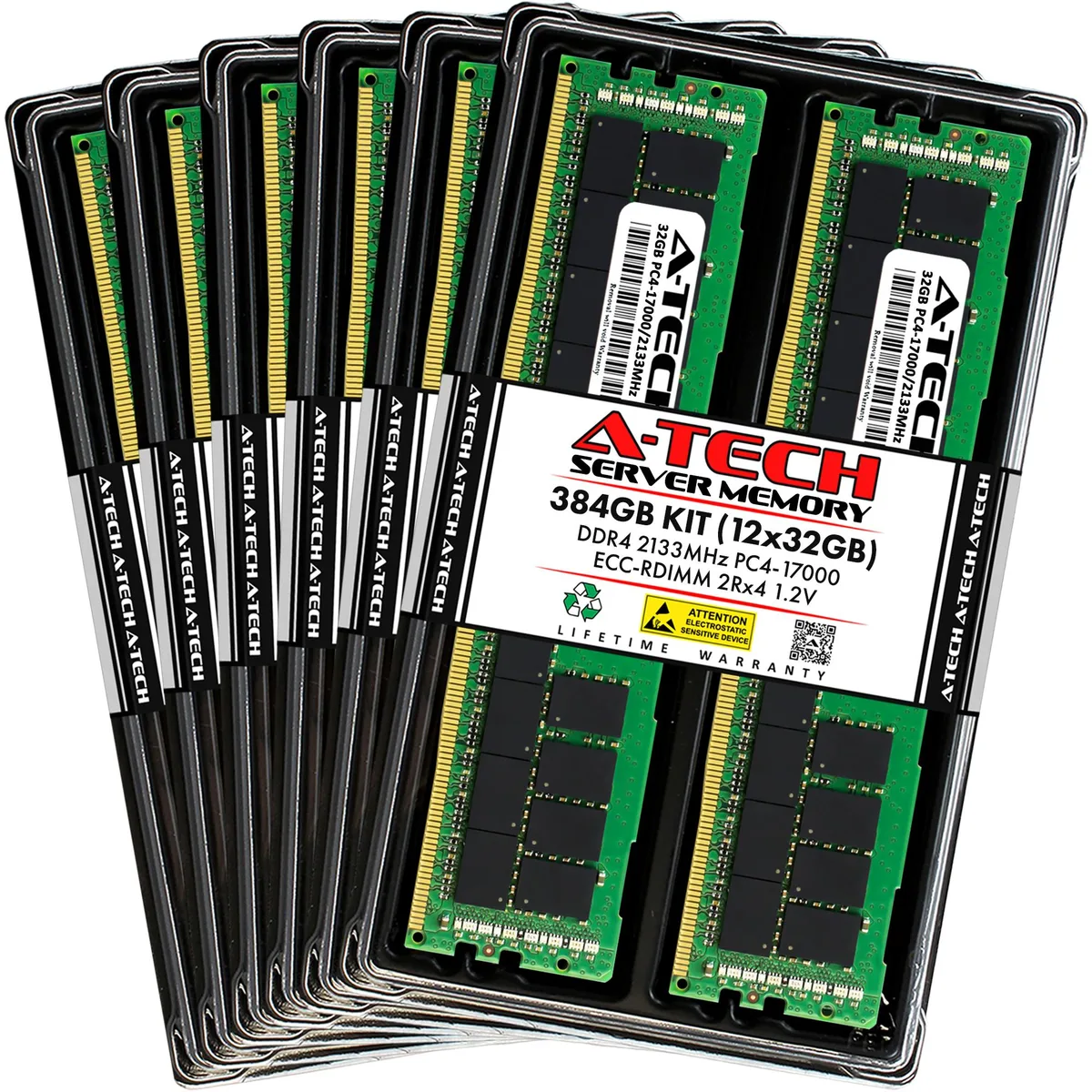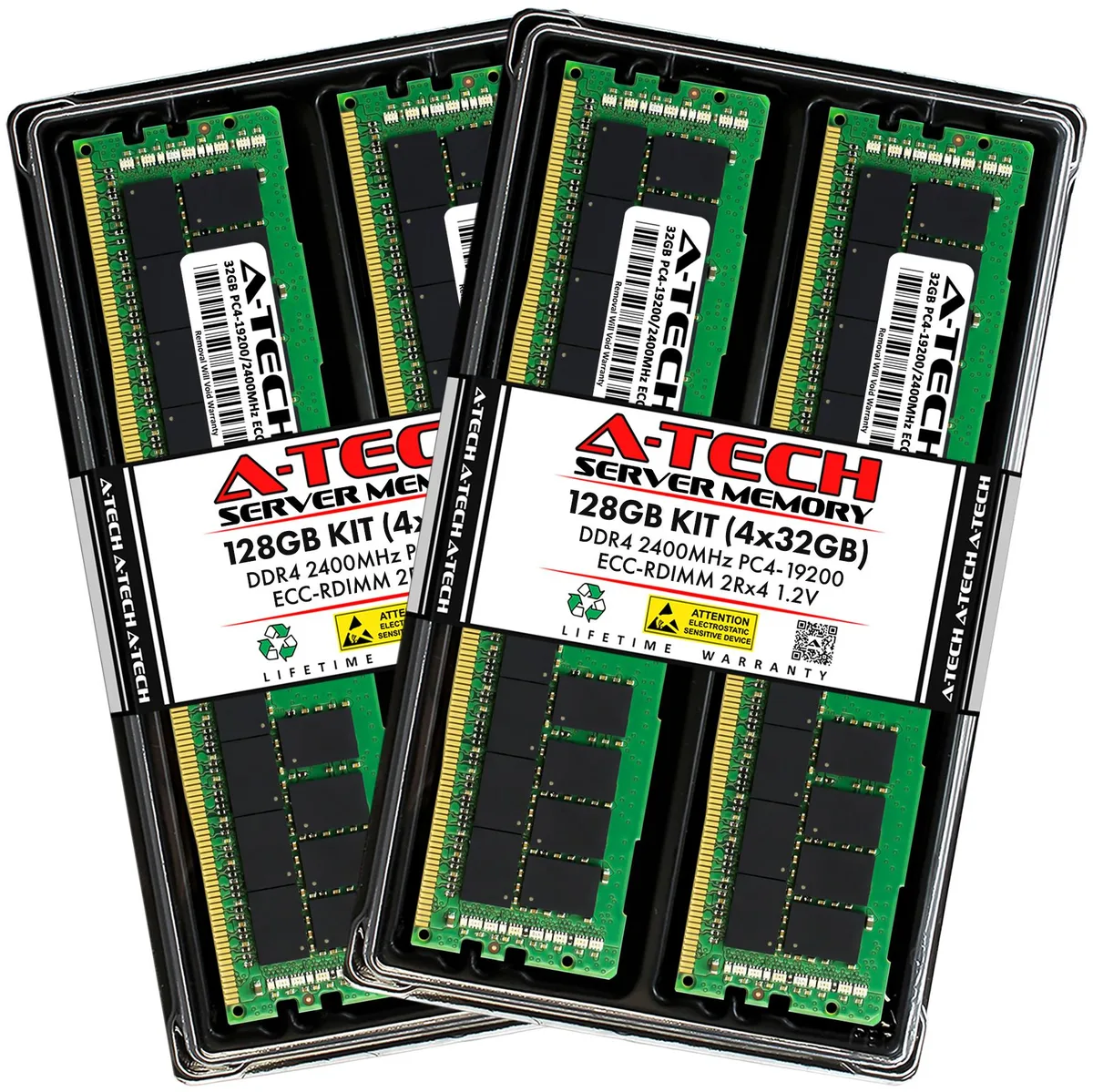
A-Tech
A-Tech 128GB (4x32GB) DDR4 2400 ECC RDIMM 2Rx4 memory upgrade
- 128GB (4 x 32GB)
- 288-Pin DDR4 SDRAM
575,99 US$
0.00724981BTC
Em stockAceitamos criptomoeda — para que as moedas que detém possam comprar material informático real.Pague em cripto, gaste-a em material informático real. Envio seguro gratuito para todo o mundo acima de 399 $. Caixas neutras, sem marca, expedidas a partir da Alemanha.Envio seguro gratuito acima de 399 $. A sua taxa fica bloqueada durante 30 minutos assim que abre a finalização da compra.Taxa bloqueada 30 minutos. Cada artigo é selado, o seu número de série é verificado, e está coberto por uma garantia de 24 meses.Selado, garantido 24 meses.


A-Tech
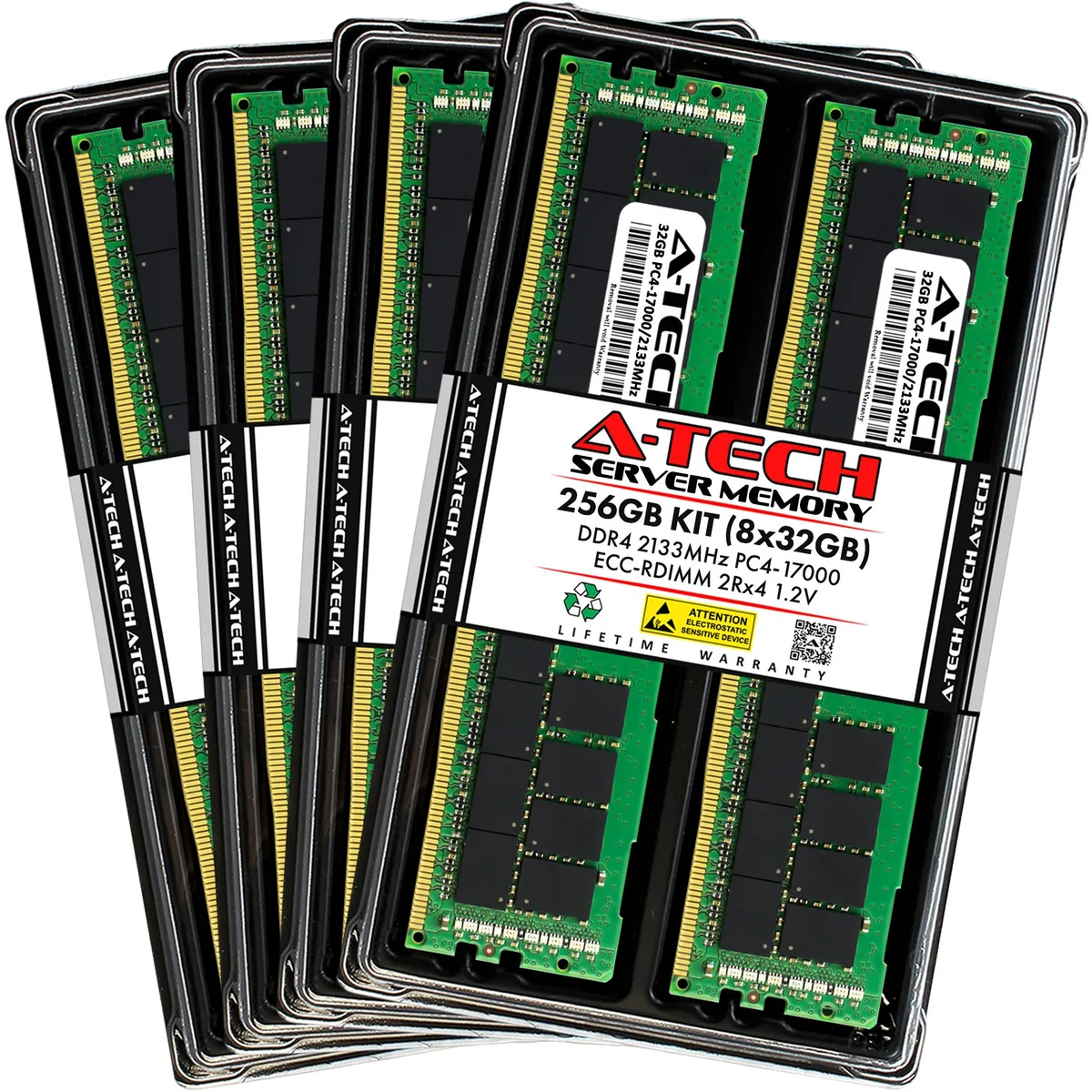
Eight registered DDR4 modules add 256 GB of ECC memory to Dell PowerEdge 13th Gen rack servers
Capacity 256GB (8 x 32GB)
Speed DDR4 2133 (PC4 17000)
This 256GB kit contains eight 32GB DDR4 2133MHz ECC registered DIMMs built for Dell PowerEdge 13th generation rack servers including the R430, R530, R630, R730, R730xd, R830 and R930 models. It targets administrators who need maximum capacity across all memory channels for virtualisation, database or high-throughput workloads. Each module operates at 1.20V with CL15 latency and a 2Rx4 organisation.
The kit replaces smaller factory configurations or mixed-capacity DIMM sets that limit total addressable memory and channel balance. Installing eight identical 32GB modules ensures the system runs at the full 2133MHz rated speed without down-clocking to the slowest installed stick. It is not suited for desktops, laptops or any platform that only accepts non-ECC unbuffered memory.
Registered buffering and on-die ECC maintain data integrity during continuous multi-threaded processing across all populated channels. The dual-rank x4 layout allows the memory controller to interleave requests efficiently, keeping throughput stable during extended compute cycles. Modules lack heat spreaders, so adequate chassis airflow is required to maintain specified operating temperatures under full load.
| Brand | A-Tech |
|---|---|
| Series | 13th Gen Dell PowerEdge Rack Server Compatible |
| Model | 256GB (8x32GB) 2Rx4 DDR4-2133 RDIMM for Dell PowerEdge R430, R530, R630, R630 XL, R730, R730 XL, R730xd, R730xd XL, R830, R930 |
| Part Number | NE-MS-0065 |
| Capacity | 256GB (8 x 32GB) |
| Type | 288-Pin DDR4 SDRAM |
| Speed | DDR4 2133 (PC4 17000) |
| CAS Latency | CL15 |
| Voltage | 1.20V |
| ECC | Yes |
| Buffered/Registered | Registered |
| Rank | 2Rx4 |
| Chipset | Major Brand Chipset |
| Heat Spreader | No |
| Compatible System | Dell PowerEdge R430, R530, R630, R630 XL, R730, R730 XL, R730xd, R730xd XL, R830, R930 | 13th Gen Rack Servers |
| Option | Compatible with Dell PowerEdge R430, R530, R630, R630 XL, R730, R730 XL, R730xd, R730xd XL, R830, R930 |
| Features | Designed for Dell PowerEdge R430, R530, R630, R630 XL, R730, R730 XL, R730xd, R730xd XL, R830, R930 |
| Package Content | Eight Modules |
Outras versões deste modelo
Mesma família, memória, ventoinha ou frequência diferentes — compare antes de decidir.
This kit is designed for Dell PowerEdge R430, R530, R630, R630 XL, R730, R730 XL, R730xd, R730xd XL, R830 and R930 13th Gen rack servers.
Follow the server manual for the correct channel population order; the most common mistake is filling slots sequentially instead of balancing across memory channels.
Replace a module when the system management log shows a rising corrected-error count on a specific DIMM, indicating that the 2Rx4 chipset is degrading.
Também nesta secção
Mesma prateleira, mesma finalização da compra — oito moedas e uma taxa bloqueada durante 30 minutos.
O que paga, e a moeda em que vê os preços.
Enviado da sua carteira ao finalizar a compra
Apenas informativo — o catálogo está em dólares
Nenhuma moeda corresponde.
Escolha o idioma em que o site lhe fala.
Ainda não tem conta?
Já tem conta?
Não existe reposição automática: esta loja não envia qualquer e-mail, pelo que não há nenhum link de utilização única para pedir. Deixe o endereço na conta e ele será tratado manualmente.
Pedido registado
Não vai chegar nada à sua caixa de entrada — esta loja não envia qualquer e-mail. Alguém trata disto manualmente.
Recordou-se dela?