ASUS
ASUS Vivobook 16" WUXGA i9-13900H 16GB 512GB Silver
- Silver
- Fingerprint reader
772,99 $
0.00990581BTC
Auf LagerWir akzeptieren Kryptowährungen — so können die Coins, die Sie besitzen, echte Hardware kaufen.Zahlen Sie mit Krypto, geben Sie sie für echte Hardware aus. Weltweit kostenloser versicherter Versand ab 399 $. Neutrale Kartons ohne Markenaufdruck, versendet aus Deutschland.Kostenloser versicherter Versand ab 399 $. Ihr Kurs wird 30 Minuten lang gesperrt, sobald die Kasse geöffnet wird.Kurs 30 Minuten gesperrt. Jeder Artikel ist versiegelt, die Seriennummer wird geprüft, und es gilt eine Garantie von 24 Monaten.Versiegelt, 24 Monate Garantie.


ASUS
A 16-inch WUXGA business laptop with a 14-core Intel Core i9-13900H, 16 GB DDR4, 1 TB SSD and a 1 TB docking station set included
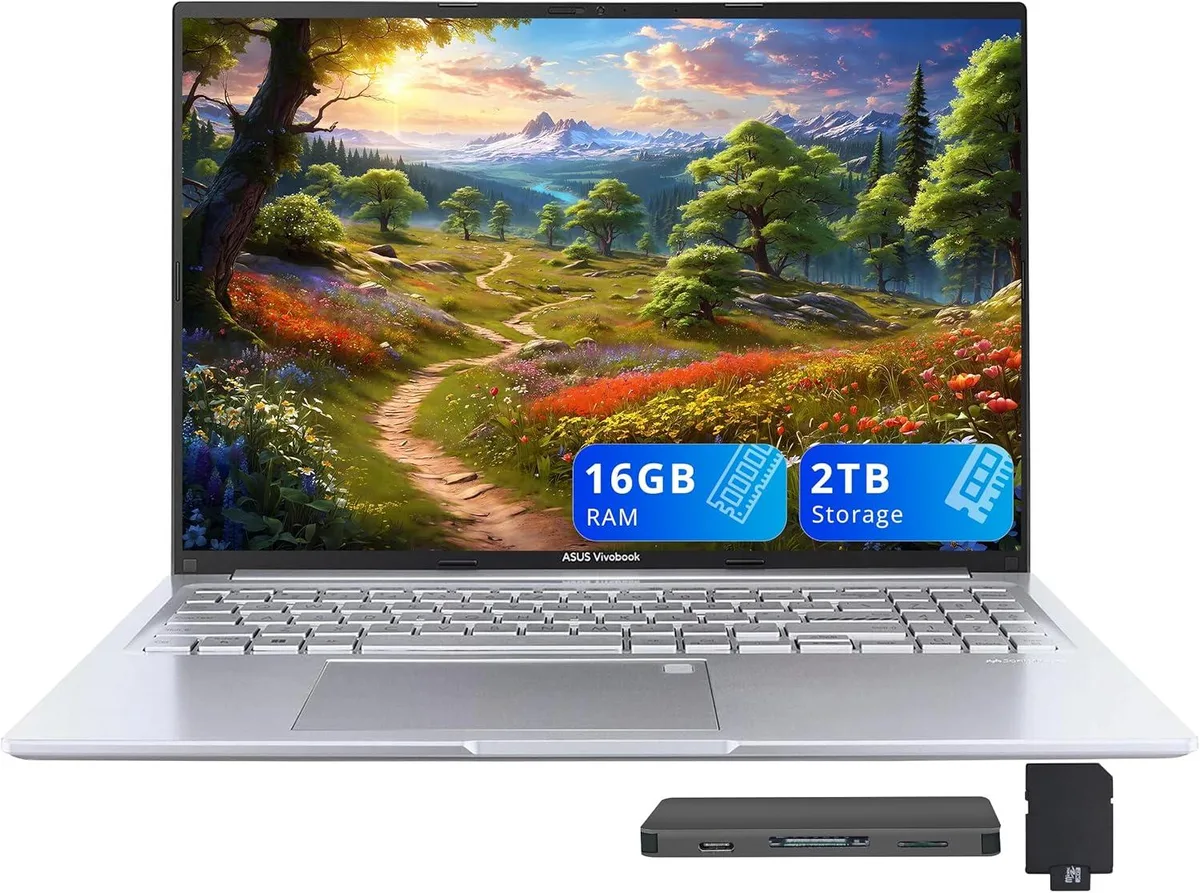
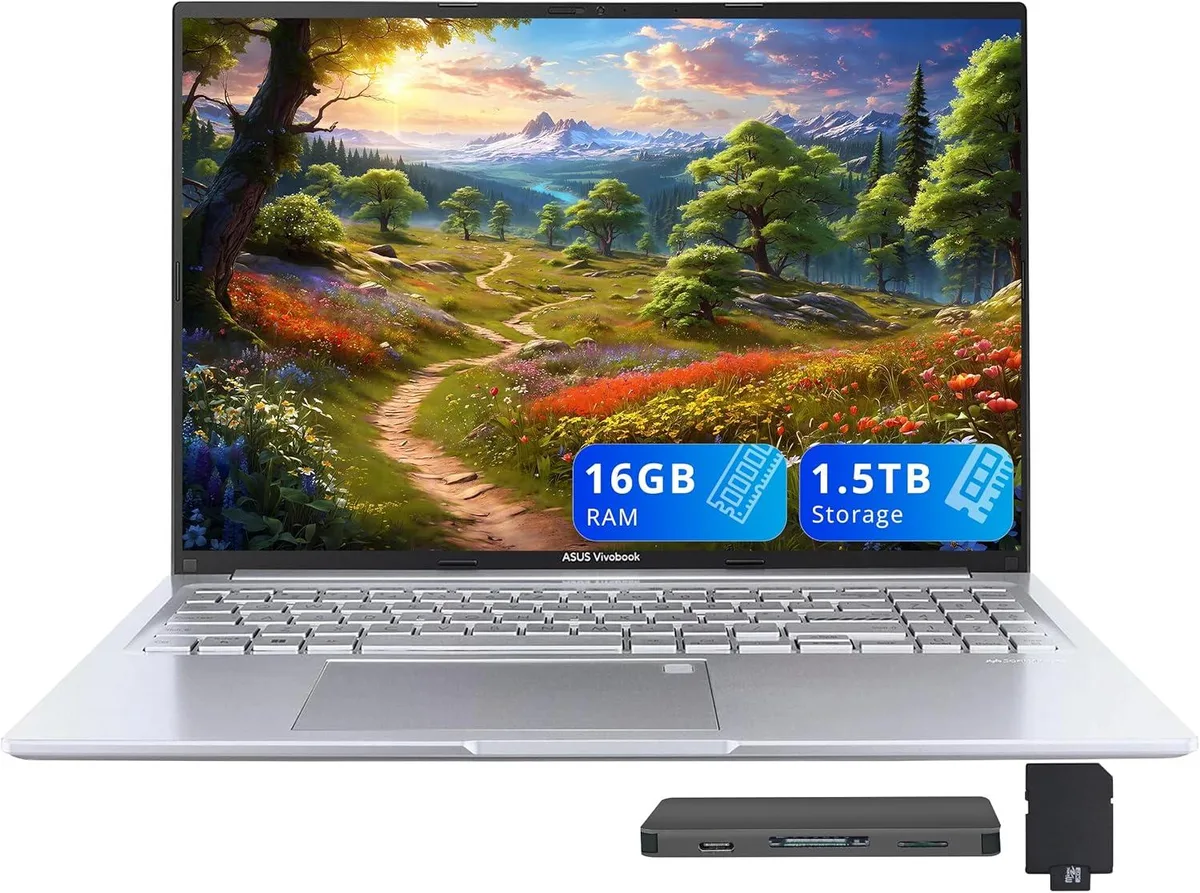
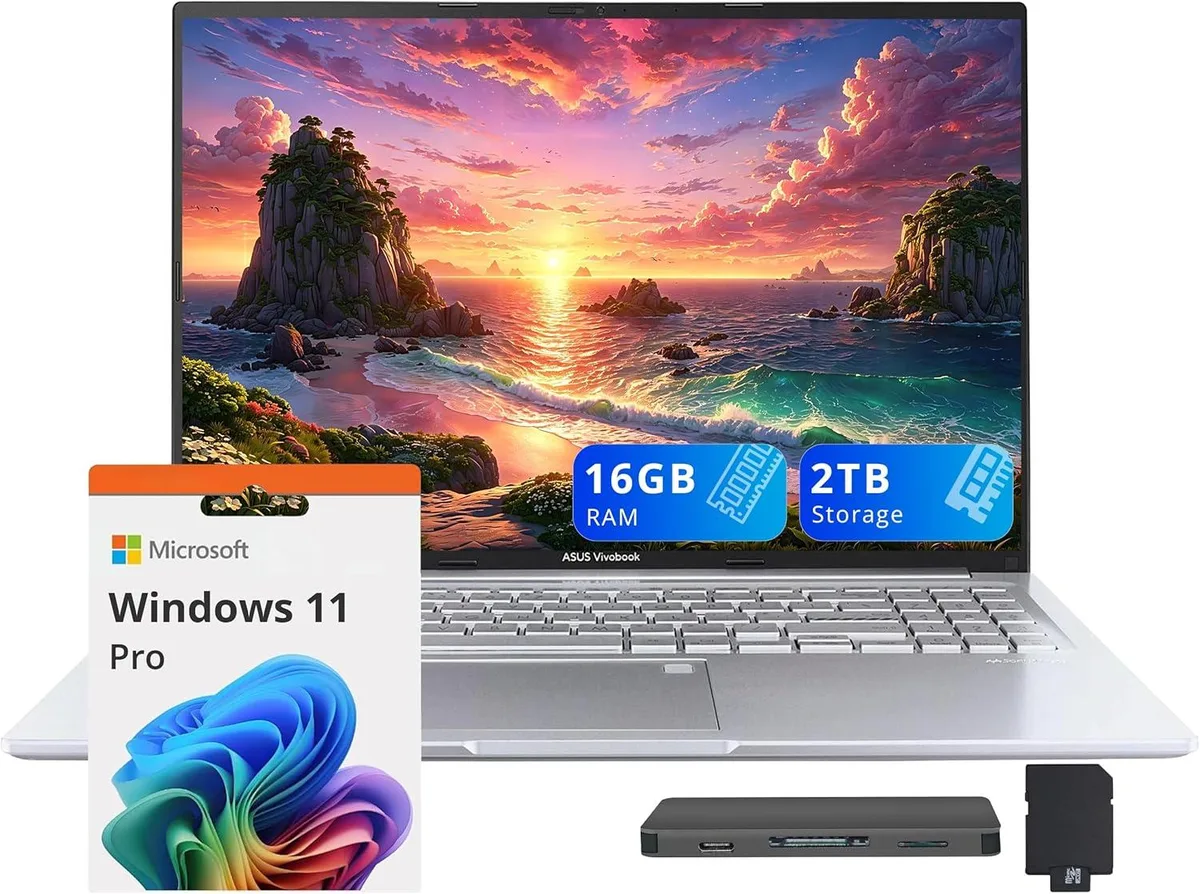
Capacity 16GB / 2TB Storage
The ASUS Vivobook 16 combines a 16.0-inch 1920 x 1200 non-touch display with an Intel Core i9-13900H 14-core processor and Intel Iris Xe integrated graphics. It ships with Windows 11 Pro, 16GB DDR4 memory and a 1TB SSD, finished in silver with a backlit keyboard and fingerprint reader for secure sign-in.
The package includes a 7-in-1 docking station that adds 1TB of extra storage, a 32GB MicroSD card with adapter, Type-C data cable, 3-in-1 charging cable and a suede cleaning cloth. Windows 11 Pro is pre-installed so the system is ready to use after the standard out-of-box experience; the only common snag is ensuring the dock firmware updates automatically on first connection.
Under continuous load the 14-core i9-13900H maintains high frequencies while the Iris Xe GPU handles compute and light creative tasks without a discrete card. The slim 0.78-inch chassis relies on internal cooling to manage thermals during long renders or data processing, so surface temperatures rise noticeably during extended sessions.
| Brand | ASUS |
|---|---|
| Series | ASUS Vivobook |
| Model | ASUS Vivobook |
| Color | Silver |
| Other Features | Fingerprint reader |
| Operating System | Windows 11 Pro |
| CPU Type | Intel Core i9 13th Gen |
| Processor Name | Intel Core i9-13900H |
| Number of Cores | 14-cores Processor |
| Screen Size | 16.0" |
| Touchscreen | Non-Touch Screen |
| Display Type | WUXGA |
| Resolution | 1920 x 1200 |
| GPU/VPU | Intel Iris Xe Graphics |
| Graphic Type | Integrated Card |
| SSD | 1TB |
| Storage Spec | 1TB |
| Memory | 16GB DDR4 |
| WLAN | 802.11ax Wireless LAN |
| Bluetooth | Yes |
| USB | 1x USB-C, 3x USB-A |
| HDMI | 1 x HDMI 1.4 |
| Audio Ports | 1 x Headphone/Microphone Combo Jack |
| Backlit Keyboard | Backlit |
| Webcam | 720p HD |
| Style | Standard |
| Type | Work / Business |
| Usage | Business |
| Package Content | Laptop; Power Adapter; Documentation; 1TB Docking Station Set |
Andere Versionen dieses Modells
Gleiche Familie, unterschiedlicher Speicher, Kühler oder Takt — vergleichen Sie, bevor Sie sich entscheiden.
Open Task Manager and check the Performance tab; the processor should show 14 cores and 20 threads with base clocks matching the 13900H specification.
The set includes the Vivobook 16, a 7-in-1 docking station with 1TB storage, a 32GB microSD card with adapter, a Type-C data cable, a 3-in-1 charging cable and a suede cleaning cloth. No extra items are required for basic operation.
Use the internal 1TB SSD for the operating system and active projects to benefit from the fastest access speeds; keep the docking station's 1TB drive for backups, media libraries and large archives that do not need peak throughput.
Ebenfalls in dieser Kategorie
Gleiche Abteilung, gleiche Kasse — acht Kryptowährungen und ein für 30 Minuten fixierter Kurs.
Womit Sie bezahlen und in welcher Währung Sie die Preise sehen.
Wird von Ihrem Wallet an der Kasse gesendet
Nur zur Anzeige — der Katalog ist in US-Dollar ausgezeichnet
Keine passende Währung gefunden.
Wählen Sie die Sprache, in der die Seite mit Ihnen spricht.
Keine passende Sprache gefunden.
Neu hier?
Haben Sie bereits eins?
Es gibt keine automatische Zurücksetzung: Dieser Shop versendet keine E-Mails, daher gibt es auch keinen Einmal-Link, den Sie anfordern könnten. Lassen Sie die im Konto hinterlegte Adresse stehen, sie wird von Hand bearbeitet.
Anfrage vermerkt
Es ist nichts auf dem Weg in Ihr Postfach — dieser Shop versendet grundsätzlich keine E-Mails. Jemand bearbeitet diese Anfragen von Hand.
Wieder eingefallen?