


TP-Link
TP-Link RE600X AX1800 WiFi 6 Range Extender
A WiFi 6 range extender supporting up to 30 devices with AX1800 speeds
- AX1800 WiFi 6 extends fast wireless coverage
- Supports up to 30 devices for busy homes
- Easy setup with quick installation guide
- TP-Link reliability since July 2024
- RE600X model boosts existing network range
TP-Link RE600X AX1800 WiFi 6 Range Extender
This TP-Link RE600X extends an existing wireless network using WiFi 6 technology. It is designed for households or small offices needing broader coverage for up to 30 connected devices. The unit supports AX1800 dual-band speeds to improve throughput in busy environments. Setup is guided by the included Quick Installation Guide.
Thermals noise and power in normal use
The extender operates from a standard wall outlet without external antennas or active cooling fans. Its internal hardware runs silently during typical data loads such as streaming or browsing. Power draw remains low and consistent with similar compact network devices. No thermal throttling or audible noise is expected under regular household conditions.
Bundled accessories and software impact
The package includes the RE600X unit and a Quick Installation Guide for first-time configuration. No additional cables, mounting brackets or proprietary management software are supplied. The guide enables rapid deployment via web interface or mobile app without extra purchases. All core features are accessible through standard browser-based setup.
Besonderheiten
- AX1800 WiFi 6 extends fast wireless coverage
- Supports up to 30 devices for busy homes
- Easy setup with quick installation guide
- TP-Link reliability since July 2024
- RE600X model boosts existing network range
Technische Daten
| Brand | TP LINK |
|---|
Fragen zu diesem Artikel
How do I install the RE600X and what step do people often miss?
Plug the RE600X into a mains socket halfway between your router and the weak spot, then use the Tether app or web UI to join it to the existing network; the step many skip is moving the unit after the first sync to the true halfway point for best back-haul signal.
What maintenance or replacement will the RE600X need later?
No user-replaceable parts exist; keep the vents clear of dust and apply firmware updates from the Tether app when they appear to maintain security and compatibility with WiFi 6 clients.
What limit appears first on the RE600X under sustained heavy use?
The AX1800 aggregate wireless throughput and the 30-device connection ceiling are the first bottlenecks during prolonged high-traffic periods such as 4K streaming or large file transfers.
Ebenfalls in dieser Kategorie
Kunden haben diese ebenfalls verglichen
Gleiche Abteilung, gleiche Kasse — acht Kryptowährungen und ein für 30 Minuten fixierter Kurs.

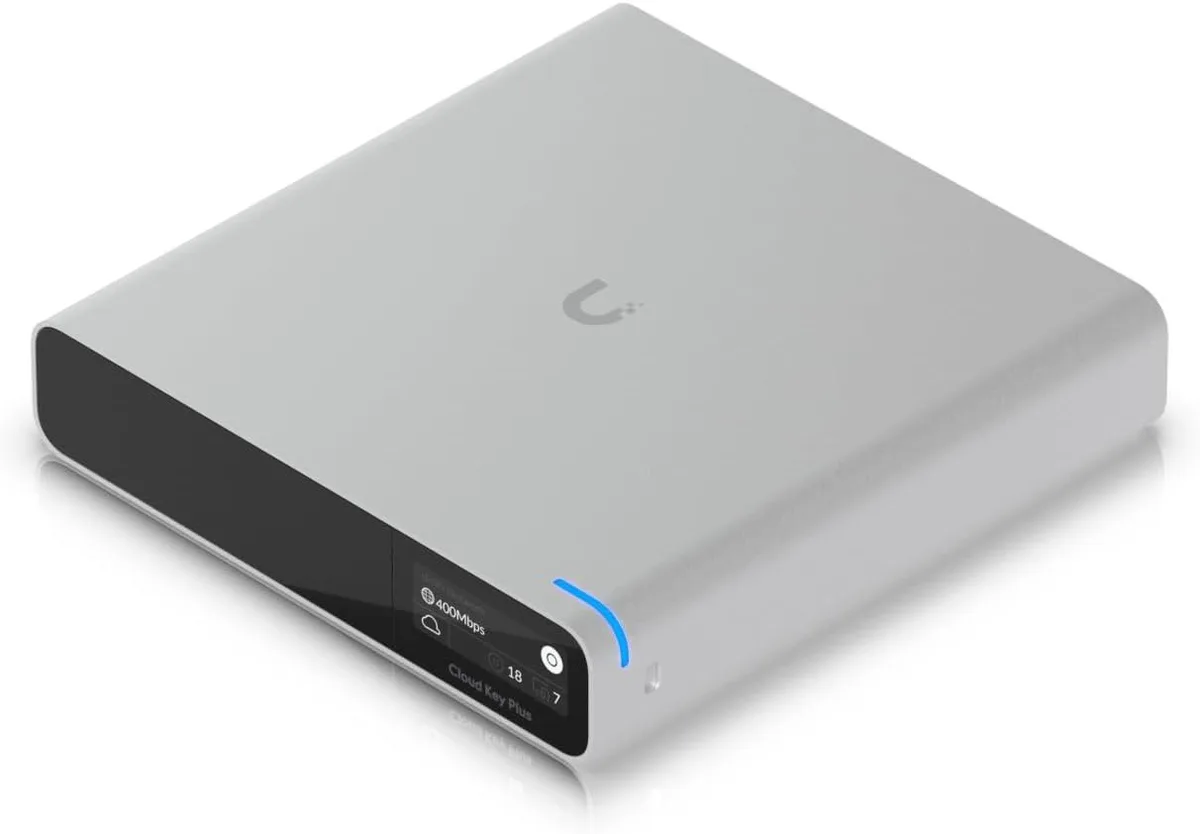
Ubiquiti Networks
Ubiquiti Networks Cloud Key Gen2 UCK-G2-SSD wireless router
400,99 $
0.00513464BTC
Auf Lager
