


Western Digital
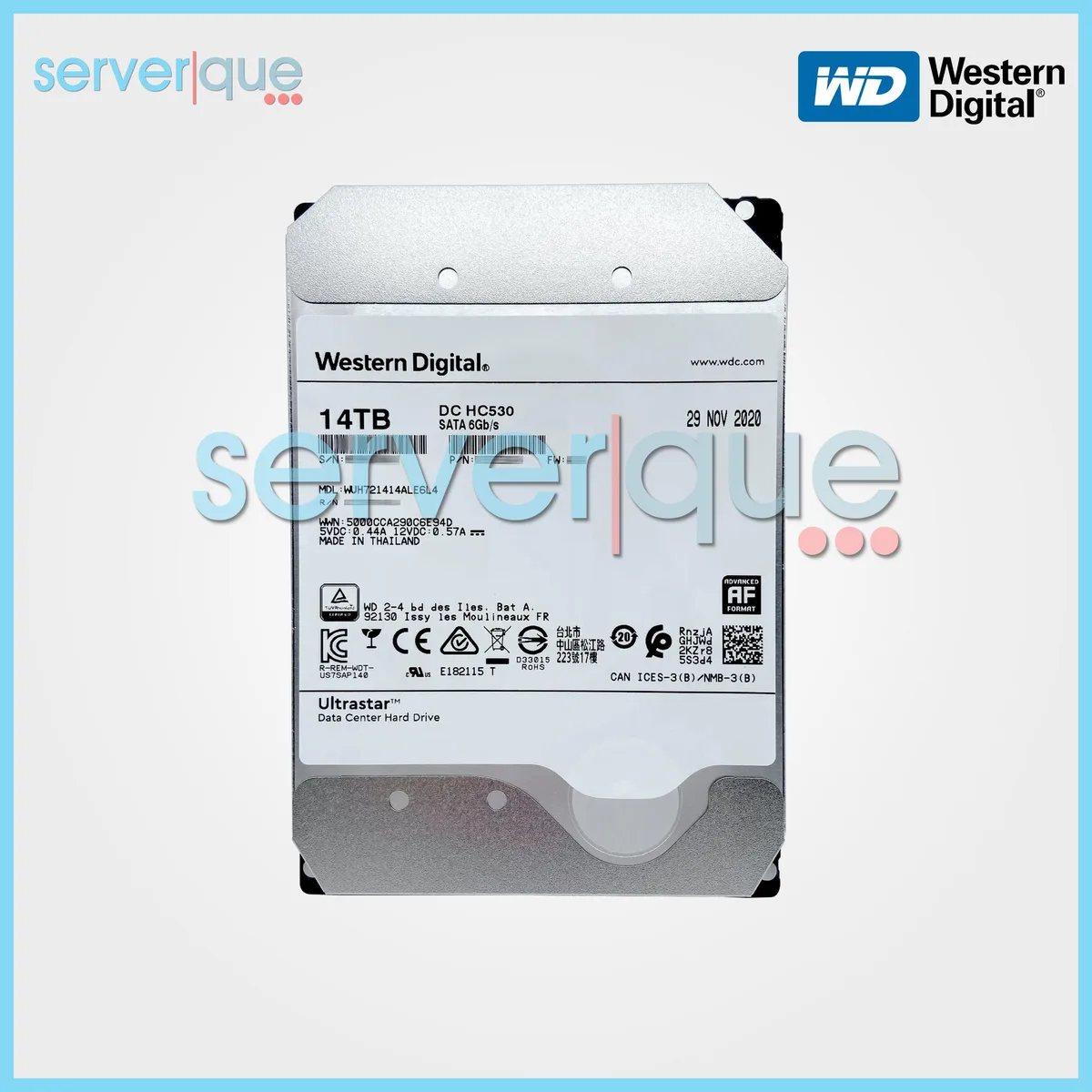
Western Digital Ultrastar DC HC530 14TB 7200 RPM 512MB SATA 3.5" internal hard drive
Stores 14 TB on a 3.5-inch SATA drive spinning at 7200 RPM with 512 MB cache and 4.6 ms average seek time
- InterfaceSATA 6.0Gb/s
- Capacity14TB
- RPM7200 RPM
- Average Seek Time4.6ms
- Form Factor3.5"
- 14 TB capacity for massive data storage
- 7200 RPM spindle speed for responsive performance
- 512 MB cache buffer accelerates frequent reads
- 6 ms average seek time reduces latency
- SATA 6.0 Gb/s interface ensures broad compatibility
Enterprise Storage Drive
The Western Digital Ultrastar DC HC530 is a 14TB 3.5-inch internal hard drive built for continuous operation in servers and storage arrays. It spins at 7200 RPM and connects through a SATA 6.0Gb/s interface with a 512MB cache buffer.
Suited For High-Capacity Archives
This drive suits administrators who need maximum capacity per bay for nearline archives, backup targets or bulk media libraries. Buyers who require sub-millisecond access times or sustained write speeds beyond what a 7200 RPM mechanical design can deliver should evaluate solid-state alternatives.
14TB Capacity Decides Fit
The single specification that determines suitability is the 14TB capacity, which dictates how many drives are needed to reach a given raw storage target. Verify that the host controller and chassis support 3.5-inch SATA devices before purchase.
Besonderheiten
- 14 TB capacity for massive data storage
- 7200 RPM spindle speed for responsive performance
- 512 MB cache buffer accelerates frequent reads
- 6 ms average seek time reduces latency
- SATA 6.0 Gb/s interface ensures broad compatibility
Technische Daten
| Brand | Western Digital |
|---|---|
| Part Number | WUH721414ALE6L4 |
| Interface | SATA 6.0Gb/s |
| Capacity | 14TB |
| RPM | 7200 RPM |
| Average Seek Time | 4.6ms |
| Form Factor | 3.5" |
Fragen zu diesem Artikel
Will the 3.5" form factor fit a standard desktop drive bay?
Yes, the 3.5" form factor matches standard desktop drive bays and uses the same SATA data and power connectors found in most cases.
What is the correct way to install the SATA 6.0Gb/s interface, and what step is often missed?
Connect both the SATA data cable to the motherboard and the SATA power cable from the PSU; the step often missed is attaching the power connector, leaving the drive without electricity.
When will the 512MB cache or mechanical parts need replacement?
The 512MB cache is integrated and does not require separate replacement; the mechanical parts are rated for continuous operation and should be replaced only if SMART data reports errors or the drive fails.
Ebenfalls in dieser Kategorie
Kunden haben diese ebenfalls verglichen
Gleiche Abteilung, gleiche Kasse — acht Kryptowährungen und ein für 30 Minuten fixierter Kurs.


Lenovo
Lenovo 4XB0F28690 ThinkServer RAID 110i RAID 5 Upgrade Key
66,99 $73,99 $−9%
0.00085518BTC
Auf Lager
