WRIARICH
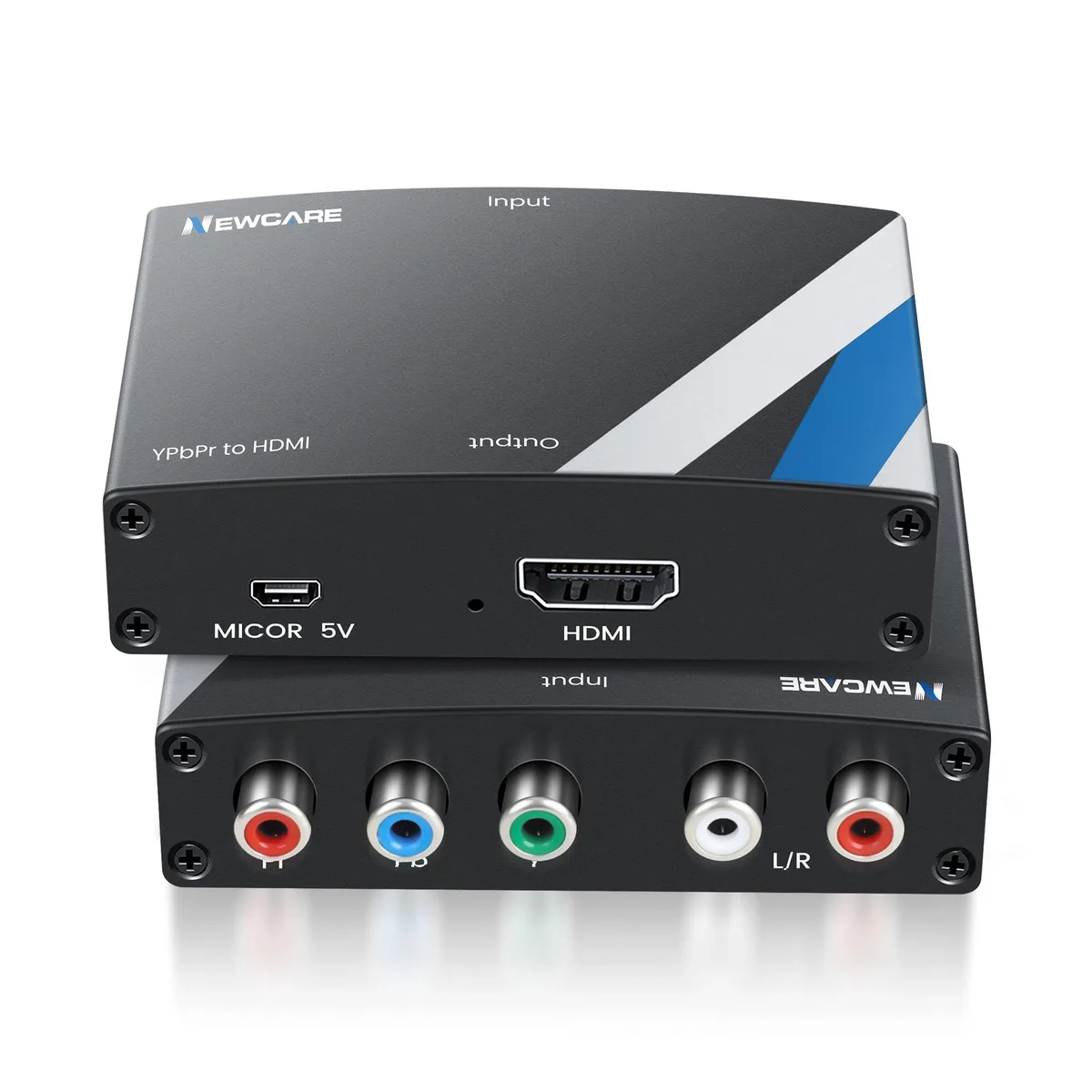
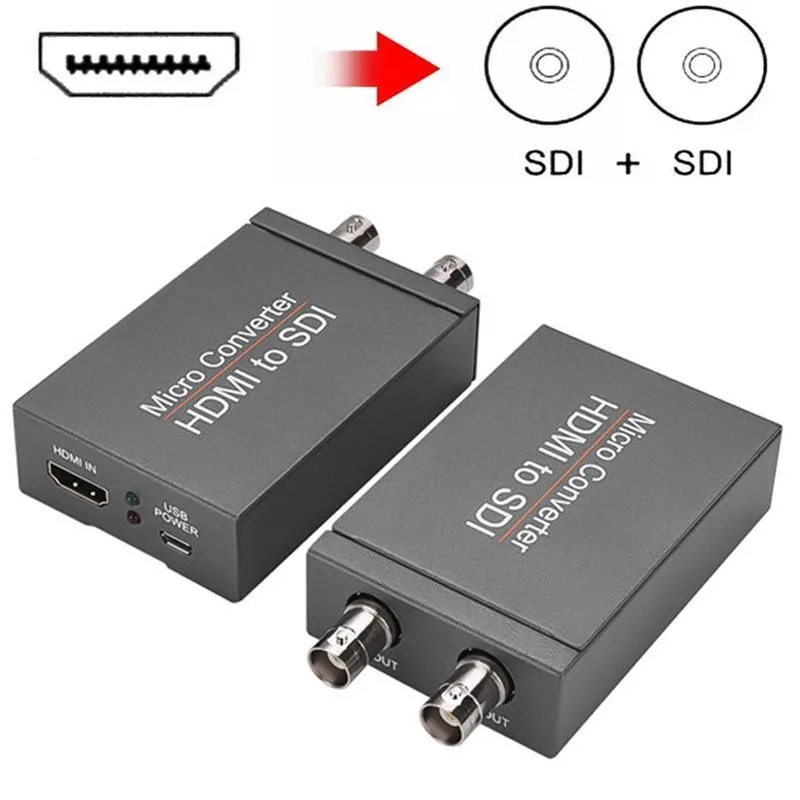
WRIARICH HDMI2SDI HDMI to SDI Converter 1 In 2 Out 1080P 3G-SDI media converter
- Input HDMI Format:…
- 1080P
29,99 $
0.00038084BTC
ΔιαθέσιμοΔεχόμαστε κρυπτονομίσματα — έτσι ώστε αυτά που κατέχετε να μπορούν να αγοράσουν πραγματικό εξοπλισμό.Πληρώστε σε κρυπτονομίσματα, ξοδέψτε τα σε πραγματικό εξοπλισμό. Δωρεάν ασφαλισμένη αποστολή παγκοσμίως άνω των 399 $. Ουδέτερες κούτες αποστολής, χωρίς σήμανση, από τη Γερμανία.Δωρεάν ασφαλισμένη αποστολή άνω των 399 $. Η ισοτιμία σας κλειδώνει για 30 λεπτά μόλις ανοίξει το ταμείο.Κλείδωμα ισοτιμίας 30 λεπτών. Κάθε προϊόν είναι σφραγισμένο, ελεγμένο ως προς τον σειριακό αριθμό του, και καλύπτεται από εγγύηση 24 μηνών.Σφραγισμένο, με εγγύηση 24 μηνών.
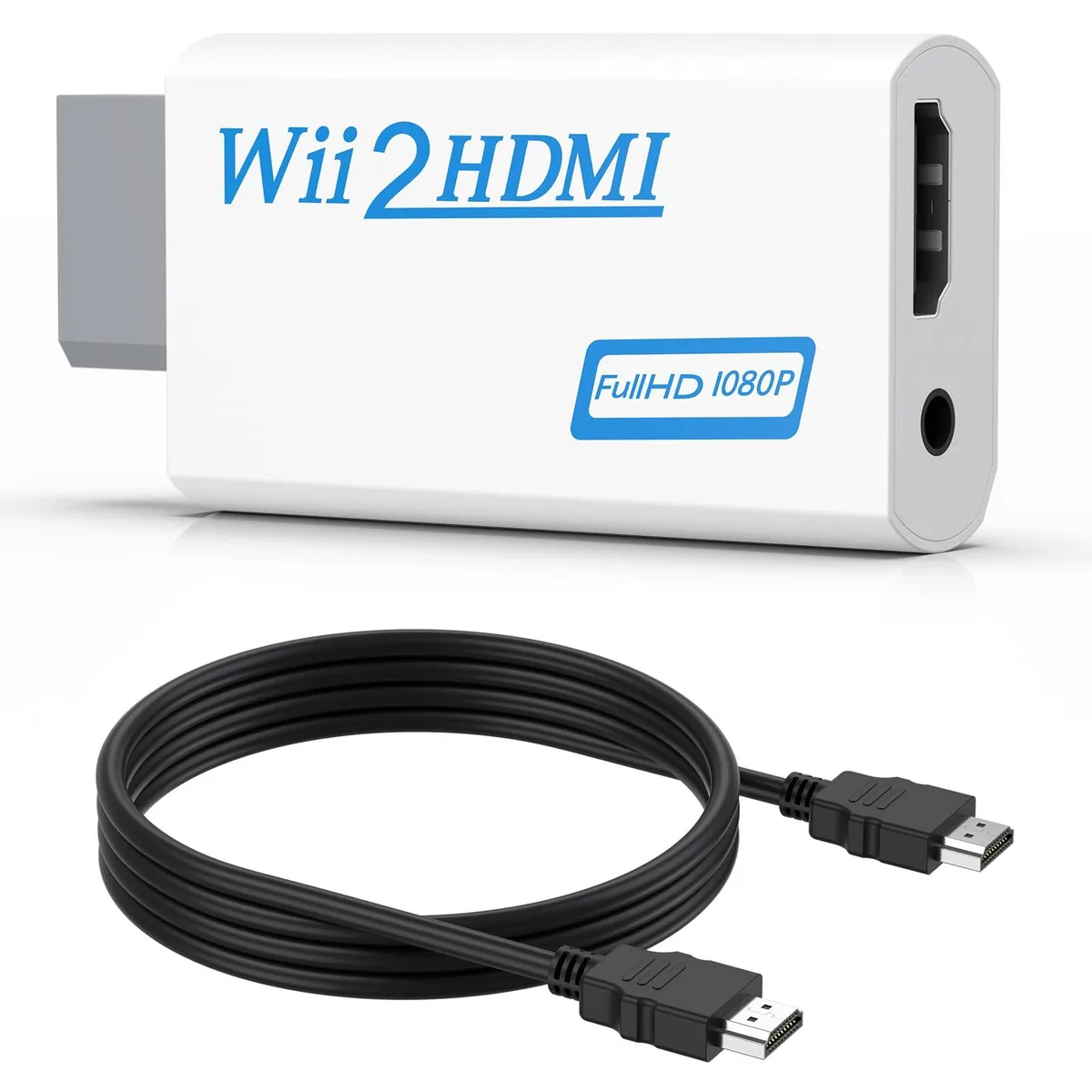


Converts Wii analogue output to 720p or 1080p HDMI with a 5 ft cable and 3.5 mm audio jack for headphones or speakers
This adapter connects an original Wii to any modern display with an HDMI input. It accepts the console’s native video signal and converts it to a digital 720p or 1080p output without added latency. Gamers who want to revisit their library on a current TV or monitor will find the setup immediate and driver-free.
The unit draws power directly from the Wii’s port so no external supply is required and no fan noise is introduced. A 3.5 mm jack duplicates the audio stream, letting users plug headphones or powered speakers when the display lacks built-in sound. This arrangement keeps late-night sessions quiet while the HDMI link carries both picture and sound to the screen.
A 5 ft high-speed HDMI cable ships in the box so the converter reaches most near-TV placements without extra purchases. The package also contains the converter itself; no discs, software keys or configuration utilities are bundled. Buyers who need longer cable runs or component-video input will have to source those separately.
| Brand | Meliya |
|---|---|
| Converter Type | DVI to HDMI |
| HDMI | 2 In |
| SDI | 2 Out |
| USB Port | DVI |
| DVI | 2 In |
| Component | 2 In |
| Composite | 2 In |
| Digital Aduio | DVI, HDMI |
| Analog Aduio | HDMI |
| Software Application | Monitor,Tv, Speaker |
| System Requirements | false |
Plug the converter into the Wii's multi-out port, connect the included 5 ft HDMI cable to your TV, and select the correct HDMI input; the step many miss is setting the Wii to 480p in its system menu so the converter can output 720p or 1080p.
The 3.5 mm audio jack and the HDMI cable see the most wear; if audio cuts out or the picture flickers, replace the cable first, then check the jack for debris or bent contacts.
The converter upscales only to 720p or 1080p and cannot output 240p or 480i over HDMI, so games locked to those modes will display at 480i instead.
Επίσης σε αυτό το ράφι
Ίδιο ράφι, ίδιο ταμείο — οκτώ νομίσματα και κλείδωμα ισοτιμίας 30 λεπτών.
Το νόμισμα στο οποίο πληρώνετε, και αυτό στο οποίο βλέπετε τις τιμές.
Αποστέλλεται από το πορτοφόλι σας στο ταμείο
Μόνο για προβολή — ο κατάλογος αναγράφεται σε δολάρια
Κανένα νόμισμα δεν αντιστοιχεί.
Επιλέξτε τη γλώσσα στην οποία σας μιλάει ο ιστότοπος.
Καμία γλώσσα δεν ταιριάζει.
Πρώτη επίσκεψη;
Έχετε ήδη λογαριασμό;
Δεν υπάρχει αυτόματη επαναφορά κωδικού: αυτό το κατάστημα δεν στέλνει e-mail, άρα δεν υπάρχει σύνδεσμος μίας χρήσης να ζητήσετε. Αφήστε τη διεύθυνση στον λογαριασμό σας και κάποιος θα την επεξεργαστεί με το χέρι.
Το αίτημα καταχωρίστηκε
Δεν θα λάβετε τίποτα στα εισερχόμενά σας — το κατάστημα δεν στέλνει κανένα e-mail. Κάποιος το διαχειρίζεται με το χέρι.
Τον θυμηθήκατε;