WRIARICH
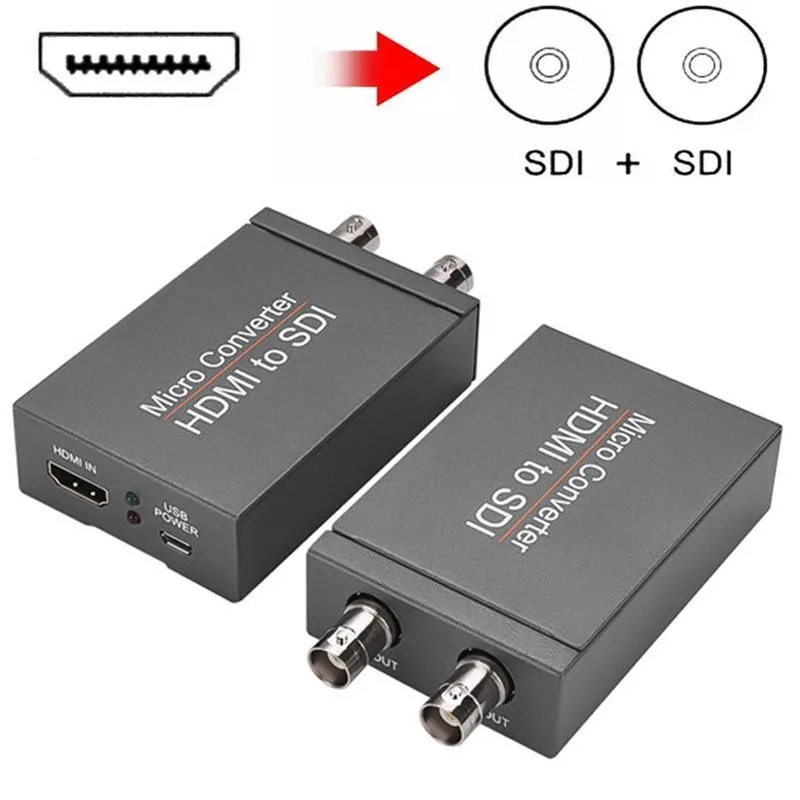
WRIARICH HDMI2SDI HDMI to SDI Converter 1 In 2 Out 1080P 3G-SDI media converter
- Input HDMI Format:…
- 1080P
29,99 $
0.00038023BTC
VarastossaHyväksymme kryptoa — hallussasi olevat kolikot voivat näin ostaa oikeaa laitteistoa.Maksa kryptolla, käytä se oikeaan laitteistoon. Ilmainen vakuutettu toimitus maailmanlaajuisesti yli 399 $. Neutraalit, tuotemerkittömät ulkopakkaukset, lähetetään Saksasta.Ilmainen vakuutettu toimitus yli 399 $. Kurssisi lukitaan 30 minuutiksi heti, kun kassa avautuu.Kurssi lukittu 30 minuutiksi. Jokainen tuote on sinetöity, sen sarjanumero on tarkistettu, ja sillä on 24 kuukauden takuu.Sinetöity, 24 kuukauden takuu.
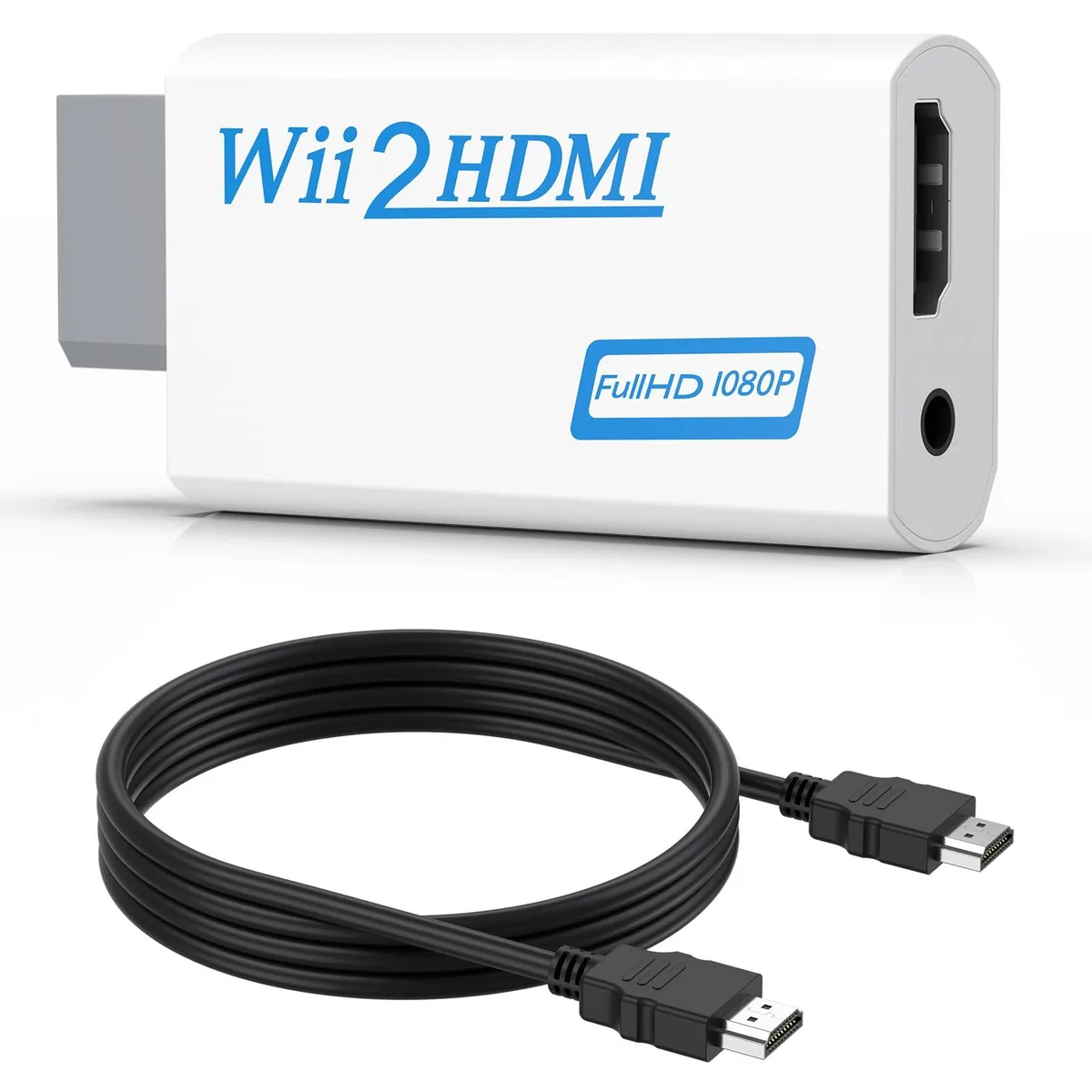


Converts Wii analogue output to 720p or 1080p HDMI with a 5 ft cable and 3.5 mm audio jack for headphones or speakers
This adapter connects an original Wii to any modern display with an HDMI input. It accepts the console’s native video signal and converts it to a digital 720p or 1080p output without added latency. Gamers who want to revisit their library on a current TV or monitor will find the setup immediate and driver-free.
The unit draws power directly from the Wii’s port so no external supply is required and no fan noise is introduced. A 3.5 mm jack duplicates the audio stream, letting users plug headphones or powered speakers when the display lacks built-in sound. This arrangement keeps late-night sessions quiet while the HDMI link carries both picture and sound to the screen.
A 5 ft high-speed HDMI cable ships in the box so the converter reaches most near-TV placements without extra purchases. The package also contains the converter itself; no discs, software keys or configuration utilities are bundled. Buyers who need longer cable runs or component-video input will have to source those separately.
| Brand | Meliya |
|---|---|
| Converter Type | DVI to HDMI |
| HDMI | 2 In |
| SDI | 2 Out |
| USB Port | DVI |
| DVI | 2 In |
| Component | 2 In |
| Composite | 2 In |
| Digital Aduio | DVI, HDMI |
| Analog Aduio | HDMI |
| Software Application | Monitor,Tv, Speaker |
| System Requirements | false |
Plug the converter into the Wii's multi-out port, connect the included 5 ft HDMI cable to your TV, and select the correct HDMI input; the step many miss is setting the Wii to 480p in its system menu so the converter can output 720p or 1080p.
The 3.5 mm audio jack and the HDMI cable see the most wear; if audio cuts out or the picture flickers, replace the cable first, then check the jack for debris or bent contacts.
The converter upscales only to 720p or 1080p and cannot output 240p or 480i over HDMI, so games locked to those modes will display at 480i instead.
Myös tällä osastolla
Sama osasto, sama kassa — kahdeksan kryptovaluuttaa ja 30 minuutin kurssilukko.
Valuutta, jolla maksetaan, sekä valuutta, jossa hinnat näytetään.
Lähetetään lompakostasi kassalla
Vain näyttöä varten — hinnat ovat Yhdysvaltain dollareissa
Valuuttaa ei löytynyt.
Valitse kieli, jolla sivusto puhuu sinulle.
Ei vastaavaa kieltä.
Uusi täällä?
Onko sinulla jo tili?
Automaattista palautusta ei ole: kauppa ei lähetä sähköpostia lainkaan, joten kertakäyttöistä linkkiä ei ole mistä pyytää. Jätä osoite tilille, niin se käsitellään käsin.
Pyyntö kirjattu
Mikään ei ole tulossa sähköpostiisi — tämä kauppa ei lähetä sähköpostia lainkaan. Joku käsittelee nämä pyynnöt käsin.
Muistitko sen?