WRIARICH
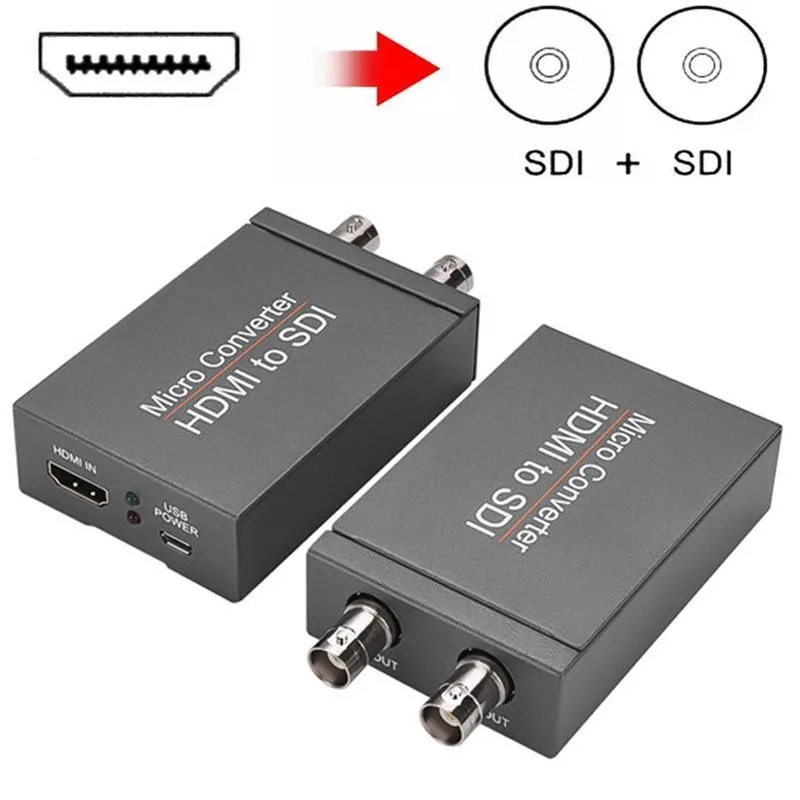
WRIARICH HDMI2SDI HDMI to SDI Converter 1 In 2 Out 1080P 3G-SDI media converter
- Input HDMI Format:…
- 1080P
29,99 USD
0.00037934BTC
DostępnyAkceptujemy kryptowaluty — posiadane środki można więc wykorzystać na zakup prawdziwego sprzętu.Płatność kryptowalutą — realny sprzęt w zamian. Bezpłatna, ubezpieczona dostawa na całym świecie powyżej 399 $. Neutralne kartony, bez oznaczeń, wysyłane z Niemiec.Bezpłatna, ubezpieczona dostawa powyżej 399 $. Kurs zostaje zablokowany na 30 minut od otwarcia kasy.Kurs zablokowany na 30 minut. Każdy produkt jest fabrycznie zapieczętowany, jego numer seryjny jest sprawdzany, a całość objęta jest 24-miesięczną gwarancją.Zapieczętowane fabrycznie, 24 miesiące gwarancji.
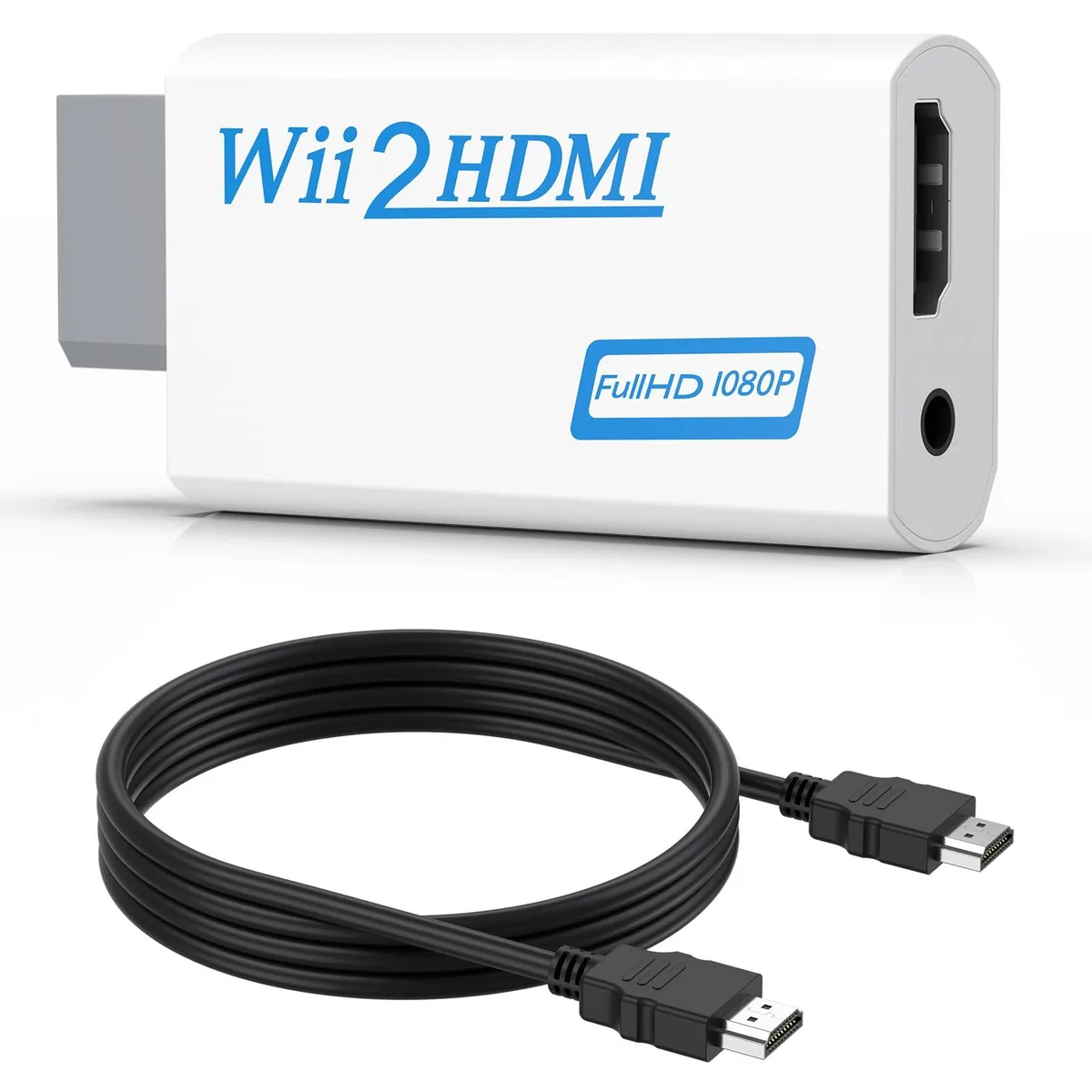


Converts Wii analogue output to 720p or 1080p HDMI with a 5 ft cable and 3.5 mm audio jack for headphones or speakers
This adapter connects an original Wii to any modern display with an HDMI input. It accepts the console’s native video signal and converts it to a digital 720p or 1080p output without added latency. Gamers who want to revisit their library on a current TV or monitor will find the setup immediate and driver-free.
The unit draws power directly from the Wii’s port so no external supply is required and no fan noise is introduced. A 3.5 mm jack duplicates the audio stream, letting users plug headphones or powered speakers when the display lacks built-in sound. This arrangement keeps late-night sessions quiet while the HDMI link carries both picture and sound to the screen.
A 5 ft high-speed HDMI cable ships in the box so the converter reaches most near-TV placements without extra purchases. The package also contains the converter itself; no discs, software keys or configuration utilities are bundled. Buyers who need longer cable runs or component-video input will have to source those separately.
| Brand | Meliya |
|---|---|
| Converter Type | DVI to HDMI |
| HDMI | 2 In |
| SDI | 2 Out |
| USB Port | DVI |
| DVI | 2 In |
| Component | 2 In |
| Composite | 2 In |
| Digital Aduio | DVI, HDMI |
| Analog Aduio | HDMI |
| Software Application | Monitor,Tv, Speaker |
| System Requirements | false |
Plug the converter into the Wii's multi-out port, connect the included 5 ft HDMI cable to your TV, and select the correct HDMI input; the step many miss is setting the Wii to 480p in its system menu so the converter can output 720p or 1080p.
The 3.5 mm audio jack and the HDMI cable see the most wear; if audio cuts out or the picture flickers, replace the cable first, then check the jack for debris or bent contacts.
The converter upscales only to 720p or 1080p and cannot output 240p or 480i over HDMI, so games locked to those modes will display at 480i instead.
Także w tym dziale
Ten sam dział, ta sama kasa — osiem kryptowalut i 30-minutowa blokada kursu.
Waluta płatności i waluta wyświetlania cen.
Wysyłane z portfela przy kasie
Tylko podgląd — katalog wyceniony jest w dolarach
Brak pasującej waluty.
Wybierz język, w którym wyświetla się strona.
Brak pasującego języka.
Pierwsza wizyta?
Konto już założone?
Nie ma automatycznego resetowania hasła: ten sklep nie wysyła żadnych e-maili, więc nie ma jednorazowego linku, o który można by poprosić. Adres pozostawiony przy koncie zostanie obsłużony ręcznie.
Zgłoszenie zapisane
Do skrzynki odbiorczej nic nie trafi — ten sklep nie wysyła żadnych e-maili. Zgłoszenia są obsługiwane ręcznie.
Hasło się przypomniało?