WRIARICH
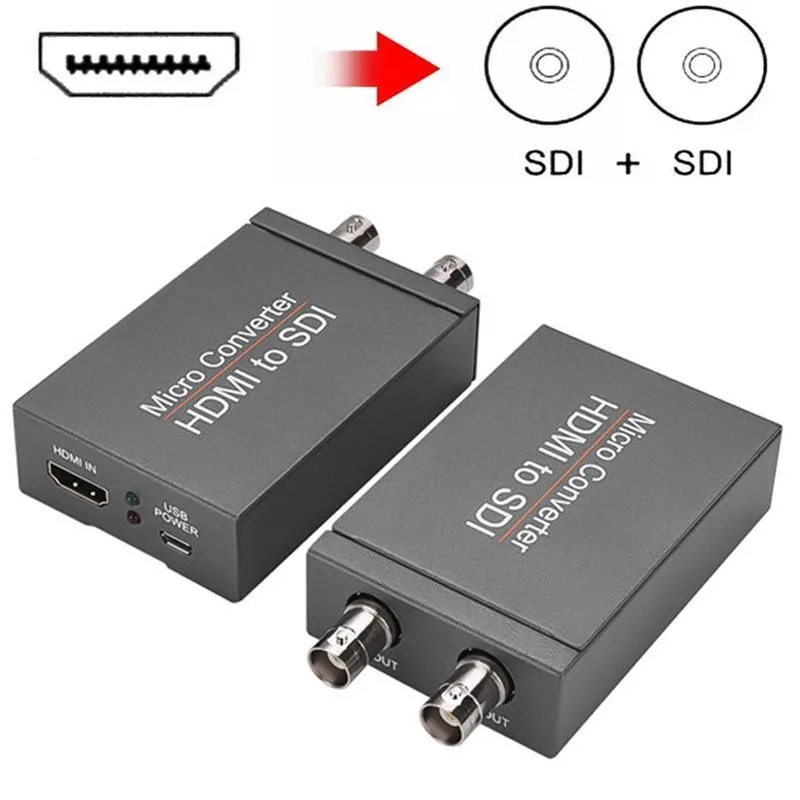
WRIARICH HDMI2SDI HDMI to SDI Converter 1 In 2 Out 1080P 3G-SDI media converter
- Input HDMI Format:…
- 1080P
29,99 USD
0.00038187BTC
Na zalihiPrihvaćamo kriptovalute — tako kriptovalute koje posjedujete mogu kupiti pravi hardver.Plaćajte kriptovalutom, trošite je na pravi hardver. Besplatna osigurana dostava diljem svijeta iznad 399 $. Obični vanjski kartoni bez oznaka, otpremaju se iz Njemačke.Besplatna osigurana dostava iznad 399 $. Vaš je tečaj blokiran 30 minuta od otvaranja blagajne.Tečaj blokiran 30 minuta. Svaki je artikl zapečaćen, njegov serijski broj provjeren, i pokriven jamstvom od 24 mjeseca.Zapečaćen, jamstvo 24 mjeseca.
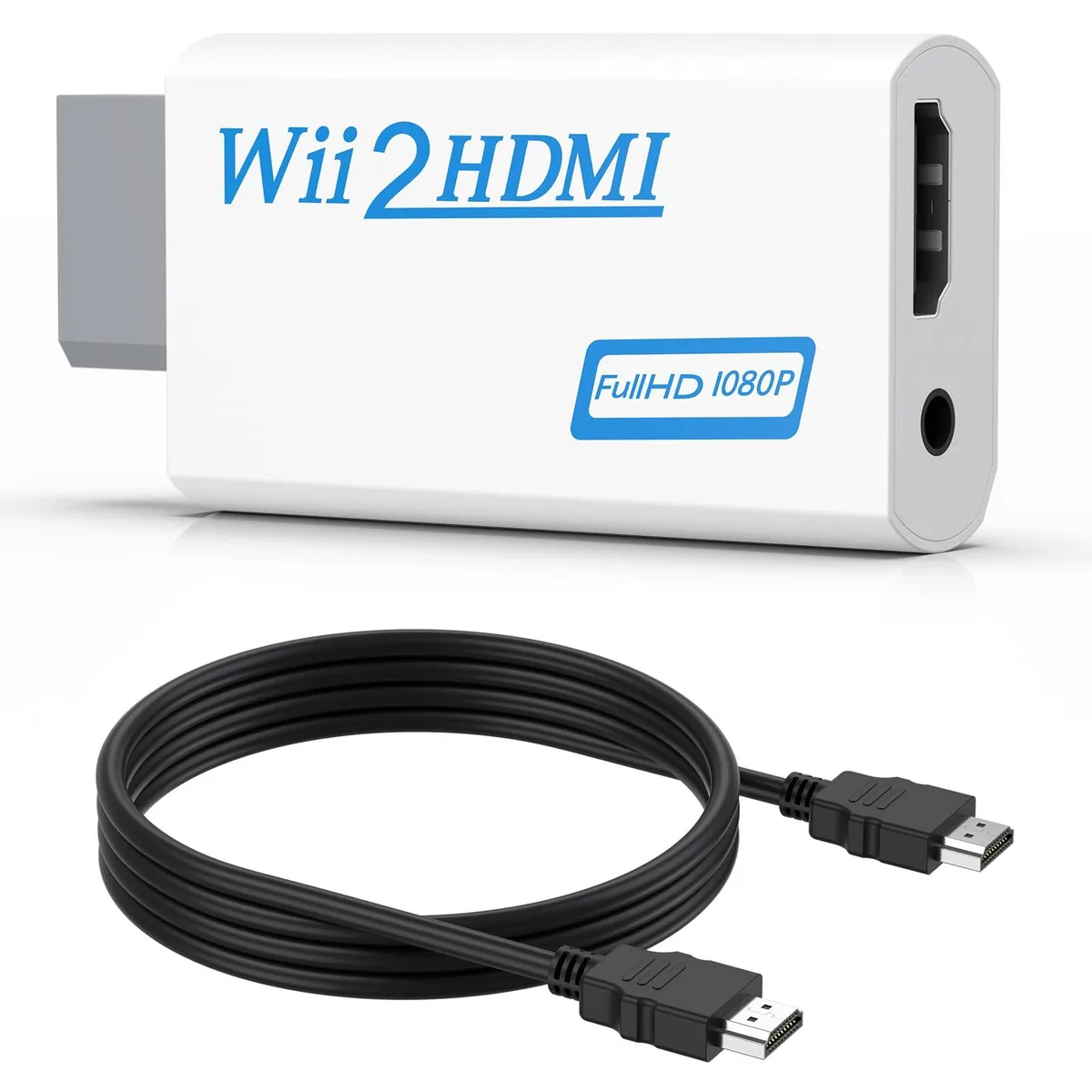


Converts Wii analogue output to 720p or 1080p HDMI with a 5 ft cable and 3.5 mm audio jack for headphones or speakers
This adapter connects an original Wii to any modern display with an HDMI input. It accepts the console’s native video signal and converts it to a digital 720p or 1080p output without added latency. Gamers who want to revisit their library on a current TV or monitor will find the setup immediate and driver-free.
The unit draws power directly from the Wii’s port so no external supply is required and no fan noise is introduced. A 3.5 mm jack duplicates the audio stream, letting users plug headphones or powered speakers when the display lacks built-in sound. This arrangement keeps late-night sessions quiet while the HDMI link carries both picture and sound to the screen.
A 5 ft high-speed HDMI cable ships in the box so the converter reaches most near-TV placements without extra purchases. The package also contains the converter itself; no discs, software keys or configuration utilities are bundled. Buyers who need longer cable runs or component-video input will have to source those separately.
| Brand | Meliya |
|---|---|
| Converter Type | DVI to HDMI |
| HDMI | 2 In |
| SDI | 2 Out |
| USB Port | DVI |
| DVI | 2 In |
| Component | 2 In |
| Composite | 2 In |
| Digital Aduio | DVI, HDMI |
| Analog Aduio | HDMI |
| Software Application | Monitor,Tv, Speaker |
| System Requirements | false |
Plug the converter into the Wii's multi-out port, connect the included 5 ft HDMI cable to your TV, and select the correct HDMI input; the step many miss is setting the Wii to 480p in its system menu so the converter can output 720p or 1080p.
The 3.5 mm audio jack and the HDMI cable see the most wear; if audio cuts out or the picture flickers, replace the cable first, then check the jack for debris or bent contacts.
The converter upscales only to 720p or 1080p and cannot output 240p or 480i over HDMI, so games locked to those modes will display at 480i instead.
Također u ovoj kategoriji
Ista polica, ista blagajna — osam valuta i blokada tečaja na 30 minuta.
Ono što šaljete, i ono u čemu gledate cijene.
Poslano iz Vašeg novčanika na blagajni
Samo prikaz — katalog je izražen u dolarima
Nijedna valuta ne odgovara.
Odaberite jezik na kojem Vam se stranica obraća.
Nema odgovarajućeg jezika.
Novi ste ovdje?
Već imate račun?
Ne postoji automatsko resetiranje: ova trgovina ne šalje e-poštu, stoga ne postoji jednokratna poveznica koju biste mogli zatražiti. Ostavite adresu uz svoj račun, netko će je ručno obraditi.
Zahtjev zaprimljen
Ništa neće stići u Vaš pretinac e-pošte — ova trgovina uopće ne šalje e-poštu. Netko će to ručno preuzeti.
Sjetili ste se?