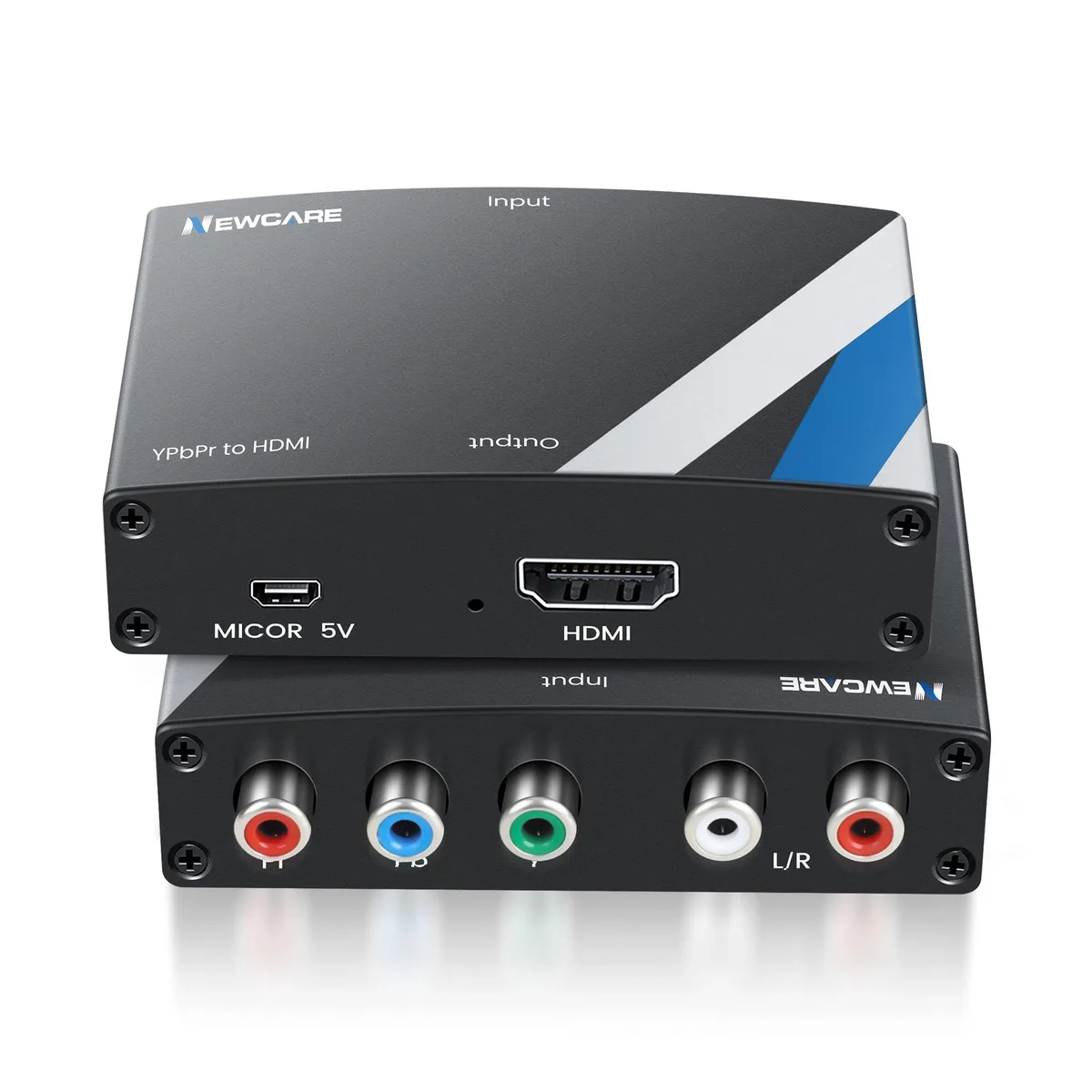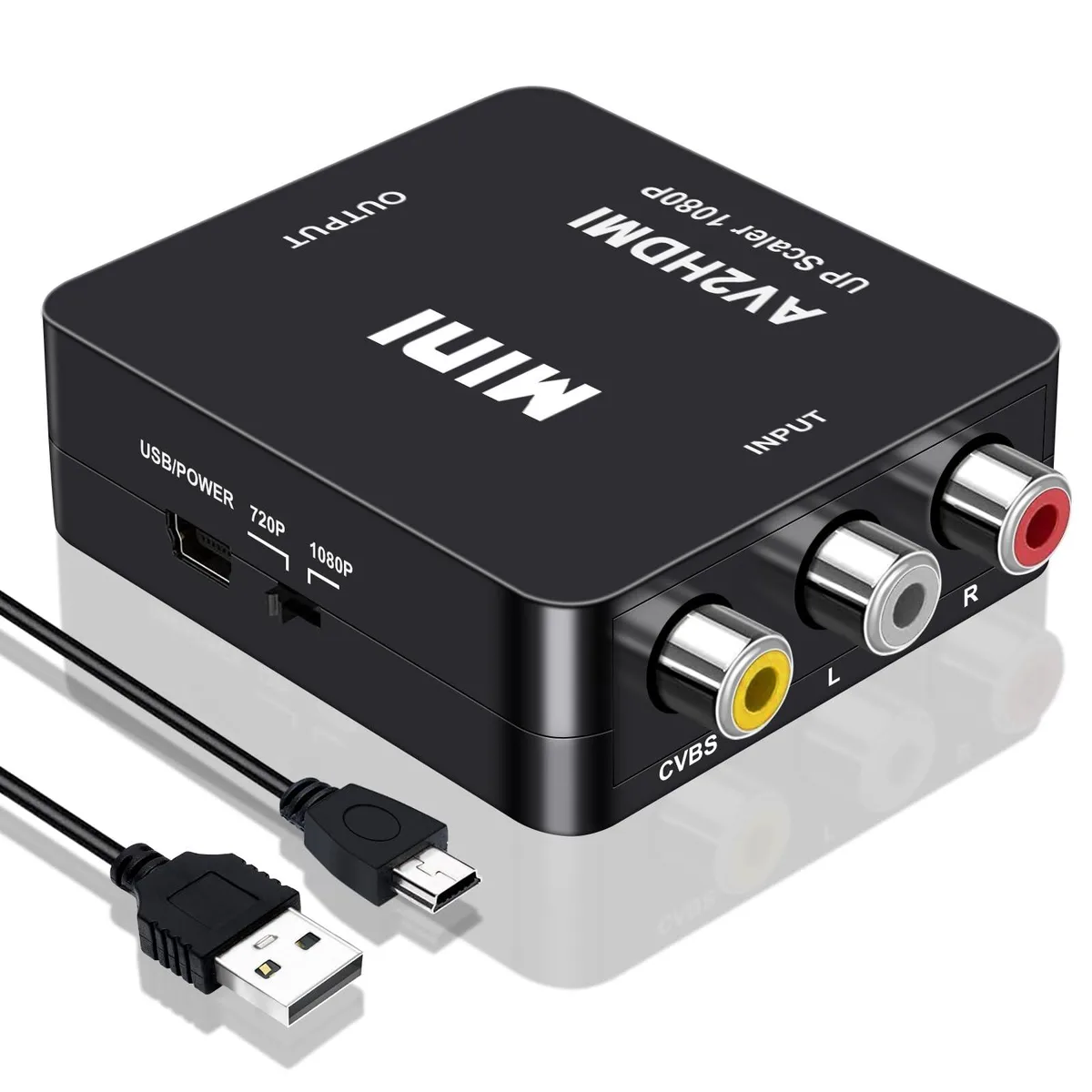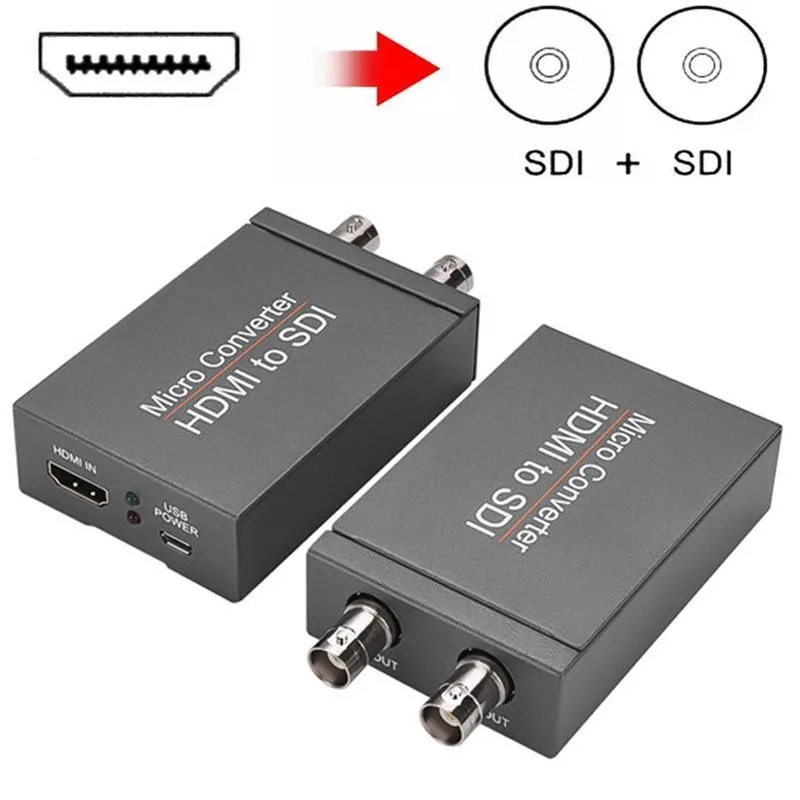
WRIARICH
WRIARICH HDMI2SDI HDMI to SDI Converter 1 In 2 Out 1080P 3G-SDI media converter
- Input HDMI Format:…
- 1080P
USD 29.99
0.00037975BTC
Ada stokKami menerima kripto — jadi koin yang anda simpan boleh membeli perkakasan sebenar.Bayar dengan kripto, belanjakannya untuk perkakasan sebenar. Penghantaran berinsurans percuma ke seluruh dunia untuk belian melebihi USD 399. Kotak biasa tanpa jenama, dihantar dari Jerman.Penghantaran berinsurans percuma untuk belian melebihi USD 399. Kadar anda dikunci selama 30 minit sebaik sahaja proses pesanan bermula.Kadar dikunci selama 30 minit. Setiap item disegel, nombor sirinya disemak, dan dilindungi waranti 24 bulan.Disegel, waranti 24 bulan.
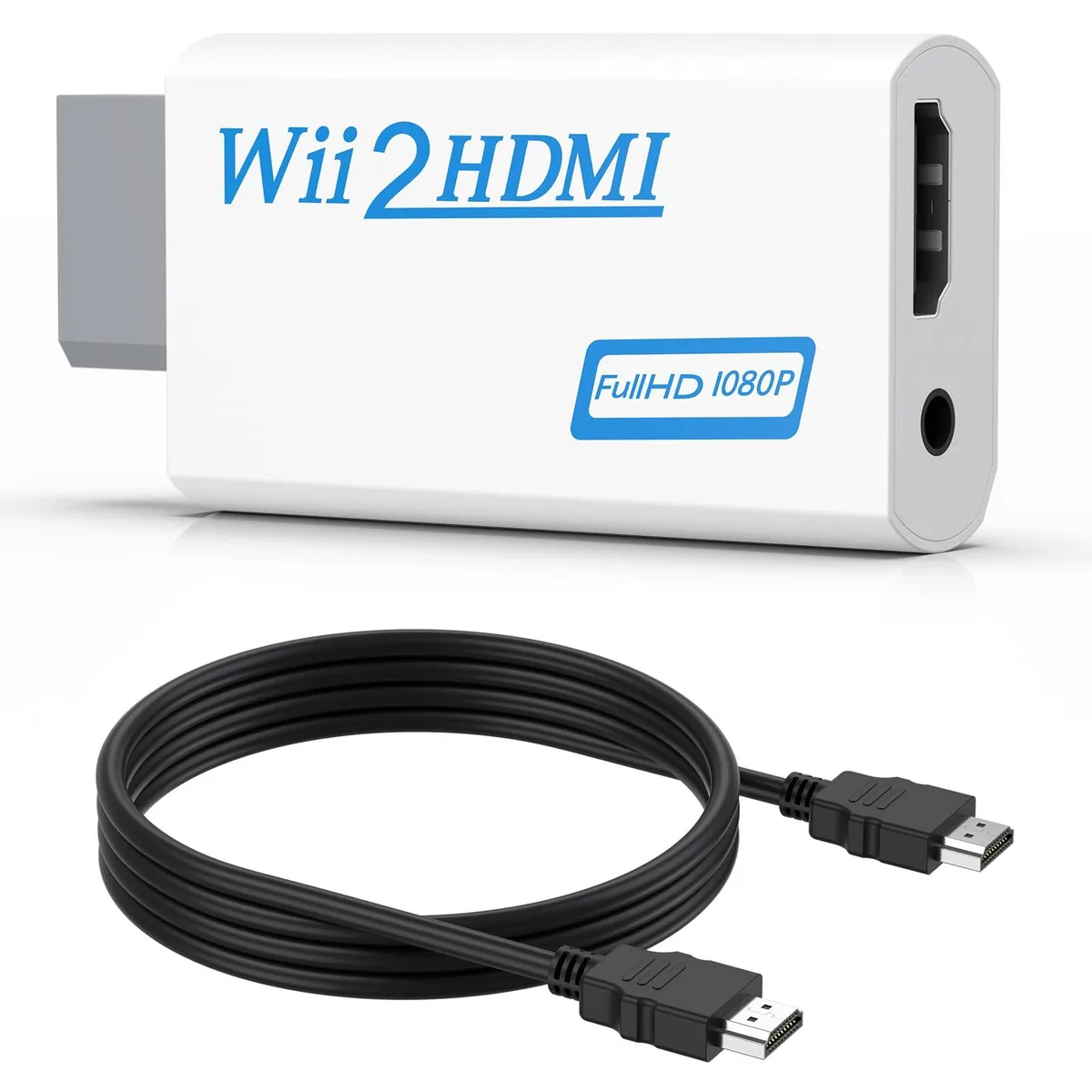


Converts Wii analogue output to 720p or 1080p HDMI with a 5 ft cable and 3.5 mm audio jack for headphones or speakers
This adapter connects an original Wii to any modern display with an HDMI input. It accepts the console’s native video signal and converts it to a digital 720p or 1080p output without added latency. Gamers who want to revisit their library on a current TV or monitor will find the setup immediate and driver-free.
The unit draws power directly from the Wii’s port so no external supply is required and no fan noise is introduced. A 3.5 mm jack duplicates the audio stream, letting users plug headphones or powered speakers when the display lacks built-in sound. This arrangement keeps late-night sessions quiet while the HDMI link carries both picture and sound to the screen.
A 5 ft high-speed HDMI cable ships in the box so the converter reaches most near-TV placements without extra purchases. The package also contains the converter itself; no discs, software keys or configuration utilities are bundled. Buyers who need longer cable runs or component-video input will have to source those separately.
| Brand | Meliya |
|---|---|
| Converter Type | DVI to HDMI |
| HDMI | 2 In |
| SDI | 2 Out |
| USB Port | DVI |
| DVI | 2 In |
| Component | 2 In |
| Composite | 2 In |
| Digital Aduio | DVI, HDMI |
| Analog Aduio | HDMI |
| Software Application | Monitor,Tv, Speaker |
| System Requirements | false |
Plug the converter into the Wii's multi-out port, connect the included 5 ft HDMI cable to your TV, and select the correct HDMI input; the step many miss is setting the Wii to 480p in its system menu so the converter can output 720p or 1080p.
The 3.5 mm audio jack and the HDMI cable see the most wear; if audio cuts out or the picture flickers, replace the cable first, then check the jack for debris or bent contacts.
The converter upscales only to 720p or 1080p and cannot output 240p or 480i over HDMI, so games locked to those modes will display at 480i instead.
Juga di rak ini
Rak yang sama, checkout yang sama — lapan koin kripto dan kunci kadar 30 minit.
Apa yang anda hantar untuk membayar, dan mata wang yang anda guna untuk membaca harga.
Dihantar daripada dompet anda semasa semak keluar
Untuk paparan sahaja — katalog diberi harga dalam USD
Tiada mata wang yang sepadan.
Pilih bahasa yang digunakan oleh laman web ini.
Tiada bahasa yang sepadan.
Pengguna baharu?
Sudah mempunyai akaun?
Tiada set semula automatik: kedai ini tidak menghantar sebarang e-mel, jadi tiada pautan sekali guna untuk diminta. Biarkan alamat pada akaun tersebut, ia akan diuruskan secara manual.
Permintaan direkodkan
Tiada apa-apa akan sampai ke peti masuk anda — kedai ini tidak menghantar sebarang e-mel. Seseorang akan menguruskannya secara manual.
Sudah teringat?