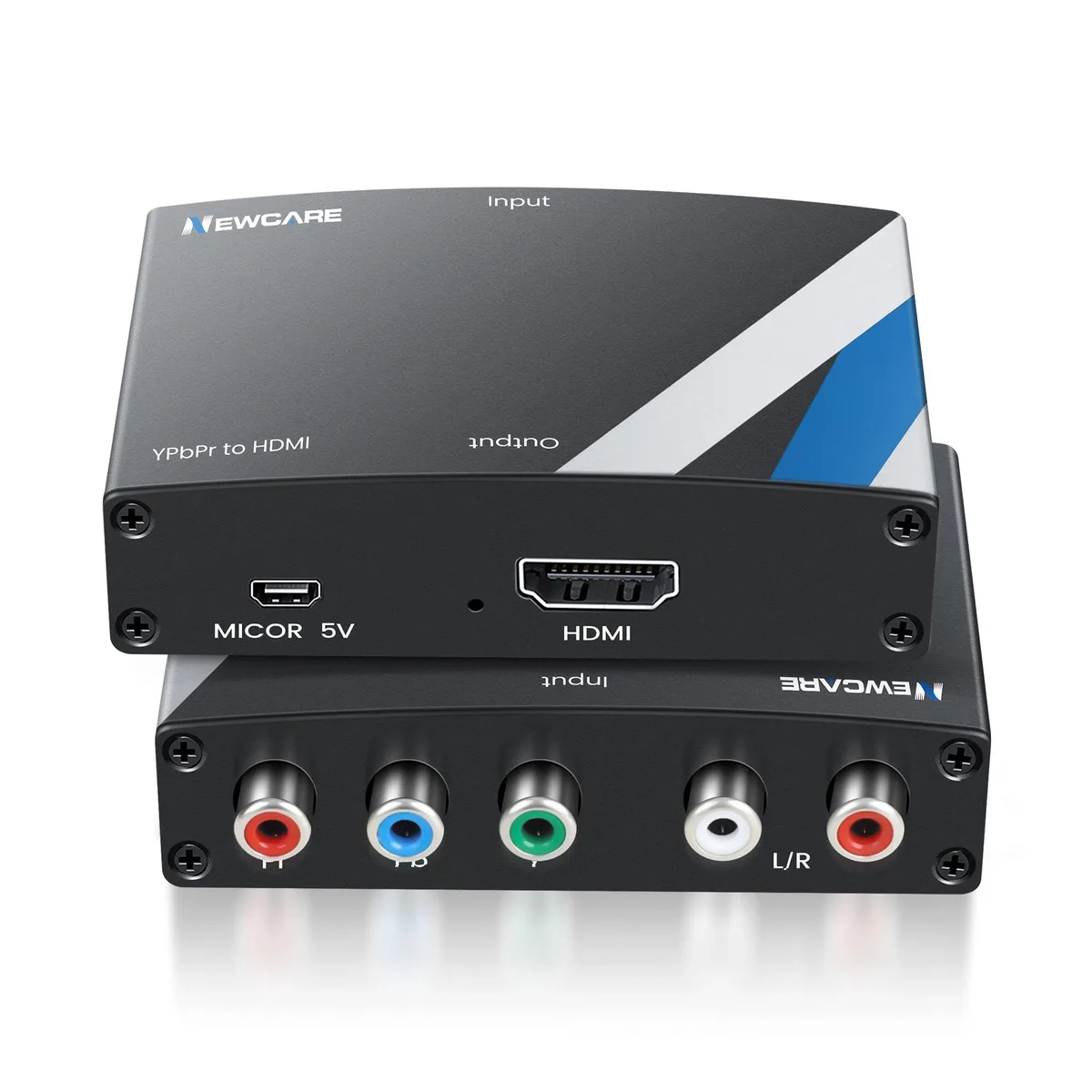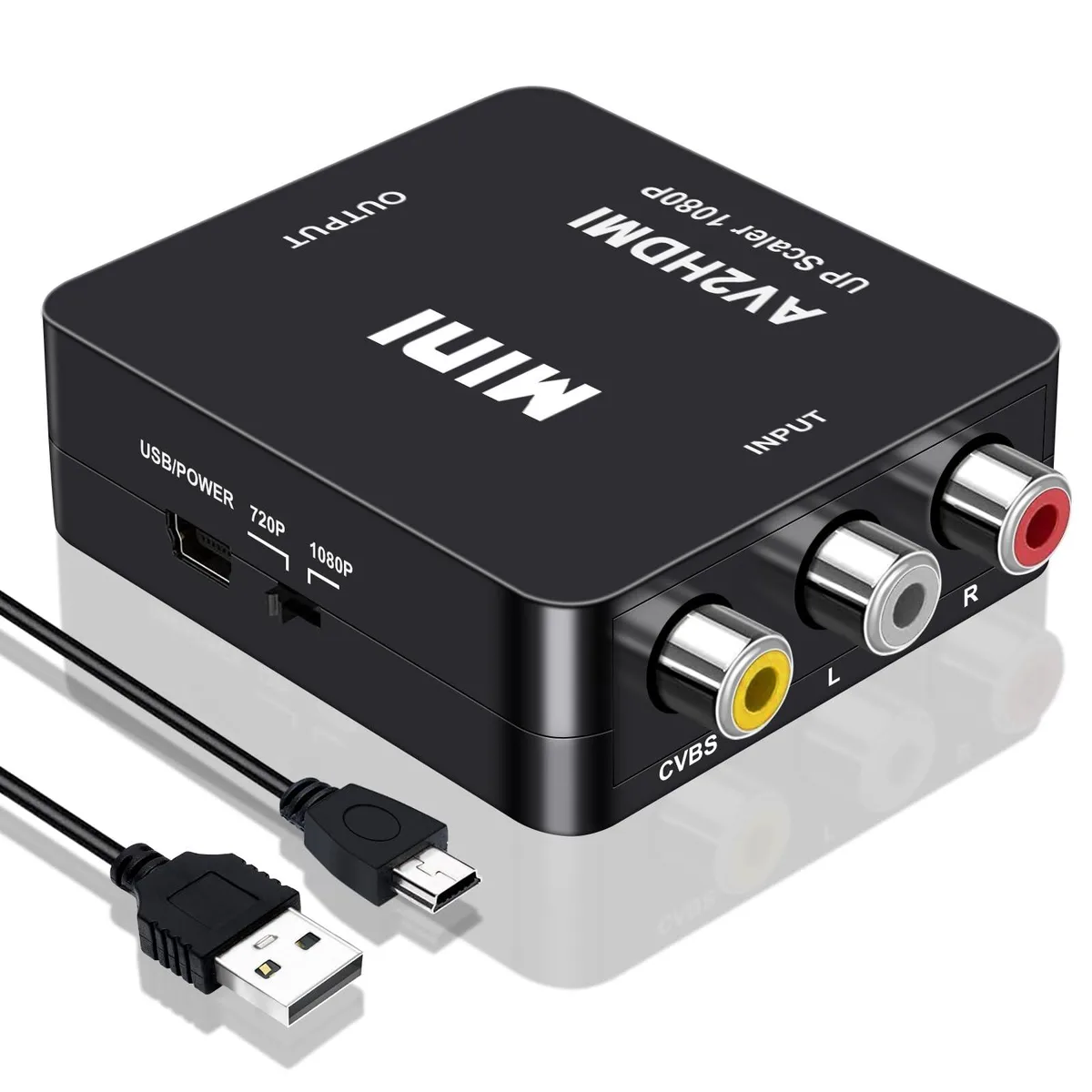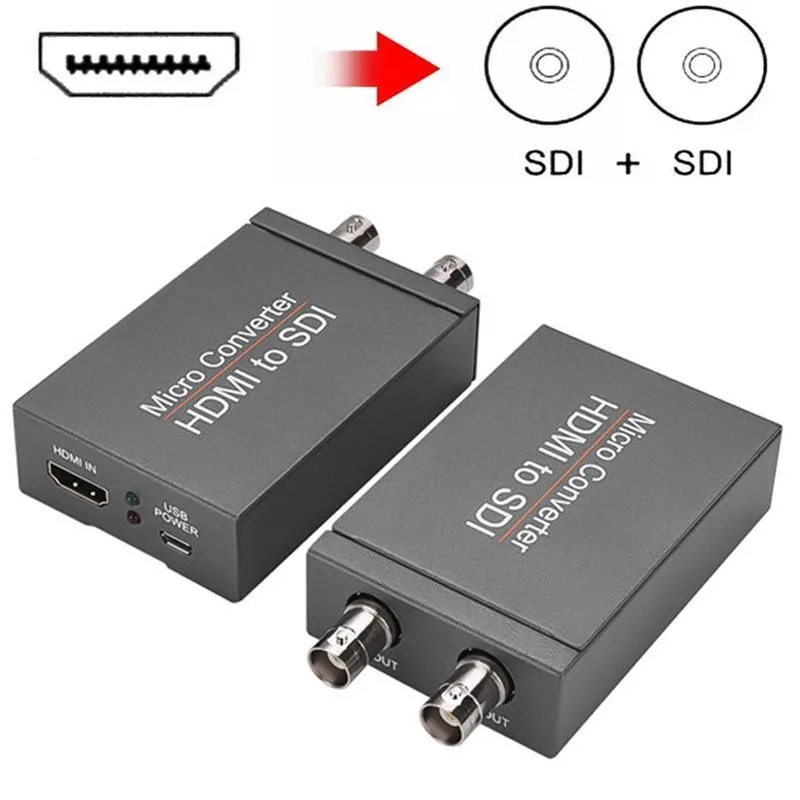
WRIARICH
WRIARICH HDMI2SDI HDMI to SDI Converter 1 In 2 Out 1080P 3G-SDI media converter
- Input HDMI Format:…
- 1080P
29,99 USD
0.00038023BTC
În stocAcceptăm criptomonede — astfel, criptomonedele pe care le dețineți pot cumpăra echipamente reale.Plătiți în cripto, cheltuiți-o pe echipamente reale. Livrare asigurată gratuită oriunde în lume peste 399 $. Cartoane neutre, fără marcă, expediate din Germania.Livrare asigurată gratuită peste 399 $. Cursul dumneavoastră este blocat timp de 30 de minute de la deschiderea paginii de plată.Curs blocat 30 de minute. Fiecare articol este sigilat, numărul de serie este verificat, iar produsul este acoperit de o garanție de 24 de luni.Sigilat, garantat 24 de luni.
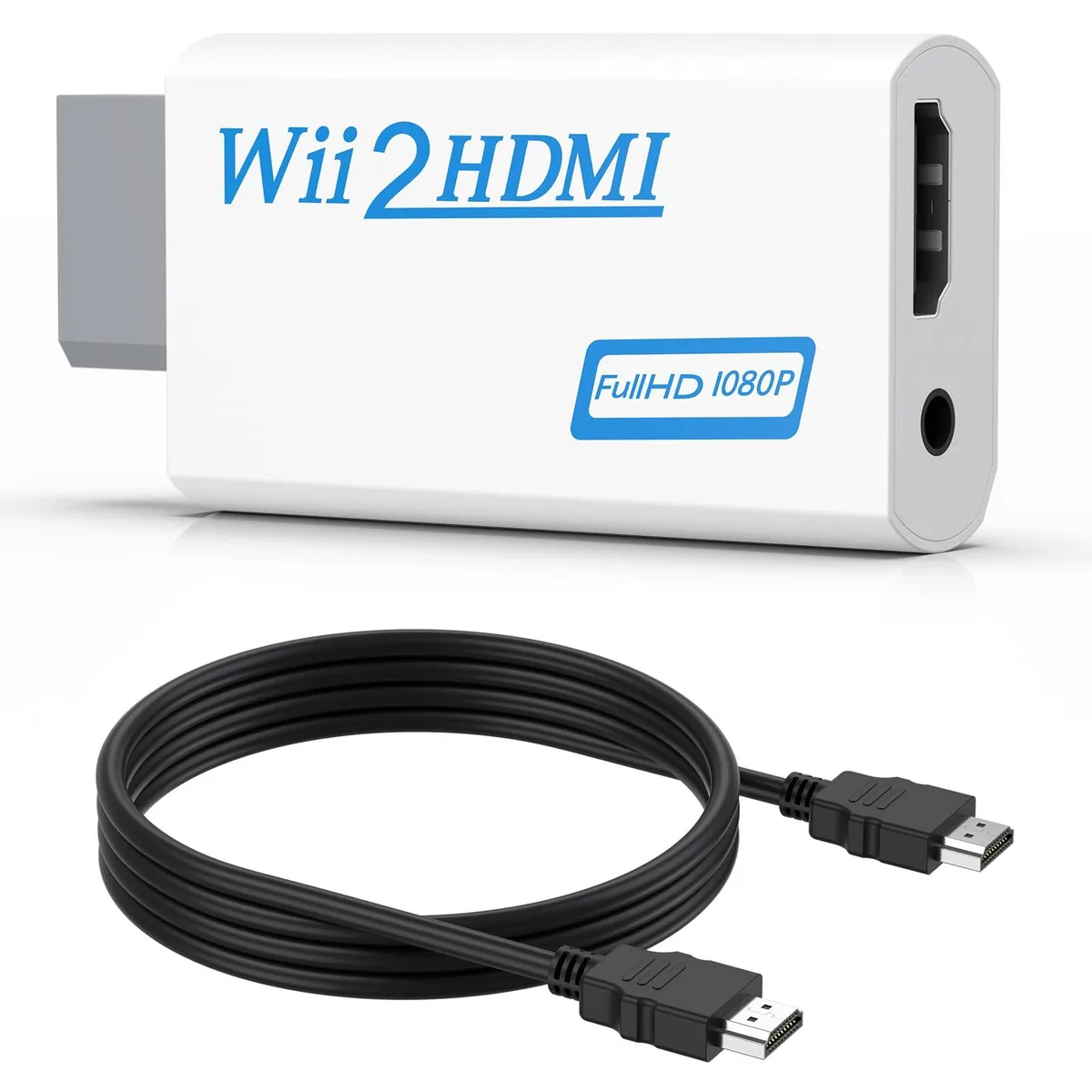


Converts Wii analogue output to 720p or 1080p HDMI with a 5 ft cable and 3.5 mm audio jack for headphones or speakers
This adapter connects an original Wii to any modern display with an HDMI input. It accepts the console’s native video signal and converts it to a digital 720p or 1080p output without added latency. Gamers who want to revisit their library on a current TV or monitor will find the setup immediate and driver-free.
The unit draws power directly from the Wii’s port so no external supply is required and no fan noise is introduced. A 3.5 mm jack duplicates the audio stream, letting users plug headphones or powered speakers when the display lacks built-in sound. This arrangement keeps late-night sessions quiet while the HDMI link carries both picture and sound to the screen.
A 5 ft high-speed HDMI cable ships in the box so the converter reaches most near-TV placements without extra purchases. The package also contains the converter itself; no discs, software keys or configuration utilities are bundled. Buyers who need longer cable runs or component-video input will have to source those separately.
| Brand | Meliya |
|---|---|
| Converter Type | DVI to HDMI |
| HDMI | 2 In |
| SDI | 2 Out |
| USB Port | DVI |
| DVI | 2 In |
| Component | 2 In |
| Composite | 2 In |
| Digital Aduio | DVI, HDMI |
| Analog Aduio | HDMI |
| Software Application | Monitor,Tv, Speaker |
| System Requirements | false |
Plug the converter into the Wii's multi-out port, connect the included 5 ft HDMI cable to your TV, and select the correct HDMI input; the step many miss is setting the Wii to 480p in its system menu so the converter can output 720p or 1080p.
The 3.5 mm audio jack and the HDMI cable see the most wear; if audio cuts out or the picture flickers, replace the cable first, then check the jack for debris or bent contacts.
The converter upscales only to 720p or 1080p and cannot output 240p or 480i over HDMI, so games locked to those modes will display at 480i instead.
Tot din acest raion
Același raion, aceeași finalizare a comenzii — opt monede și un curs blocat 30 de minute.
În ce monedă plătiți și în ce monedă citiți prețurile.
Trimis din portofelul dumneavoastră la finalizarea comenzii
Doar pentru afișare — catalogul este exprimat în dolari
Nicio monedă nu corespunde.
Alegeți limba în care vă vorbește site-ul.
Nicio limbă nu corespunde.
Prima vizită?
Aveți deja un cont?
Nu există o resetare automată: acest magazin nu trimite niciun e-mail, deci nu există niciun link de unică folosință de solicitat. Lăsați adresa în cont. Va fi tratată manual.
Cerere înregistrată
Nu veți primi nimic în căsuța de e-mail — acest magazin nu trimite niciun e-mail. Cineva se ocupă de asta manual.
V-ați amintit-o?