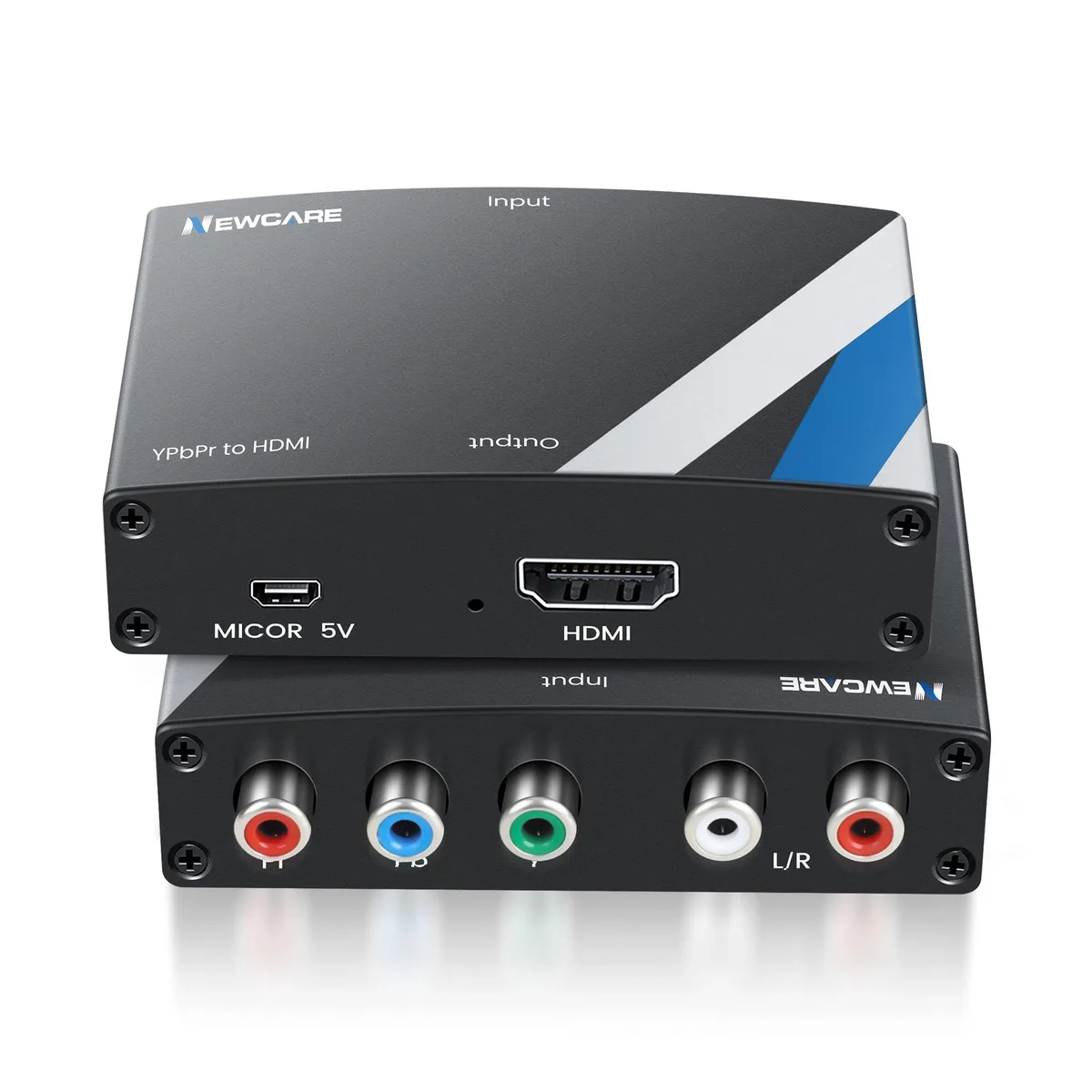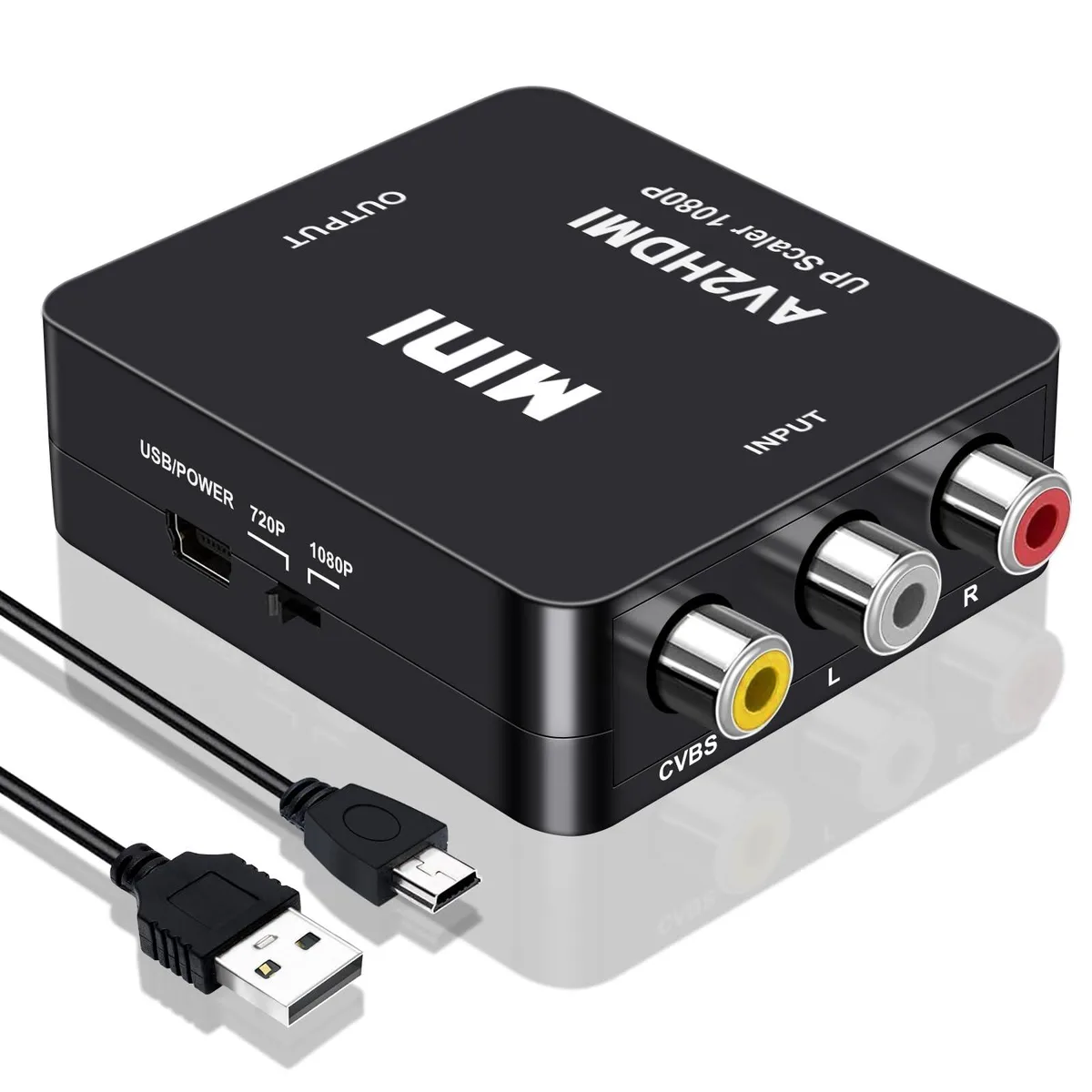
WRIARICH
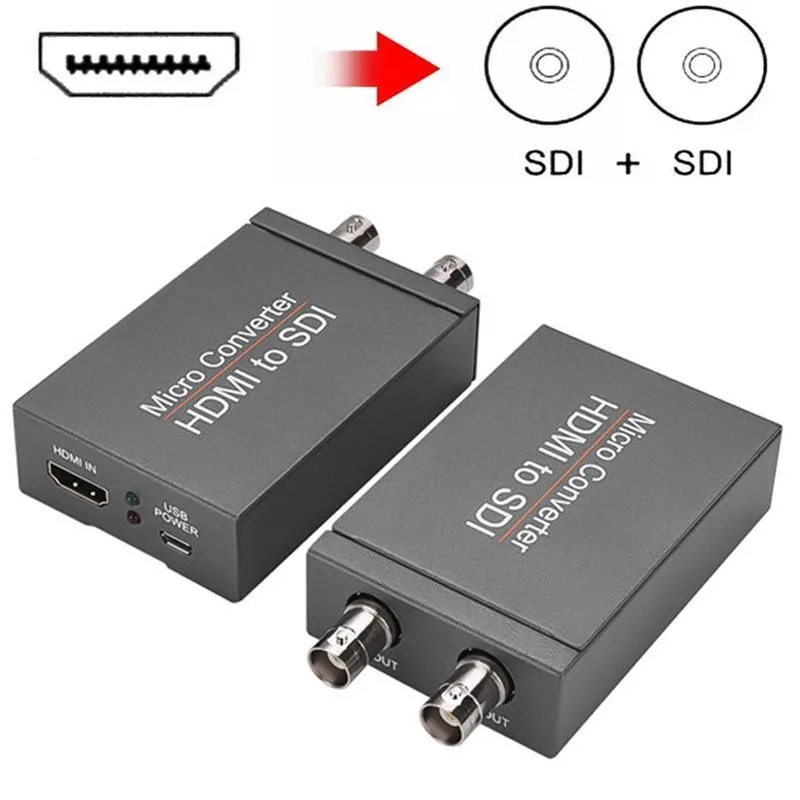
WRIARICH HDMI2SDI HDMI to SDI Converter 1 In 2 Out 1080P 3G-SDI media converter
- Input HDMI Format:…
- 1080P
29,99 US$
0.00038224BTC
SklademPřijímáme kryptoměny — takže to, co držíte, můžete utratit za skutečný hardware.Plaťte kryptem, utrácejte ho za skutečný hardware. Pojištěná doprava zdarma po celém světě nad 399 $. Neutrální přepravní krabice bez loga, odesílané z Německa.Pojištěná doprava zdarma nad 399 $. Jakmile se otevře pokladna, je váš kurz zablokovaný na 30 minut.Kurz zablokovaný na 30 minut. Každý výrobek je zapečetěný, jeho sériové číslo je zkontrolované a vztahuje se na něj 24měsíční záruka.Zapečetěno, záruka 24 měsíců.
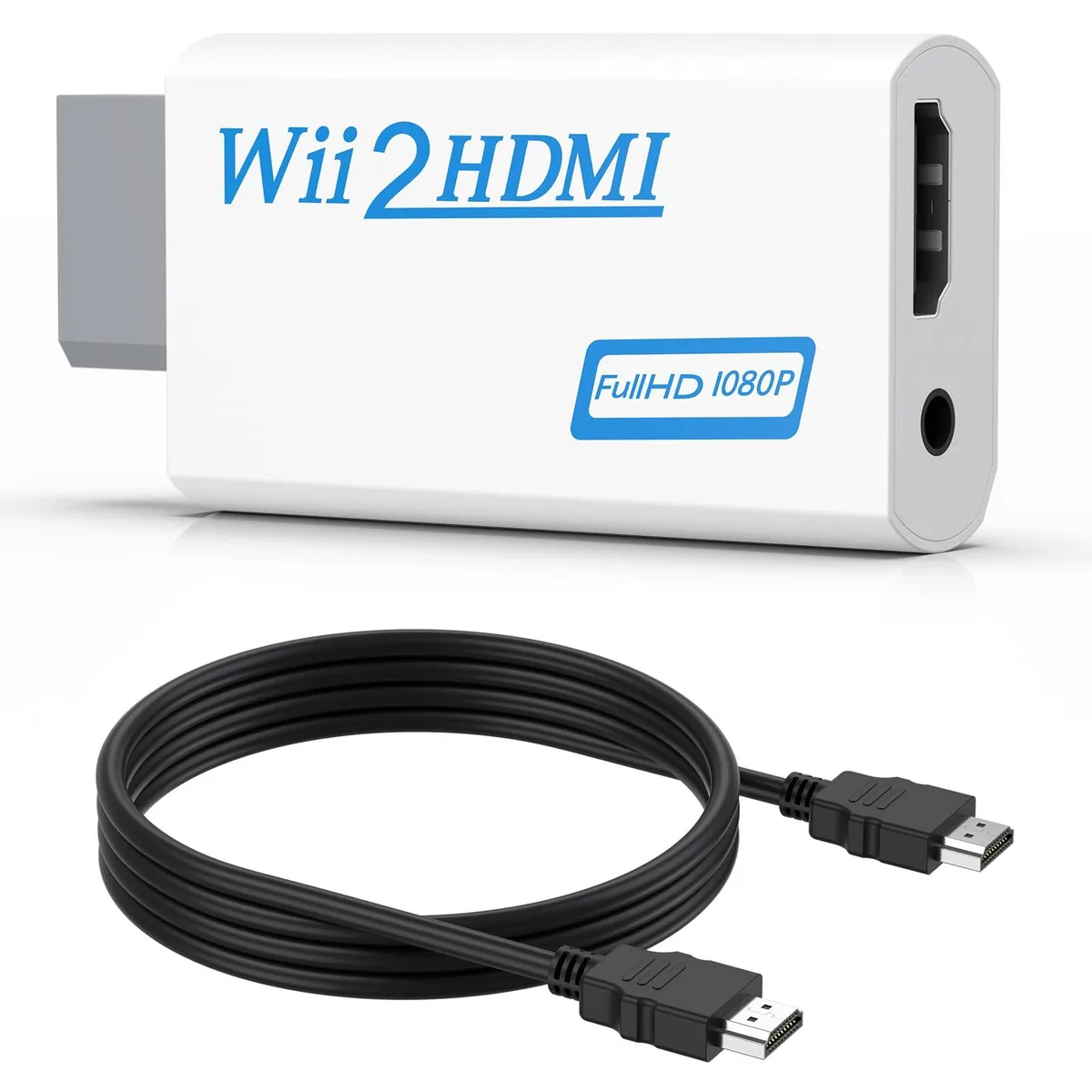


Converts Wii analogue output to 720p or 1080p HDMI with a 5 ft cable and 3.5 mm audio jack for headphones or speakers
This adapter connects an original Wii to any modern display with an HDMI input. It accepts the console’s native video signal and converts it to a digital 720p or 1080p output without added latency. Gamers who want to revisit their library on a current TV or monitor will find the setup immediate and driver-free.
The unit draws power directly from the Wii’s port so no external supply is required and no fan noise is introduced. A 3.5 mm jack duplicates the audio stream, letting users plug headphones or powered speakers when the display lacks built-in sound. This arrangement keeps late-night sessions quiet while the HDMI link carries both picture and sound to the screen.
A 5 ft high-speed HDMI cable ships in the box so the converter reaches most near-TV placements without extra purchases. The package also contains the converter itself; no discs, software keys or configuration utilities are bundled. Buyers who need longer cable runs or component-video input will have to source those separately.
| Brand | Meliya |
|---|---|
| Converter Type | DVI to HDMI |
| HDMI | 2 In |
| SDI | 2 Out |
| USB Port | DVI |
| DVI | 2 In |
| Component | 2 In |
| Composite | 2 In |
| Digital Aduio | DVI, HDMI |
| Analog Aduio | HDMI |
| Software Application | Monitor,Tv, Speaker |
| System Requirements | false |
Plug the converter into the Wii's multi-out port, connect the included 5 ft HDMI cable to your TV, and select the correct HDMI input; the step many miss is setting the Wii to 480p in its system menu so the converter can output 720p or 1080p.
The 3.5 mm audio jack and the HDMI cable see the most wear; if audio cuts out or the picture flickers, replace the cable first, then check the jack for debris or bent contacts.
The converter upscales only to 720p or 1080p and cannot output 240p or 480i over HDMI, so games locked to those modes will display at 480i instead.
Také v této kategorii
Stejná kategorie, stejná pokladna — osm měn a kurz zamčený na 30 minut.
Měna, ve které platíte, a měna, ve které se zobrazují ceny.
Odesláno z vaší peněženky u pokladny
Pouze pro zobrazení — katalog je veden v dolarech
Žádná měna neodpovídá.
Vyberte jazyk, ve kterém s vámi bude web komunikovat.
Žádný jazyk neodpovídá.
Poprvé tady?
Už účet máte?
Neexistuje žádná automatická obnova hesla: tento obchod neposílá žádné e-maily, takže neexistuje jednorázový odkaz, o který by bylo možné požádat. Nechte adresu uvedenou u účtu, vyřídíme ji ručně.
Žádost zaznamenána
Do vaší schránky nic nedorazí — tento obchod neposílá žádné e-maily. Někdo se o to postará ručně.
Vzpomněli jste si?