A-Tech
A-Tech 16GB (4x4GB) DDR3L 1866 CL13 1.35V laptop RAM
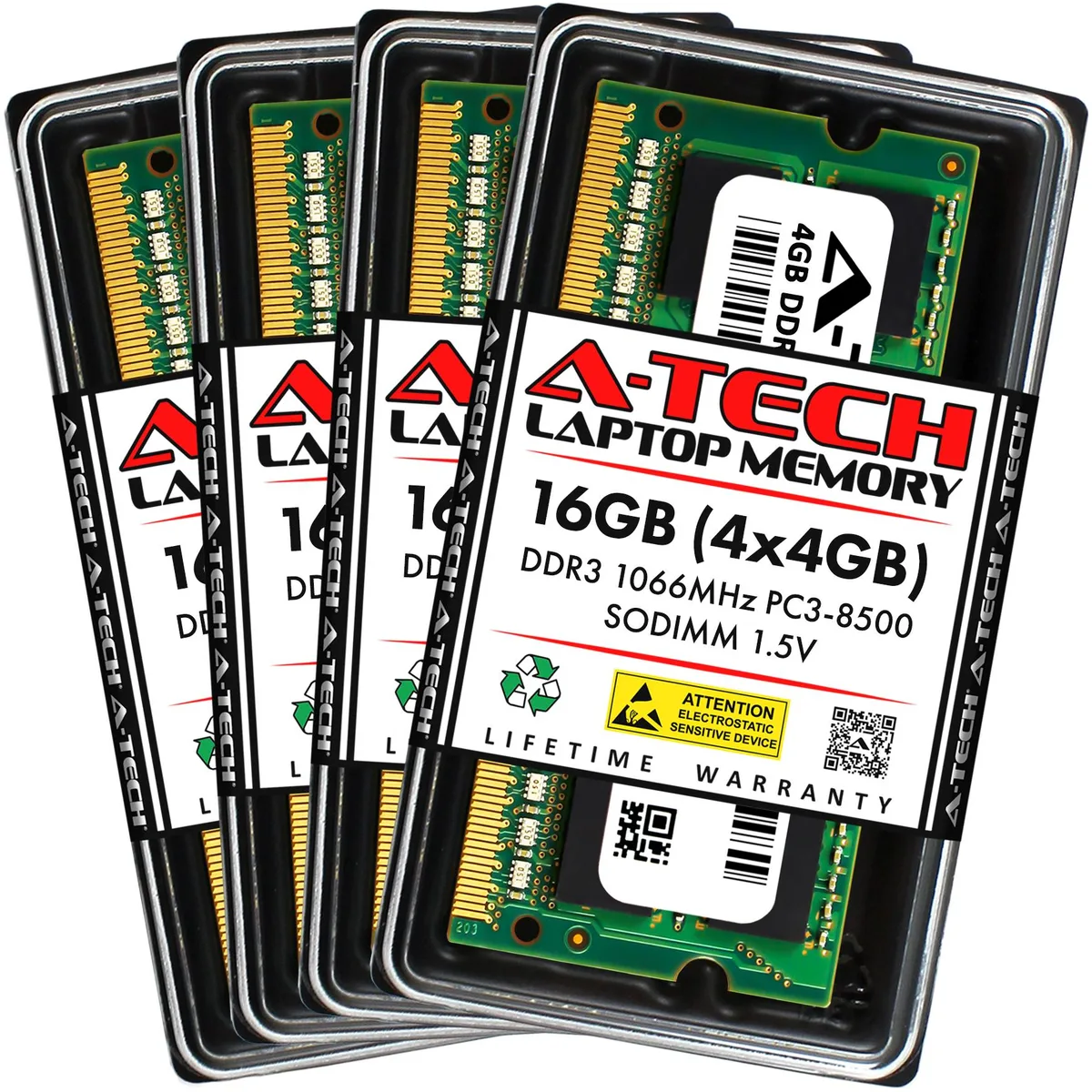
- 16GB (4 x 4GB)
- 204-Pin DDR3 SO-DIMM
44,99 $US
0.00057212BTC
En stockNous acceptons la cryptomonnaie — les cryptos que vous détenez peuvent ainsi acheter du matériel réel.Payez en crypto, dépensez-la en matériel réel. Livraison assurée offerte partout dans le monde au-delà de 399 $. Cartons neutres, sans marque, expédiés depuis l’Allemagne.Livraison assurée offerte au-delà de 399 $. Votre taux est bloqué pendant 30 minutes dès l’ouverture de la caisse.Taux bloqué 30 minutes. Chaque article est scellé, son numéro de série est vérifié, et il est couvert par une garantie de 24 mois.Scellé, garanti 24 mois.


A-Tech
A 16 GB quad-channel kit of four 4 GB DDR3 1333 MHz SODIMM modules for compatible laptops
Capacity 16GB (4 x 4GB)
Les versions barrées existent, mais ne sont pas disponibles ici.
Speed DDR3 1333 (PC3 10600)
This A-Tech kit delivers 16 GB of DDR3 laptop memory across four 4 GB modules. It uses the 204-pin SODIMM form factor and runs at 1333 MHz with CL9 latency. The unbuffered, non-ECC design suits mainstream notebooks and all-in-one PCs.
Systems limited to 4 GB or 8 GB often struggle with modern multitasking and browser workloads. Adding this quad-channel kit removes that bottleneck when the platform supports four slots and DDR3 1333 operation. The jump is worthwhile only if the laptop accepts 16 GB total and all four sockets are populated.
Sixteen gigabytes handles heavy browser sessions, office suites and light creative work without paging. It runs out when editing large video timelines, running multiple virtual machines or processing big data sets that exceed physical memory. The DDR3 1333 interface also limits throughput for bandwidth-sensitive tasks.
| Brand | A-Tech |
|---|---|
| Series | A-Tech DDR3 Laptop Memory RAM |
| Model | A-Tech 16GB (4x4GB) PC3-10600 Laptop RAM Kit |
| Part Number | NE-SS-0664 |
| Capacity | 16GB (4 x 4GB) |
| Type | 204-Pin DDR3 SO-DIMM |
| Speed | DDR3 1333 (PC3 10600) |
| CAS Latency | CL9 |
| ECC | No |
| Buffered/Registered | Unbuffered |
| Multi-channel Kit | Quad Channel Kit |
| Heat Spreader | No |
| Features | Major Brand DRAM IC Chips |
| Recommend Use | AMD & Intel Compatible |
| Option | Major Brand DRAM IC Chips |
Autres versions de ce modèle
Même famille, mémoire, ventirad ou fréquence différents — comparez avant de vous décider.
These modules use the standard 204-pin DDR3 SODIMM form factor required by compatible laptops. Verify your system supports DDR3 1333 MHz (PC3-10600) and accepts four 4 GB modules for a 16 GB total before purchasing.
Power off the laptop, disconnect the battery if possible, and ground yourself. Insert each module at the same angle until the gold contacts are fully hidden, then press down firmly until both side clips click. The step often missed is ensuring every clip locks on all four modules.
DDR3 memory has no moving parts and typically lasts the usable life of the laptop. Replacement is only needed if a module fails — indicated by boot errors or memory-test failures — or if you upgrade to a system that requires a newer memory generation.
Également dans ce rayon
Même rayon, même caisse — huit monnaies et un taux bloqué 30 minutes.
Ce que vous envoyez, et ce dans quoi vous lisez les prix.
Envoyé depuis votre portefeuille à la caisse
Affichage seul — le catalogue est libellé en dollars
Aucune monnaie ne correspond.
Choisissez la langue dans laquelle le site vous parle.
Première visite ?
Vous avez déjà un compte ?
Il n’y a pas de réinitialisation automatique : cette boutique n’envoie aucun e-mail, il n’existe donc aucun lien à usage unique à demander. Laissez l’adresse sur le compte, elle sera traitée à la main.
Demande enregistrée
Rien n’arrivera dans votre boîte de réception — cette boutique n’envoie aucun e-mail. Quelqu’un s’en occupe à la main.
Vous l’avez retrouvé ?