Acer America
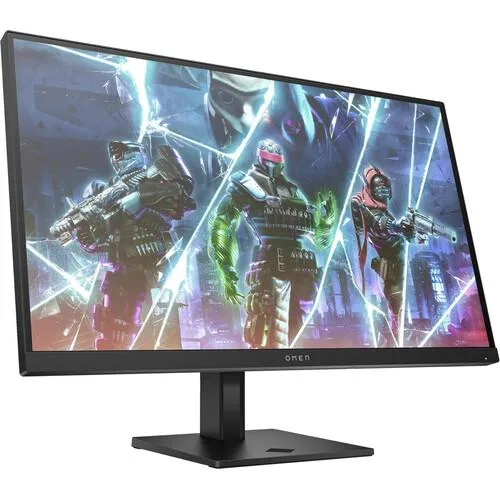
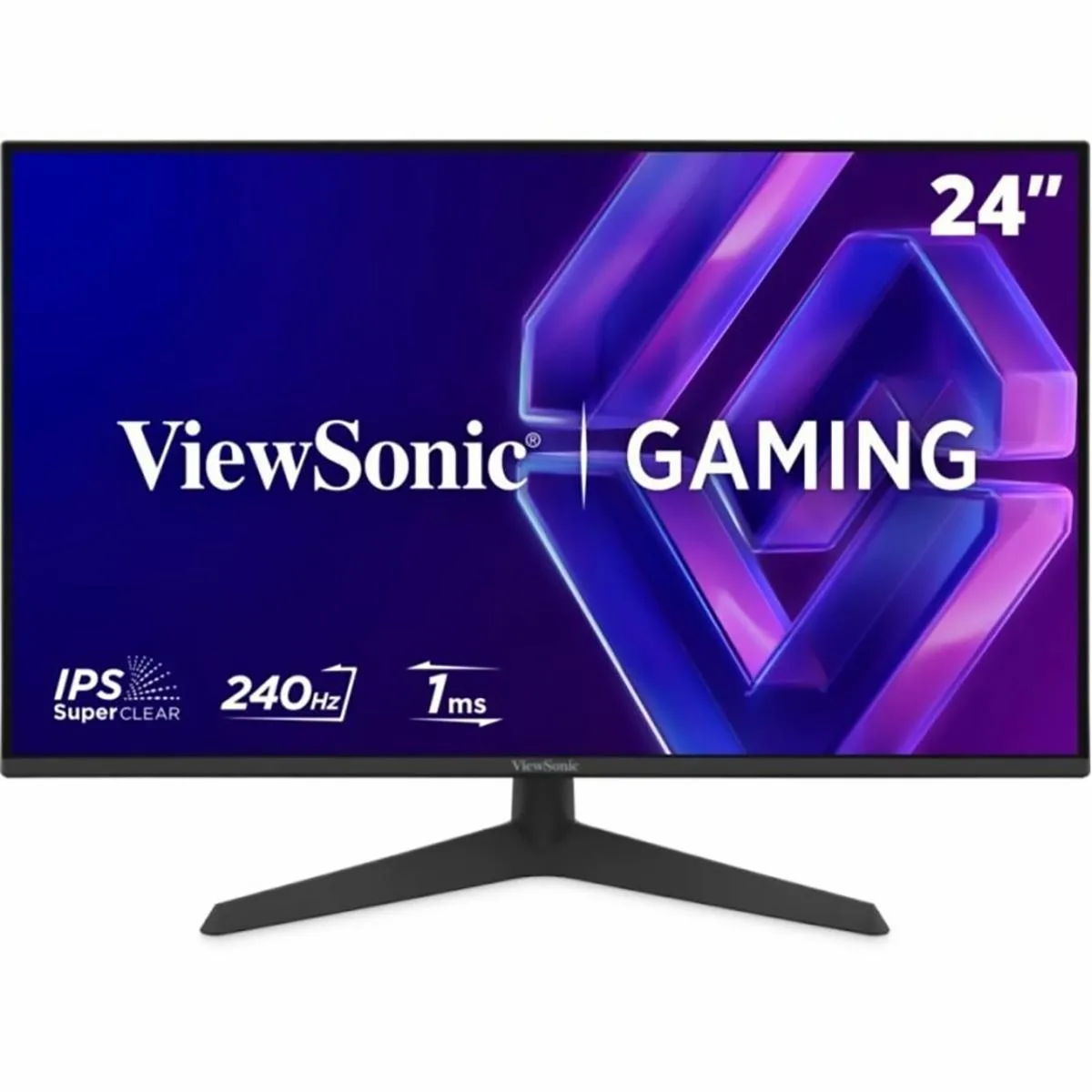
Acer Nitro KG273 27" 1920 x 1080 IPS 200Hz gaming monitor
A 27-inch Full HD IPS gaming panel with a 200 Hz refresh rate and up to 0.1 ms response time for fluid motion
- Screen Size27"
- 27 inch Full HD IPS panel delivers sharp 1920 x 1080 visuals
- 200Hz refresh rate provides ultra-smooth 2D motion for fast gaming
- AMD FreeSync Premium synchronises frames to eliminate tearing and stutter
- Up to 0.1ms GTG response prevents smearing and ghosting in action scenes
- Zero-frame design maximises screen space on the 27 inch display
27-inch Full HD IPS gaming monitor
The Acer Nitro KG273 is a 27-inch display with a 1920 x 1080 IPS panel built for fast-paced gaming. It delivers a 200Hz refresh rate and up to 0.1ms gray-to-gray response time to reduce motion blur. AMD FreeSync Premium synchronises the panel with compatible graphics cards to eliminate tearing. Connectivity includes one DisplayPort 1.2 and one HDMI 2.0 port.
Suited for competitive players on mid-range GPUs
Gamers who want smooth 1080p motion at high frame rates will benefit from the 200Hz panel and low response time. The IPS screen provides wide viewing angles for consistent colour. Buyers who need higher pixel density for detailed work or larger screen real estate should consider other options. The stand offers tilt adjustment only with no height or swivel movement.
200Hz refresh rate at 1920 x 1080
The defining specification is the combination of a 200Hz refresh rate and Full HD resolution on a 27-inch IPS panel. This balance targets high frame-rate gaming without demanding extreme graphics power. Verify that your graphics card can drive 200 frames per second at 1080p over DisplayPort 1.2 or HDMI 2.0 to use the monitor at its maximum capability.
Points forts
- 27 inch Full HD IPS panel delivers sharp 1920 x 1080 visuals
- 200Hz refresh rate provides ultra-smooth 2D motion for fast gaming
- AMD FreeSync Premium synchronises frames to eliminate tearing and stutter
- Up to 0.1ms GTG response prevents smearing and ghosting in action scenes
- Zero-frame design maximises screen space on the 27 inch display
Caractéristiques
| Screen Size | 27" |
|---|
Questions sur cet article
How do I connect the DisplayPort 1.2 or HDMI 2.0 cable and enable the 200Hz refresh rate on this 27" IPS monitor?
Plug the cable into the corresponding port on the KG273 X1bmipx and the graphics card, then select 200Hz in the OS display settings and the monitor OSD — the step often missed is forgetting to change the OS default from a lower rate.
What maintenance will the KG273 X1bmipx need over time?
Wipe the glossy 27" screen with a dry microfibre cloth; there are no user-replaceable parts, and the LED backlight is not serviceable.
At what point does the 0.1ms GTG response limit appear during sustained 200Hz gaming?
The 0.1ms gray-to-gray figure is a peak spec; under continuous high-motion scenes the panel settles at its typical response level, which is the first limit reached.
Également dans ce rayon
Les clients ont aussi comparé
Même rayon, même caisse — huit monnaies et un taux bloqué 30 minutes.