

Acer America
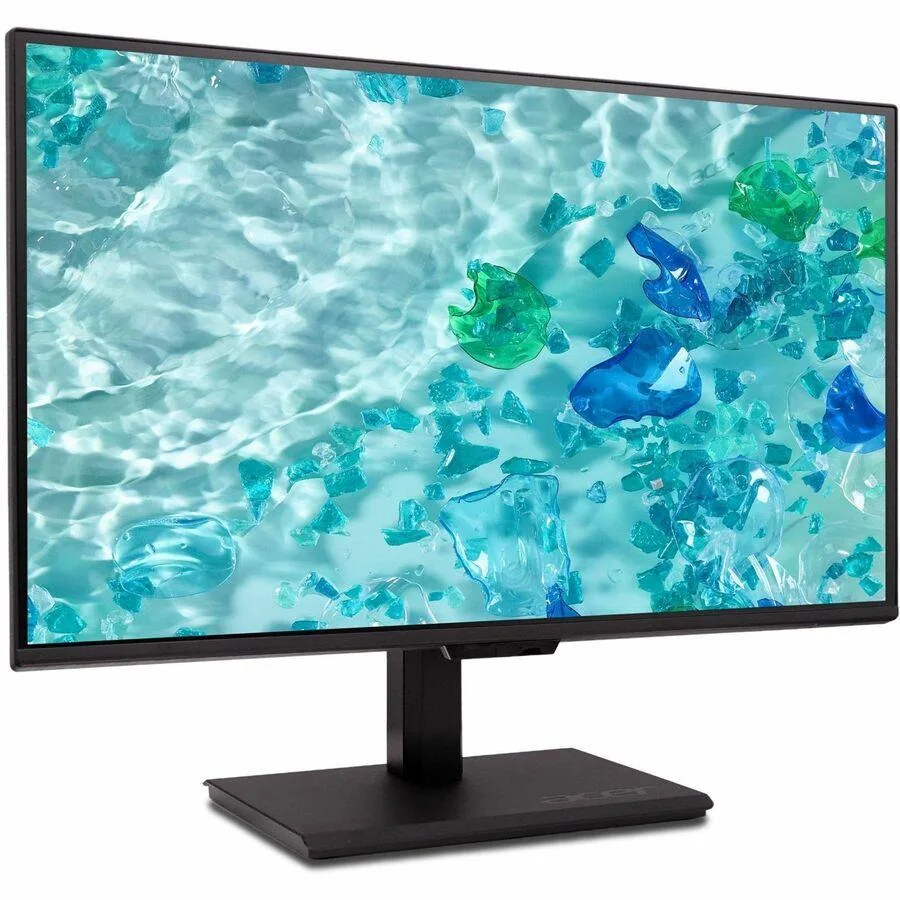
Acer Vero B248Y G 24" Monitor 1920x1080 HDMI 2.0 USB 3.0
A 24-inch Full HD monitor with HDMI 2.0 and a USB 3.0 hub for convenient connectivity
- Screen Size24"
- HDMIYes
- Full HD 1920x1080 clarity for sharp daily work
- HDMI 2.0 input connects modern laptops and desktops
- USB 3.0 hub adds convenient peripheral ports
- Included cables let you start right away
- EPEAT Gold rating confirms responsible manufacturing
Acer Vero B248Y G 24" Monitor
The Acer Vero B248Y G is a 24-inch class LCD monitor with a 1920 x 1080 resolution and 16:9 aspect ratio. It provides HDMI 2.0 and USB 3.0 connectivity, plus a USB Type-C cable is included. This display suits everyday office work and general home use.
Who this suits and who it does not
This monitor fits users needing a standard Full HD screen with a convenient USB hub for peripherals. It is not for buyers who require higher pixel density, faster refresh rates, or advanced colour accuracy for creative workflows. Builders needing multiple high-bandwidth video inputs should look elsewhere.
Deciding specification: 1920 x 1080 resolution
The 1920 x 1080 panel determines the sharpness and workspace available on this 24-inch screen. It matches standard Full HD content and general productivity tasks. If your work demands more screen real estate or finer detail, this resolution will be the limiting factor.
Points forts
- Full HD 1920x1080 clarity for sharp daily work
- HDMI 2.0 input connects modern laptops and desktops
- USB 3.0 hub adds convenient peripheral ports
- Included cables let you start right away
- EPEAT Gold rating confirms responsible manufacturing
Caractéristiques
| Brand | Acer |
|---|---|
| Screen Size | 24" |
| HDMI | Yes |
Questions sur cet article
What cables come in the box so I can connect the Acer Vero B248Y G right away?
The package includes a DisplayPort cable, an HDMI 2.0 cable, a USB Type-C cable, a USB 3.0 cable and a US power cord, letting you hook up video, data and power without extra purchases.
Will my older laptop that only has a DisplayPort output drive the 1920x1080 panel at full resolution?
Yes, the supplied DisplayPort cable connects directly to the monitor and supports the native 1920 by 1080 resolution at standard refresh rates.
How can I confirm the built-in USB 3.0 hub is active after I plug the USB 3.0 cable into my PC?
Connect the USB 3.0 upstream cable to your computer, then attach a peripheral to one of the monitor's downstream ports; the device should enumerate immediately, showing the hub is working.
Également dans ce rayon
Les clients ont aussi comparé
Même rayon, même caisse — huit monnaies et un taux bloqué 30 minutes.

DELL
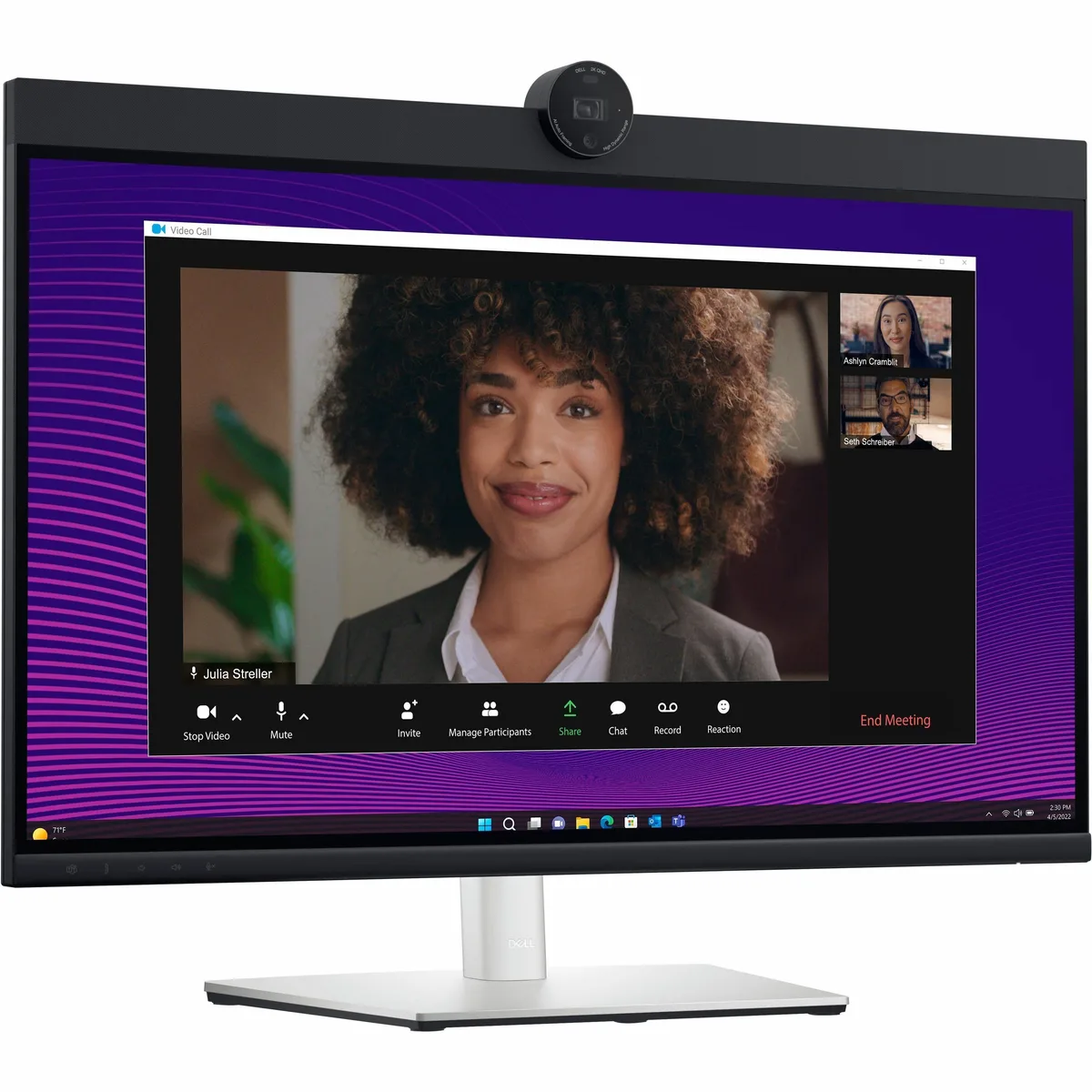
DELL DELL-P2724DEB 27" QHD 2560x1440 60Hz IPS monitor
- 27"
405,99 $US445,99 $US−9%
0.00513177BTC
En stock