BFKK
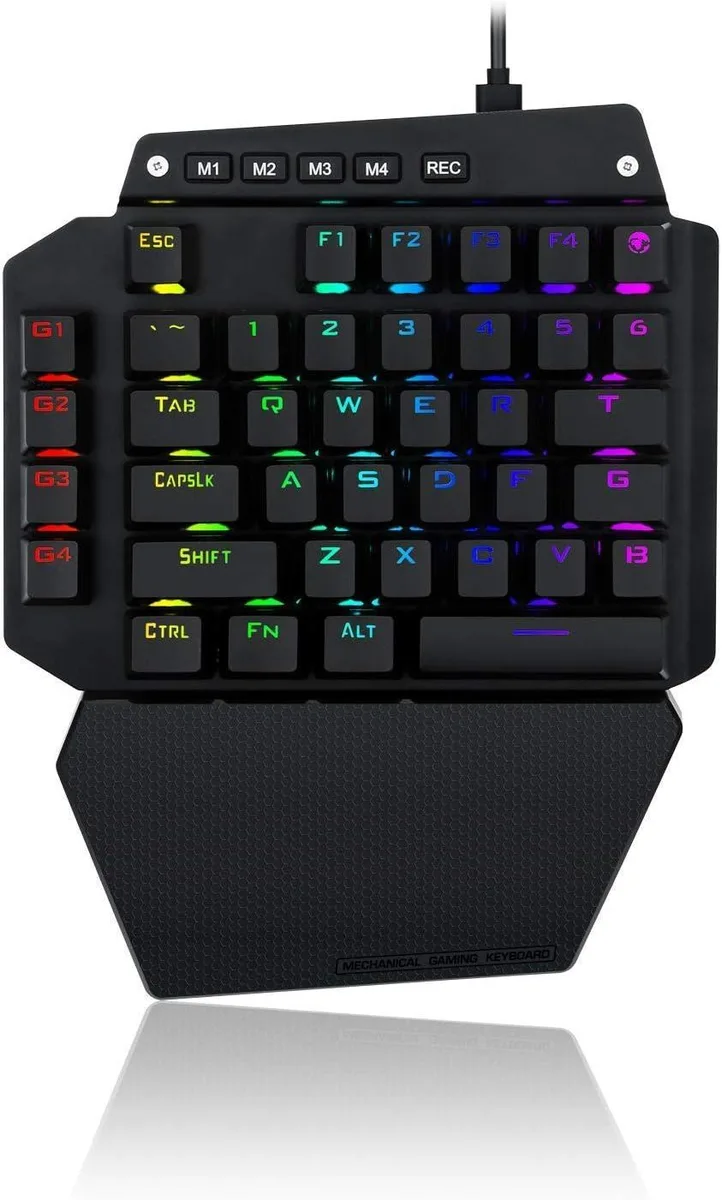
BFKK One-Handed Mechanical Gaming Keyboard, Blue Switch, 6 Macro Keys, Detachable Wrist Rest, USB-C
58,99 $US
0.00075215BTC
En stockNous acceptons la cryptomonnaie — les cryptos que vous détenez peuvent ainsi acheter du matériel réel.Payez en crypto, dépensez-la en matériel réel. Livraison assurée offerte partout dans le monde au-delà de 399 $. Cartons neutres, sans marque, expédiés depuis l’Allemagne.Livraison assurée offerte au-delà de 399 $. Votre taux est bloqué pendant 30 minutes dès l’ouverture de la caisse.Taux bloqué 30 minutes. Chaque article est scellé, son numéro de série est vérifié, et il est couvert par une garantie de 24 mois.Scellé, garanti 24 mois.


Aluratek
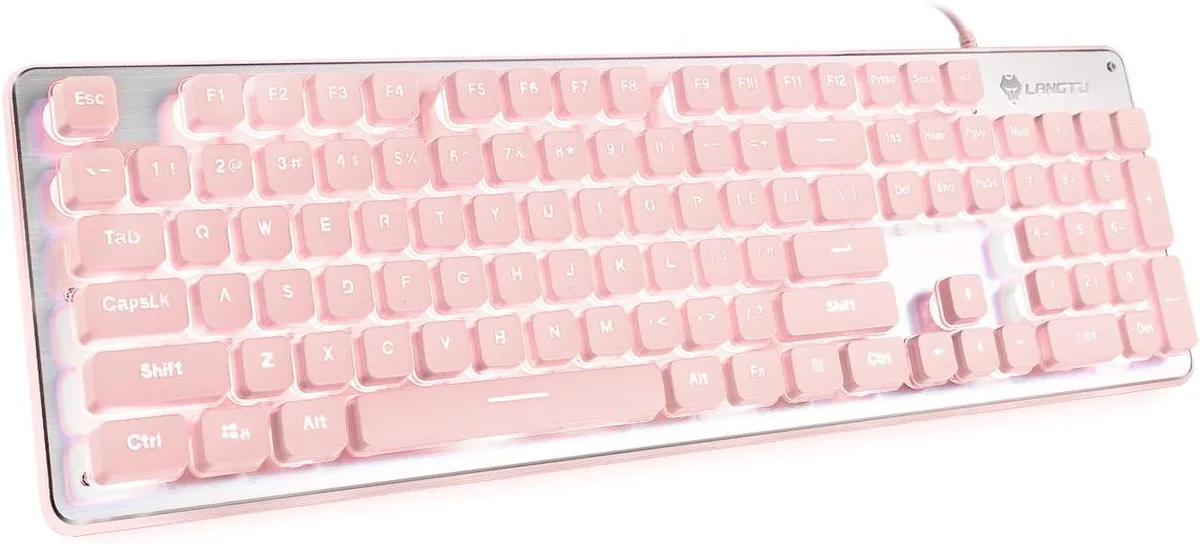
Large-print keys with three-colour LED backlighting and built-in multimedia hotkeys for low-light typing comfort
The Aluratek large-print keyboard uses oversized legends on every keycap to reduce eyestrain during long sessions. Tri-colour LED backlighting lets you switch between red, blue and purple illumination so the keys remain visible in dim environments. A 5 ft USB cable provides plug-and-play connectivity without extra drivers. Quick-access hotkeys handle media, browser and system shortcuts directly from the board.
Soft-touch membrane switches keep keystrokes quiet enough for shared offices or late-night gaming. The LED backlight draws power from the USB port alone, so there is no external adapter or battery to manage. Illumination stays consistent across all three colours without noticeable flicker. Heat output is negligible during typical typing or gaming use.
Built-in multimedia and navigation hotkeys cover e-mail, browser controls, media playback, volume, calculator and computer shortcuts without installing companion apps. The tri-colour selector cycles through red, blue and purple at the press of a key, removing the need for RGB configuration utilities. Large-print legends are moulded into the keycaps, so they never wear off like stickers or printed overlays.
Aucune caractéristique publiée pour cet article pour l’instant.
Plug the USB connector into an available port; the 5 ft cable reaches most desks and Windows installs the drivers automatically with no extra software needed.
The membrane switches under each key cap will lose their quiet, soft feel after heavy daily typing, and the key legends can fade faster than on double-shot caps.
The keyboard draws all power from the USB port, so if the port enters a low-power sleep state the three LED colours — red, blue or purple — will turn off until the system wakes.
Également dans ce rayon
Même rayon, même caisse — huit monnaies et un taux bloqué 30 minutes.
Ce que vous envoyez, et ce dans quoi vous lisez les prix.
Envoyé depuis votre portefeuille à la caisse
Affichage seul — le catalogue est libellé en dollars
Aucune monnaie ne correspond.
Choisissez la langue dans laquelle le site vous parle.
Première visite ?
Vous avez déjà un compte ?
Il n’y a pas de réinitialisation automatique : cette boutique n’envoie aucun e-mail, il n’existe donc aucun lien à usage unique à demander. Laissez l’adresse sur le compte, elle sera traitée à la main.
Demande enregistrée
Rien n’arrivera dans votre boîte de réception — cette boutique n’envoie aucun e-mail. Quelqu’un s’en occupe à la main.
Vous l’avez retrouvé ?