


ASUS
ASUS E3 PRO GAMING V5 Intel C232 LGA 1151 DDR4 64GB ATX motherboard
Intel C232 ATX board with LGA 1151 socket supports up to 64 GB DDR4 memory
- CPU Socket TypeLGA 1151
- ChipsetIntel C232
- Maximum Memory Supported64GB
- Supports up to 64GB DDR4 memory
- Intel C232 chipset for stable platform performance
- LGA 1151 socket fits compatible processors
- ATX form factor suits standard chassis builds
- Includes SATA cable for drive connectivity
ASUS E3 PRO GAMING V5 ATX Motherboard
This ASUS E3 PRO GAMING V5 is an ATX motherboard built on the Intel C232 chipset for LGA 1151 processors. It supports DDR4 memory up to a maximum of 64GB. The board is supplied new and includes a SATA cable and the rear I/O panel.
Suits LGA 1151 builds needing C232 features
Builders assembling a system around an LGA 1151 CPU with the Intel C232 chipset will find the required socket and memory capacity here. Those who need a different socket type, a different chipset, or memory support beyond 64GB should look at other boards.
LGA 1151 socket with Intel C232 chipset
The decisive specification is the LGA 1151 socket paired with the Intel C232 chipset. This combination determines which processors can be installed and what platform features are available. Verify that your CPU matches this exact socket and chipset before purchasing.
Points forts
- Supports up to 64GB DDR4 memory
- Intel C232 chipset for stable platform performance
- LGA 1151 socket fits compatible processors
- ATX form factor suits standard chassis builds
- Includes SATA cable for drive connectivity
Caractéristiques
| Brand | ASUS |
|---|---|
| Model | ASUS E3 PRO GAMING V5 |
| CPU Socket Type | LGA 1151 |
| Chipset | Intel C232 |
| Maximum Memory Supported | 64GB |
Questions sur cet article
Which processor socket must my CPU match to fit the ASUS E3 PRO GAMING V5?
The board uses an LGA 1151 socket, so the installed CPU must be an LGA 1151 model.
Can I keep my existing DDR4 memory when moving to this C232 motherboard?
Yes, the board supports DDR4 modules up to a total of 64 GB.
How do I confirm the board posts correctly after installing the CPU, memory and the included SATA cable?
Connect the chassis I/O back panel, power on, and watch for the BIOS splash screen or listen for a single beep indicating a successful POST.
Également dans ce rayon
Les clients ont aussi comparé
Même rayon, même caisse — huit monnaies et un taux bloqué 30 minutes.


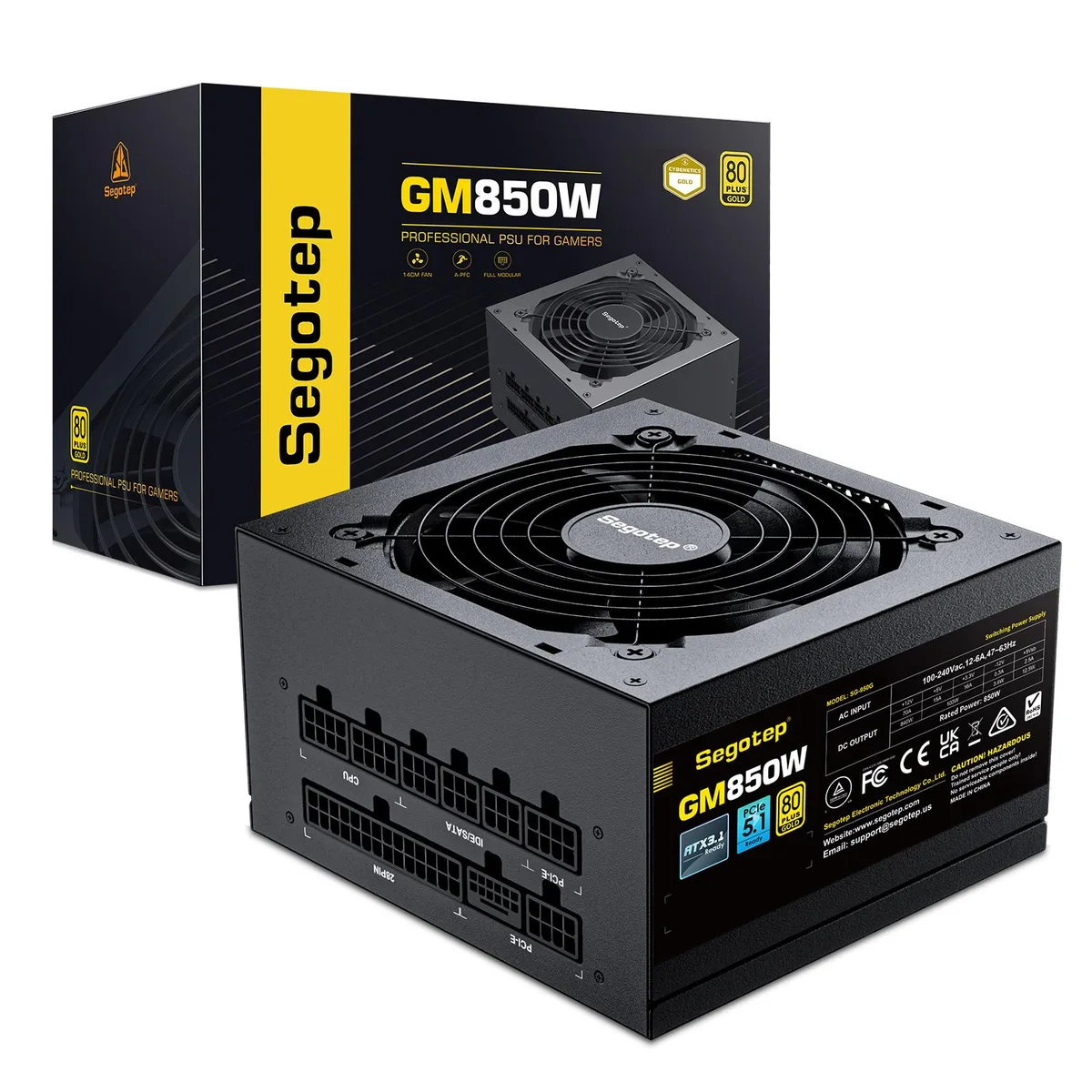
segotep
segotep 850W ATX 3.1 PCIe 5.1 80 Plus Gold Full Modular power supply
- ATX 3.1 Compatible
- 20+4 Pin
75,99 $US
0.00097549BTC
En stock