


ASUS
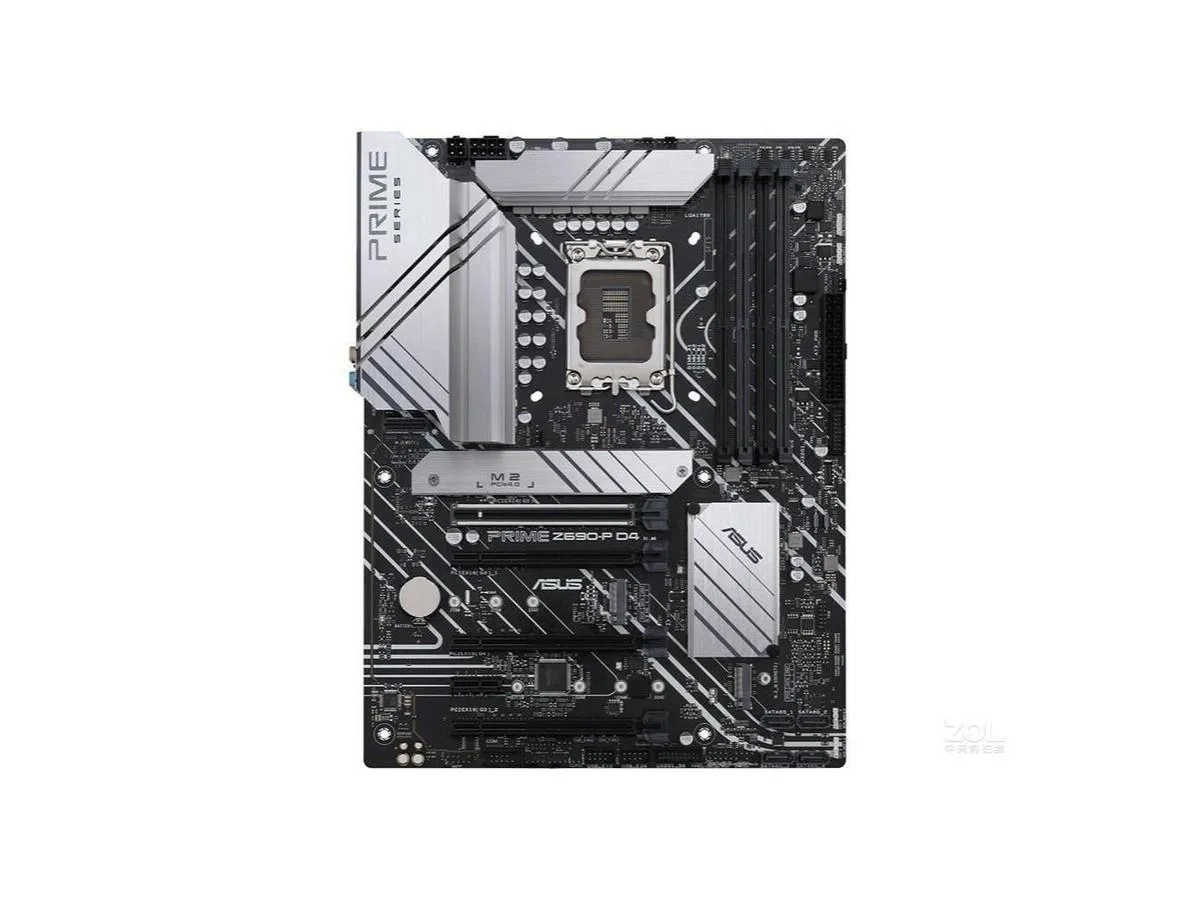
ASUS PRIME Z690-P D4 Intel Z690 DDR4 128GB motherboard
Supports up to 128 GB DDR4 on Intel Z690 chipset with LGA 1700 socket in ATX form factor
- CPU Socket TypeLGA 1700
- ChipsetIntel Z690
- Maximum Memory Supported128GB
- LGA 1700 socket ready for Intel Z690 platform
- Intel Z690 chipset enables DDR4 memory support
- 128GB maximum memory capacity for heavy workloads
- ATX form factor fits standard desktop cases
- Includes SATA cable and I/O shield for quick setup
LGA 1700 DDR4 motherboard for 128 GB builds
The ASUS PRIME Z690-P D4 is an ATX motherboard with an LGA 1700 socket and Intel Z690 chipset. It supports DDR4 memory up to 128 GB. The board is sold new and includes a metal battery, one SATA cable, and a chassis I/O back panel.
Upgrading from older Intel platforms
This board replaces a motherboard that cannot accept an LGA 1700 processor or DDR4 memory at this capacity. The jump is worth it when the current platform limits total system memory or lacks the Z690 chipset feature set. Buyers who need more than 128 GB of RAM or a different socket type should look elsewhere.
128 GB capacity and headroom
Four DDR4 slots provide a maximum of 128 GB, giving ample headroom for large workloads and multitasking. Memory-intensive tasks such as virtualisation and content creation run comfortably within this limit. The board runs out of capacity when a workload demands more than 128 GB of system memory.
Points forts
- LGA 1700 socket ready for Intel Z690 platform
- Intel Z690 chipset enables DDR4 memory support
- 128GB maximum memory capacity for heavy workloads
- ATX form factor fits standard desktop cases
- Includes SATA cable and I/O shield for quick setup
Caractéristiques
| Brand | ASUS |
|---|---|
| Model | ASUS PRIME Z690-P D4 |
| CPU Socket Type | LGA 1700 |
| Chipset | Intel Z690 |
| Maximum Memory Supported | 128GB |
Questions sur cet article
What case clearance is required for the ATX form factor of this board?
The board follows the ATX layout, so the case must provide standard ATX mounting holes and I/O shield cutout space.
How is the metal battery installed, and what step is often missed?
Place the supplied metal battery into the onboard holder with the positive side facing up; the step many miss is pressing it fully home until the retention clip clicks.
When should the included SATA cable be replaced?
Replace the cable if the latch clip breaks, the connector feels loose, or data errors appear during drive transfers.
Également dans ce rayon
Les clients ont aussi comparé
Même rayon, même caisse — huit monnaies et un taux bloqué 30 minutes.


segotep
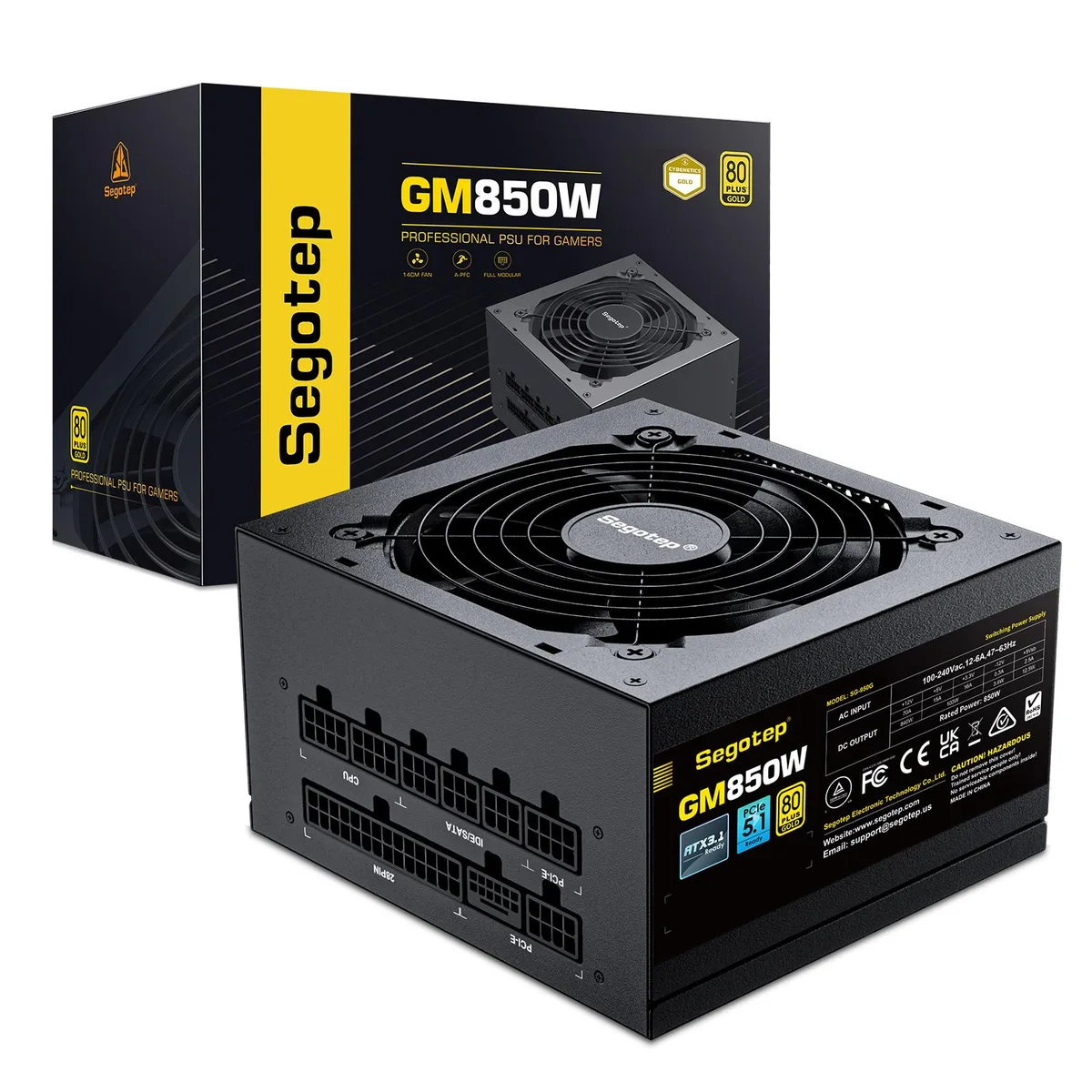
segotep 850W ATX 3.1 PCIe 5.1 80 Plus Gold Full Modular power supply
- ATX 3.1 Compatible
- 20+4 Pin
75,99 $US
0.00097549BTC
En stock