

DARKROCK
DARKROCK EC2 Black ATX Mid Tower PC Case 3x120mm Infinity Fans Type-C Tempered Glass
- ATX Mid Tower
- Black
69,99 $US
0.00090177BTC
En stockNous acceptons la cryptomonnaie — les cryptos que vous détenez peuvent ainsi acheter du matériel réel.Payez en crypto, dépensez-la en matériel réel. Livraison assurée offerte partout dans le monde au-delà de 399 $. Cartons neutres, sans marque, expédiés depuis l’Allemagne.Livraison assurée offerte au-delà de 399 $. Votre taux est bloqué pendant 30 minutes dès l’ouverture de la caisse.Taux bloqué 30 minutes. Chaque article est scellé, son numéro de série est vérifié, et il est couvert par une garantie de 24 mois.Scellé, garanti 24 mois.
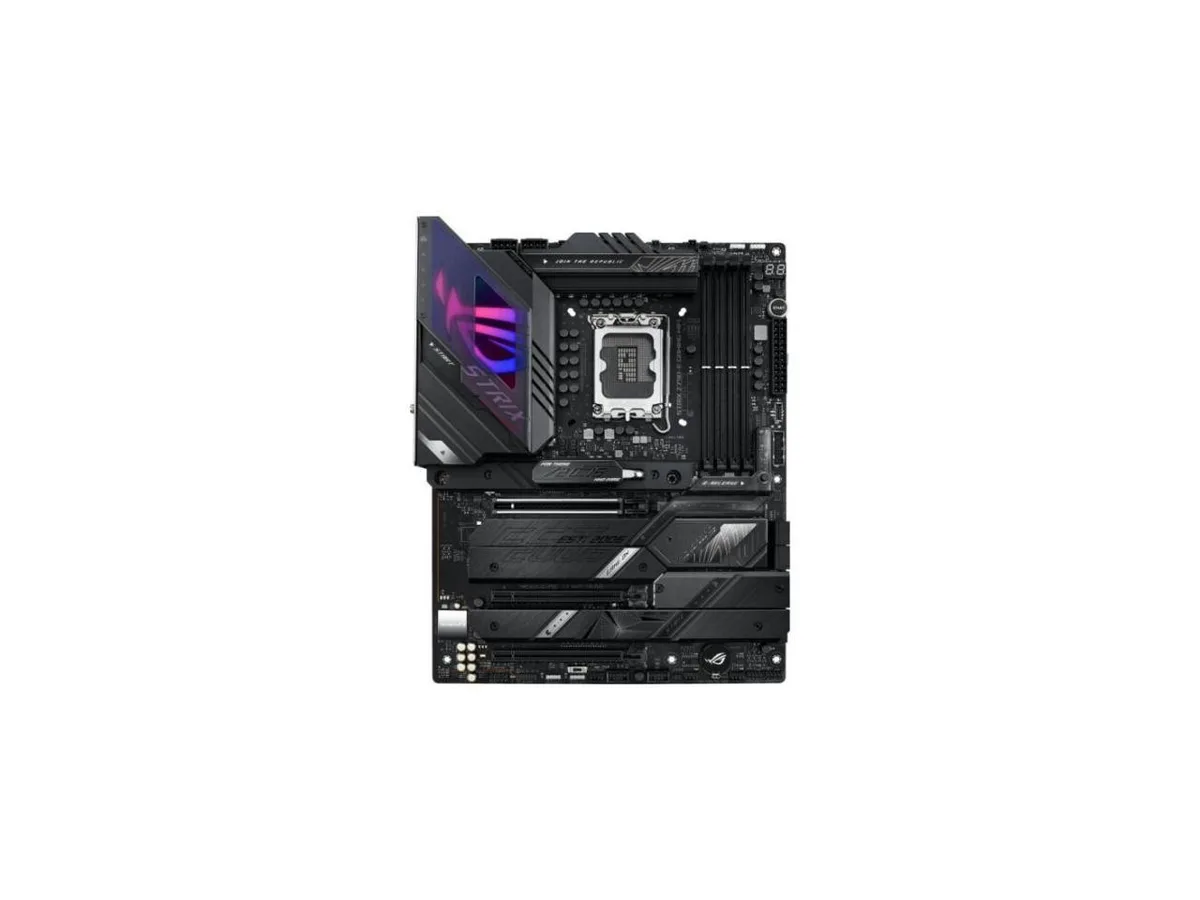


ASUS
An ATX Intel motherboard with LGA 1700 socket, 18+1 90A power stages, WiFi 6E, 2.5 Gb Ethernet, DDR5 support, AI overclocking and cooling, plus USB 3.2 Gen 2x2 Type-C with 30W PD
This ROG STRIX Z790-E GAMING WIFI board pairs an LGA 1700 socket with an 18+1 90A power stage design and ProCool II connectors. It supports DDR5 memory and PCIe 5.0 for graphics and storage. AI Overclocking, AI Cooling II and AI Networking automate tuning, while a VRM heatsink, fanless PCH heatsink and double-sided M.2 heatsink manage thermals. WiFi 6E, 2.5 Gb Ethernet, USB 3.2 Gen 2x2 Type-C with 30W PD and ALC4080 audio with Savitech amplifier complete the feature set.
The board suits builders who want automated overclocking, cooling and networking intelligence alongside robust 18+1 90A power delivery for multi-core 12th and 13th Gen Intel Core CPUs. WiFi 6E, 2.5 Gb Ethernet, eleven USB 3.2 ports, front-panel USB 3.2 Gen 2x2 Type-C with 30W PD, HDMI 2.1 and DisplayPort 1.4 cover high-speed connectivity. Builders who need more than one PCIe 5.0 x16 SafeSlot or who require additional M.2 heatsinks beyond the double-sided design should look elsewhere.
The 18+1 90A power stage array with ProCool II connectors, alloy chokes and durable capacitors is the specification that determines whether this board can sustain heavy multi-core workloads on 12th and 13th Gen Intel Core processors. If your build demands that level of VRM current capacity, this motherboard matches the requirement. If the workload is lighter, a board with fewer power stages may suffice.
| CPU Socket Type | LGA 1700 |
|---|---|
| CPU Type | Intel Core 13th Gen (LGA 1700) |
The board uses a VRM heatsink, PCH fanless heatsink and double-sided M.2 heatsinks; dust can be cleared with compressed air, but thermal pads are not user-serviceable and are not expected to need replacement under normal conditions.
The VRM heatsink and hybrid fan headers managed by Fan Xpert 4 are designed to keep the 18+1 90A power stages within safe temperatures; the VRM temperature is the first limit reached under sustained heavy load.
The PCH uses a fanless heatsink so it adds no noise; VRM cooling relies on case airflow directed at the heatsink, so acoustic output depends on your chassis fans rather than the motherboard itself.
Également dans ce rayon
Même rayon, même caisse — huit monnaies et un taux bloqué 30 minutes.
Ce que vous envoyez, et ce dans quoi vous lisez les prix.
Envoyé depuis votre portefeuille à la caisse
Affichage seul — le catalogue est libellé en dollars
Aucune monnaie ne correspond.
Choisissez la langue dans laquelle le site vous parle.
Première visite ?
Vous avez déjà un compte ?
Il n’y a pas de réinitialisation automatique : cette boutique n’envoie aucun e-mail, il n’existe donc aucun lien à usage unique à demander. Laissez l’adresse sur le compte, elle sera traitée à la main.
Demande enregistrée
Rien n’arrivera dans votre boîte de réception — cette boutique n’envoie aucun e-mail. Quelqu’un s’en occupe à la main.
Vous l’avez retrouvé ?


