


ASUS
ASUS TUF GAMING B850-BTF WIFI W AMD motherboard & Ryzen 9 9950X CPU combo
A motherboard and CPU combo with a 16-core Ryzen 9 9950X processor, AM5 socket, PCIe 5.0 M.2 slot, Wi-Fi 7, and 2.5Gb Ethernet
- CPU Socket TypeAM5
Motherboard TUF GAMING B850-BTF WIFI W
- ROG STRIX B850-G Gaming WiFi S
- ROG STRIX B850-A GAMING WIFI S
- ROG STRIX B850-I GAMING WIFI
- ROG STRIX B850-F GAMING WIFI
- ROG STRIX B850-E GAMING WIFI
- TUF GAMING B850M-PLUS WIFI
- TUF GAMING B850M-PLUS
- TUF GAMING B850M-E WIFI
- TUF GAMING B850 - PLUS WIFI
- TUF GAMING B850-E WIFI
- TUF GAMING B850-BTF WIFI W
- PRIME B850M-K
- PRIME B850M-A WIFI
- PRIME B850M-A
- PRIME B850-PLUS WIFI
Les versions barrées existent, mais ne sont pas disponibles ici.
CPU + Ryzen 9 9950X
- Ready for demanding AI workloads with power and connectivity built for advanced AI computing
- 16 cores and 32 threads on Zen 5 architecture deliver high multi-threaded performance
- Graphics card high-power slot supplies up to 600 watts through the motherboard
- One PCIe 5.0 and two PCIe 4.0 M.2 slots, all with dedicated heatsinks
- Wi-Fi 7, 2.5Gb Ethernet, rear USB 20Gbps Type-C and front USB 10Gbps Type-C for fast networking and I/O
Combo purpose
This package pairs an ASUS TUF GAMING B850-BTF WIFI W motherboard with an AMD Ryzen 9 9950X processor. The board uses the AM5 socket and supports Ryzen 9000, 8000 and 7000 series CPUs. The 16-core, 32-thread CPU reaches a 5.7 GHz max boost and is unlocked for overclocking. The combination targets advanced AI computing workloads and high-performance gaming.
Installation notes
The motherboard features a hidden-connector design that routes cables to the rear for cleaner builds. A graphics-card high-power slot delivers up to 600 watts through the board, so compatible GPUs need no extra power cables. Three M.2 slots each include heatsinks; the top slot runs at PCIe 5.0 and the other two at PCIe 4.0. Enlarged VRM and PCH heatsinks plus hybrid fan headers managed by Fan Xpert 4 handle thermal loads.
Deciding specification
The CPU provides 16 cores and 32 threads based on the Zen 5 architecture with 64 MB of L3 cache. This core count and thread density determine whether the combo suits heavily threaded workloads such as rendering, compilation or AI inference. If your software scales beyond 32 threads, a higher-core part would be required; if it scales below, a lesser CPU may suffice.
Points forts
- Ready for demanding AI workloads with power and connectivity built for advanced AI computing
- 16 cores and 32 threads on Zen 5 architecture deliver high multi-threaded performance
- Graphics card high-power slot supplies up to 600 watts through the motherboard
- One PCIe 5.0 and two PCIe 4.0 M.2 slots, all with dedicated heatsinks
- Wi-Fi 7, 2.5Gb Ethernet, rear USB 20Gbps Type-C and front USB 10Gbps Type-C for fast networking and I/O
Caractéristiques
| Brand | ASUS |
|---|---|
| Model | TUF GAMING B850-BTF WIFI W+R9 9950X |
| CPU Socket Type | AM5 |
Autres versions de ce modèle
5 de plus dans cette gamme
Même famille, mémoire, ventirad ou fréquence différents — comparez avant de vous décider.


ASUS
ASUS TUF GAMING B850M-PLUS WIFI AMD motherboard & Ryzen 5 9600X CPU combo
- AM5
- AMD B850
$599.99
0.00775923BTC
En stock
ASUS
ASUS TUF GAMING B850M-PLUS AMD motherboard with Ryzen 5 9600X CPU
- AM5
$599.99
0.00775923BTC
En stock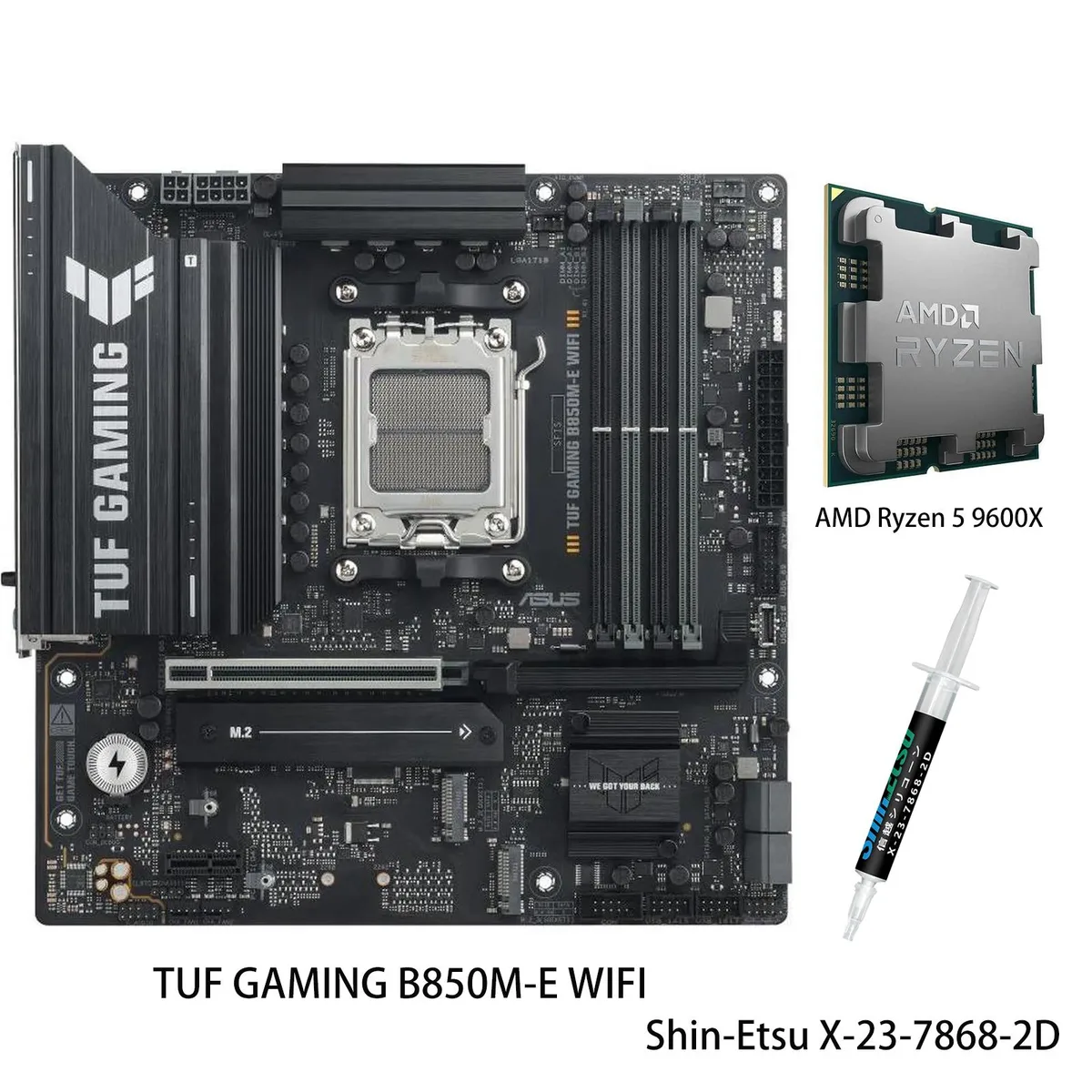
ASUS
ASUS TUF GAMING B850M-E WIFI + Ryzen 5 9600X AMD motherboard CPU combo
- AM5
$599.99
0.00775923BTC
En stock
ASUS
ASUS PRIME B850M-A WIFI & Ryzen 5 9600X AMD motherboard CPU combo
- AM5
$599.99
0.00775923BTC
En stockQuestions sur cet article
How do I confirm the 14+2+1 80A DrMOS power stages are running correctly after I build the system?
Enter the BIOS to verify the Ryzen 9 9950X is detected with its 16 cores and 32 threads, then use ASUS AI Advisor or Fan Xpert 4 to monitor VRM temperatures and ensure the CPU reaches its 5.7 GHz max boost under load.
What components are included in the combo and what must I purchase separately?
The combo includes the TUF GAMING B850-BTF WIFI W motherboard and the Ryzen 9 9950X processor; you will need to add memory, a graphics card, storage drives, a power supply, a CPU cooler and a case to complete the build.
Which M.2 slot should I use for my fastest drive given the PCIe 5.0 and 4.0 options?
Install your highest-performance drive in the single PCIe 5.0 M.2 slot for maximum throughput; the two PCIe 4.0 M.2 slots are ideal for additional SSDs and all three slots include dedicated heatsinks.
Également dans ce rayon
Les clients ont aussi comparé
Même rayon, même caisse — huit monnaies et un taux bloqué 30 minutes.

Micron Technology, Inc.
Micron Technology, Inc. MT4JTF12864AZ-1G4D1 1GB DDR3 1333 Desktop RAM
- 1GB
- DDR3 1333 (PC3 1060…
$28.99
0.00037491BTC
En stock
Kingston Technology Corp.
Kingston Technology Corp. KTD-DM8400A/512 512MB DDR2 desktop RAM
- 512MB
- CL4
$12.99
0.00016799BTC
En stock
