HP
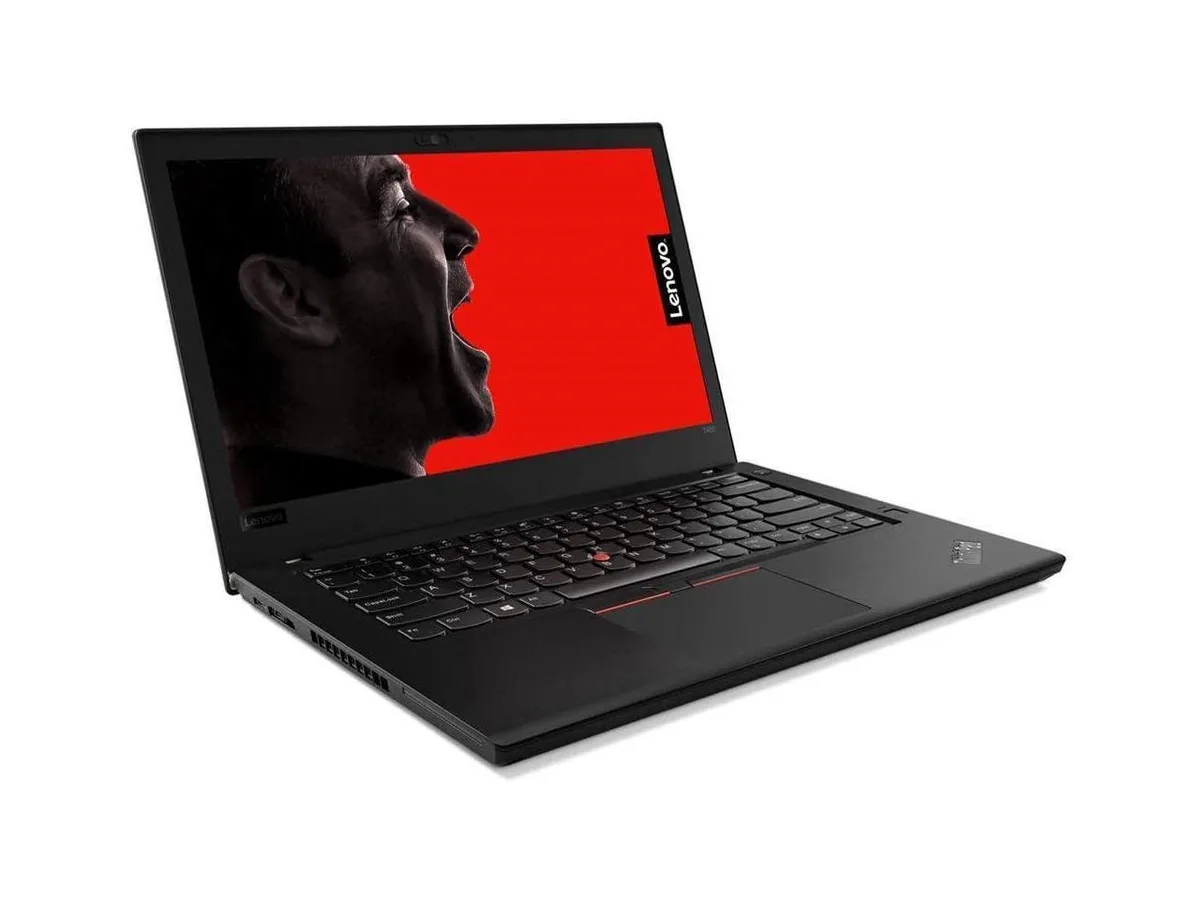
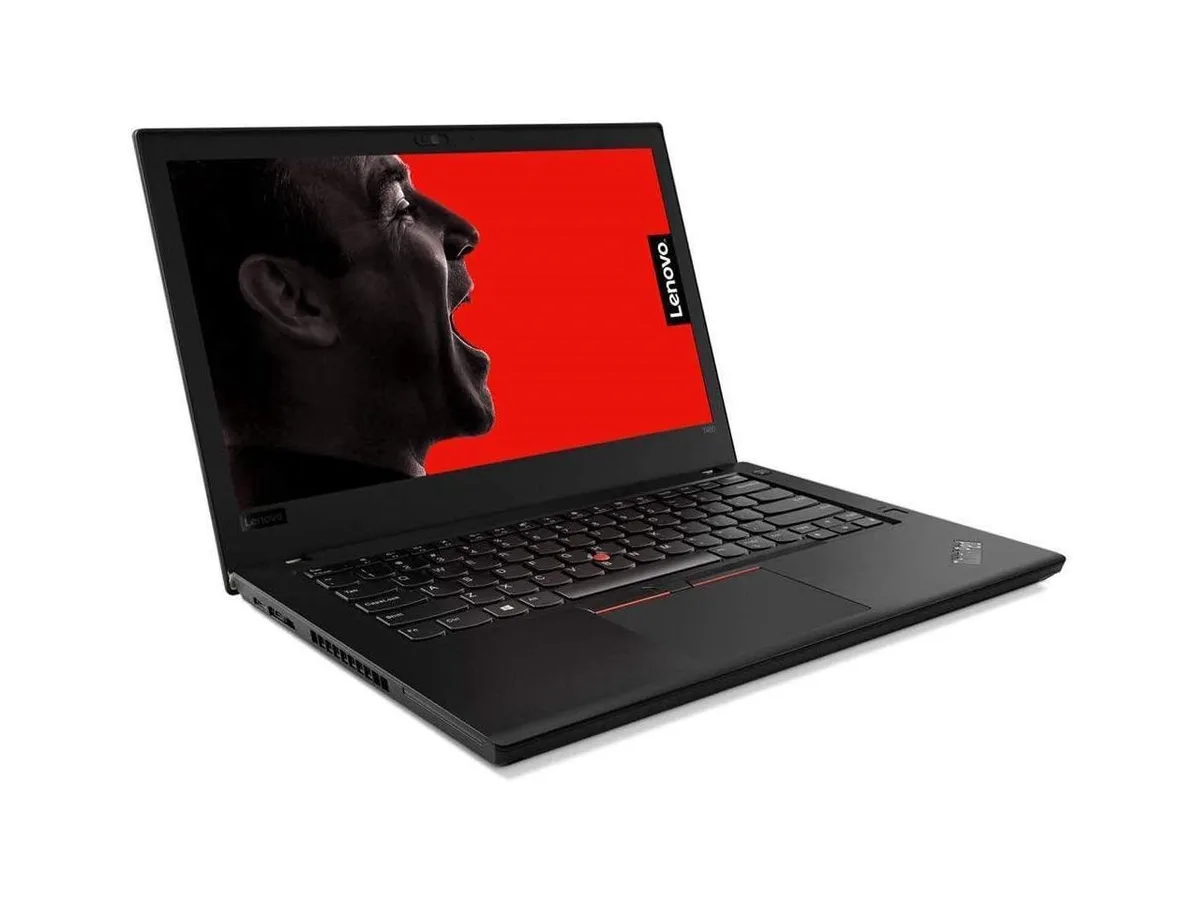
HP ProBook 630 G8 13.2" FHD Touchscreen i5-1145G7 16GB 512GB
- Black
- AI Ready
369 $US
0.00477682BTC
En stockNous acceptons la cryptomonnaie — les cryptos que vous détenez peuvent ainsi acheter du matériel réel.Payez en crypto, dépensez-la en matériel réel. Livraison assurée offerte partout dans le monde au-delà de 399 $. Cartons neutres, sans marque, expédiés depuis l’Allemagne.Livraison assurée offerte au-delà de 399 $. Votre taux est bloqué pendant 30 minutes dès l’ouverture de la caisse.Taux bloqué 30 minutes. Chaque article est scellé, son numéro de série est vérifié, et il est couvert par une garantie de 24 mois.Scellé, garanti 24 mois.


ASUS
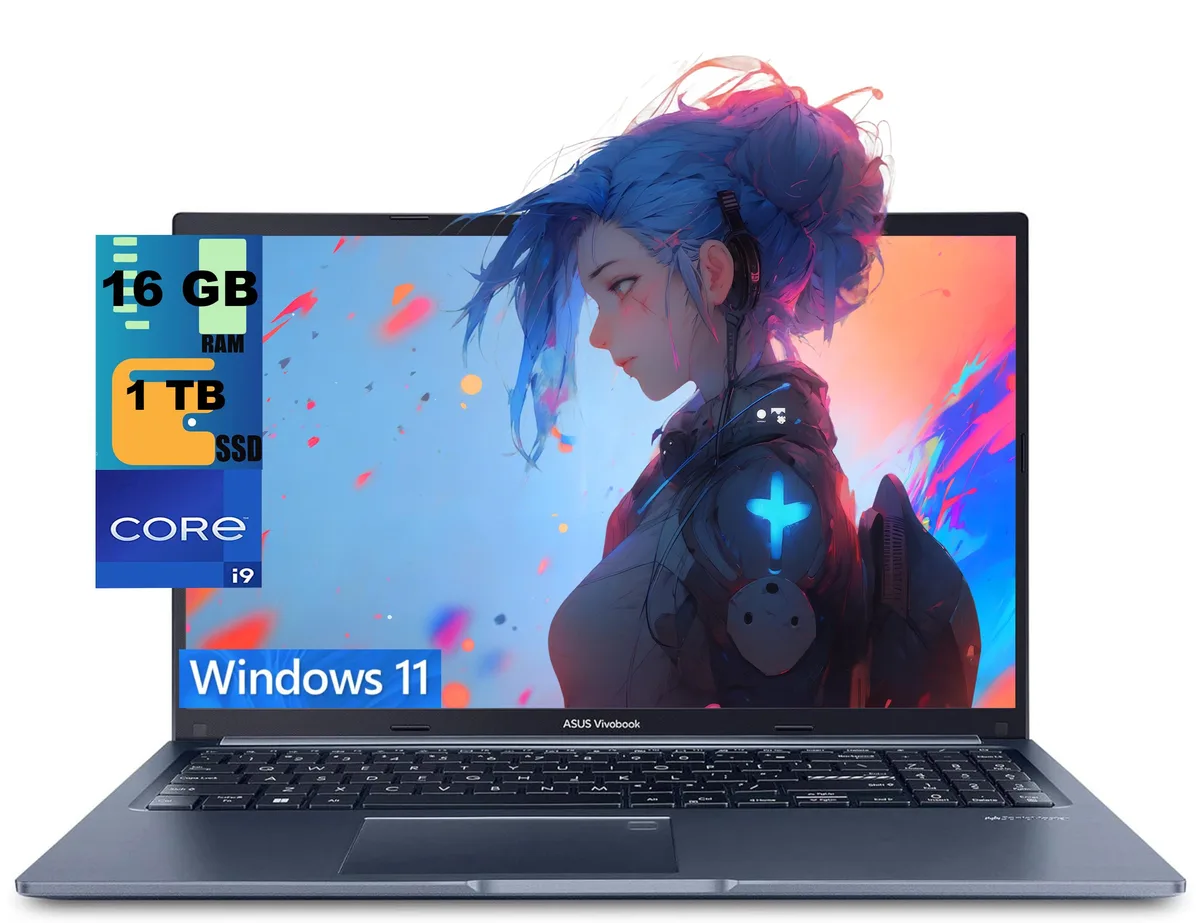
15.6-inch FHD laptop with a 14-core i9-13900H, 16GB DDR4, 1TB PCIe SSD, Wi-Fi 6E, backlit keyboard and fingerprint reader
The ASUS Vivobook 15 is a 15.6-inch laptop powered by an Intel Core i9-13900H processor with 14 cores and 20 threads. It comes with 16GB of DDR4 memory and a 1TB PCIe solid-state drive running Windows 11 Home. The blue chassis houses a non-touch FHD display with a 1920 x 1080 resolution. Integrated Intel Iris Xe graphics handle visual output for everyday productivity and media consumption.
The 14-core processor operates at a 2.6GHz base frequency and can reach 5.0GHz with Intel Turbo Boost Technology, drawing more power under heavy multi-threaded loads. Sustained performance will raise internal temperatures and activate the cooling system, producing audible fan noise during demanding tasks. Lighter workloads such as web browsing or document editing run cooler and quieter. The 0.78-inch profile limits thermal headroom compared to thicker designs.
Connectivity includes one USB 3.2 Gen 1 Type-C port with Power Delivery, two USB 3.2 Gen 1 Type-A ports, one USB 2.0 Type-A port, an HDMI 1.4 output and a headphone combo jack. Wi-Fi 6E and Bluetooth provide wireless links. The memory and storage are not user-accessible after the factory upgrade process, so the 16GB RAM and 1TB SSD capacities are fixed. Buyers who need more memory or a second drive should consider a different platform.
| Series | Raider |
|---|---|
| Model | Vivobook 15 |
| Color | Blue |
| Operating System | Windows 11 Home |
| CPU Type | Intel Core i9 13th Gen |
| Processor Name | 2.60GHz |
| Turbo Frequency | 5.0 GHz |
| Number of Cores | 14-cores Processor |
| Screen Size | 15.6" |
| Touchscreen | Non-Touch Screen |
| Display Type | FHD |
| Resolution | 1920 x 1080 |
| GPU/VPU | Intel Iris Xe Graphics |
| Graphic Type | Integrated Card |
| SSD | 1 TB PCIe |
| HDD | No |
| Memory | 16GB |
| Optical Drive Type | No |
| WLAN | Yes |
| Bluetooth | Yes |
| USB | 2 |
| HDMI | 1 x HDMI |
| Audio Ports | 1 x Headphone/Microphone Combo Jack |
| Audio | Integrated Sound card |
| Speaker | Internal Speakers |
| Touchpad | Yes |
| Keyboard | Yes |
| Backlit Keyboard | Backlit |
| Webcam | Yes |
| Style | Standard |
| Type | Home / Personal |
| Usage | Consumer |
| Weight | 3 - 3.9 lbs. |
| Package Content | Laptop, Charger |
The laptop uses a 1 TB PCIe SSD; adding a second M.2 drive requires opening the bottom panel, inserting the stick at an angle into the spare slot, and securing it with the tiny screw — the step most people miss is re-enabling the new drive in the BIOS before Windows sees it.
The 16 GB DDR4 is soldered to the board, so it cannot be upgraded or replaced; the only memory-related maintenance is keeping the OS and drivers current to avoid unnecessary paging to the 1 TB PCIe SSD.
The integrated Intel Iris Xe shares the 16 GB DDR4 and hits its thermal ceiling before the 5.0 GHz turbo can be sustained, so frame rates drop once the cooling system saturates.
Également dans ce rayon
Même rayon, même caisse — huit monnaies et un taux bloqué 30 minutes.
Ce que vous envoyez, et ce dans quoi vous lisez les prix.
Envoyé depuis votre portefeuille à la caisse
Affichage seul — le catalogue est libellé en dollars
Aucune monnaie ne correspond.
Choisissez la langue dans laquelle le site vous parle.
Première visite ?
Vous avez déjà un compte ?
Il n’y a pas de réinitialisation automatique : cette boutique n’envoie aucun e-mail, il n’existe donc aucun lien à usage unique à demander. Laissez l’adresse sur le compte, elle sera traitée à la main.
Demande enregistrée
Rien n’arrivera dans votre boîte de réception — cette boutique n’envoie aucun e-mail. Quelqu’un s’en occupe à la main.
Vous l’avez retrouvé ?