ASUS
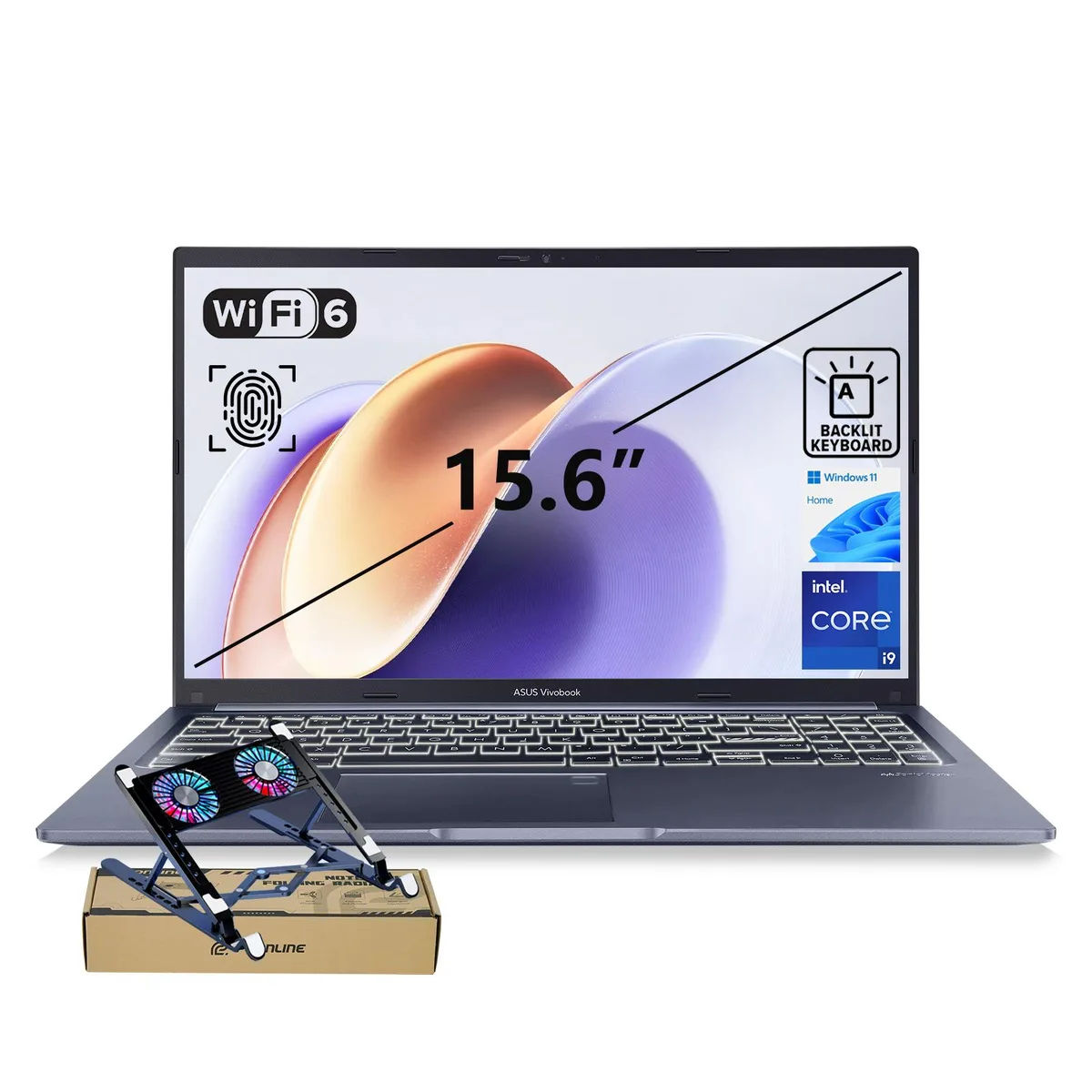
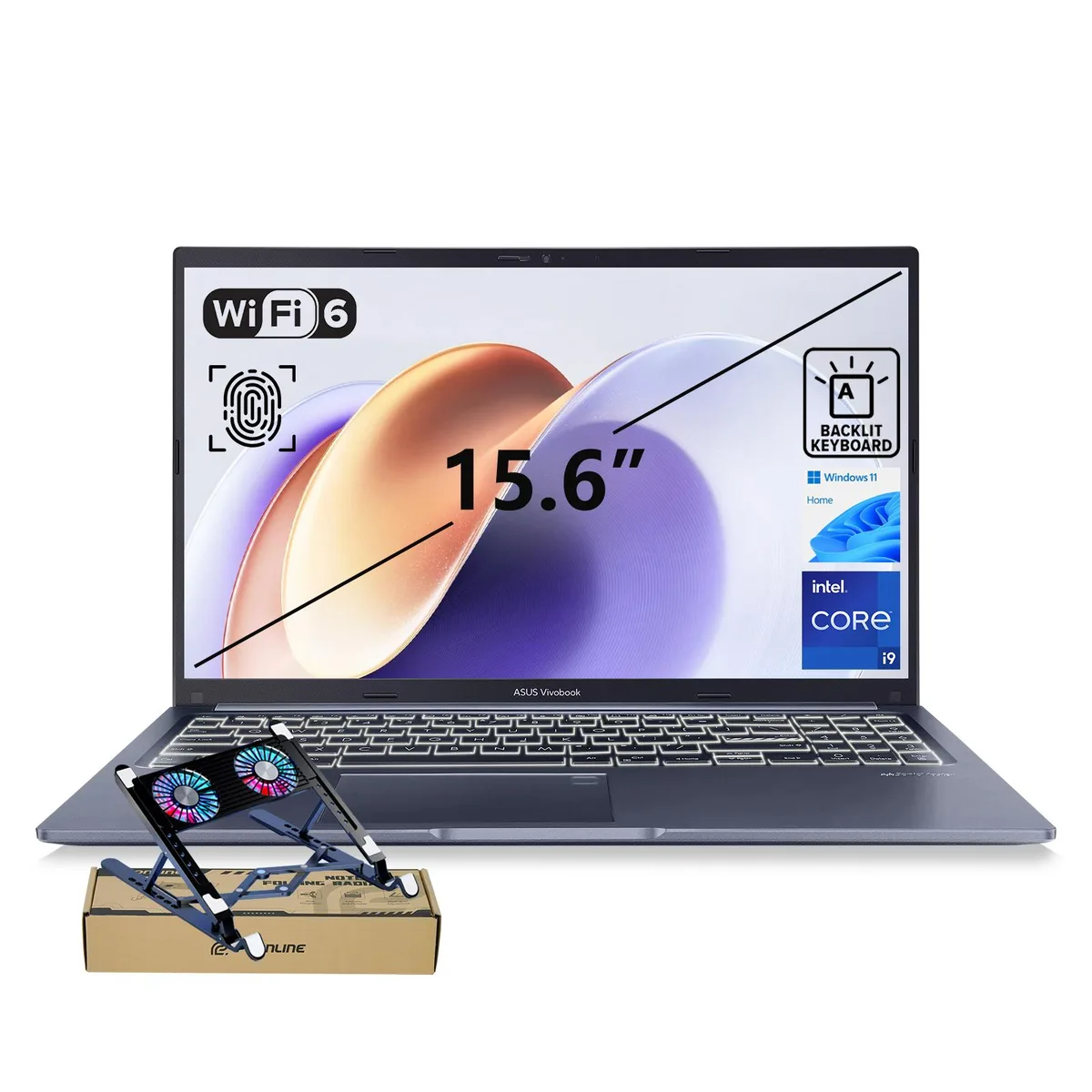
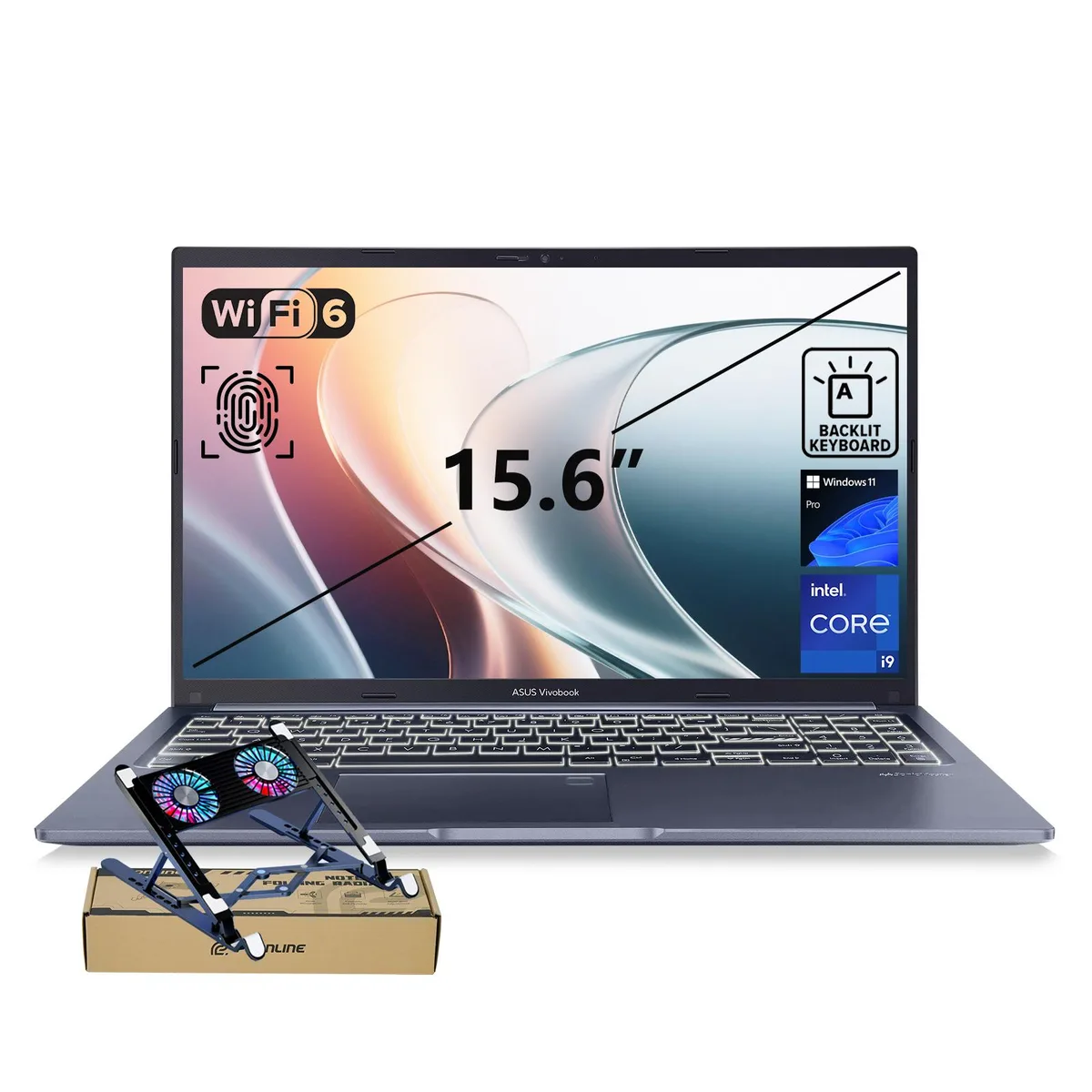
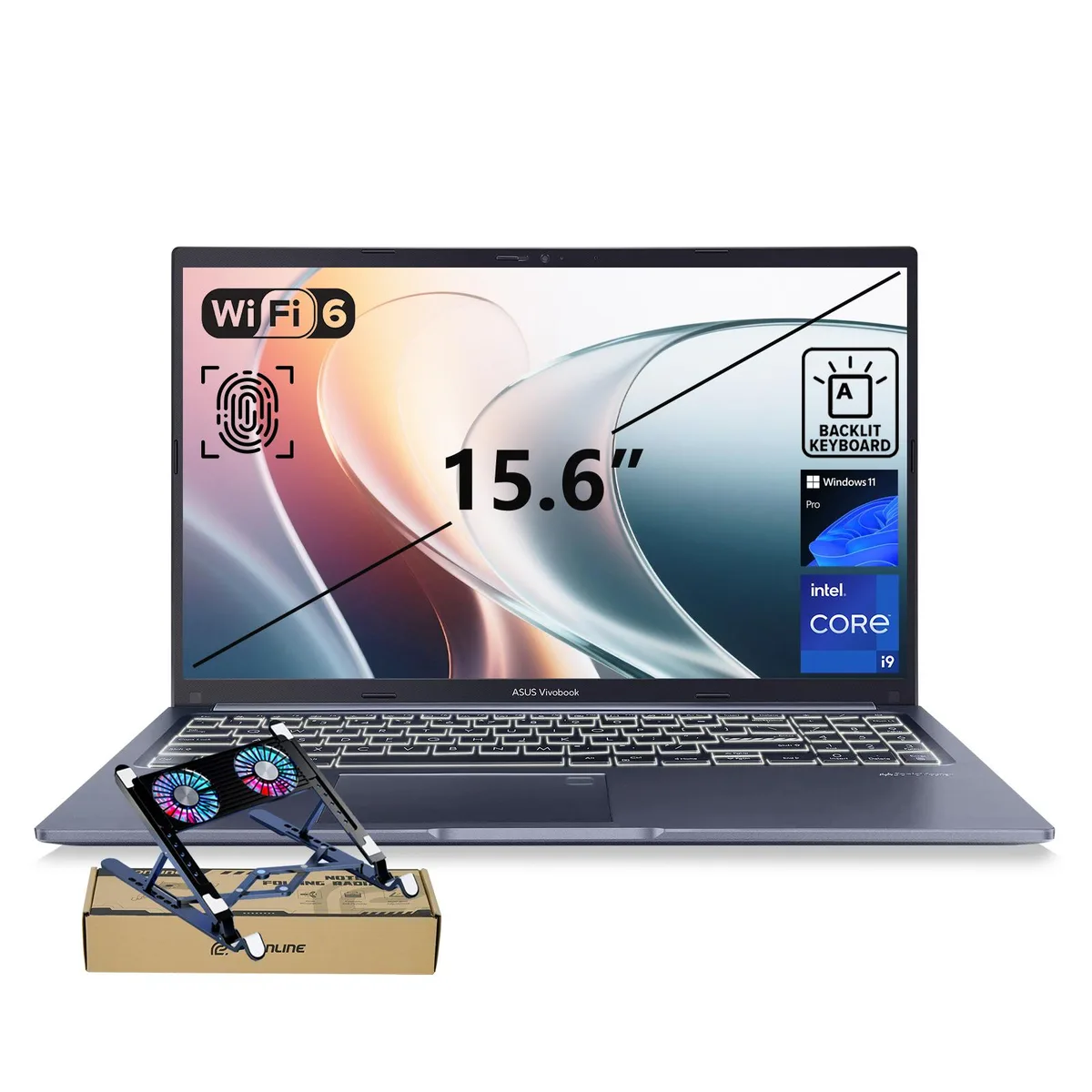
ASUS Vivobook 15 F1502 laptop i9-13900H 24GB 1TB Blue PCO Cooler
- Fingerprint reader
- Windows 11 Home
771,99 $US
0.00977784BTC
En stockNous acceptons la cryptomonnaie — les cryptos que vous détenez peuvent ainsi acheter du matériel réel.Payez en crypto, dépensez-la en matériel réel. Livraison assurée offerte partout dans le monde au-delà de 399 $. Cartons neutres, sans marque, expédiés depuis l’Allemagne.Livraison assurée offerte au-delà de 399 $. Votre taux est bloqué pendant 30 minutes dès l’ouverture de la caisse.Taux bloqué 30 minutes. Chaque article est scellé, son numéro de série est vérifié, et il est couvert par une garantie de 24 mois.Scellé, garanti 24 mois.


ASUS
A 15.6-inch FHD laptop with a 14-core Intel Core i9-13900H processor, 48GB RAM, 2TB PCIe SSD and a bundled PCO cooler for sustained performance
SizeName 48GB RAM | 2TB SSD
Operation System Windows 11 Home
The ASUS Vivobook F1502 is a 15.6-inch laptop powered by an Intel Core i9-13900H processor with 14 cores and a 5.40 GHz turbo frequency. It comes with 48GB of RAM and a 2TB PCIe SSD running Windows 11 Home. The bundle includes a PCO Cooler for improved airflow during intensive workloads.
This laptop suits users who need strong multi-core performance for content creation, AI-enhanced tasks, and heavy multitasking on a portable 15.6-inch FHD IPS display. The fingerprint reader and webcam privacy shield support secure sign-in and video calls. Buyers who need a dedicated graphics card for gaming or 3D rendering, a higher refresh rate panel, or a lighter chassis should consider other options.
The integrated Intel UHD Graphics and 60 Hz FHD panel determine whether this device meets your visual performance needs. If your workflow relies on GPU acceleration or smoother motion, the graphics subsystem is the limiting factor. For CPU-bound productivity and AI workloads, the 14-core processor with 24 MB cache delivers the required throughput.
| Brand | ASUS |
|---|---|
| Series | VivoBook |
| Model | F1502 |
| Other Features | Fingerprint reader |
| Operating System | Windows 11 Home |
| CPU Type | Intel Core i9 13th Gen |
| Processor Name | Intel Core i9-13900H |
| Turbo Frequency | 5.40 GHz |
| Number of Cores | 14-core (6P+8E) Processor |
| CPU L3 Cache | 24 MB |
| Smart Cache | 24 MB |
| Screen Size | 15.6" |
| Display Type | FHD |
| Resolution | 1920 x 1080 |
| Panel | IPS |
| Refresh Rate | 60 Hz |
| GPU/VPU | Intel UHD Graphics |
| Graphic Type | Integrated Card |
| SSD | 2TB PCIe |
| HDD | No |
| Memory | 48GB DDR4 |
| Memory Speed | DDR4 3200 |
| Optical Drive Type | No |
| WLAN | 802.11ax Wireless LAN |
| WiFi Generation | Wi-Fi 6 |
| Bluetooth | Yes |
| USB | 4 |
| Video Port | 1 x HDMI |
| HDMI | 1 x HDMI |
| Audio Ports | Yes |
| Audio | Integrated Sound card |
| Speaker | Internal Speakers |
| Touchpad | Yes |
| Backlit Keyboard | Backlit |
| Webcam | Yes |
| Style | Standard |
| Type | Home / Personal |
| Usage | Home / Personal |
| AC Adapter/Charger | 65-watt AC Adapter |
| Battery | Lithium Ion |
| Battery Life | Up to 10 Hours |
| Dimensions (W x D x H) | 9.15" x 14.16" x 0.78" |
| Weight | 3 - 3.9 lbs. |
Autres versions de ce modèle
Même famille, mémoire, ventirad ou fréquence différents — comparez avant de vous décider.
Plug the cooler into one of the two USB 3.2 Gen 1 Type-A ports; the USB-C and USB 2.0 ports are for other peripherals.
Both components are already at the maximum supported capacity, so no memory or storage upgrade is possible later.
The processor can reach 5.40 GHz, but sustained loads will be limited by the internal cooling and the bundled PCO Cooler.
Également dans ce rayon
Même rayon, même caisse — huit monnaies et un taux bloqué 30 minutes.
Ce que vous envoyez, et ce dans quoi vous lisez les prix.
Envoyé depuis votre portefeuille à la caisse
Affichage seul — le catalogue est libellé en dollars
Aucune monnaie ne correspond.
Choisissez la langue dans laquelle le site vous parle.
Première visite ?
Vous avez déjà un compte ?
Il n’y a pas de réinitialisation automatique : cette boutique n’envoie aucun e-mail, il n’existe donc aucun lien à usage unique à demander. Laissez l’adresse sur le compte, elle sera traitée à la main.
Demande enregistrée
Rien n’arrivera dans votre boîte de réception — cette boutique n’envoie aucun e-mail. Quelqu’un s’en occupe à la main.
Vous l’avez retrouvé ?