Cswur
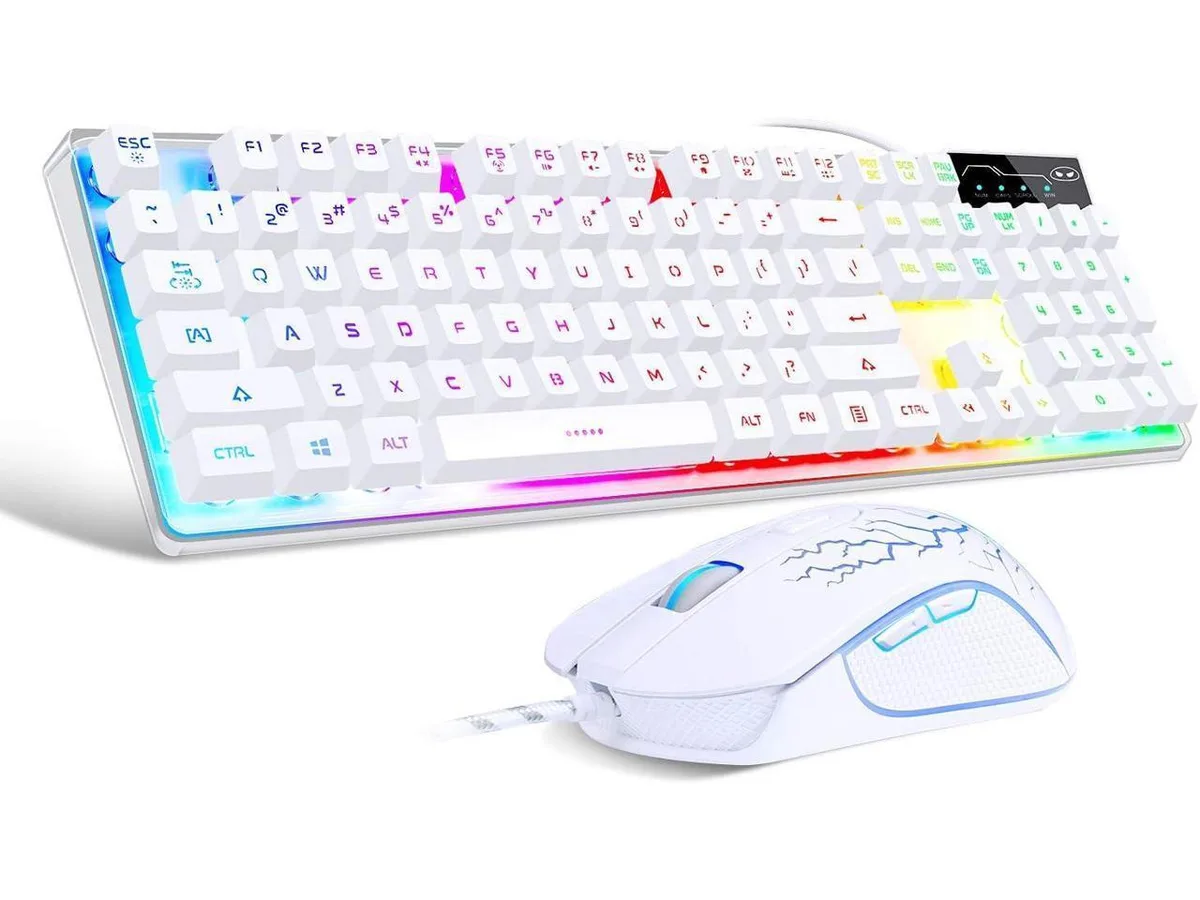
Cswur 104-Key Mechanical Gaming Keyboard Outemu Brown Switches Aluminum Frame Rainbow Backlight
- Full-size
86,99 $US
0.00111876BTC
En stockNous acceptons la cryptomonnaie — les cryptos que vous détenez peuvent ainsi acheter du matériel réel.Payez en crypto, dépensez-la en matériel réel. Livraison assurée offerte partout dans le monde au-delà de 399 $. Cartons neutres, sans marque, expédiés depuis l’Allemagne.Livraison assurée offerte au-delà de 399 $. Votre taux est bloqué pendant 30 minutes dès l’ouverture de la caisse.Taux bloqué 30 minutes. Chaque article est scellé, son numéro de série est vérifié, et il est couvert par une garantie de 24 mois.Scellé, garanti 24 mois.
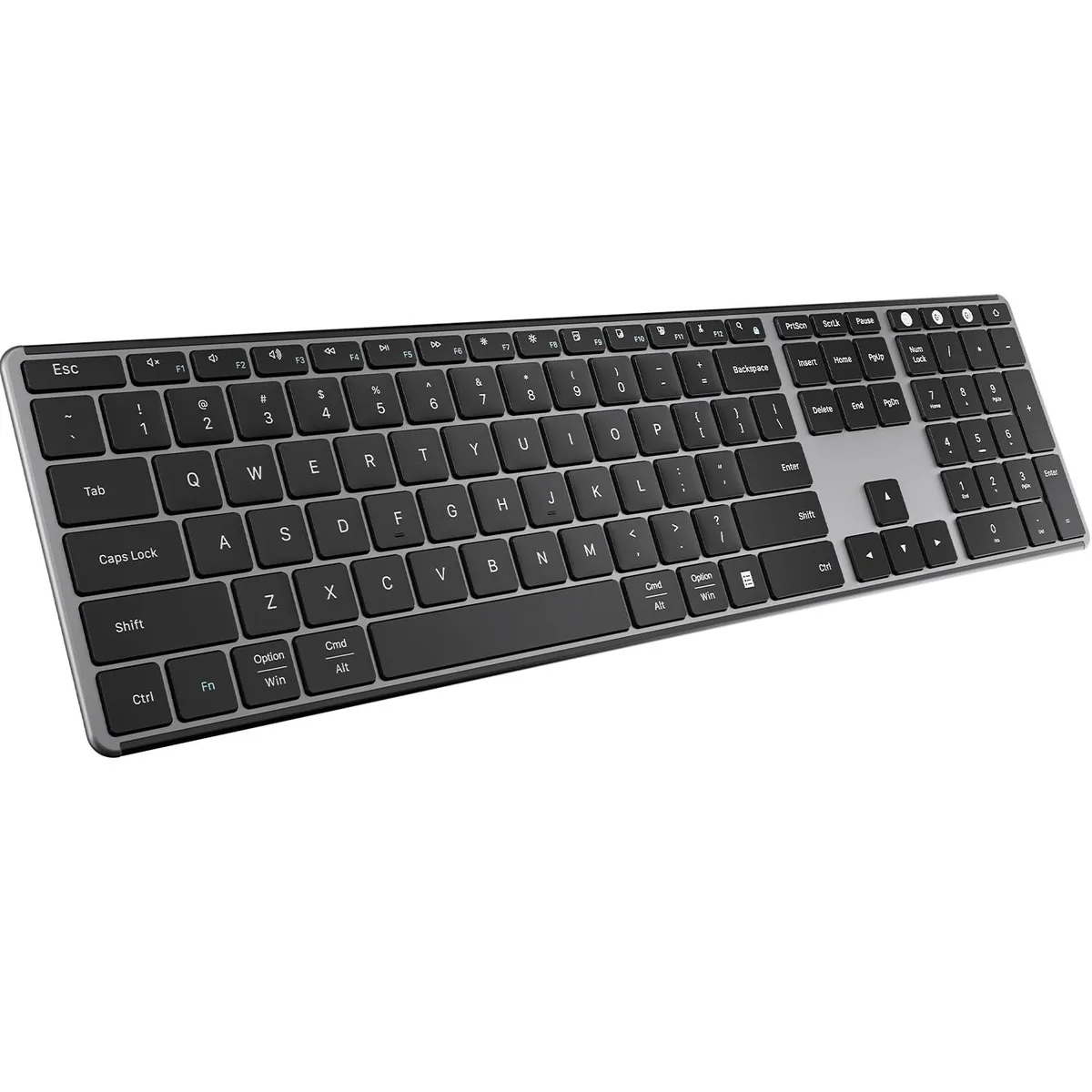


A full-size scissor-switch keyboard and silent ambidextrous mouse connect three devices via Bluetooth 5.0 or 2.4 GHz, recharge for 30 days per charge, and measure 16.73 by 4.49 by .5 inches
The AUSDOM combo pairs a full-size scissor-switch keyboard with an ambidextrous mouse. Both connect through a single 2.4 GHz USB receiver or two Bluetooth 5.0 channels, supporting three simultaneous device links. Aluminium keycaps and a low-profile frame keep the deck rigid while staying slim.
You need a free USB-A port for the 2.4 GHz dongle or a host that supports Bluetooth 5.0 pairing. The keyboard charges only through the included USB-C cable and does not accept replaceable cells. Verify that your Mac, Windows, iOS or Android device can maintain two active Bluetooth bonds alongside the 2.4 GHz link.
Scissor switches stabilise each key and cut travel noise, so extended typing stays quiet and consistent. After 30 minutes of inactivity the keyboard enters sleep mode and reconnects automatically to the last paired device when woken. The mouse uses a silent scroll wheel and quiet tracking for distraction-free work.
| Brand | AUSDOM |
|---|---|
| Keyboard Interface | Bluetooth |
| Palm Rest | Contemporary |
| Function Keys | 1 |
| Mechanical Keyboard | 1*Wireless Keyboard / Scissor-switch |
| Key Switch | Scissor Switches |
| Key Switch Type | Scissor-switch |
| Keycaps | Aluminum |
| Keyboard Color | Black-Grey |
| Dimensions | 16.73 in x 4.49 in x 0.5 in |
| Type | 2.4 GHz / Bluetooth |
| Mouse Included | Contemporary |
| Mouse Interface | 2.4G RF |
| Mouse DPI | 2.4GHz Wireless + BT 5.0 |
| Hand Orientation | Ambidextrous |
| Tracking Method | Quiet |
| Buttons | 4 |
| Scrolling Capability | Silent |
| Mouse Color | Black |
| Power Source | Battery Powered, Bluetooth |
| Operating Time | Battery Powered, true |
| Distance | 16.73 L x 4.49 W x 0.5 H inches |
| System Requirement | 2.4G RF |
| Features | Ambidextrous, Bluetooth |
A USB-C charging cable is included for the keyboard's built-in rechargeable battery; the mouse runs on 2.4 GHz wireless and requires its own batteries which are not supplied.
The 2.4 GHz receiver gives a dedicated link for one device while the two Bluetooth 5.0 channels let you pair two more and switch among all three with a shortcut key.
The manufacturer states more than 30 days of use per charge and the keyboard enters sleep mode after 30 minutes of inactivity to conserve power.
Également dans ce rayon
Même rayon, même caisse — huit monnaies et un taux bloqué 30 minutes.
Ce que vous envoyez, et ce dans quoi vous lisez les prix.
Envoyé depuis votre portefeuille à la caisse
Affichage seul — le catalogue est libellé en dollars
Aucune monnaie ne correspond.
Choisissez la langue dans laquelle le site vous parle.
Première visite ?
Vous avez déjà un compte ?
Il n’y a pas de réinitialisation automatique : cette boutique n’envoie aucun e-mail, il n’existe donc aucun lien à usage unique à demander. Laissez l’adresse sur le compte, elle sera traitée à la main.
Demande enregistrée
Rien n’arrivera dans votre boîte de réception — cette boutique n’envoie aucun e-mail. Quelqu’un s’en occupe à la main.
Vous l’avez retrouvé ?