


BFKK
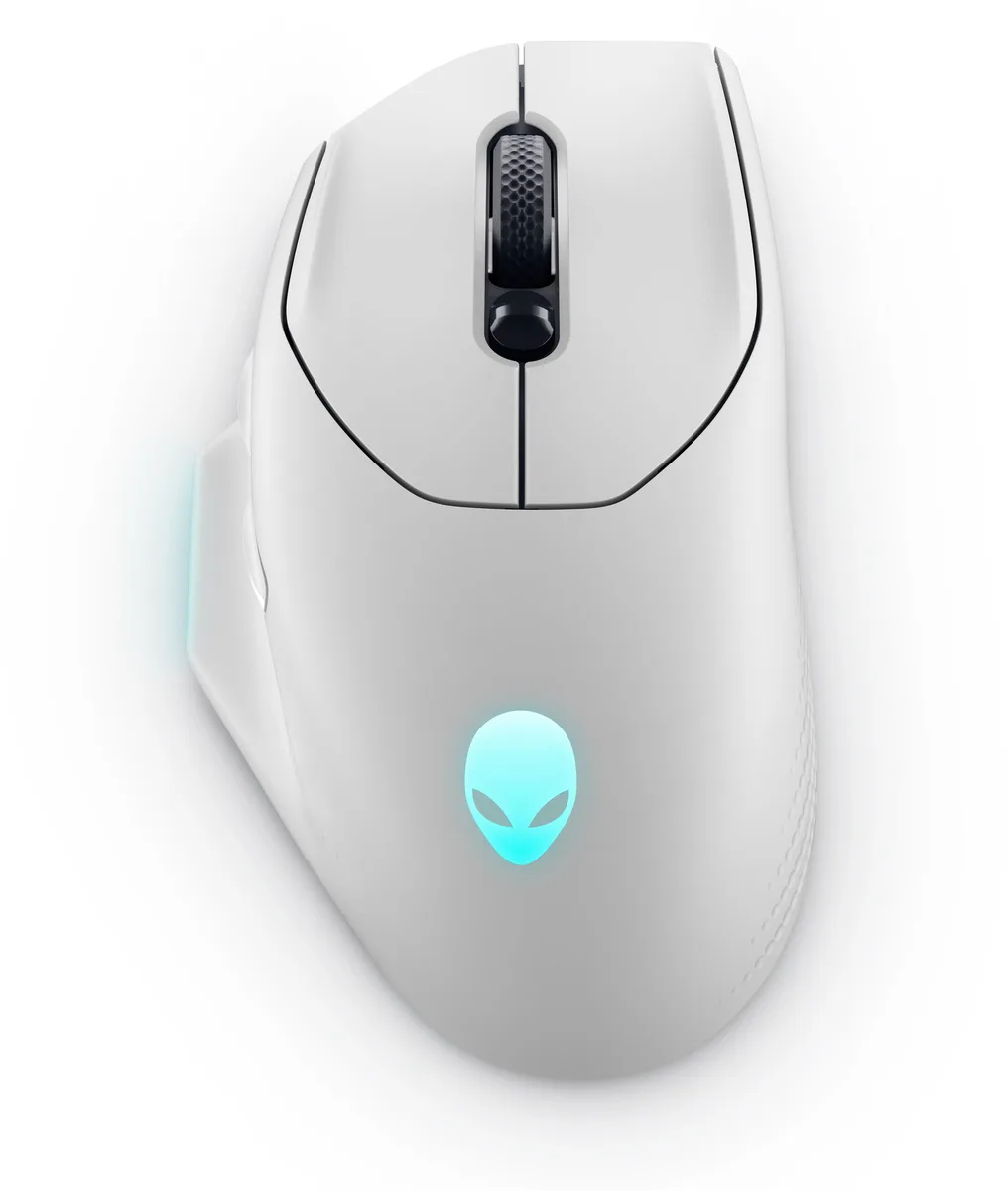
BFKK AW620M Lunar Light gaming mouse 26000 DPI 140 h
Right-handed gaming mouse with 26,000 DPI sensor, 140-hour wireless battery, and optical switches rated for 70 million clicks
- 26,000 DPI sensor with 650 IPS for precise tracking
- 140 hours battery life on 2.4 GHz wireless
- 5-minute charge adds 10 hours play time
- Optical switches rated for 70 million clicks
- 100 g balanced weight with right-hand ergonomic grip
Right-handed palm grip mouse
The BFKK AW620M Lunar Light is a full-sized wireless gaming mouse shaped for right-handed palm grip. Its contoured thumb channel and textured side zones give stable control during long sessions in RTS, RPG and MMO titles. A 26,000 DPI sensor with 650 IPS tracking and 50G acceleration handles fast swipes without loss of precision.
Optical switches and dual-mode link
Independent left and right keyplates use magnetic spring tension and optical actuation rated for 70 million clicks, cutting debounce time for quicker response. The 2.4 GHz USB-C dongle delivers 1,000 Hz polling for wired-like latency, while the included paracord cable lets you play and charge at the same time. A five-minute charge adds up to ten hours of wireless play.
Suits palm-grip marathon gamers
The 100 g frame and 140-hour battery life fit players who favour extended palm-grip sessions and want RGB customisation through Alienware Command Center on Windows 10 or later. Buyers who need a lightweight claw-grip shell, left-handed ergonomics or Bluetooth connectivity should look at other models.
Points forts
- 26,000 DPI sensor with 650 IPS for precise tracking
- 140 hours battery life on 2.4 GHz wireless
- 5-minute charge adds 10 hours play time
- Optical switches rated for 70 million clicks
- 100 g balanced weight with right-hand ergonomic grip
Caractéristiques
Aucune caractéristique publiée pour cet article pour l’instant.
Questions sur cet article
How much desk space does the 131.5 mm length and 77.8 mm width require?
The mouse measures 131.5 mm long by 77.8 mm wide, so allow at least that footprint plus room for the paracord cable or the 2.4 GHz dongle extender on your mat.
What is the correct way to pair the 2.4 GHz dongle and avoid the common mistake of leaving it blocked?
Plug the USB-C dongle into the supplied extender, position the extender where it has line-of-sight to the mouse, then power the mouse on; the link is established at 1000 Hz polling without further steps.
When will the optical switches rated for 70 million clicks or the 140-hour battery need replacement?
The optical switches are rated for 70 million clicks; the internal battery delivers up to 140 hours per charge and can be fast-charged for ten hours of use in five minutes, so replacement timing depends on your daily volume.
Également dans ce rayon
Les clients ont aussi comparé
Même rayon, même caisse — huit monnaies et un taux bloqué 30 minutes.



BFKK
BFKK Wireless Gaming Mouse PAW 3950Max 42000 DPI 8KHz 38g Black & Sticker
- Black
106,99 $US
0.00136265BTC
En stock
BFKK
BFKK Wireless Gaming Mouse Red 7 Silent Buttons 5 Adjustable DPI
- Red
34,99 $US
0.00044564BTC
En stock