
Buffalo Technology
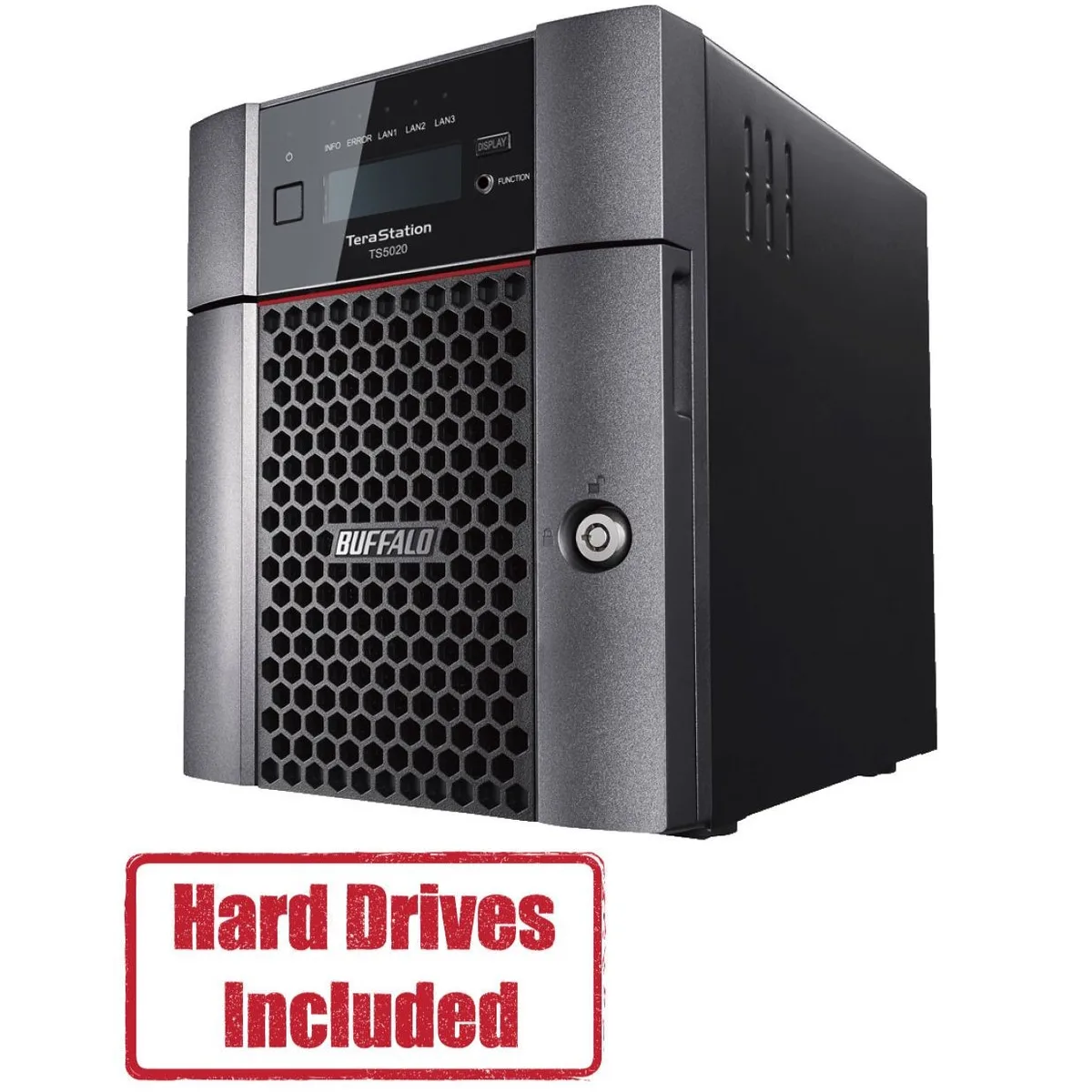
Buffalo Technology TS5420DN1602 4-Bay 16TB Desktop NAS
- Desktop NAS
- IEEE 802.3, IEEE 80…
870,99 $US
0.0109936BTC
En stockNous acceptons la cryptomonnaie — les cryptos que vous détenez peuvent ainsi acheter du matériel réel.Payez en crypto, dépensez-la en matériel réel. Livraison assurée offerte partout dans le monde au-delà de 399 $. Cartons neutres, sans marque, expédiés depuis l’Allemagne.Livraison assurée offerte au-delà de 399 $. Votre taux est bloqué pendant 30 minutes dès l’ouverture de la caisse.Taux bloqué 30 minutes. Chaque article est scellé, son numéro de série est vérifié, et il est couvert par une garantie de 24 mois.Scellé, garanti 24 mois.


Buffalo Technology
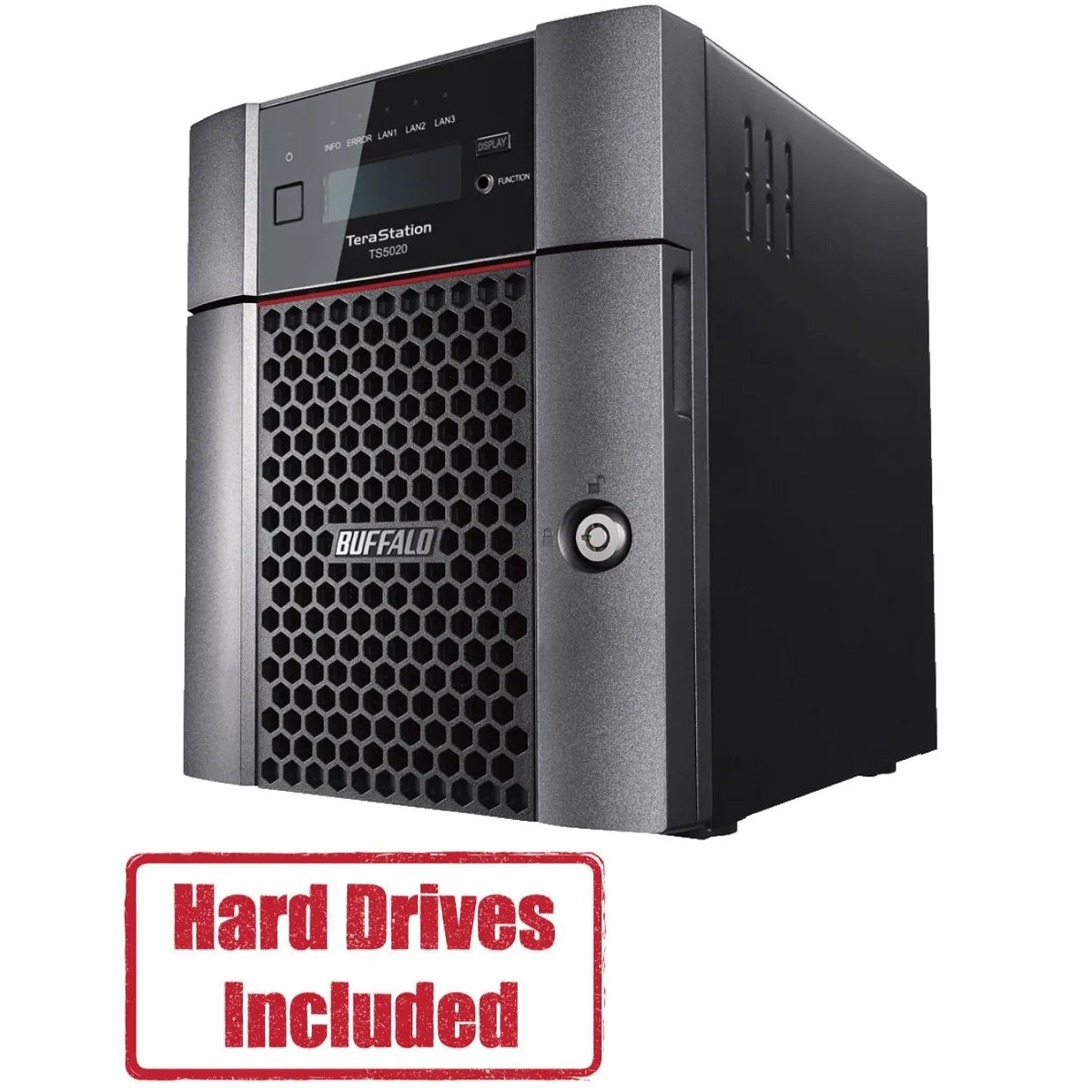
A four-bay desktop NAS pre-loaded with 32 TB across two 16 TB drives and RAID-ready, driven by a quad-core 2.04 GHz processor with 8 GB DDR4 and a native 10 GbE port
Included HDD Capacity 32TB (2 x 16TB)
Option Partially Populated
The Buffalo TeraStation 5420 arrives with two 16 TB NAS-grade drives installed and RAID pre-configured, so it serves files the moment it is powered on. An Annapurna Labs AL524 quad-core processor and 8 GB of DDR4 memory handle concurrent access from multiple workstations without a separate server.
Moving from a single-drive share or a 1 GbE appliance to this unit adds a native 10 GbE port and RAID 5 or 6 redundancy, cutting backup windows and protecting against two simultaneous drive failures. The jump is worth it when daily transfer volumes exceed what a gigabit link can sustain.
The single 10GBASE-T port reaches full speed only with Cat6a or better runs under the 100 m channel limit, and the four-bay chassis caps raw capacity at the installed 32 TB unless drives are swapped for larger compatible models. USB 3.0 ports add external expansion but do not extend the internal RAID array.
| Brand | BUFFALO |
|---|---|
| Series | TeraStation 5020 |
| Model | TS5420DN3202 |
| Part Number | TS5420DN3202 |
| Type | Desktop NAS |
| Standards | IEEE 802.3, IEEE 802.3u, IEEE 802.3ab |
| Ports | 1 x 10GbE |
| Port RJ-45 | 1 x 10GbE + 2 x 1GbE |
| Port USB | 2 x USB3.0 + 2 x USB2.0 |
| HDD Interface | 4 x SATA (4 x Bay) |
| Form Factor | 4-Bay |
| Processor | Annapurna Labs Alpine Processor AL524 (2.04 GHz Quad-Core) |
| Installed Memory | 8GB DDR4 |
| Included HDD Capacity | 32TB (2 x 16TB) |
| RAID | RAID 0, 1, 5, 6, 10, and JBOD |
| Drive Compatibility | OP-HD16.0N |
| Supported Protocols | TCP/IP |
| LEDs | Power, HDD (Hard Disk Drive), LAN (10/100) |
| Power | 100-240 VAC 50/60Hz |
| Power Consumption | 60W |
| Temperature | 0°C - 40 °C |
| Humidity | 0-80% RH non-condensing |
| Usage | High read/write performance with RAID |
| Dimensions | 9.1 x 6.7 x 8.5 in |
| Weight | 18.1 lbs |
| Package Contents | TeraStation, Quick Setup Guide, AC Cable, Front Panel Key, and Warranty Statement |
| Poids d’expédition | 6.99 kg |
| Dimensions du colis | 366 × 363 × 318 mm |
Autres versions de ce modèle
Même famille, mémoire, ventirad ou fréquence différents — comparez avant de vous décider.
The unit measures 9.1 inches wide, 6.7 inches deep and 8.5 inches high. Allow extra clearance at the rear for the AC cable, two USB 3.0, two USB 2.0, one 10GbE and two 1GbE RJ-45 ports.
Insert the included 16TB drives into the lowest-numbered bays, then power on. The RAID volume is pre-configured so the array builds automatically; skipping the bay order is the common mistake.
Replace a drive when the front HDD LED shows amber or the management console reports a SMART error. Use only OP-HD16.0N modules to keep RAID compatibility and the original 32TB capacity.
Également dans ce rayon
Même rayon, même caisse — huit monnaies et un taux bloqué 30 minutes.
Ce que vous envoyez, et ce dans quoi vous lisez les prix.
Envoyé depuis votre portefeuille à la caisse
Affichage seul — le catalogue est libellé en dollars
Aucune monnaie ne correspond.
Choisissez la langue dans laquelle le site vous parle.
Première visite ?
Vous avez déjà un compte ?
Il n’y a pas de réinitialisation automatique : cette boutique n’envoie aucun e-mail, il n’existe donc aucun lien à usage unique à demander. Laissez l’adresse sur le compte, elle sera traitée à la main.
Demande enregistrée
Rien n’arrivera dans votre boîte de réception — cette boutique n’envoie aucun e-mail. Quelqu’un s’en occupe à la main.
Vous l’avez retrouvé ?


