COUGAR
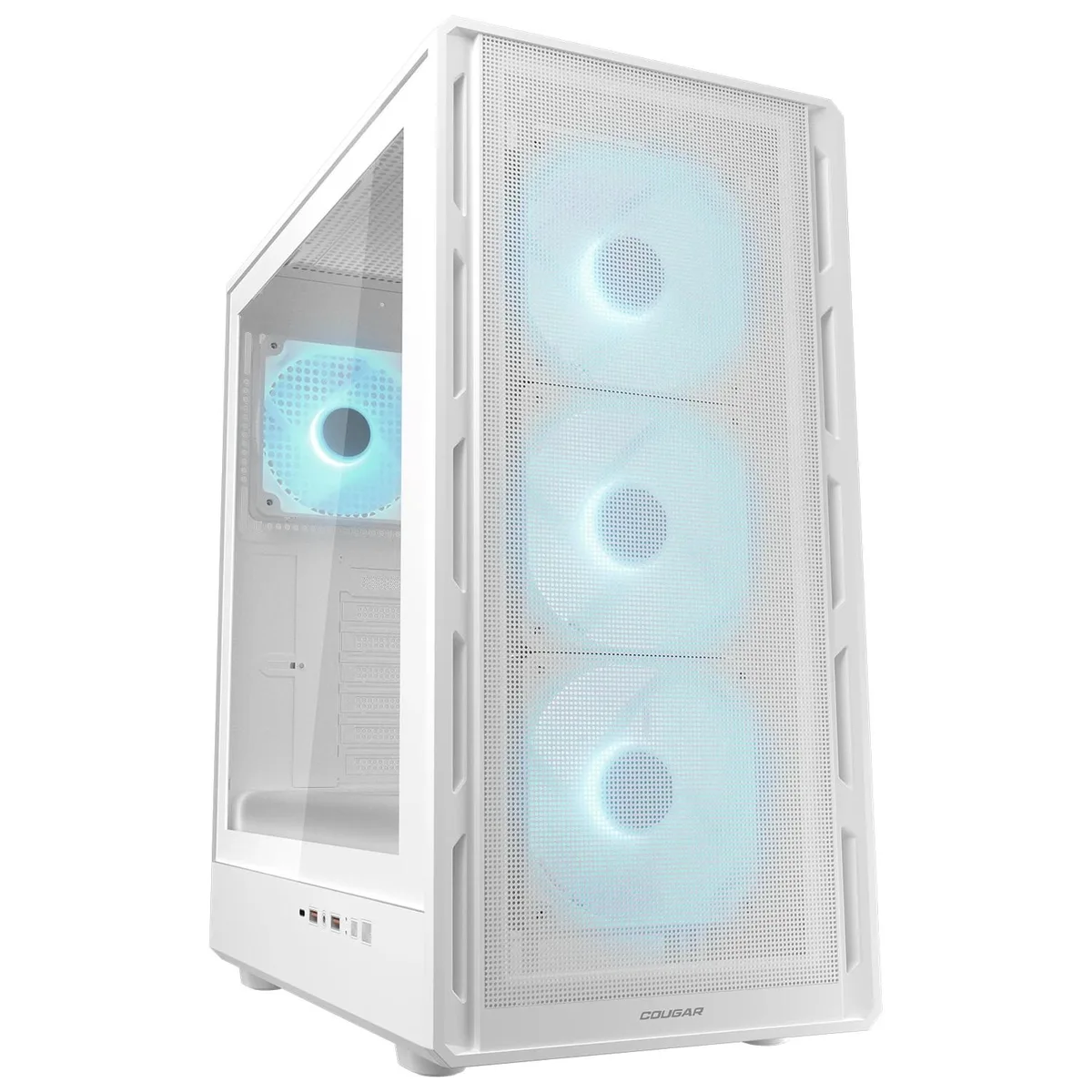
COUGAR Airface Pure Pro White Mid Tower ATX PC Case
- ATX Mid Tower
- White
$79.99
0.00103365BTC
En stockNous acceptons la cryptomonnaie — les cryptos que vous détenez peuvent ainsi acheter du matériel réel.Payez en crypto, dépensez-la en matériel réel. Livraison assurée offerte partout dans le monde au-delà de 399 $. Cartons neutres, sans marque, expédiés depuis l’Allemagne.Livraison assurée offerte au-delà de 399 $. Votre taux est bloqué pendant 30 minutes dès l’ouverture de la caisse.Taux bloqué 30 minutes. Chaque article est scellé, son numéro de série est vérifié, et il est couvert par une garantie de 24 mois.Scellé, garanti 24 mois.


COUGAR
Mid-tower ATX case with four pre-installed 120 mm ARGB PWM fans, room for eight fans total, 320 mm GPU clearance and a 175 mm CPU cooler limit
Color Black
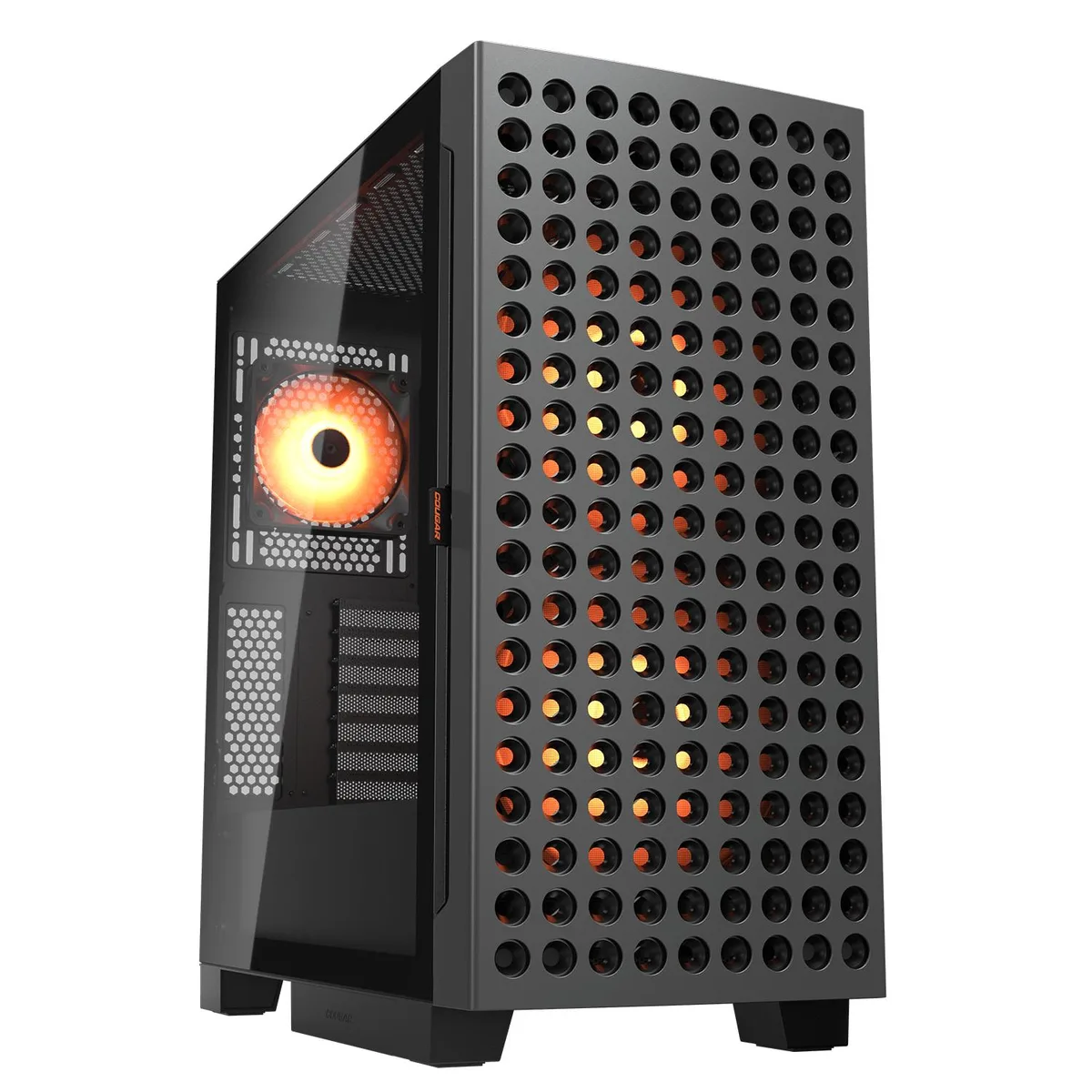
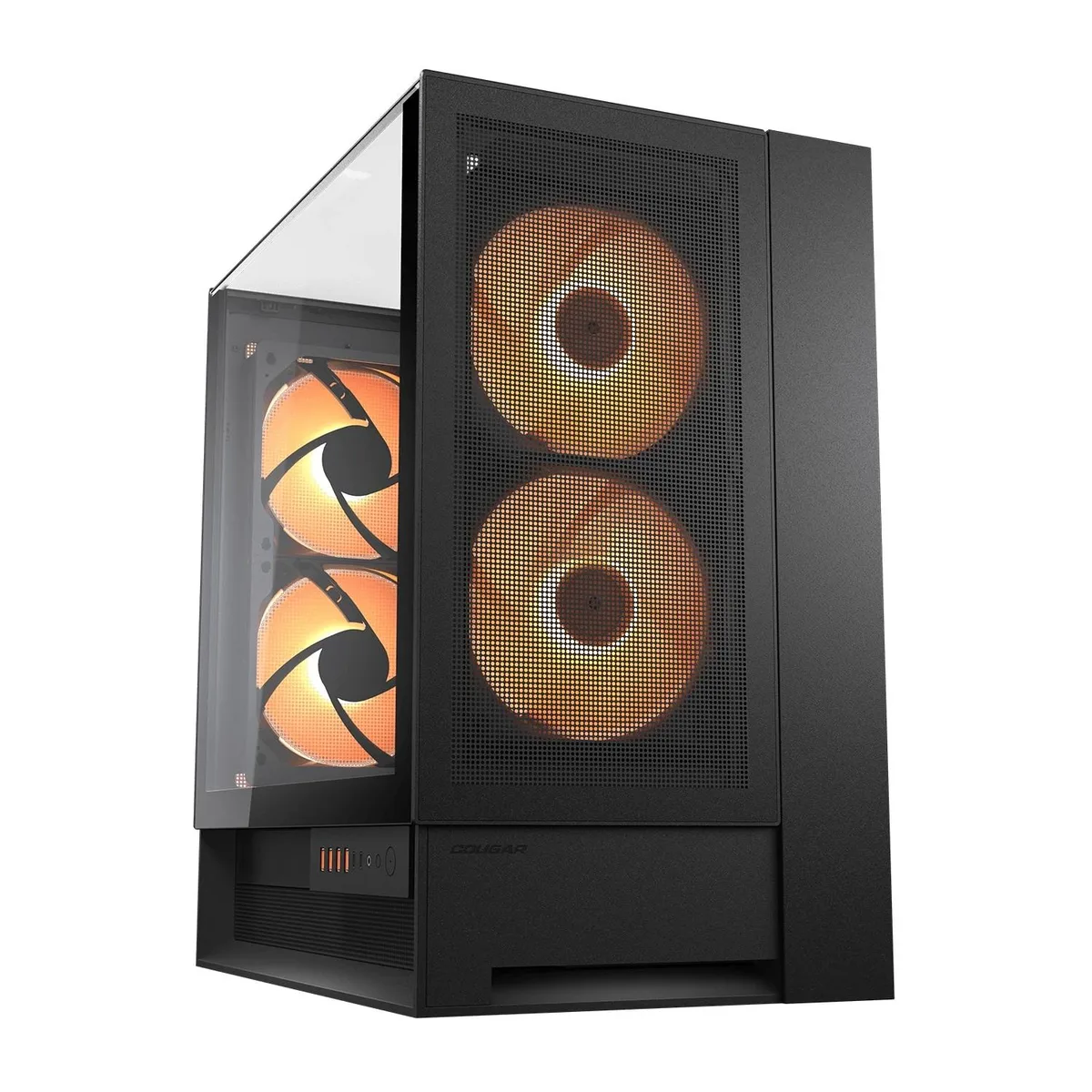
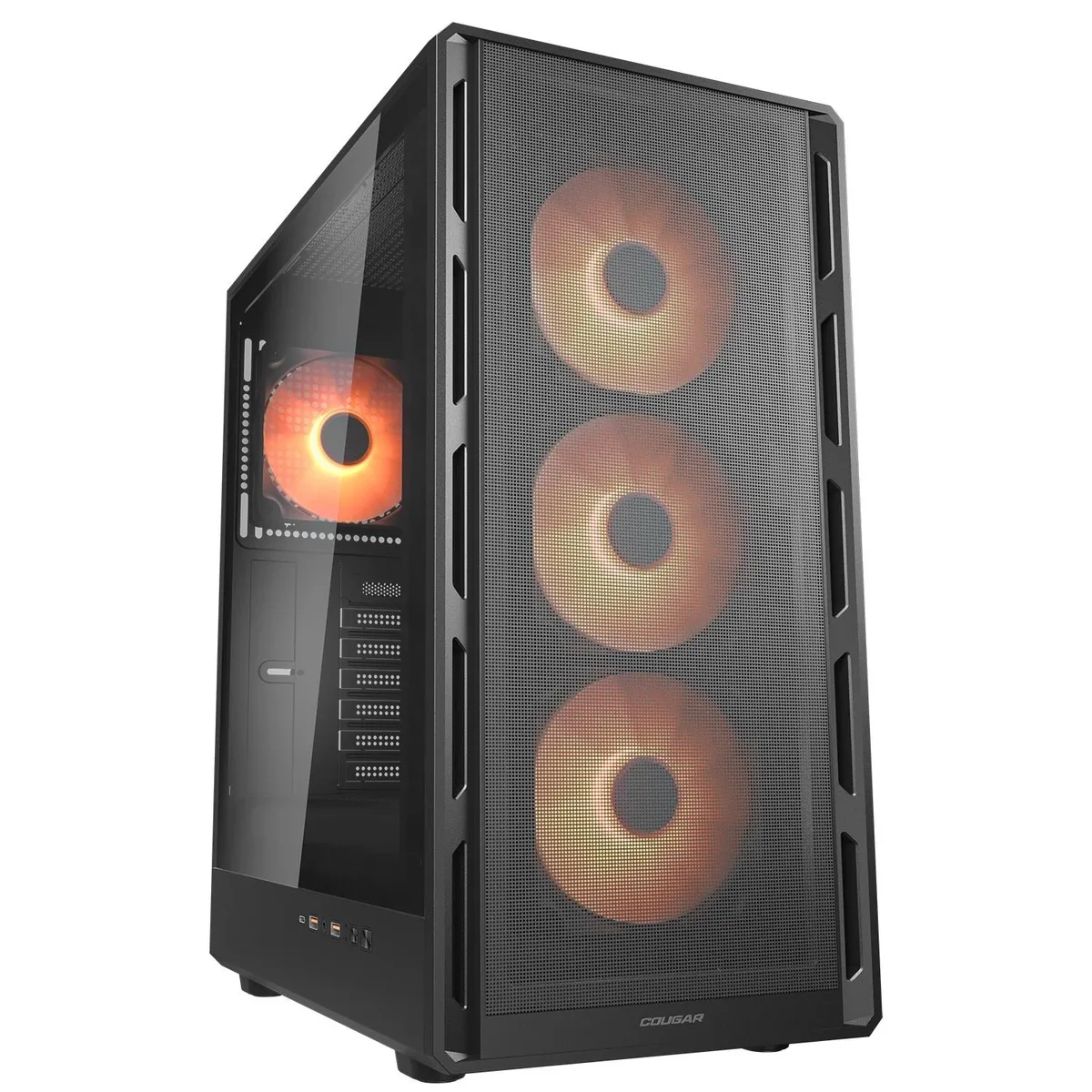
The COUGAR Airface Pure Pro is a black mid-tower case built around an ultraslim front panel that keeps the desk footprint small while still accepting standard ATX, Micro-ATX and Mini-ITX motherboards. Four 120 mm ARGB PWM fans come pre-installed, three at the front and one at the rear, and the chassis supports up to eight fans in total. A tempered-glass side window shows the interior lighting. Front I/O includes one USB 3.2 Gen 2 Type-C port, two USB 3.0 Type-A ports and a 4-pole headset jack.
This case suits builders who want a compact ATX layout with strong out-of-the-box airflow and addressable RGB lighting already fitted. It is not for builders who need radiator support beyond 240 mm, graphics cards longer than 320 mm, CPU coolers taller than 175 mm, or power supplies longer than 160 mm. Systems requiring more than seven expansion slots or additional front-panel connectivity should look elsewhere.
The single specification that decides fitment is the 320 mm GPU length limit. Any card longer than this will not install, regardless of other clearances. This figure is the hard constraint for high-end graphics card selection in this chassis.
| Series | Airface Pure |
|---|---|
| Model | Airface Pure Pro |
| Part Number | CGR-2GA5B-P |
| Type | ATX Mid Tower |
| Color | Black |
| Case Material | SPCC / Tempered Glass / Plastic |
| Motherboard Compatibility | Mini ITX / Micro ATX / ATX |
| Side Panel | with Side Window |
| LED | ARGB |
| Expansion Slots | 7 |
| Front Ports | USB 3.2 Gen 2 Type-C x1, USB 3.0 Type-A x 2, 4 Pole Headset Audio Jack x 1 |
| 120mm Fans | 4 |
| Max GPU Length | 320 mm |
| Max CPU Cooler Height | 175 mm |
| Max PSU Length | 160 mm |
| Dimensions | 18.1 x 8.7 x 14.8 (in) |
Autres versions de ce modèle
Même famille, mémoire, ventirad ou fréquence différents — comparez avant de vous décider.
Yes, the front USB 3.2 Gen 2 Type-C port requires a matching motherboard header; without it the port will not function.
The top supports either two 140 mm fans or a 240 mm radiator, so you must choose one configuration.
Connect the PWM cables to the motherboard and use BIOS or fan-control software to verify each fan reports its RPM.
Également dans ce rayon
Même rayon, même caisse — huit monnaies et un taux bloqué 30 minutes.
Ce que vous envoyez, et ce dans quoi vous lisez les prix.
Envoyé depuis votre portefeuille à la caisse
Affichage seul — le catalogue est libellé en dollars
Aucune monnaie ne correspond.
Choisissez la langue dans laquelle le site vous parle.
Première visite ?
Vous avez déjà un compte ?
Il n’y a pas de réinitialisation automatique : cette boutique n’envoie aucun e-mail, il n’existe donc aucun lien à usage unique à demander. Laissez l’adresse sur le compte, elle sera traitée à la main.
Demande enregistrée
Rien n’arrivera dans votre boîte de réception — cette boutique n’envoie aucun e-mail. Quelqu’un s’en occupe à la main.
Vous l’avez retrouvé ?