DELL
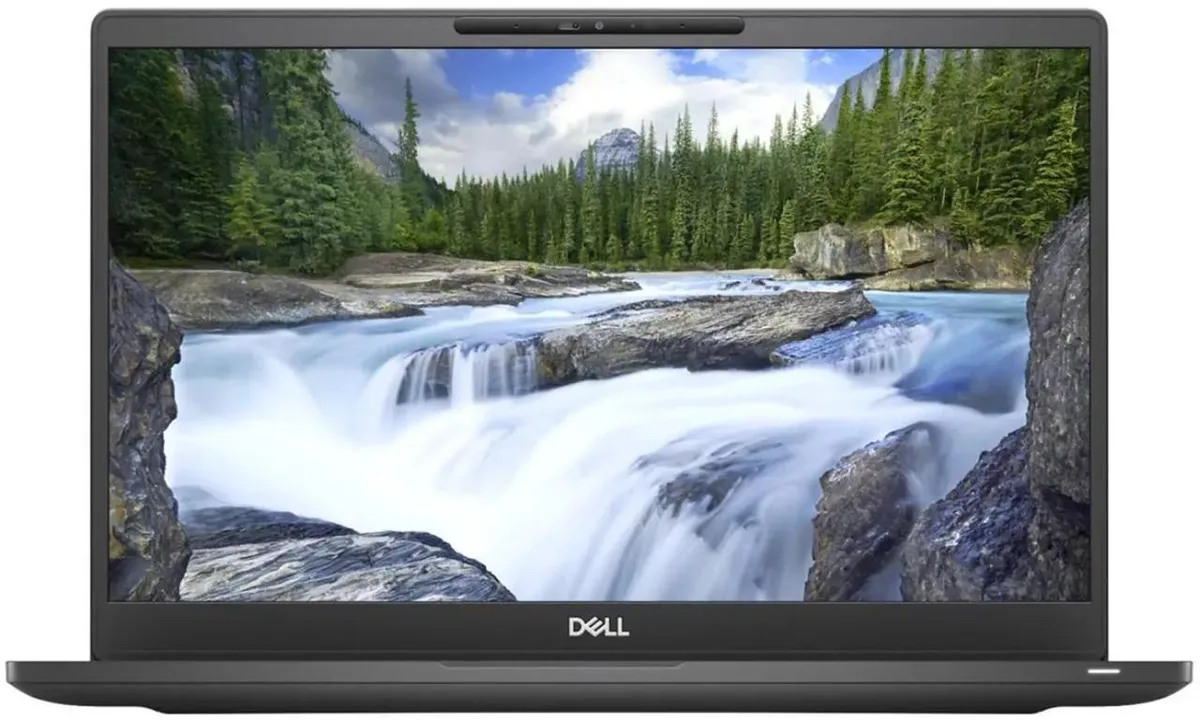
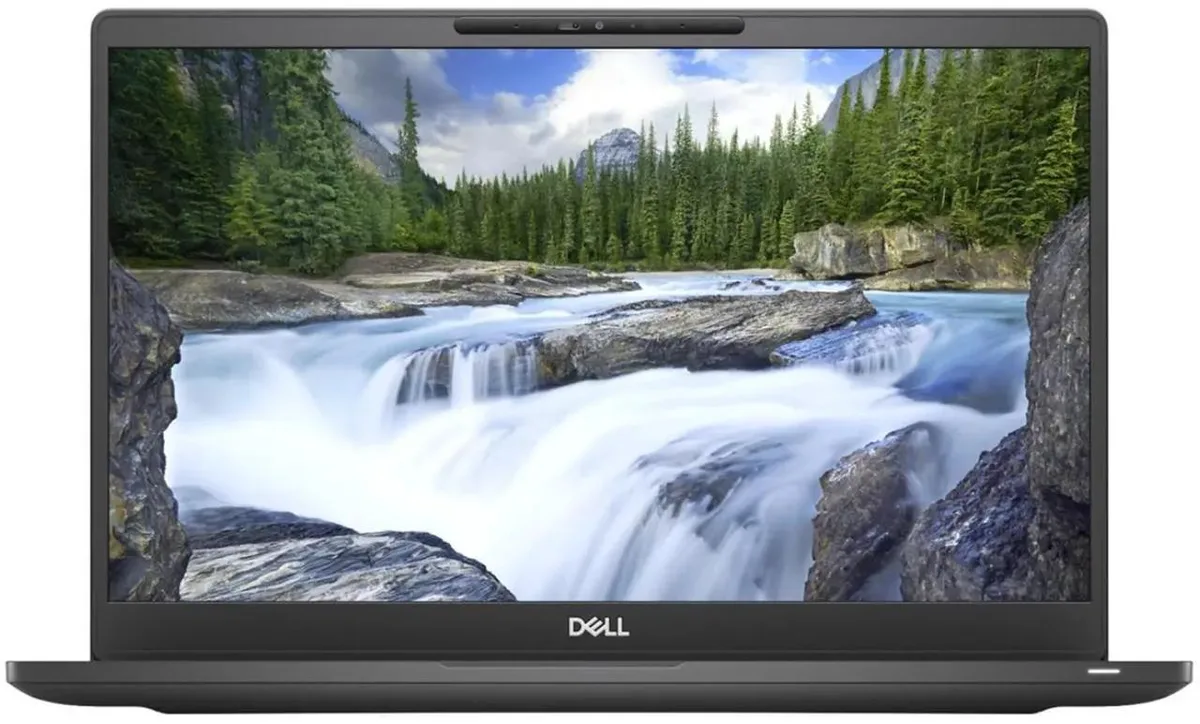
DELL Latitude 7300 i5-8365U 8GB 256GB 13.3" non-touch
- Black
- Windows 11 Pro 64-b…
156,99 $US
0.0019911BTC
En stockNous acceptons la cryptomonnaie — les cryptos que vous détenez peuvent ainsi acheter du matériel réel.Payez en crypto, dépensez-la en matériel réel. Livraison assurée offerte partout dans le monde au-delà de 399 $. Cartons neutres, sans marque, expédiés depuis l’Allemagne.Livraison assurée offerte au-delà de 399 $. Votre taux est bloqué pendant 30 minutes dès l’ouverture de la caisse.Taux bloqué 30 minutes. Chaque article est scellé, son numéro de série est vérifié, et il est couvert par une garantie de 24 mois.Scellé, garanti 24 mois.


DELL
A rugged 14-inch touchscreen laptop with an Intel Core i5-8350U processor, 16GB DDR4 memory and a 1TB SSD, running Windows 11 Pro
Screen Touch Screen
The DELL Latitude 5424 is a rugged laptop built for field work and mobile professionals who need a durable 14.0-inch touchscreen. It runs Windows 11 Pro on an Intel Core i5-8350U processor with 16GB of DDR4 memory and a 1TB SSD. Integrated UHD 620 graphics handle everyday business applications.
This model replaces standard office laptops that cannot survive drops, vibration or outdoor glare. The anti-glare 1920 x 1080 display and sealed ports with closeable doors make the jump worthwhile for technicians, logistics staff and first responders who work outside controlled environments. Memory expands to 32GB across two slots.
Verify that the included power adapter matches your local mains voltage and plug type. Confirm that your essential peripherals connect via the available USB 3.0 Type-A, USB 3.0 Type-C, native RS-232 serial, RJ-45 Ethernet or HDMI ports. Wireless relies on 802.11ac dual-band and Bluetooth 4.1.
| Memory | 16GB |
|---|---|
| Memory Slot (Total) | 2 |
| Max Memory Supported | 32 GB |
| Type | Mainstream |
| Style | Standard |
| Usage | Business |
| Resolution | 1920 x 1080 |
| Screen Size | 14.0" |
| Touchscreen | Touch Screen |
| SSD | 1TB |
| HDD | No |
| Brand | DELL |
| Series | Latitude |
| Model | 5424 |
| Color | Black |
| Operating System | Windows 11 Pro |
| Dimensions (W x D x H) | Height 1.750 x Length 13.660 x Width 9.630 |
| Weight | 5.5000 |
| CPU Type | Intel Core i5 8th Gen |
| Optical Drive Type | No |
| Bluetooth | Bluetooth 4.1 |
| Webcam | Yes |
| Backlit Keyboard | Full Size |
| Battery | Lithium Ion |
| AC Adapter/Charger | Yes |
| Video Memory | Shared system memory |
| Graphic Type | Integrated |
| HDMI | 1 |
| Software Included | A fresh Windows 11 is installed and no additional software is included |
| Package Content | Dell Latitude 5424, Pre installed Windows 11 Pro 64Bit, and Power Adapter |
Autres versions de ce modèle
Même famille, mémoire, ventirad ou fréquence différents — comparez avant de vous décider.
The display measures 14.0 inches diagonally with a 1920 x 1080 resolution. The system weighs 5.5000 units and measures 1.750 height by 13.660 length by 9.630 width.
The laptop has two memory slots supporting up to 32 GB total DDR4. Remove the bottom cover, insert modules at an angle until they click, then secure the cover before powering on.
Replace the lithium ion battery when it no longer holds a charge. Access requires removing the bottom case screws; the battery is guaranteed to hold a charge when shipped.
Également dans ce rayon
Même rayon, même caisse — huit monnaies et un taux bloqué 30 minutes.
Ce que vous envoyez, et ce dans quoi vous lisez les prix.
Envoyé depuis votre portefeuille à la caisse
Affichage seul — le catalogue est libellé en dollars
Aucune monnaie ne correspond.
Choisissez la langue dans laquelle le site vous parle.
Première visite ?
Vous avez déjà un compte ?
Il n’y a pas de réinitialisation automatique : cette boutique n’envoie aucun e-mail, il n’existe donc aucun lien à usage unique à demander. Laissez l’adresse sur le compte, elle sera traitée à la main.
Demande enregistrée
Rien n’arrivera dans votre boîte de réception — cette boutique n’envoie aucun e-mail. Quelqu’un s’en occupe à la main.
Vous l’avez retrouvé ?