HP
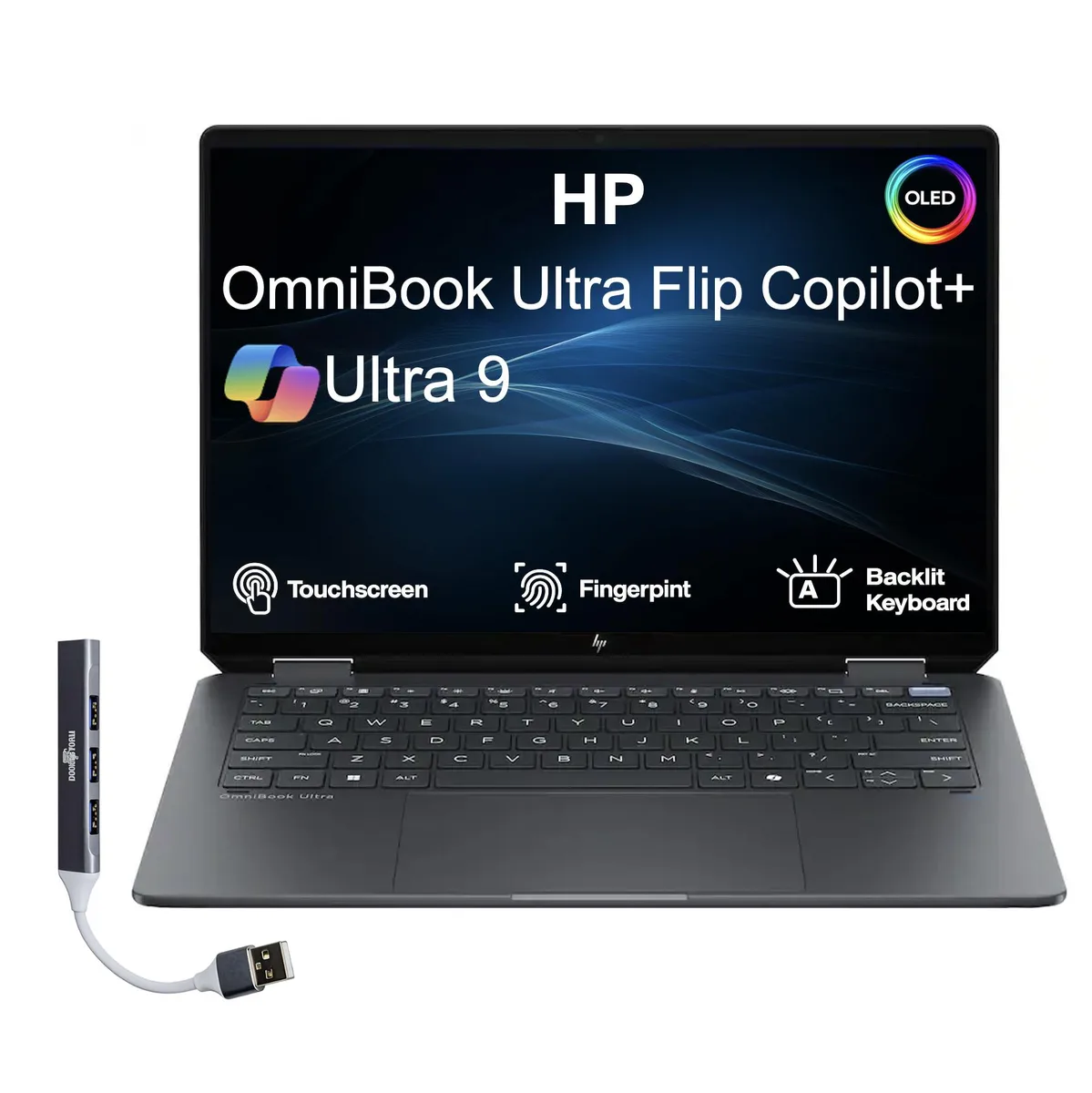
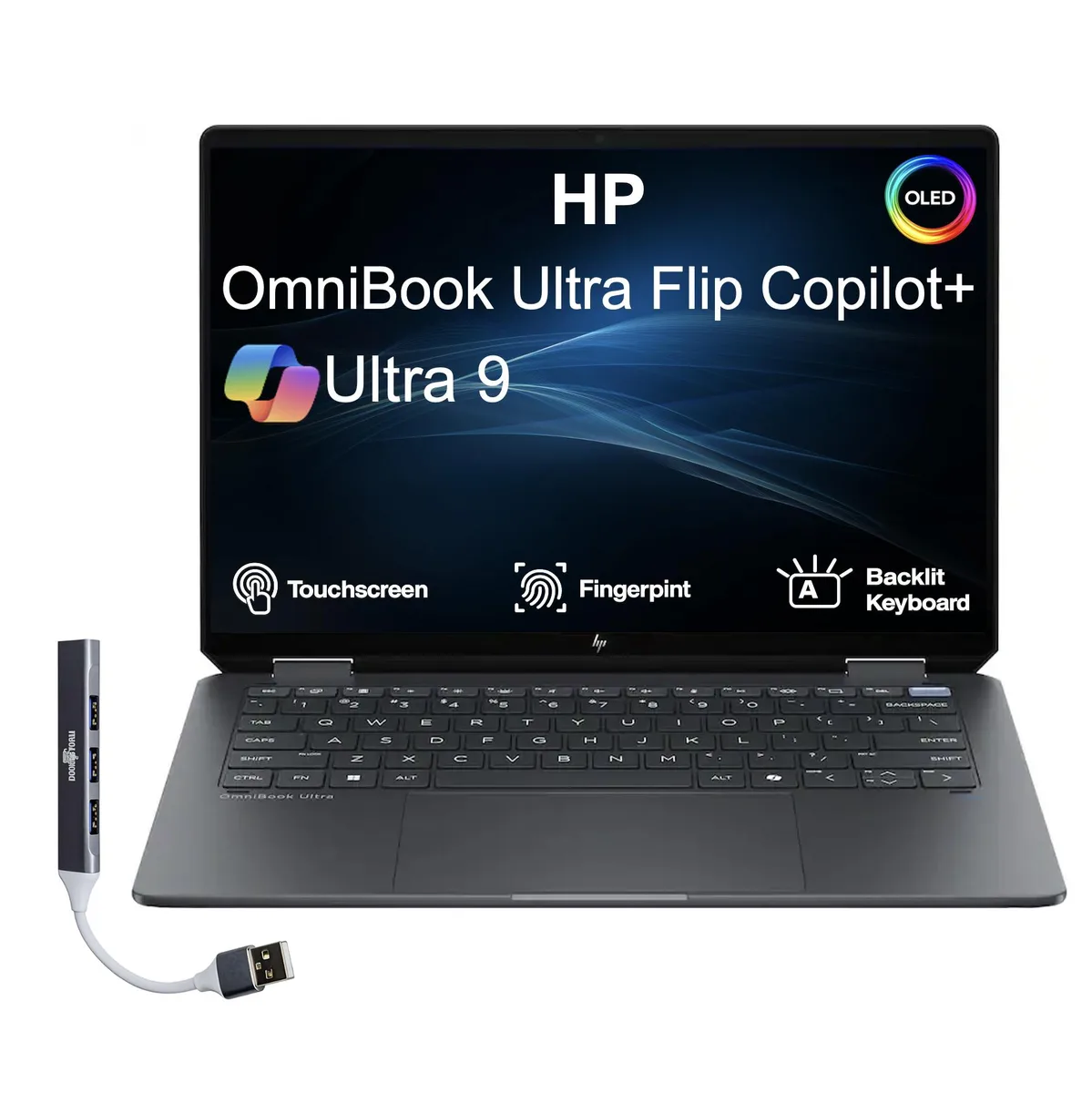
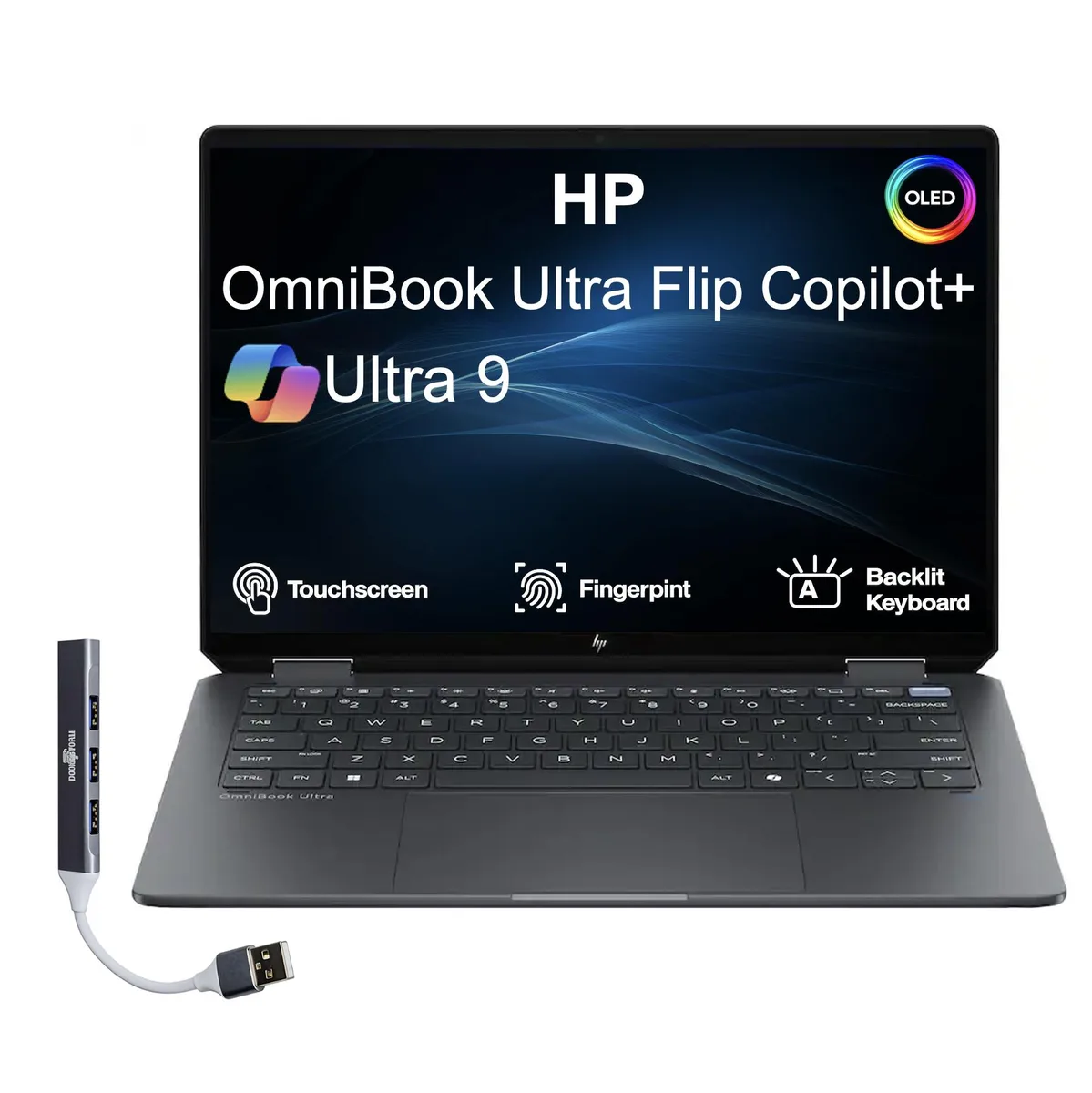
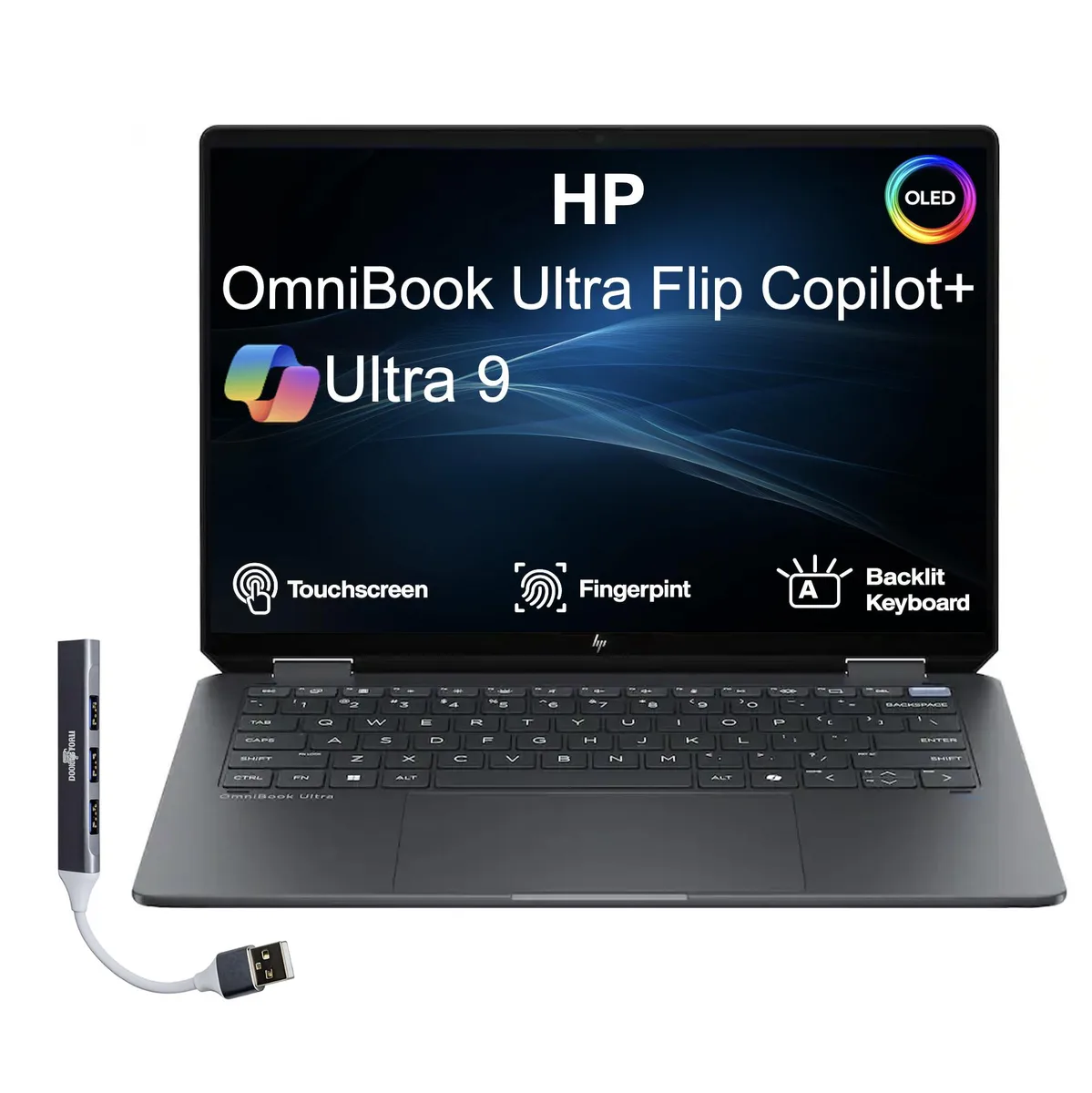
HP OmniBook Ultra Flip 14.0" OLED 2.8K 32GB 4TB Ultra 9-288V laptop
- Gray
- Windows 11 Home
2 075,99 $US
0.02594242BTC
En stockNous acceptons la cryptomonnaie — les cryptos que vous détenez peuvent ainsi acheter du matériel réel.Payez en crypto, dépensez-la en matériel réel. Livraison assurée offerte partout dans le monde au-delà de 399 $. Cartons neutres, sans marque, expédiés depuis l’Allemagne.Livraison assurée offerte au-delà de 399 $. Votre taux est bloqué pendant 30 minutes dès l’ouverture de la caisse.Taux bloqué 30 minutes. Chaque article est scellé, son numéro de série est vérifié, et il est couvert par une garantie de 24 mois.Scellé, garanti 24 mois.


DELL
A 14-inch business laptop with a quad-core i5-6440HQ, 16 GB DDR4, 512 GB NVMe and HDMI for travel-ready productivity
The Dell Latitude 5480 is a 14.0-inch business laptop powered by an Intel Core i5-6440HQ quad-core processor running at 2.6 GHz. It comes with 16 GB of DDR4 memory and a 512 GB NVMe PCIe M.2 SSD. The system ships with Windows 10 Home and includes integrated Intel HD Graphics 530.
This configuration suits professionals who need a portable device for document editing, web browsing and video conferencing while travelling or meeting clients. The HDMI and USB-C DisplayPort outputs allow easy connection to projectors or external displays. Buyers who require a touchscreen, a higher resolution panel, discrete graphics for creative workloads or modern Wi-Fi standards should consider other options.
The 14.0-inch panel offers a 1366 x 768 resolution without touch input. This specification determines whether the screen meets your clarity and interaction requirements for daily productivity tasks.
| Brand | DELL |
|---|---|
| Series | Latitude |
| Model | 5480 |
| Color | Black |
| Operating System | Windows 10 Home 🙋♀️Microsoft Windows 11 Pro Upgrade 👉Check ABS/Helix computers with Windows 11 |
| CPU Type | Intel Core i5 6th Gen |
| Processor Name | Intel Core i5-6440HQ |
| Core Name | Skylake |
| Number of Cores | Quad-core Processor |
| CPU L2 Cache | 6MB |
| Screen Size | 14.0" |
| Touchscreen | Non-Touch Screen |
| Wide Screen Support | Yes |
| Display Type | HD |
| Resolution | 1366 x 768 |
| GPU/VPU | Intel HD Graphics 530 |
| Graphic Type | Integrated Card |
| SSD | 512GB PCIe |
| Storage Spec | NVMe PCIe M.2 SSD |
| Memory | 16GB |
| Max Memory Supported | 16 GB |
| Optical Drive Type | No |
| LAN | 10/100/1000Mbps |
| WLAN | 802.11a/b/g/n Wireless LAN |
| WiFi Generation | Wi-Fi 5 |
| USB | 3 |
| Video Port | 1 x VGA |
| HDMI | 1 x HDMI |
| Audio | Integrated Sound card |
| Webcam | Yes |
| Card Reader | 3-in-1 |
| Style | Standard |
| Type | Mainstream |
| Usage | Business |
| AC Adapter/Charger | 65-watt AC Adapter |
| Software Included | Fresh install and activated Windows 10 with zero bloatware. Your very own genuine Windows 10 digital license will be applied to the unit. |
| Consumer Alert | Grade BLCD - This laptop will have some cosmetic blemishes that include scratches and/or other surface imperfections. Some laptops may exhibit shiny keys on the keyboard and/or shiny surfaces around the keyboard. All key characters will be legible. The LCD will have minor blemishes such as minor white spots or a small hairline scratch. Grade BLCD units will be priced much lower then the Grade A equivalent and will have the same warranty as all products. Vinyl skin cover may be applied. |
Insert the drive at an angle, push it down, and secure it with the single retention screw; the step most people miss is tightening that screw so the drive stays seated.
The memory is soldered and requires no maintenance; the SSD has no moving parts, so only keep firmware updated and monitor health via SMART tools.
Thermal throttling on the quad-core 2.6 GHz CPU typically limits performance before the integrated graphics or 16 GB DDR4 become bottlenecks.
Également dans ce rayon
Même rayon, même caisse — huit monnaies et un taux bloqué 30 minutes.
Ce que vous envoyez, et ce dans quoi vous lisez les prix.
Envoyé depuis votre portefeuille à la caisse
Affichage seul — le catalogue est libellé en dollars
Aucune monnaie ne correspond.
Choisissez la langue dans laquelle le site vous parle.
Première visite ?
Vous avez déjà un compte ?
Il n’y a pas de réinitialisation automatique : cette boutique n’envoie aucun e-mail, il n’existe donc aucun lien à usage unique à demander. Laissez l’adresse sur le compte, elle sera traitée à la main.
Demande enregistrée
Rien n’arrivera dans votre boîte de réception — cette boutique n’envoie aucun e-mail. Quelqu’un s’en occupe à la main.
Vous l’avez retrouvé ?