DELL
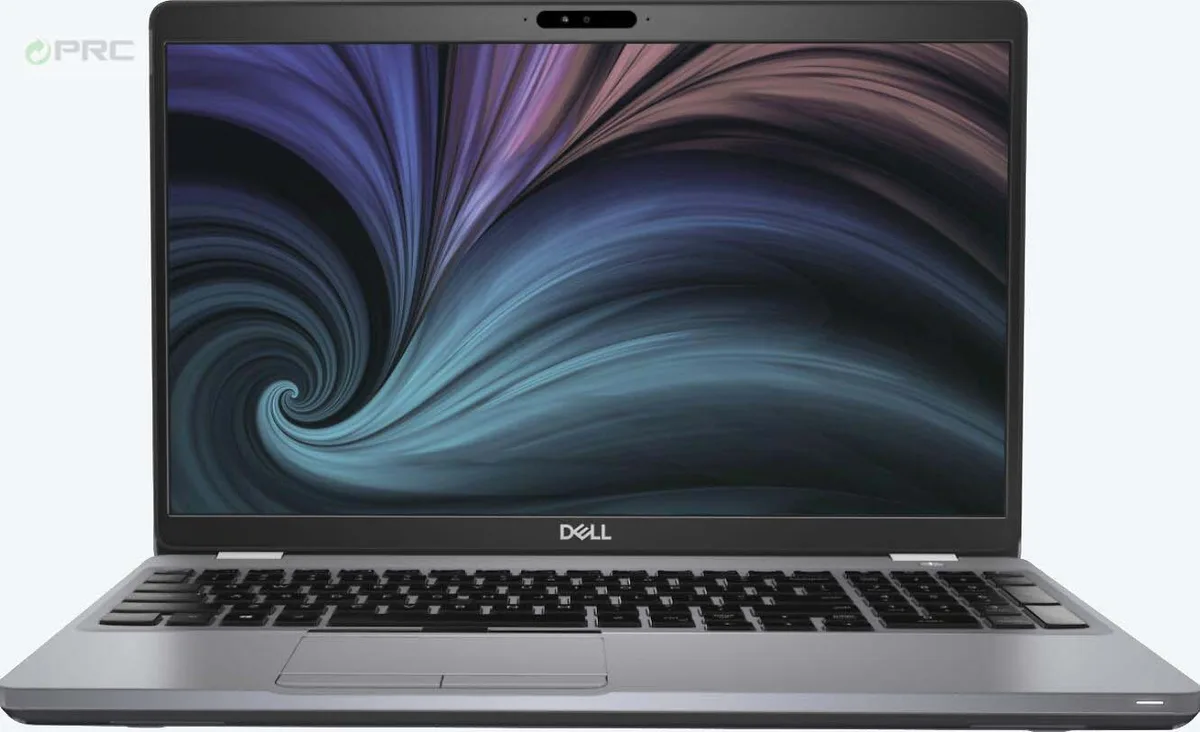
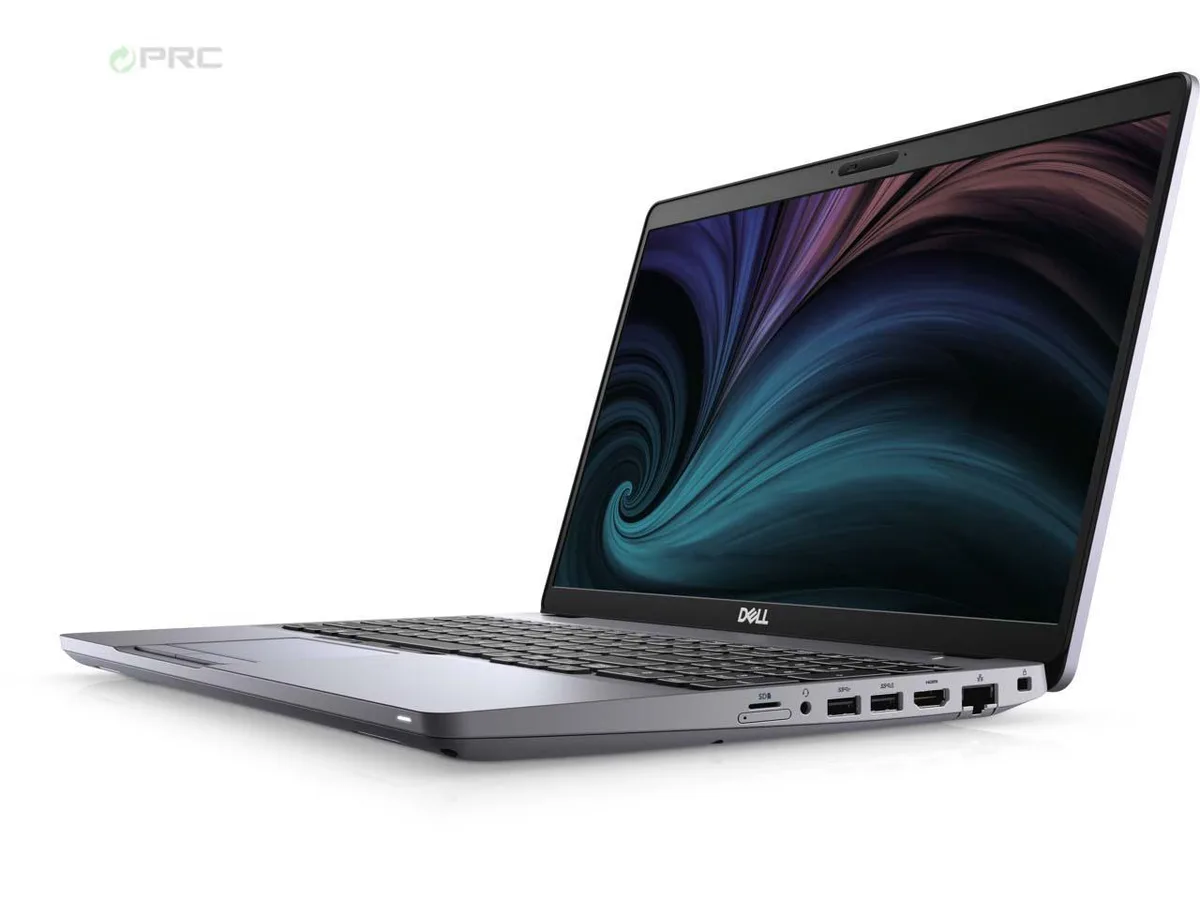
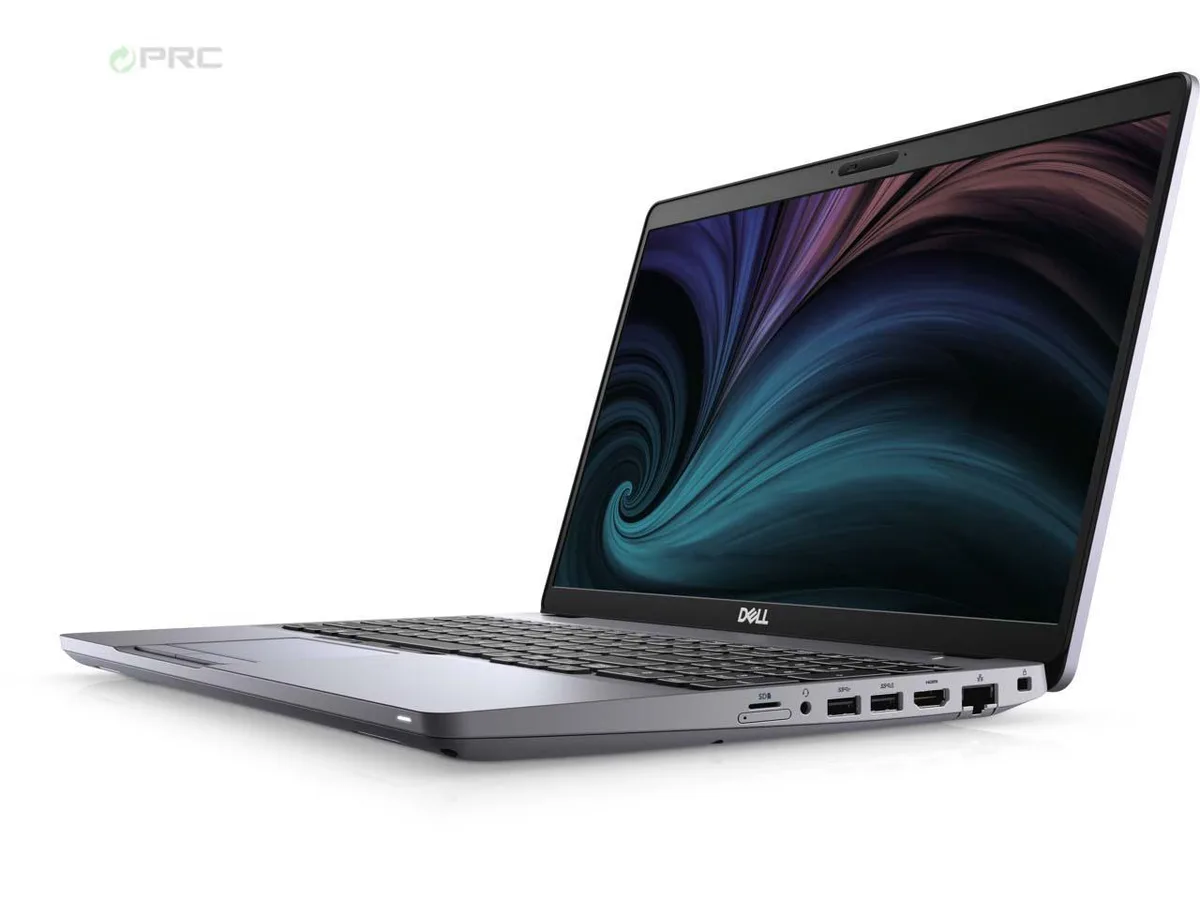
DELL Latitude 5511 laptop 15.6" i7-10850H 16 GB 256 GB SSD Windows 10 Pro
- Aluminum Silver
- Windows 10 Pro
329,99 $US
0.00418822BTC
En stockNous acceptons la cryptomonnaie — les cryptos que vous détenez peuvent ainsi acheter du matériel réel.Payez en crypto, dépensez-la en matériel réel. Livraison assurée offerte partout dans le monde au-delà de 399 $. Cartons neutres, sans marque, expédiés depuis l’Allemagne.Livraison assurée offerte au-delà de 399 $. Votre taux est bloqué pendant 30 minutes dès l’ouverture de la caisse.Taux bloqué 30 minutes. Chaque article est scellé, son numéro de série est vérifié, et il est couvert par une garantie de 24 mois.Scellé, garanti 24 mois.


DELL
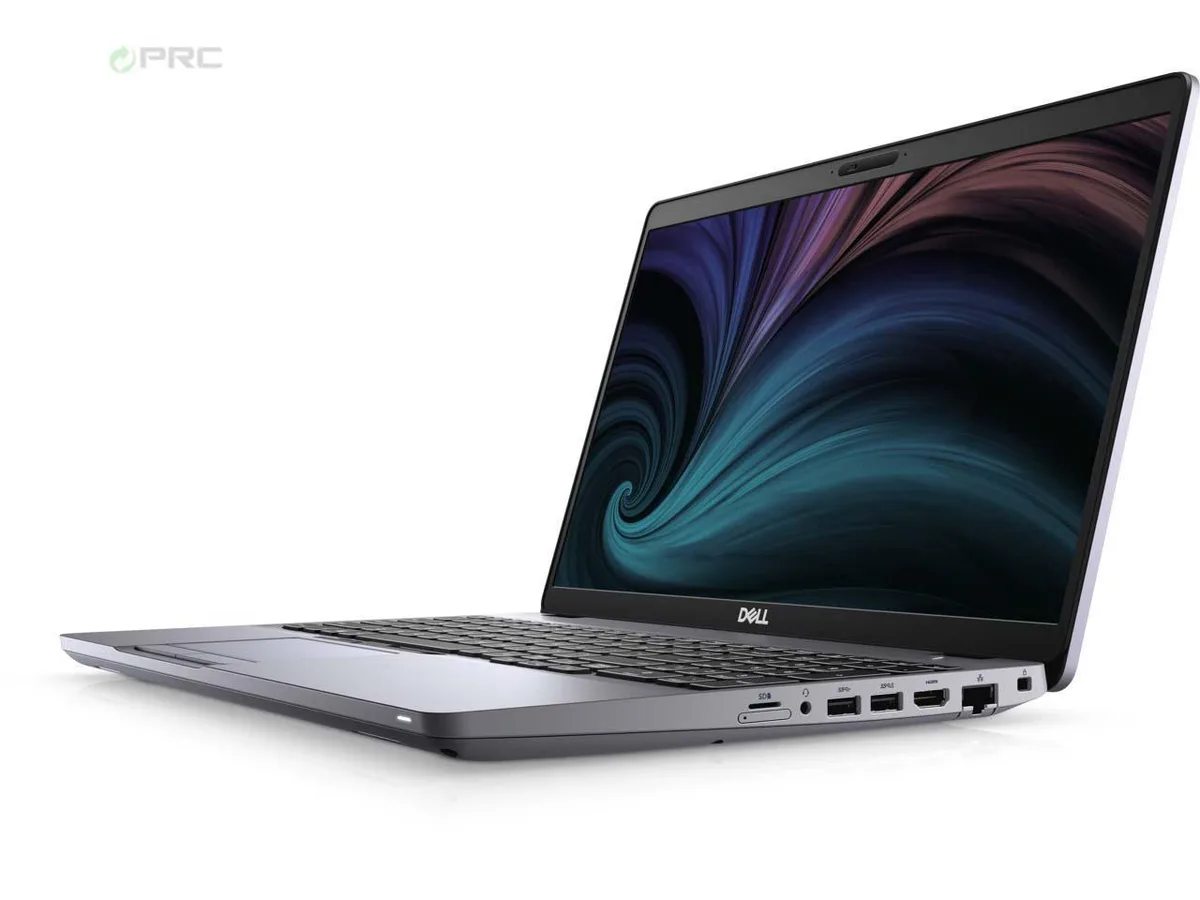
A 15.6-inch FHD IPS business laptop with a 6-core i7-10850H, 16 GB DDR4, 512 GB nVME, Wi-Fi 6 and Thunderbolt, preloaded with Windows 10 Pro
Options 16GB/512GB W10P
Les versions barrées existent, mais ne sont pas disponibles ici.
The Dell Latitude 5511 is a 15.6-inch non-touch notebook with a 1920 x 1080 IPS panel rated at 220 nits and 45 percent colour gamut. It runs on a 10th Gen Intel Core i7-10850H six-core processor with a 2.7 GHz base clock and 5.10 GHz turbo. The system ships with 16 GB DDR4 memory and a 512 GB PCIe nVME drive under Windows 10 Pro.
Moving from a dual-core ultrabook or a hard-drive machine gives a clear jump in multi-thread throughput and boot speed. The six-core H-class chip and PCIe storage handle heavy spreadsheets, virtual machines and compile jobs without the thermal throttling common in U-class designs. The improvement is most noticeable when workloads sustain high CPU usage for several minutes.
This unit suits buyers who still rely on full-size HDMI 2.0, RJ45 and USB-A alongside a single Thunderbolt 3-capable USB-C. It is not for users who need a dedicated GPU for 3D rendering or gaming, nor for anyone requiring a touchscreen, higher colour coverage or a thinner ultrabook chassis.
| Brand | DELL |
|---|---|
| Series | Latitude |
| Model | 5511 |
| Part Number | 5511 |
| Color | Aluminum Silver |
| Operating System | Windows 10 Pro |
| CPU Type | Intel Core i7 10th Gen |
| Processor Name | Intel Core i7-10850H |
| Number of Cores | 6-core Processor |
| Screen Size | 15.6" |
| Touchscreen | Non-Touch Screen |
| Resolution | 1920 x 1080 |
| Panel | IPS |
| GPU/VPU | Intel UHD Graphics |
| Video Memory | Shared |
| Graphic Type | Integrated Card |
| SSD | 512GB PCIe |
| HDD | No |
| Storage Spec | 512 GB nVME |
| Memory | 16GB |
| Memory Speed | DDR4 |
| Memory Spec | 8 GB x 2 |
| Memory Slot (Total) | 2 |
| Memory Slot (Available) | 0 |
| Max Memory Supported | 64 GB |
| Optical Drive Type | NONE |
| LAN | 10/100/1000Mbps |
| WLAN | Intel Wi-Fi 6 AX 201 |
| USB | 2 x USB 3.2 Gen 1, USB 3.2 Gen 1 (PowerShare), USB-C 3.2 Gen 2 |
| Video Port | DisplayPort 1.4 (Power Delivery) |
| HDMI | No |
| Ethernet | 1 x RJ-45 (1Gbps) |
| Audio | Integrated Sound card |
| Speaker | Internal Speakers |
| Touchpad | Yes |
| Keyboard | Standard |
| Backlit Keyboard | Non-backlit |
| Webcam | Yes |
| Style | Ultrabook |
| Type | Mainstream |
| Usage | Business |
| AC Adapter/Charger | 90-watt AC Adapter |
| Battery | Yes |
| Dimensions (W x D x H) | 14.1 x 9.3 x 1 |
| Weight | 4.17 |
| Software Included | NO |
Autres versions de ce modèle
Même famille, mémoire, ventirad ou fréquence différents — comparez avant de vous décider.
The 512 GB nVME drive uses an M.2 PCIe slot inside the chassis.
Remove the nine Torx screws on the base, then pry the cover from the front edge; the hidden clips near the hinge line often catch first-time upgraders.
The board supports up to 64 GB DDR4; add a second 16 GB SODIMM now or swap both slots later when 16 GB becomes a bottleneck.
Également dans ce rayon
Même rayon, même caisse — huit monnaies et un taux bloqué 30 minutes.
Ce que vous envoyez, et ce dans quoi vous lisez les prix.
Envoyé depuis votre portefeuille à la caisse
Affichage seul — le catalogue est libellé en dollars
Aucune monnaie ne correspond.
Choisissez la langue dans laquelle le site vous parle.
Première visite ?
Vous avez déjà un compte ?
Il n’y a pas de réinitialisation automatique : cette boutique n’envoie aucun e-mail, il n’existe donc aucun lien à usage unique à demander. Laissez l’adresse sur le compte, elle sera traitée à la main.
Demande enregistrée
Rien n’arrivera dans votre boîte de réception — cette boutique n’envoie aucun e-mail. Quelqu’un s’en occupe à la main.
Vous l’avez retrouvé ?