


DELL
DELL Latitude 5570 laptop i5-6440HQ 8GB 256GB SSD 15.6" FHD
15.6" FHD display laptop with quad-core i5-6440HQ, 8GB DDR4 RAM and 256GB SSD running Windows 10 Pro
- ColorBlack
- Operating SystemWindows 10 Pro
- CPU TypeIntel Core i7 6th Gen
- Processor NameIntel Core i5-6440HQ
- Number of CoresQuad-core Processor
- Screen Size15.6"
Options 8GB/256GB
- 8GB/256GB
- 32GB/256GB
- 16GB/256GB
- Quad-core i5-6440HQ up to 3.50 GHz for responsive multitasking
- 8 GB DDR4 in dual-channel layout keeps everyday workloads smooth
- 256 GB SSD provides fast boot and app loading
- 6 inch FHD 1920 x 1080 display gives clear visuals
- Windows 10 Pro installed clean without bloatware
Built for daily business workloads
The Dell Latitude 5570 is a 15.6-inch laptop powered by a 6th Generation Intel Core i5-6440HQ quad-core processor running at 2.60 GHz with a turbo up to 3.50 GHz. It comes with 8 GB of DDR4 memory in a dual-channel 4 GB x 2 configuration and a 256 GB solid-state drive. Windows 10 Pro is pre-installed without extra bloatware. The non-touch FHD display delivers a 1920 x 1080 resolution driven by Intel HD Graphics with optional Radeon support. This unit is sold new in Grade A condition.
Thermals and power in normal use
The chassis measures 1.0 inch at the front, 14.8 inches wide and 9.9 inches deep, weighing 4.61 lbs. Integrated graphics and the efficient quad-core CPU keep heat and fan noise low during typical office tasks such as document editing, web browsing and video calls. The 256 GB SSD produces no mechanical noise and draws less power than a hard drive would. Two USB 3.0 ports, one with PowerShare, plus HDMI and VGA outputs handle peripherals without adding thermal load.
8 GB soldered limit for memory upgrades
The system ships with 8 GB of DDR4 arranged as two 4 GB modules and the platform supports a maximum of 32 GB. Buyers who need more than 8 GB must verify slot availability and replace modules rather than simply adding sticks. Users requiring 32 GB or dual-drive storage configurations should confirm the exact board layout before purchase. The single 256 GB SSD also means buyers who want more storage must plan for a drive swap or external expansion.
Points forts
- Quad-core i5-6440HQ up to 3.50 GHz for responsive multitasking
- 8 GB DDR4 in dual-channel layout keeps everyday workloads smooth
- 256 GB SSD provides fast boot and app loading
- 6 inch FHD 1920 x 1080 display gives clear visuals
- Windows 10 Pro installed clean without bloatware
Caractéristiques
| Brand | DELL |
|---|---|
| Series | Latitude |
| Model | Latitude |
| Part Number | 5570 |
| Color | Black |
| Operating System | Windows 10 Pro |
| CPU Type | Intel Core i7 6th Gen |
| Processor Name | Intel Core i5-6440HQ |
| Number of Cores | Quad-core Processor |
| Screen Size | 15.6" |
| Touchscreen | Non-Touch Screen |
| Display Type | FHD |
| Resolution | 1920 x 1080 |
| GPU/VPU | Intel HD Graphics |
| Graphic Type | Integrated Card |
| SSD | 256GB |
| HDD | No |
| Storage Spec | 256 GB SSD |
| Memory | 8GB |
| Memory Spec | 4 GB x 2 |
| Memory Slot (Total) | 2 |
| Memory Slot (Available) | 0 |
| Max Memory Supported | 32 GB |
| Optical Drive Type | No |
| LAN | 10/100/1000Mbps |
| WiFi Generation | Wi-Fi 4 and earlier generation |
| Bluetooth | Yes |
| USB | 3 |
| HDMI | 1 x HDMI |
| Ethernet | 1 x RJ-45 |
| Docking Connector | 1 |
| Audio Ports | 1 x Headphone/Microphone Combo Jack |
| Audio | Integrated Sound card |
| Speaker | Internal Speakers |
| Touchpad | Yes |
| Webcam | Yes |
| Style | Standard |
| Type | Mainstream |
| Usage | Business |
| AC Adapter/Charger | Yes |
| Weight | 4 - 4.9 lbs. |
Autres versions de ce modèle
5 de plus dans cette gamme
Même famille, mémoire, ventirad ou fréquence différents — comparez avant de vous décider.

DELL
Dell Latitude 7480 14.0" FHD i5-7300U 2.6GHz 16GB DDR4 256GB SSD laptop
- Black
- Windows 10
162,99 $US
0.00206719BTC
En stock
DELL
DELL Latitude 5400 laptop i5-8365U 16GB 256GB NVMe 14" FHD
- Gray
- Windows 10
182,99 $US
0.00232085BTC
En stock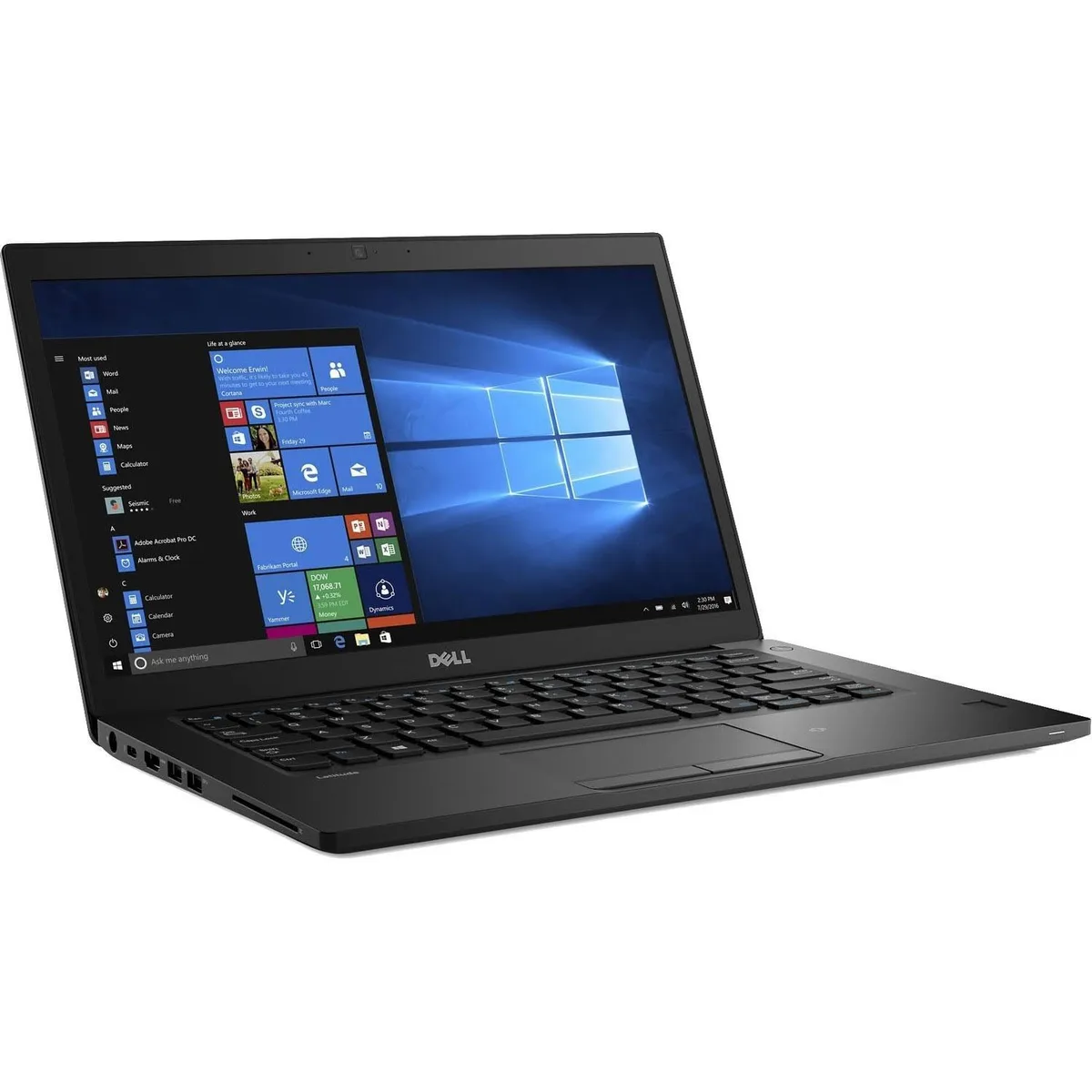
DELL
DELL Latitude 7480 14.0" FHD i5-6300U 8GB 256GB SSD
- Black
- Windows 10
203,99 $US
0.0025872BTC
En stockQuestions sur cet article
How do I add more DDR4 memory to the Latitude 5570 and what is the common mistake?
Remove the bottom cover, locate the two SO-DIMM slots, and insert the new module until it clicks; the common mistake is not seating the module fully before locking it down
Which parts of the Latitude 5570 are most likely to need replacement after extended use?
The 256 GB SSD and the internal battery are the components most likely to require replacement after heavy daily use
What performance limit appears first when the i5-6440HQ runs at 3.50 GHz for long periods?
Thermal throttling engages once the cooling system saturates, reducing the processor speed below its maximum turbo frequency
Également dans ce rayon
Les clients ont aussi comparé
Même rayon, même caisse — huit monnaies et un taux bloqué 30 minutes.

HP
HP ProBook 455 G8 15.6" laptop Ryzen 5 5600U 8 GB 256 GB SSD
- Silver
- Windows 10 Pro
822,99 $US
0.01043794BTC
En stock
DELL
DELL Latitude E7450 14" i5-5300U 2.3GHz 8GB 240GB SSD laptop
- Black
- Windows 10 Home 🙋♀…
189,99 $US
0.00240963BTC
En stock
DELL
DELL 6TDWM laptop, Core i3-1215U, 8GB LPDDR5, 256GB SSD, 13.3" FHD, Windows 11 Pro
- Business Desktops &…
- Blue
755,99 $US989,99 $US−24%
0.00958818BTC
En stock
Auusda
Auusda T161N-i3 16" laptop Intel Core i3-1000NG4 16GB DDR4 1TB NVMe Silver
- Silver
- Windows 11 Pro
294,99 $US
0.00374134BTC
En stock