
DELL
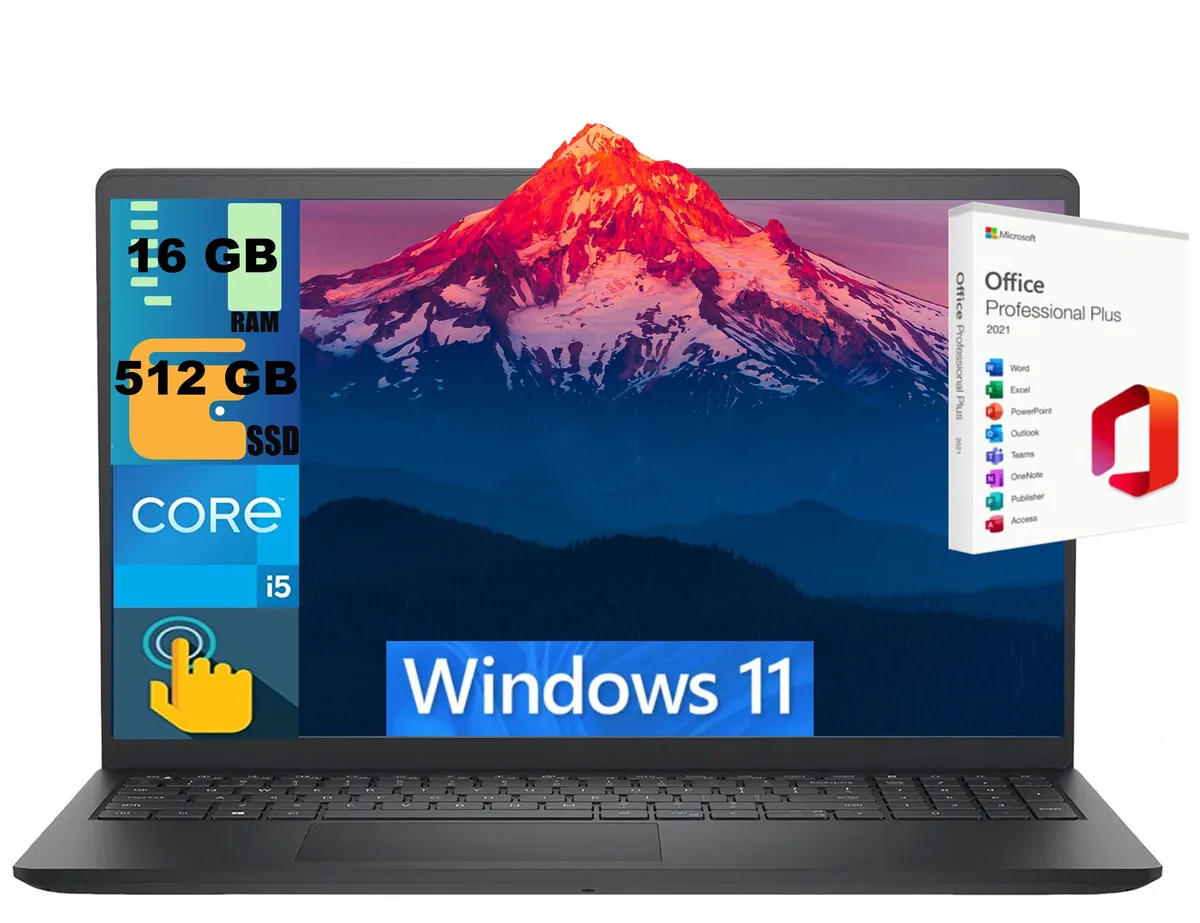
DELL Inspiron 15 laptop i5-1334U 16GB 512GB 15.6" Touch
- Black
- Windows 11 Home
$724
0.00934845BTC
En stockNous acceptons la cryptomonnaie — les cryptos que vous détenez peuvent ainsi acheter du matériel réel.Payez en crypto, dépensez-la en matériel réel. Livraison assurée offerte partout dans le monde au-delà de 399 $. Cartons neutres, sans marque, expédiés depuis l’Allemagne.Livraison assurée offerte au-delà de 399 $. Votre taux est bloqué pendant 30 minutes dès l’ouverture de la caisse.Taux bloqué 30 minutes. Chaque article est scellé, son numéro de série est vérifié, et il est couvert par une garantie de 24 mois.Scellé, garanti 24 mois.


DELL
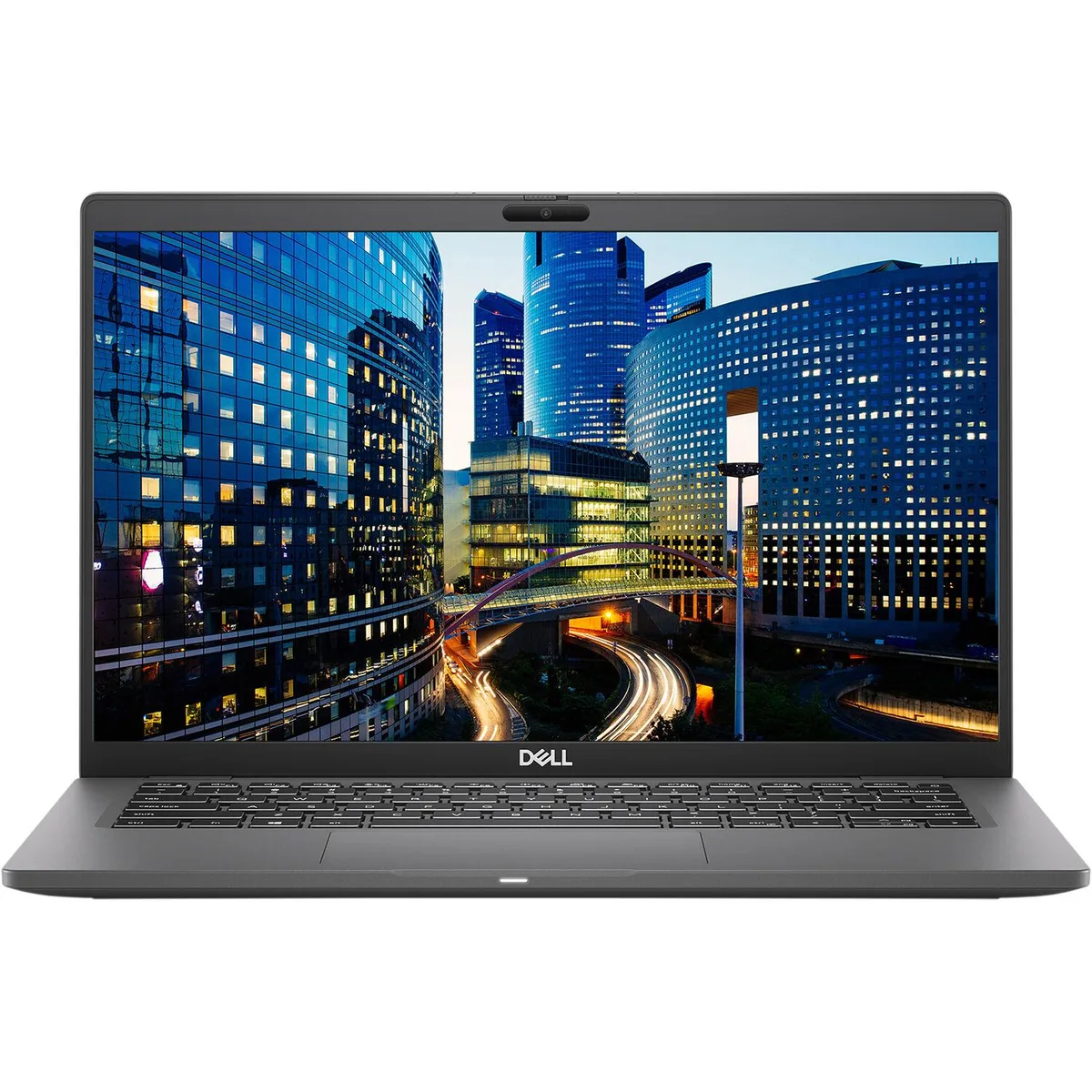
A 14-inch Full HD business laptop with an Intel Core i7 10th Gen processor, 16 GB DDR4 memory, 256 GB SSD and Windows 10 Pro
The Dell Latitude 7410 is a 14-inch Full HD laptop built for mobile professionals who need reliable performance in a compact chassis. It runs Windows 10 Pro on an Intel Core i7 10th Gen processor with 16 GB of DDR4 memory and a 256 GB SSD. Integrated Intel UHD Graphics handles everyday visual tasks. The non-touch display uses Corning Gorilla Glass for added durability.
Memory is soldered to the system board with no upgrade slots, so the 16 GB configuration is fixed although the platform supports up to 32 GB maximum. Two USB 3.2 Gen 2 Type-C ports provide Thunderbolt 3, Power Delivery and DisplayPort alt mode for docking and external displays. A single HDMI 2.0 port, one USB 3.2 Gen 1 Type-A port with PowerShare, a micro-SD reader and a universal audio jack complete the physical I/O. Bluetooth 5.1 and Intel Wireless-AC 9560 handle wireless connectivity.
Because memory cannot be expanded after purchase, confirm that 16 GB meets your workload requirements. The USB-C ports serve as the primary docking interface, so ensure your existing dock or monitors support Thunderbolt 3 or DisplayPort over USB-C. The 720p webcam and lithium-ion battery are integrated; the battery is guaranteed to hold a charge. A wedge-shaped lock slot provides physical security.
| Brand | DELL |
|---|---|
| Series | Latitude |
| Model | 7410 |
| Color | Black |
| Operating System | Windows 10 Pro |
| CPU Type | Intel Core i7 10th Gen |
| Screen Size | 14.0" |
| Resolution | 1920 x 1080 |
| Video Memory | Shared system memory |
| Graphic Type | Integrated |
| SSD | 256GB |
| HDD | No |
| Memory | 16GB |
| Memory Slot (Total) | Memory soldered to systemboard, no slots |
| Max Memory Supported | 32 GB |
| Optical Drive Type | No |
| Bluetooth | Bluetooth 5.1 |
| HDMI | 1 |
| Backlit Keyboard | Full Size |
| Webcam | Yes |
| Style | Standard |
| Type | Mainstream |
| Usage | Business |
| AC Adapter/Charger | Yes |
| Battery | Lithium Ion |
| Dimensions (W x D x H) | Height 0.690 x Length 8.700 x Width 13.030 |
| Weight | 3.1100 |
| Software Included | A fresh Windows 10 is installed and no additional software is included |
| Package Content | DELL Latitude 7410, Pre installed Windows 10 Pro 64Bit, and Power Adapter |
| Consumer Alert | Grade A Refurbished |
The two USB 3.2 Gen 2 Type‑C ports carry Thunderbolt 3, DisplayPort over USB‑C and Power Delivery, so one cable can drive external monitors, transfer data and charge the laptop.
The drive uses an M.2 2280 slot inside the case; there is no 2.5‑inch bay and the memory is soldered, so only the single M.2 socket is available for storage upgrades.
Boot from a Windows 10 Pro 64‑bit USB installer, choose the unallocated 256 GB SSD, let Setup create its partitions, then install the Intel Wireless‑AC 9560 and Thunderbolt drivers from Dell’s support site.
Également dans ce rayon
Même rayon, même caisse — huit monnaies et un taux bloqué 30 minutes.
Ce que vous envoyez, et ce dans quoi vous lisez les prix.
Envoyé depuis votre portefeuille à la caisse
Affichage seul — le catalogue est libellé en dollars
Aucune monnaie ne correspond.
Choisissez la langue dans laquelle le site vous parle.
Première visite ?
Vous avez déjà un compte ?
Il n’y a pas de réinitialisation automatique : cette boutique n’envoie aucun e-mail, il n’existe donc aucun lien à usage unique à demander. Laissez l’adresse sur le compte, elle sera traitée à la main.
Demande enregistrée
Rien n’arrivera dans votre boîte de réception — cette boutique n’envoie aucun e-mail. Quelqu’un s’en occupe à la main.
Vous l’avez retrouvé ?


