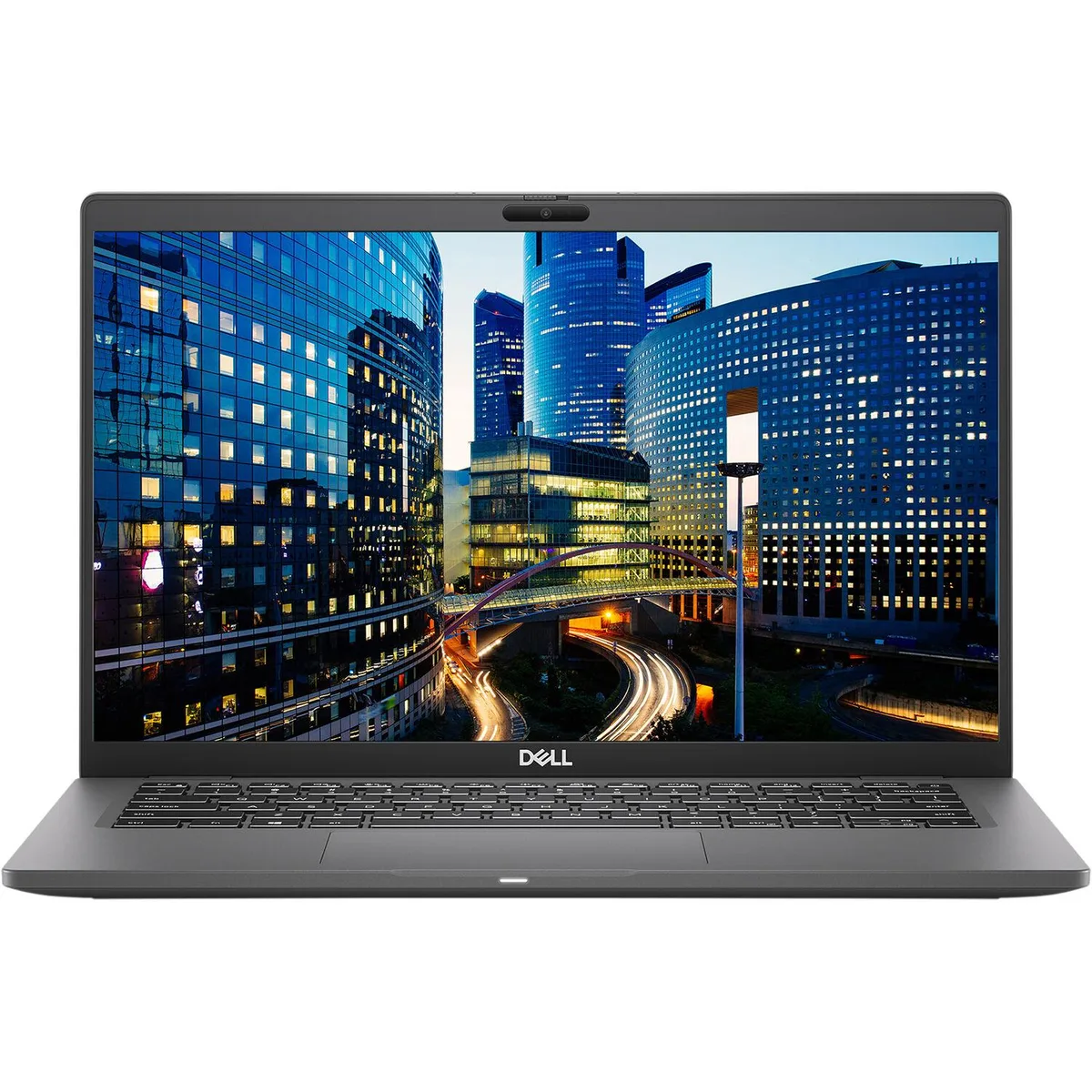
DELL
DELL Latitude 7480 14" i7-6600U 2.6GHz 8GB 512GB SSD FHD Win10 Pro
- Black
- Windows 10 Pro
152,99 $US
0.00194012BTC
En stockNous acceptons la cryptomonnaie — les cryptos que vous détenez peuvent ainsi acheter du matériel réel.Payez en crypto, dépensez-la en matériel réel. Livraison assurée offerte partout dans le monde au-delà de 399 $. Cartons neutres, sans marque, expédiés depuis l’Allemagne.Livraison assurée offerte au-delà de 399 $. Votre taux est bloqué pendant 30 minutes dès l’ouverture de la caisse.Taux bloqué 30 minutes. Chaque article est scellé, son numéro de série est vérifié, et il est couvert par une garantie de 24 mois.Scellé, garanti 24 mois.
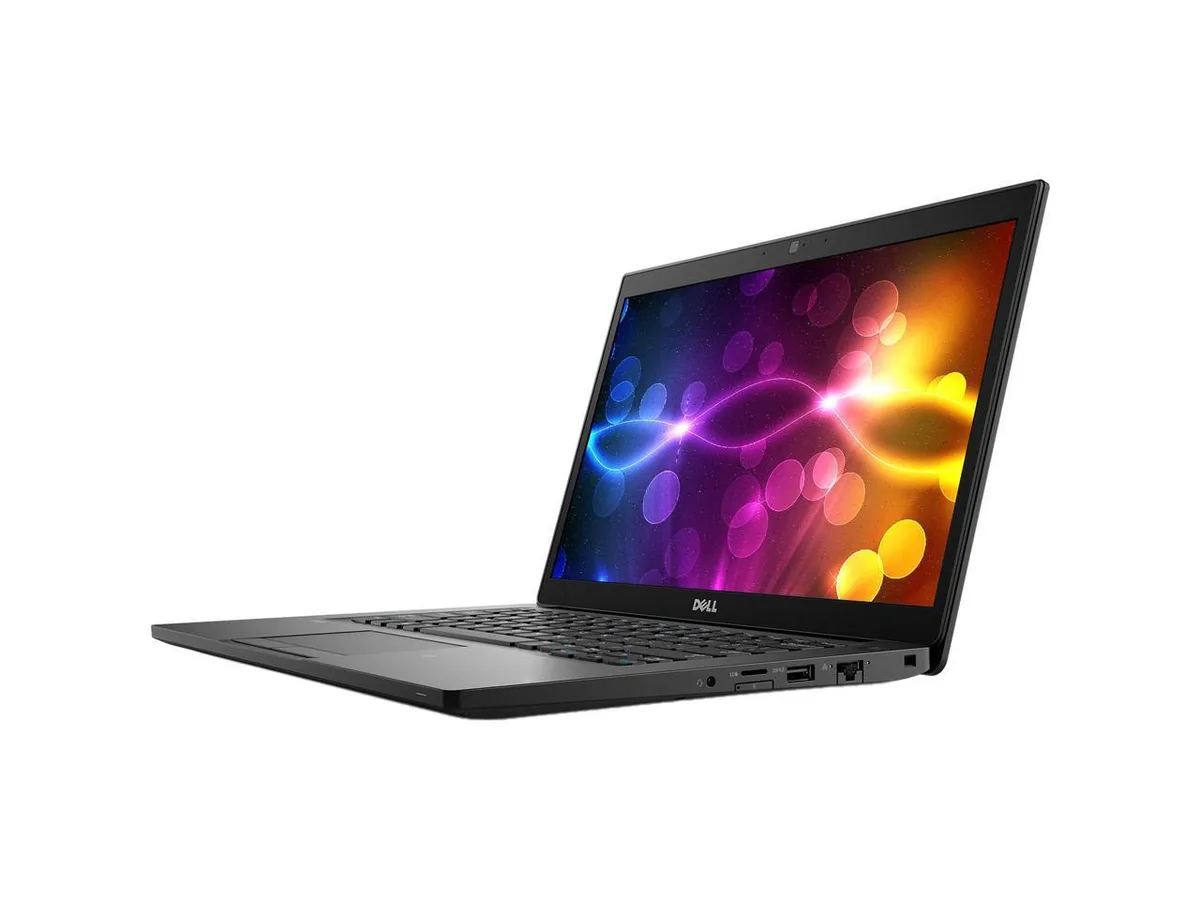

DELL
A 14 inch touchscreen laptop with an Intel Core i7 8th Gen processor, 16 GB DDR4 memory and a 512 GB SSD running Windows 11 Pro
Options W11P
This laptop combines a 14.0 inch Full HD touchscreen with an Intel Core i7 8th Gen processor running at 1.90 GHz. It ships with 16 GB DDR4 memory and a 512 GB SSD, and comes pre-installed with Windows 11 Pro 64Bit. Integrated Intel UHD Graphics 620 handles display output.
The touchscreen and anti-glare panel support direct interaction for presentations or field work. Buyers who need discrete graphics performance for rendering or gaming should look elsewhere. Users requiring more than 32 GB DDR4 maximum memory or a dedicated GPU will not find those capabilities here.
Windows 11 Pro is already installed and licensed, so the system is ready to join a domain or configure policies immediately. The 16 GB DDR4 fills one of two slots, leaving room for a later upgrade to 32 GB. Missing product manual and potential driver downloads for WWAN or specific peripherals are the usual post-unbox tasks.
| Brand | DELL |
|---|---|
| Series | Latitude |
| Model | 7490 |
| Color | Black |
| Other Features | 14" Touchscreen |
| Software Included | A fresh Windows 10 is installed and no additional software is included |
| Package Content | DELL Latitude 7490, Pre installed Windows 10 Pro 64Bit, and Power Adapter |
| Operating System | Windows 11 Pro |
| CPU Type | Intel Core i7 8th Gen |
| Processor Name | 1.90GHz |
| Screen Size | 14.0" |
| Touchscreen | Touch Screen |
| Resolution | 1920 x 1080 |
| Video Memory | Shared system memory |
| Graphic Type | Integrated |
| SSD | 512GB |
| HDD | No |
| Memory | 16GB |
| Memory Slot (Total) | 2 |
| Max Memory Supported | 32 GB |
| Optical Drive Type | No |
| Bluetooth | Bluetooth 4.1 |
| HDMI | 1 |
| Backlit Keyboard | Full Size |
| Webcam | Yes |
| Style | Standard |
| Type | Mainstream |
| Usage | Business |
| AC Adapter/Charger | Yes |
| Battery | Lithium Ion |
| Dimensions (W x D x H) | Height 0.690 x Length 8.700 x Width 13.030 |
| Weight | 3.1100 |
| Consumer Alert | Grade A Refurbished |
Autres versions de ce modèle
Même famille, mémoire, ventirad ou fréquence différents — comparez avant de vous décider.
The package includes the required power adapter with a DC-in connector, so no separate purchase is necessary.
Yes, the three USB 3.1 Gen 1 ports and the HDMI 1.4 output are backward compatible with USB 2.0 devices and existing HDMI 1.4 displays.
Open Settings > Bluetooth & devices > Touch to test touch input, and launch the Camera app to confirm the 1280 x 720 webcam shows video.
Également dans ce rayon
Même rayon, même caisse — huit monnaies et un taux bloqué 30 minutes.
Ce que vous envoyez, et ce dans quoi vous lisez les prix.
Envoyé depuis votre portefeuille à la caisse
Affichage seul — le catalogue est libellé en dollars
Aucune monnaie ne correspond.
Choisissez la langue dans laquelle le site vous parle.
Première visite ?
Vous avez déjà un compte ?
Il n’y a pas de réinitialisation automatique : cette boutique n’envoie aucun e-mail, il n’existe donc aucun lien à usage unique à demander. Laissez l’adresse sur le compte, elle sera traitée à la main.
Demande enregistrée
Rien n’arrivera dans votre boîte de réception — cette boutique n’envoie aucun e-mail. Quelqu’un s’en occupe à la main.
Vous l’avez retrouvé ?