
DELL
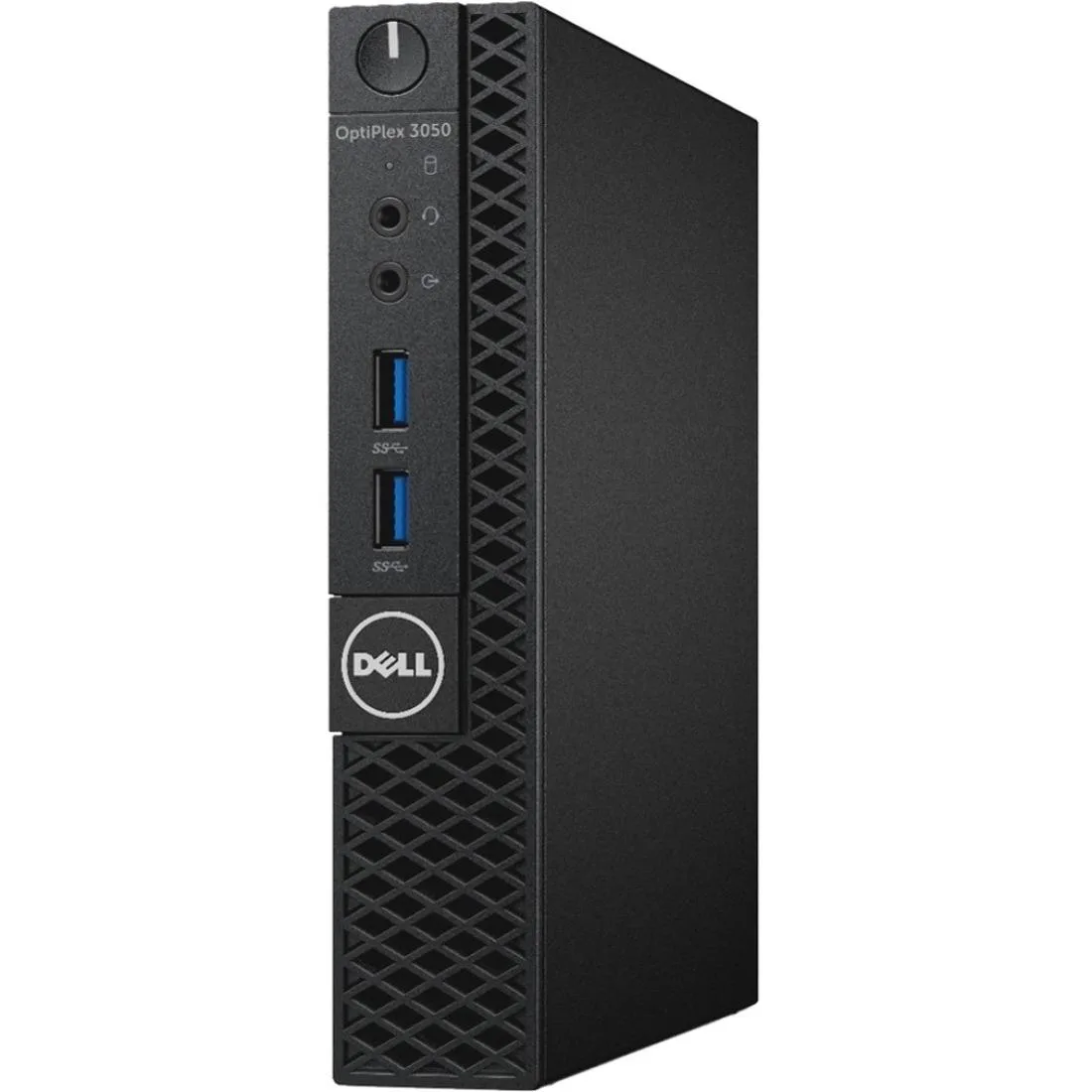
DELL OptiPlex 3050 Micro Desktop PC i5-7500T 2.70 GHz 4 GB 128 GB SSD
Micro desktop PC with Intel Core i5-7500T 2.70 GHz, 4 GB DDR4, 128 GB SSD and Windows 10 Pro 64-bit
- Screen SizeNo Screen
- Micro form factor frees 60% desk space
- Intel Core i5-7500T 2.70 GHz handles business workloads
- 128 GB SSD boots Windows 10 Pro fast
- 4 GB DDR4 memory expandable to 32 GB
- 11 ac Wave 2 Wi-Fi keeps connection strong
Ultra-compact business desktop
The Dell OptiPlex 3050 Micro is a new desktop computer built around an Intel Core i5-7500T processor running at 2.70 GHz. It ships with 4 GB of DDR4 memory and a 128 GB solid-state drive. Windows 10 Pro 64-bit is pre-installed in English, French and Spanish. The micro form factor uses 60% less surface area than traditional towers while supporting dual displays natively.
Thermals noise and power
The system is designed around a 35 W processor, keeping heat output and fan noise low in typical office workloads. Tool-less serviceability allows quick access to internal components for cleaning or upgrades without special tools. In-band management features simplify remote maintenance and monitoring across a fleet. The compact chassis maintains reliability despite the reduced footprint.
Upgrade path and fit
Memory can be expanded up to 32 GB of 2400 MHz DDR4 for smoother multitasking and reduced visual stutter. Wireless performance uses 802.11 ac Wave 2 for stronger signals at greater distances from the router. Buyers who need more than 128 GB of internal storage or discrete graphics capability should consider larger form factors. The micro design does not accommodate full-size expansion cards or additional drive bays.
Points forts
- Micro form factor frees 60% desk space
- Intel Core i5-7500T 2.70 GHz handles business workloads
- 128 GB SSD boots Windows 10 Pro fast
- 4 GB DDR4 memory expandable to 32 GB
- 11 ac Wave 2 Wi-Fi keeps connection strong
Caractéristiques
| Screen Size | No Screen |
|---|
Questions sur cet article
How do I mount the OptiPlex 3050 Micro using the All-in-One Stand, and what step is often missed?
Attach the VESA bracket to the monitor first, then slide the Micro chassis onto the stand; the step often missed is routing cables through the integrated cover before securing the unit.
Which components can be upgraded later without tools, and what are the limits?
The DDR4 memory slots support up to 32 GB at 2400 MHz, and the 128 GB SSD can be swapped; both are accessible via the tool-less chassis latch.
What thermal or power limit appears first during sustained loads on the 35 W i5-7500T?
The 35 W processor power envelope is the first constraint; under continuous heavy work the CPU will throttle to stay within that limit.
Également dans ce rayon
Les clients ont aussi comparé
Même rayon, même caisse — huit monnaies et un taux bloqué 30 minutes.



HPE
HPE P22020B21 2U Cable Management Arm for DL38X Gen10 Plus Rail Kit
52,99 $US67,99 $US−22%
0.0006748BTC
En stock
Lenovo
Lenovo ThinkSystem ST250 V3 7DCEA01YNA Tower Server Xeon E-2434 16 GB RAM
1 267,99 $US
0.01614719BTC
En stock