
DELL
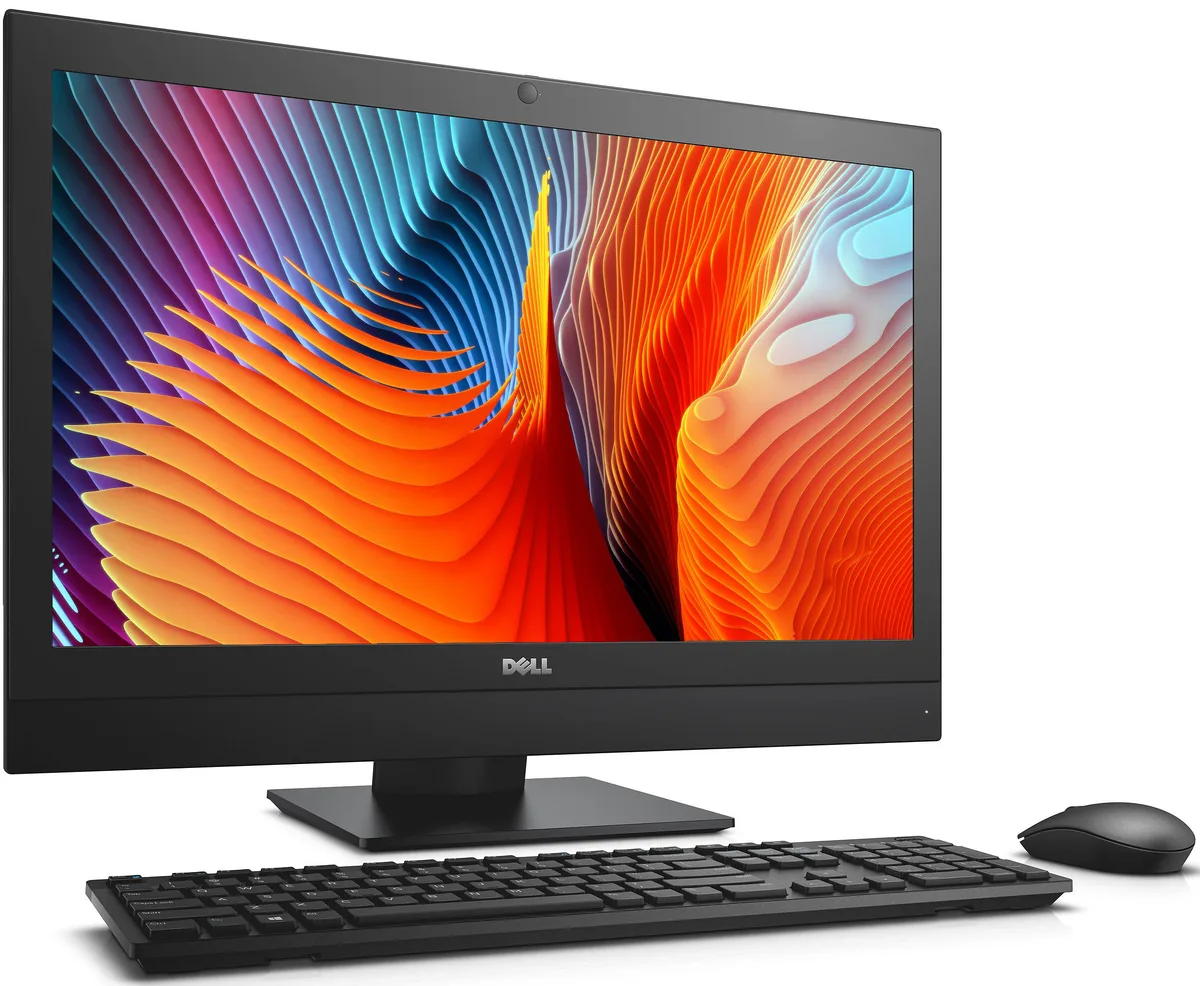
DELL OptiPlex 7440 All-in-One i5-6500 8 GB 500 GB 23.8
- All-in-One PC
- All-in-One
232,99 $US
0.00295684BTC
En stockNous acceptons la cryptomonnaie — les cryptos que vous détenez peuvent ainsi acheter du matériel réel.Payez en crypto, dépensez-la en matériel réel. Livraison assurée offerte partout dans le monde au-delà de 399 $. Cartons neutres, sans marque, expédiés depuis l’Allemagne.Livraison assurée offerte au-delà de 399 $. Votre taux est bloqué pendant 30 minutes dès l’ouverture de la caisse.Taux bloqué 30 minutes. Chaque article est scellé, son numéro de série est vérifié, et il est couvert par une garantie de 24 mois.Scellé, garanti 24 mois.


DELL
Micro desktop with an Intel Core i5-10500T processor, 16GB DDR4 memory and a 512GB solid-state drive, pre-installed with Windows 10 Pro
The Dell OptiPlex 3080 Micro is a 2021 small-form-factor PC built around an Intel Core i5-10500T six-core processor running at 2.3 GHz with a 3.8 GHz boost. It ships with 16 GB of DDR4 memory and a 512 GB solid-state drive. Windows 10 Pro 64-bit is pre-installed, making it ready for office tasks, student work or home-office deployment straight from the box. A wired keyboard, mouse and a webcam are included.
The 35 W processor keeps heat output modest, so the tiny chassis stays cool during typical productivity workloads without loud fan noise. Power draw remains low under normal multitasking, helping reduce running costs in a fleet or single-desk setup. The system supports both Windows 10 and Linux, giving IT teams flexibility without changing thermal behaviour. No liquid cooling or extra airflow planning is required.
Front and rear ports include four USB 3.1 and two USB 2.0 sockets, a single RJ-45 Ethernet jack, DisplayPort 1.2 and HDMI 1.4 for dual-display support. A universal audio jack, line-out and a headset combo port handle conferencing and media. The micro footprint fits behind a monitor or on a crowded desk, while the included webcam covers video calls without extra cables.
| Type | Student / Home Office |
|---|---|
| Monitor | Monitor not included |
| Screen Size | No Screen |
Place the micro chassis on a stable surface, connect the included wired keyboard and mouse to the front or rear USB ports, attach a display via the HDMI 1.4 or DisplayPort 1.2 output, plug in the power adapter, then press the power button. Many forget to connect the display before first boot.
The internal CMOS battery will eventually need replacement to keep system time and BIOS settings. Dust should be cleared from the vents periodically to maintain the 35 W processor cooling. The 16 GB DDR4 memory and 512 GB SSD are not user-serviceable in this micro form factor.
The 35 W TDP ceiling on the Core i5-10500T is reached first during prolonged heavy workloads, causing the processor to throttle from its 3.8 GHz turbo back toward the 2.3 GHz base to stay within thermal limits.
Également dans ce rayon
Même rayon, même caisse — huit monnaies et un taux bloqué 30 minutes.
Ce que vous envoyez, et ce dans quoi vous lisez les prix.
Envoyé depuis votre portefeuille à la caisse
Affichage seul — le catalogue est libellé en dollars
Aucune monnaie ne correspond.
Choisissez la langue dans laquelle le site vous parle.
Première visite ?
Vous avez déjà un compte ?
Il n’y a pas de réinitialisation automatique : cette boutique n’envoie aucun e-mail, il n’existe donc aucun lien à usage unique à demander. Laissez l’adresse sur le compte, elle sera traitée à la main.
Demande enregistrée
Rien n’arrivera dans votre boîte de réception — cette boutique n’envoie aucun e-mail. Quelqu’un s’en occupe à la main.
Vous l’avez retrouvé ?


