Cswur
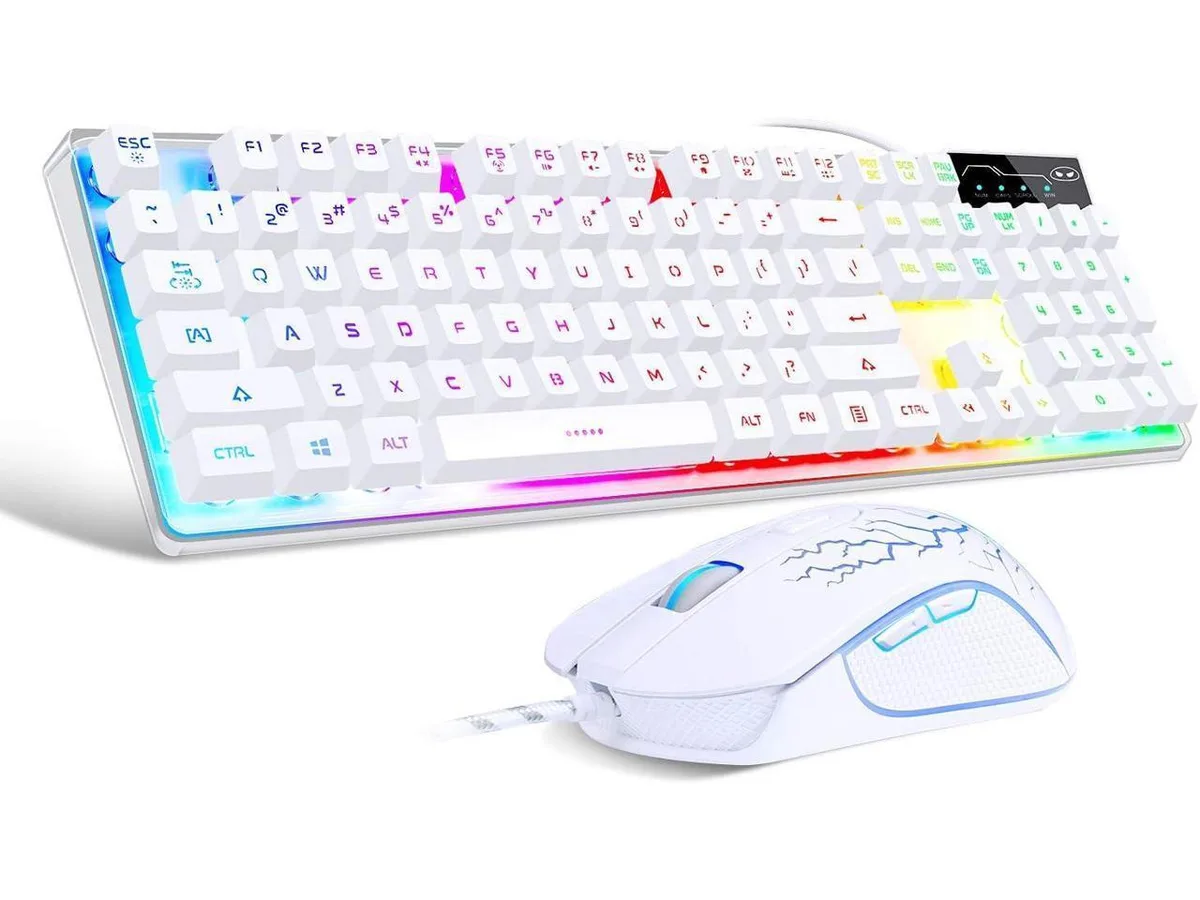
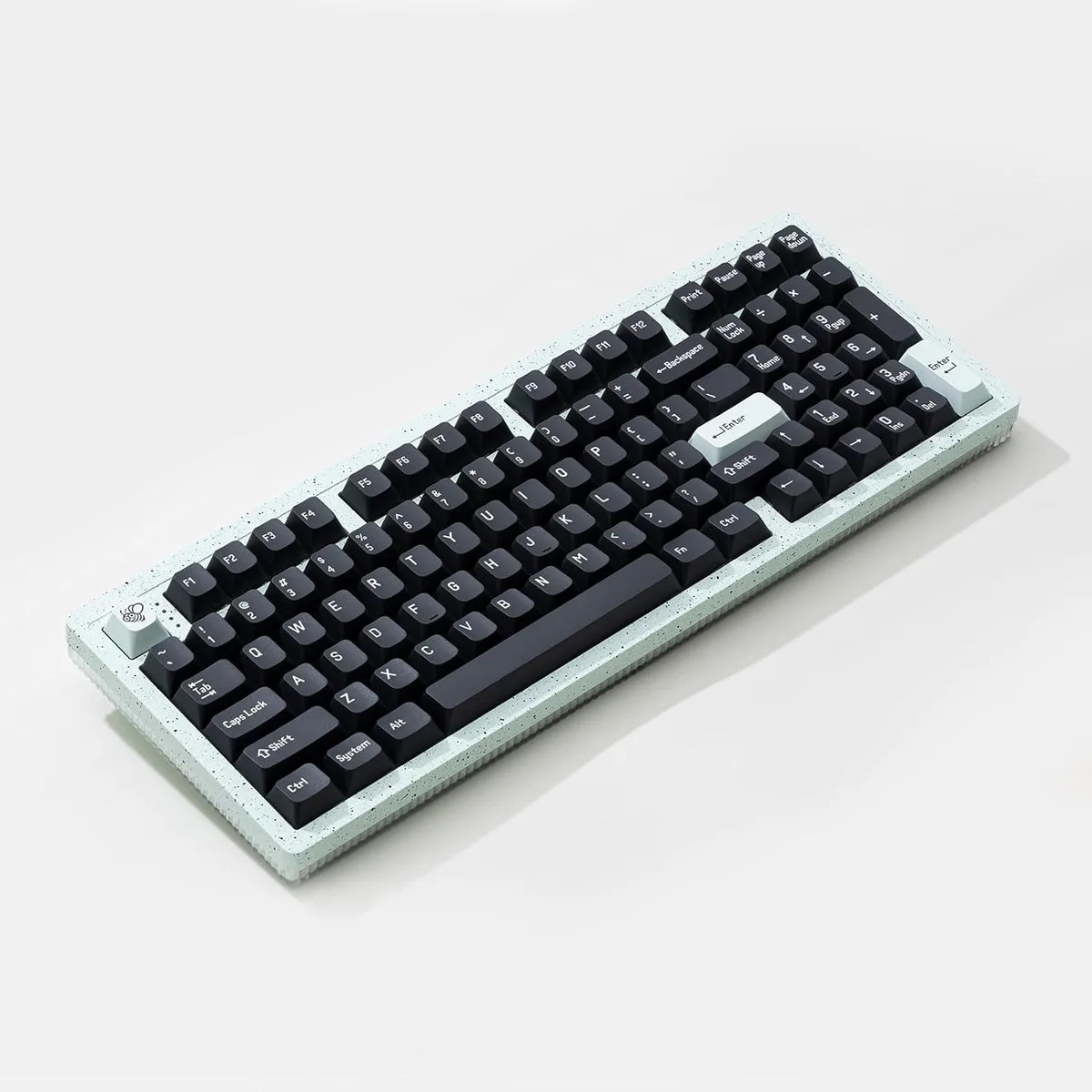
Cswur 104-Key Mechanical Gaming Keyboard Outemu Brown Switches Aluminum Frame Rainbow Backlight
- Full-size
86,99 $US
0.00110996BTC
En stockNous acceptons la cryptomonnaie — les cryptos que vous détenez peuvent ainsi acheter du matériel réel.Payez en crypto, dépensez-la en matériel réel. Livraison assurée offerte partout dans le monde au-delà de 399 $. Cartons neutres, sans marque, expédiés depuis l’Allemagne.Livraison assurée offerte au-delà de 399 $. Votre taux est bloqué pendant 30 minutes dès l’ouverture de la caisse.Taux bloqué 30 minutes. Chaque article est scellé, son numéro de série est vérifié, et il est couvert par une garantie de 24 mois.Scellé, garanti 24 mois.


A membrane gaming keyboard and mouse combo with 19-key anti-ghosting, RGB backlighting, spill-resistant drainage, integrated wrist rest and a 9-button ambidextrous mouse
The ENHANCE ENINKL1100BKUS pairs a full-size membrane keyboard with an ambidextrous gaming mouse. It targets entry-level players who want RGB lighting and multimedia controls without investing in mechanical switches. The kit also includes an LED mouse pad and a 360-degree rotating headset hanger. Buyers who need mechanical key feel or per-key RGB customisation should look elsewhere.
The keyboard uses membrane switches rated for 19-key rollover and anti-ghosting, plus a dedicated WASD-to-arrow swap key. Twelve multimedia shortcuts sit along the top edge and a fixed wrist rest runs the full width. Drain ports on the underside channel liquid away from the PCB. A USB braided cable connects the keyboard, while the mouse adds nine programmable buttons and adjustable DPI settings. The mouse pad offers a hard surface with seven LED modes.
Membrane switches generate negligible heat and produce a muted keystroke sound compared with mechanical alternatives. The keyboard draws power directly from a single USB port with no external adapter required. LED brightness cycles through three levels, letting users reduce illumination to lower power draw further. The mouse pad and hanger are passive accessories that add no electrical load.
| Brand | ENHANCE |
|---|---|
| Series | ENINKL1100BKUS |
| Name | ENINKL1100BKUS |
| Model | ENINKL1100BKUS |
| Part Number | ENINKL1100BKUS |
| Palm Rest | Contemporary |
| Function Keys | 19 |
| Mechanical Keyboard | Membrane |
| Key Switch | Membrane |
| Key Switch Type | Membrane |
| Keyboard Color | Black |
| Backlit | Lighting, rgb |
| Dimensions | 18.98 in x 8.47 in x 1.18 in |
| Mouse Included | Contemporary |
| Mouse DPI | Gaming |
| Hand Orientation | Ambidextrous |
| Mouse Grip Style | Lighting |
| Mouse Adjustable Weight | Lighting |
| Buttons | 9 |
| Mouse Color | Black |
| Power Source | USB Powered |
| Operating Time | USB Powered, false |
| Distance | 18.98 L x 8.47 W x 1.18 H inches |
| Operating System Supported | PC |
| Features | Lighting, rgb, Ambidextrous |
No, the USB connection supports full 19-key rollover and anti-ghosting without limitation.
The keyboard measures 18.98 in wide by 8.47 in deep and includes an integrated wrist rest, so allow that full area plus room for mouse movement.
Plug the keyboard's USB cable into a port, then plug the mouse into the keyboard's built-in USB pass-through; the missed step is connecting the mouse to the keyboard instead of directly to the PC.
Également dans ce rayon
Même rayon, même caisse — huit monnaies et un taux bloqué 30 minutes.
Ce que vous envoyez, et ce dans quoi vous lisez les prix.
Envoyé depuis votre portefeuille à la caisse
Affichage seul — le catalogue est libellé en dollars
Aucune monnaie ne correspond.
Choisissez la langue dans laquelle le site vous parle.
Première visite ?
Vous avez déjà un compte ?
Il n’y a pas de réinitialisation automatique : cette boutique n’envoie aucun e-mail, il n’existe donc aucun lien à usage unique à demander. Laissez l’adresse sur le compte, elle sera traitée à la main.
Demande enregistrée
Rien n’arrivera dans votre boîte de réception — cette boutique n’envoie aucun e-mail. Quelqu’un s’en occupe à la main.
Vous l’avez retrouvé ?