

ebest
ebest Vertical Wireless Gaming Mouse 800/1200/1600 DPI 6 Buttons Black
37,99 $US
0.0004843BTC
En stockNous acceptons la cryptomonnaie — les cryptos que vous détenez peuvent ainsi acheter du matériel réel.Payez en crypto, dépensez-la en matériel réel. Livraison assurée offerte partout dans le monde au-delà de 399 $. Cartons neutres, sans marque, expédiés depuis l’Allemagne.Livraison assurée offerte au-delà de 399 $. Votre taux est bloqué pendant 30 minutes dès l’ouverture de la caisse.Taux bloqué 30 minutes. Chaque article est scellé, son numéro de série est vérifié, et il est couvert par une garantie de 24 mois.Scellé, garanti 24 mois.
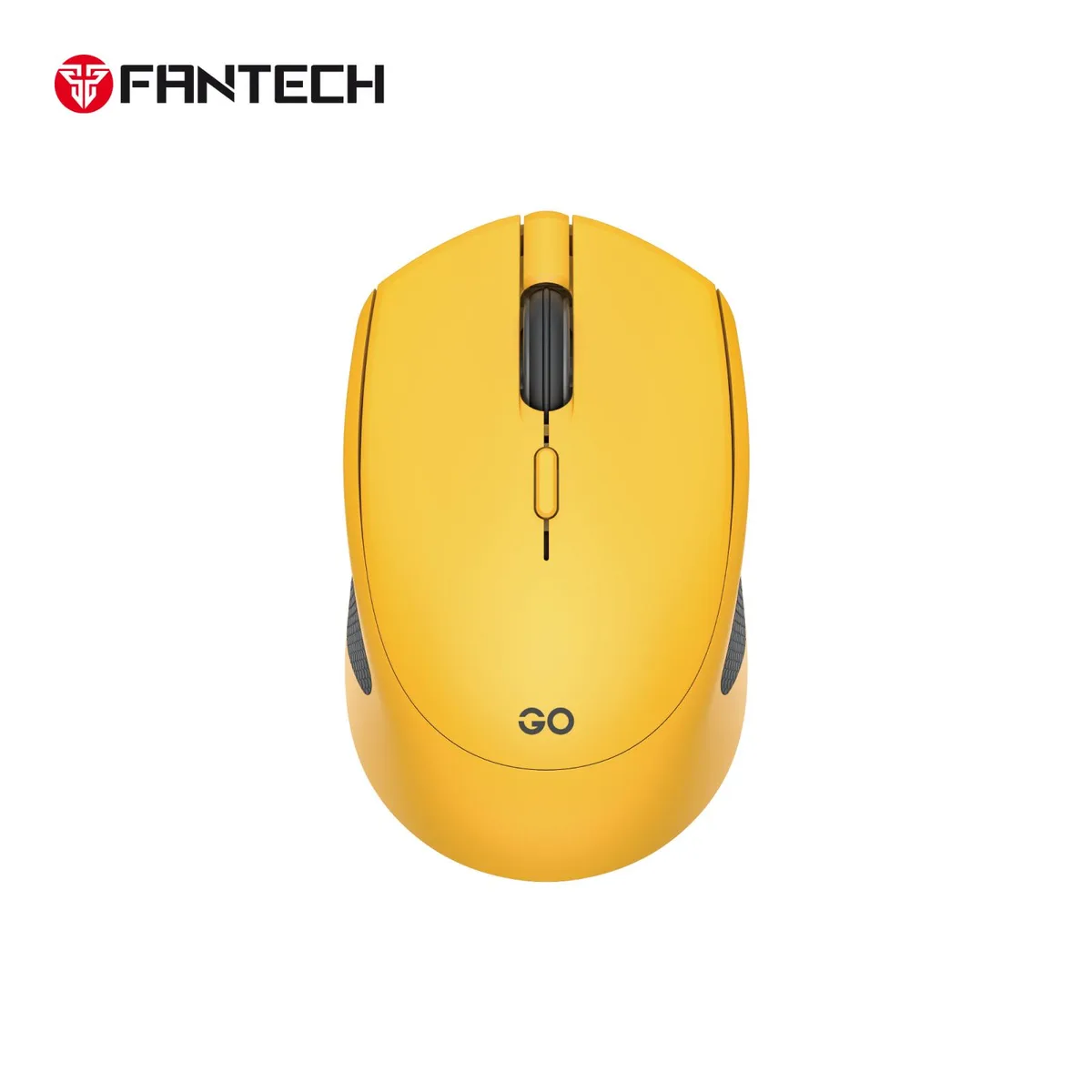


Fantech
A lightweight wireless mouse offering silent clicks, three adjustable DPI levels up to 1600, and dual-mode connectivity for up to three devices
Weighing 54±2g, this ambidextrous wireless mouse offers 2.4GHz and Bluetooth 5.0 connectivity for PC or Mac. Three DPI levels up to 1600 adjust on the fly. Silent switches cut click noise by 90%. A single AA battery delivers up to three months of use.
Suits mobile professionals and students who need quiet operation in shared spaces and quick pairing across three devices. The compact 100×60.6×34mm shape fits a laptop bag. Gamers requiring higher sensor resolution, more programmable buttons or a rechargeable battery should look elsewhere.
The maximum sensitivity is 1600 DPI across three preset steps. If your workflow or play style demands settings above this figure, this model will not meet the requirement.
| Brand | Fantech |
|---|---|
| Model | 062_GO W190D Yellow01 |
| Type | wireless |
| Resolution (DPI) | 1600 |
| Hand Orientation | Both Hands |
| Buttons | 5 |
| Color | Yellow |
| Operating System Supported | Windows XP/ Vista; Mac OS X 59.X + |
Yes, the 2.4 GHz wireless link uses the supplied USB dongle, which plugs into a standard Type-A port on your computer.
Yes, the mouse stores up to three connections and lets you switch between the 2.4 GHz channel and two Bluetooth 5.0 devices without removing the dongle.
The DPI cycles through 800, 1200 and 1600; each press changes the pointer speed so you can feel the difference immediately.
Également dans ce rayon
Même rayon, même caisse — huit monnaies et un taux bloqué 30 minutes.
Ce que vous envoyez, et ce dans quoi vous lisez les prix.
Envoyé depuis votre portefeuille à la caisse
Affichage seul — le catalogue est libellé en dollars
Aucune monnaie ne correspond.
Choisissez la langue dans laquelle le site vous parle.
Première visite ?
Vous avez déjà un compte ?
Il n’y a pas de réinitialisation automatique : cette boutique n’envoie aucun e-mail, il n’existe donc aucun lien à usage unique à demander. Laissez l’adresse sur le compte, elle sera traitée à la main.
Demande enregistrée
Rien n’arrivera dans votre boîte de réception — cette boutique n’envoie aucun e-mail. Quelqu’un s’en occupe à la main.
Vous l’avez retrouvé ?


