


Fantech
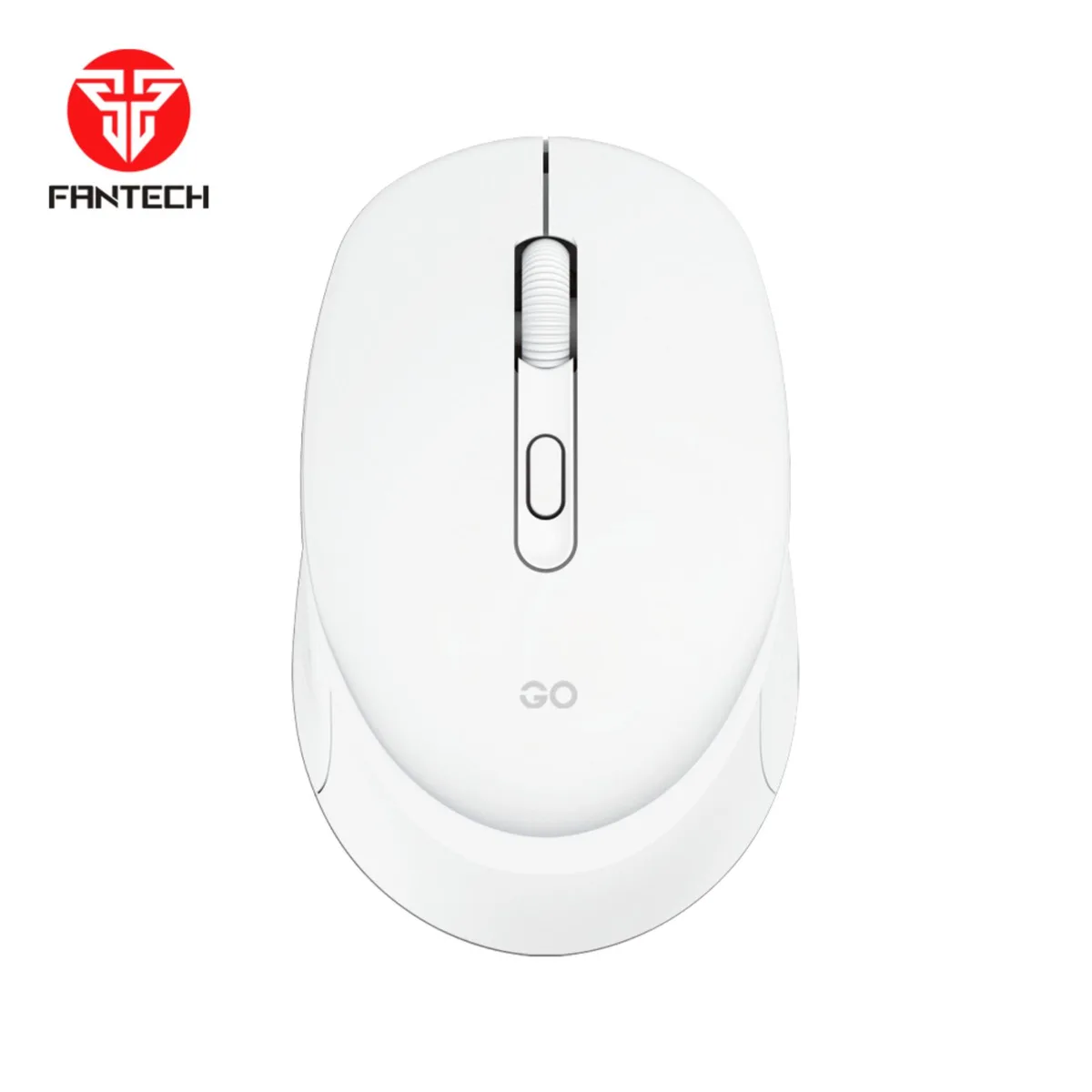
Fantech GO W609 White Gaming Mouse 1600 DPI
Wireless optical mouse with adjustable 1000/1200/1600 DPI, 10 m range, and up to three months on one AA battery
- Typewireless
- Resolution (DPI)1600
- Hand OrientationBoth Hands
- Buttons4
- ColorWhite
- Operating System SupportedWindows XP/ Vista; Mac OS X 77.X +
- Adjustable 1000/1200/1600 DPI optical sensor for precise tracking
- Up to 3 months runtime from one included AA battery
- 4 GHz wireless link works up to 10 metres away
- Symmetrical shape with textured grip suits both hands
- Plug-and-play USB receiver needs no driver installation
Wireless Gaming Mouse
The Fantech GO W609 White is a wireless gaming mouse built for everyday PC and Mac users who want a simple, reliable pointer without cables. It connects through a 2.4 GHz USB receiver and offers three selectable DPI steps of 1000, 1200 and 1600. The ambidextrous shape suits both left and right-handed operators.
Plug-and-Play Setup
Insert the included AA battery, plug the tiny USB receiver into a free port and the mouse is ready instantly with no driver installation required. The optical sensor tracks smoothly on most desk surfaces. If the cursor stutters, try moving the receiver closer or replacing the battery when the three-month runtime ends.
Check Your Ports and OS
Verify that your computer has an available USB Type-A port for the receiver before ordering. The manufacturer lists compatibility with Windows XP, Vista and Mac OS X 77.X or later; newer operating systems may work but are not confirmed by the supplier. The mouse weighs 54 grams without the battery and 95 grams with it.
Points forts
- Adjustable 1000/1200/1600 DPI optical sensor for precise tracking
- Up to 3 months runtime from one included AA battery
- 4 GHz wireless link works up to 10 metres away
- Symmetrical shape with textured grip suits both hands
- Plug-and-play USB receiver needs no driver installation
Caractéristiques
| Brand | Fantech |
|---|---|
| Model | 080_GO W609 White01 |
| Type | wireless |
| Resolution (DPI) | 1600 |
| Hand Orientation | Both Hands |
| Buttons | 4 |
| Color | White |
| Operating System Supported | Windows XP/ Vista; Mac OS X 77.X + |
Questions sur cet article
How do I confirm the 1600 DPI setting is active after plugging in the USB receiver?
The mouse uses an optical sensor with three preset steps — 1000, 1200 and 1600 DPI — press the DPI button until the cursor speed matches the highest step.
What ships in the box and what must I supply?
The package contains the GO W609 mouse, a manual, one AA battery and the 2.4 GHz USB receiver; no extra items are required.
Which DPI level should I pick for everyday office work versus fast-paced gaming?
Start at 1000 DPI for general desktop use, switch to 1200 DPI for more screen travel per hand movement, and use 1600 DPI when you need the quickest response.
Également dans ce rayon
Les clients ont aussi comparé
Même rayon, même caisse — huit monnaies et un taux bloqué 30 minutes.



BFKK
BFKK Wireless Gaming Mouse PAW 3950Max 42000 DPI 8KHz 38g Black & Sticker
- Black
106,99 $US
0.00136116BTC
En stock
BFKK
BFKK Wireless Gaming Mouse Red 7 Silent Buttons 5 Adjustable DPI
- Red
34,99 $US
0.00044515BTC
En stock
BFKK
BFKK Wireless Gaming Mouse Blue 7 Silent Buttons 1000-4000 DPI
- Blue
30,99 $US
0.00039426BTC
En stock