Cswur
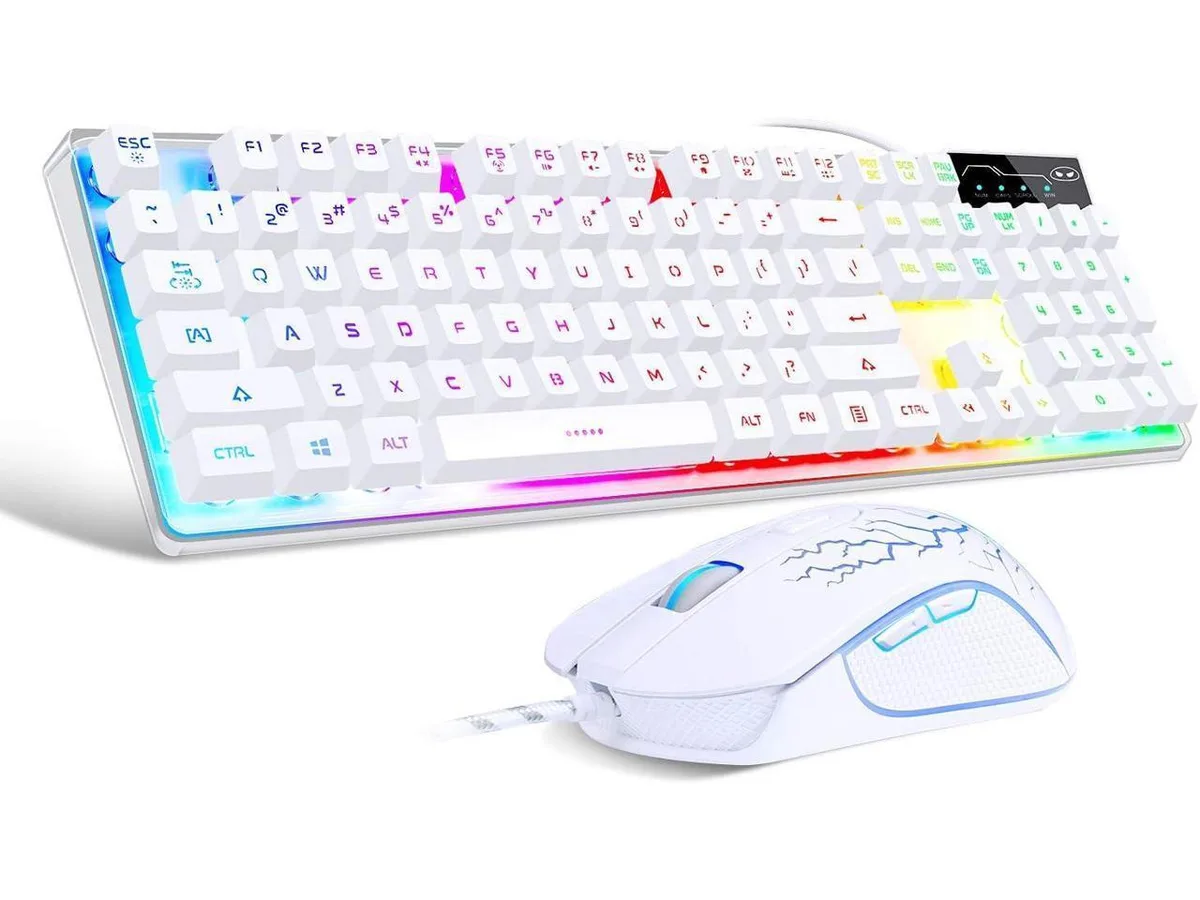
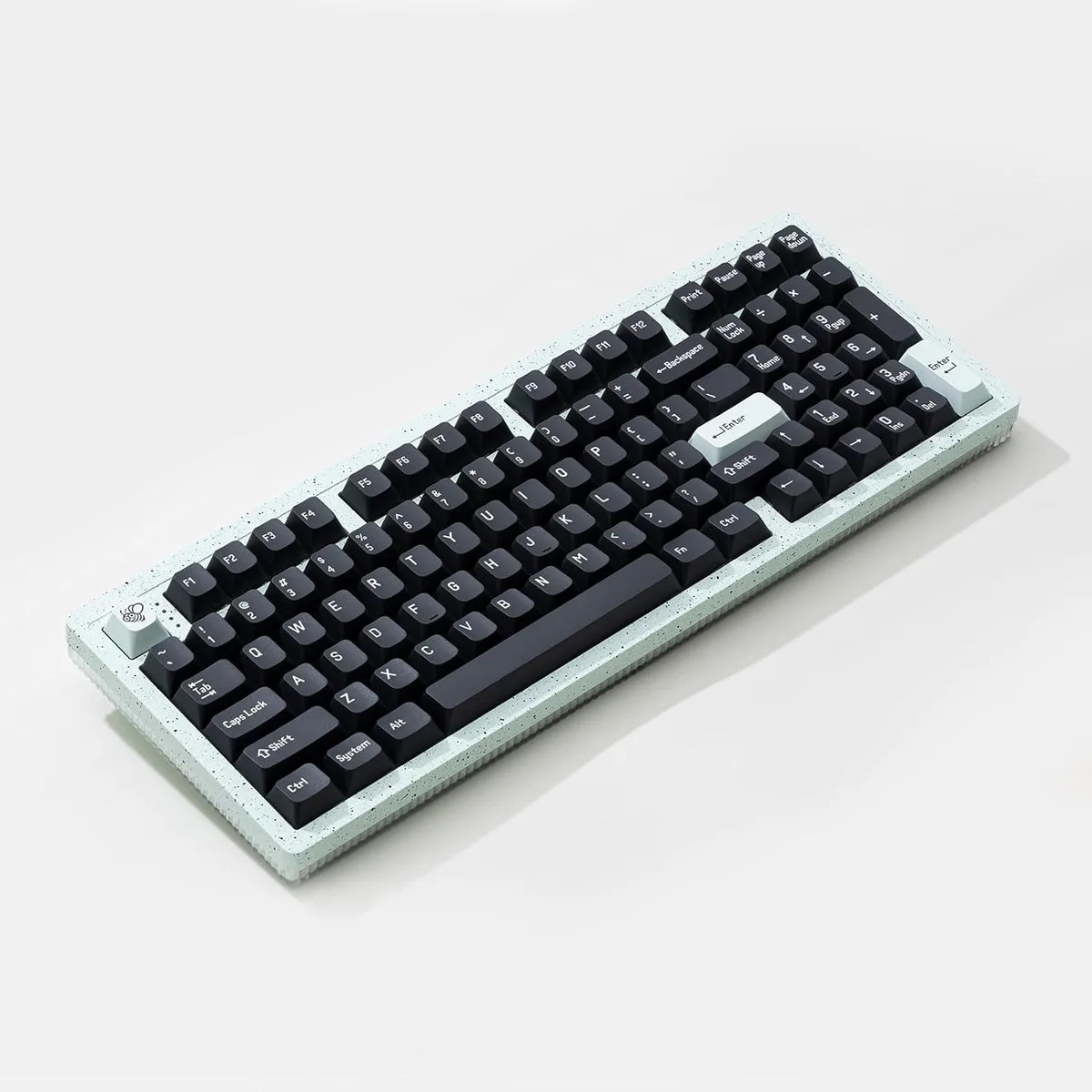
Cswur 104-Key Mechanical Gaming Keyboard Outemu Brown Switches Aluminum Frame Rainbow Backlight
- Full-size
86,99 $US
0.0011095BTC
En stockNous acceptons la cryptomonnaie — les cryptos que vous détenez peuvent ainsi acheter du matériel réel.Payez en crypto, dépensez-la en matériel réel. Livraison assurée offerte partout dans le monde au-delà de 399 $. Cartons neutres, sans marque, expédiés depuis l’Allemagne.Livraison assurée offerte au-delà de 399 $. Votre taux est bloqué pendant 30 minutes dès l’ouverture de la caisse.Taux bloqué 30 minutes. Chaque article est scellé, son numéro de série est vérifié, et il est couvert par une garantie de 24 mois.Scellé, garanti 24 mois.


FIFINE
A streaming controller with 15 customizable LCD macro keys for OBS scene switching, audio control and application launching on Mac and PC
The FIFINE Stream Controller is a dedicated macro keypad built for live streamers and content creators who need instant, tactile command access. Its fifteen customisable LCD keys let you launch applications, switch OBS scenes and adjust audio levels with a single press. The unit works on both Windows and macOS, making it a flexible addition to any desktop streaming setup.
As a low-power USB peripheral the controller generates negligible heat and runs completely silently during normal operation. It draws power directly from the host computer so no external power supply is required and there is no fan or active cooling to produce audible noise. The device remains cool to the touch even during extended streaming sessions.
The keypad replaces the need to memorise complex keyboard shortcuts or navigate multiple on-screen menus while broadcasting. It is a worthwhile step up for creators who regularly juggle scene changes, media cues and chat controls in real time. Users who do not stream, record or run multi-application workflows will not benefit from the dedicated macro layer.
| Color | Black |
|---|
Connect the USB cable to your PC, install the configuration software, then assign actions to each of the 15 macro keys; the step often missed is creating separate folders for different scenes so macros stay organised.
The 15 LCD macro keys and RGB lighting are solid-state with no moving parts, so no scheduled maintenance is required; only the USB cable or software updates may need attention.
The 15 macro keys restrict how many simultaneous scenes or shortcuts you can access without switching folders, which becomes the practical bottleneck during extended multi-task streams.
Également dans ce rayon
Même rayon, même caisse — huit monnaies et un taux bloqué 30 minutes.
Ce que vous envoyez, et ce dans quoi vous lisez les prix.
Envoyé depuis votre portefeuille à la caisse
Affichage seul — le catalogue est libellé en dollars
Aucune monnaie ne correspond.
Choisissez la langue dans laquelle le site vous parle.
Première visite ?
Vous avez déjà un compte ?
Il n’y a pas de réinitialisation automatique : cette boutique n’envoie aucun e-mail, il n’existe donc aucun lien à usage unique à demander. Laissez l’adresse sur le compte, elle sera traitée à la main.
Demande enregistrée
Rien n’arrivera dans votre boîte de réception — cette boutique n’envoie aucun e-mail. Quelqu’un s’en occupe à la main.
Vous l’avez retrouvé ?