G-STORY
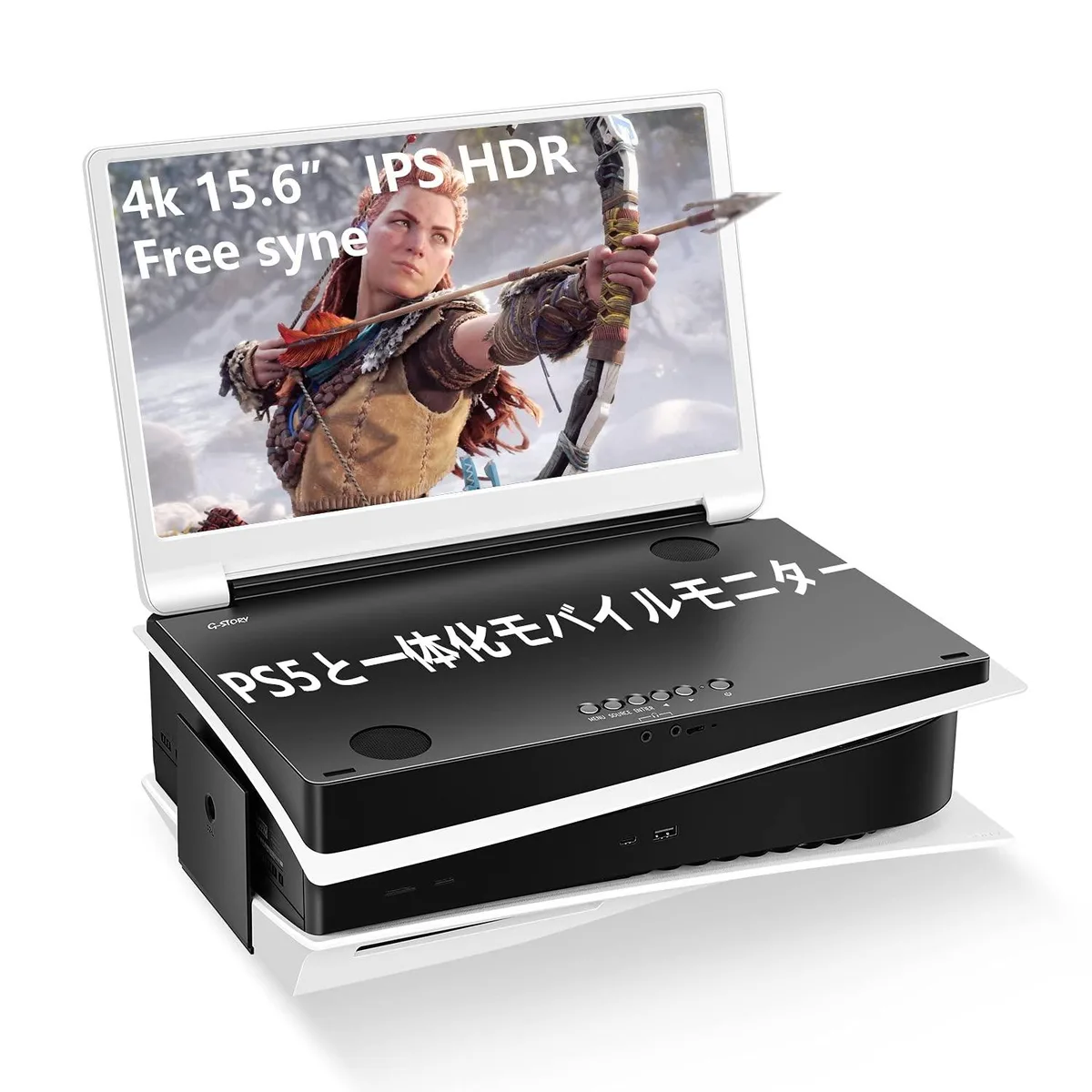
G-STORY 15.6" 2K 120Hz Portable Gaming Monitor
A 15.6-inch IPS panel delivers 2560 x 1440 resolution at 120 Hz with 99 % sRGB coverage, dual 2.5 W speakers, FreeSync and two HDMI ports
- Screen Size15.6"
- Display TypeFHD
- Refresh Rate120Hz
- Thunderbolt 2HDMI
- Built-in SpeakersYes
Display Type FHD
- FHD
- QFHD
Refresh Rate 120 Hz
- 60 Hz
- 120 Hz
- Sharp 2K detail on a 15.6" IPS panel
- Smooth 120Hz refresh for fast gaming action
- 1ms response time cuts ghosting and blur
- Dual 2.5W speakers deliver 360-degree sound
- FreeSync support eliminates tearing and stuttering
Built for PlayStation 5 and Xbox Series S
The G-STORY 15.6-inch portable monitor pairs an IPS panel with a 120Hz refresh rate and dual HDMI inputs. Its 2560x1440 resolution and 99% sRGB coverage deliver accurate colour across a 178-degree viewing angle. Integrated 2.5W stereo speakers provide 360-degree audio without extra hardware.
Suits gamers who want a second screen that travels
Buyers needing a self-powered display for a laptop or phone without HDMI output should look elsewhere. The monitor requires an external power source and a device capable of driving 2560x1440 at 120Hz over HDMI. Users who rely on USB-C video or DisplayPort connectivity will not find those interfaces here.
The deciding specification is the dual HDMI port
HDMI 1 accepts 1080p signals while HDMI 2 supports 3860x2160 input, letting a PlayStation 5 run at 4K. FreeSync and a 1ms response time keep motion clear at 120Hz and even 166Hz. Match your source to the correct port to get the resolution and refresh rate you expect.
Points forts
- Sharp 2K detail on a 15.6" IPS panel
- Smooth 120Hz refresh for fast gaming action
- 1ms response time cuts ghosting and blur
- Dual 2.5W speakers deliver 360-degree sound
- FreeSync support eliminates tearing and stuttering
Caractéristiques
| Screen Size | 15.6" |
|---|---|
| Display Type | FHD |
| Refresh Rate | 120Hz |
| Thunderbolt 2 | HDMI |
| Built-in Speakers | Yes |
Autres versions de ce modèle
1 de plus dans cette gamme
Même famille, mémoire, ventirad ou fréquence différents — comparez avant de vous décider.

Questions sur cet article
How can I confirm the monitor is running at 120Hz after connecting it?
Check your device's display settings and set the output to 2560x1440 at 120Hz; the on-screen menu will show the active refresh rate.
What cables and accessories are included versus what I must buy separately?
The monitor includes two HDMI cables and a 3.5mm audio cable; a power adapter and any Thunderbolt cable are not included.
Should I choose the HDMI 1 or HDMI 2 port for my PS5 to get 4K?
Use HDMI 2 for 4K at 3860x2160 on PS5; HDMI 1 is limited to 1080p output.
Également dans ce rayon
Les clients ont aussi comparé
Même rayon, même caisse — huit monnaies et un taux bloqué 30 minutes.