


HP
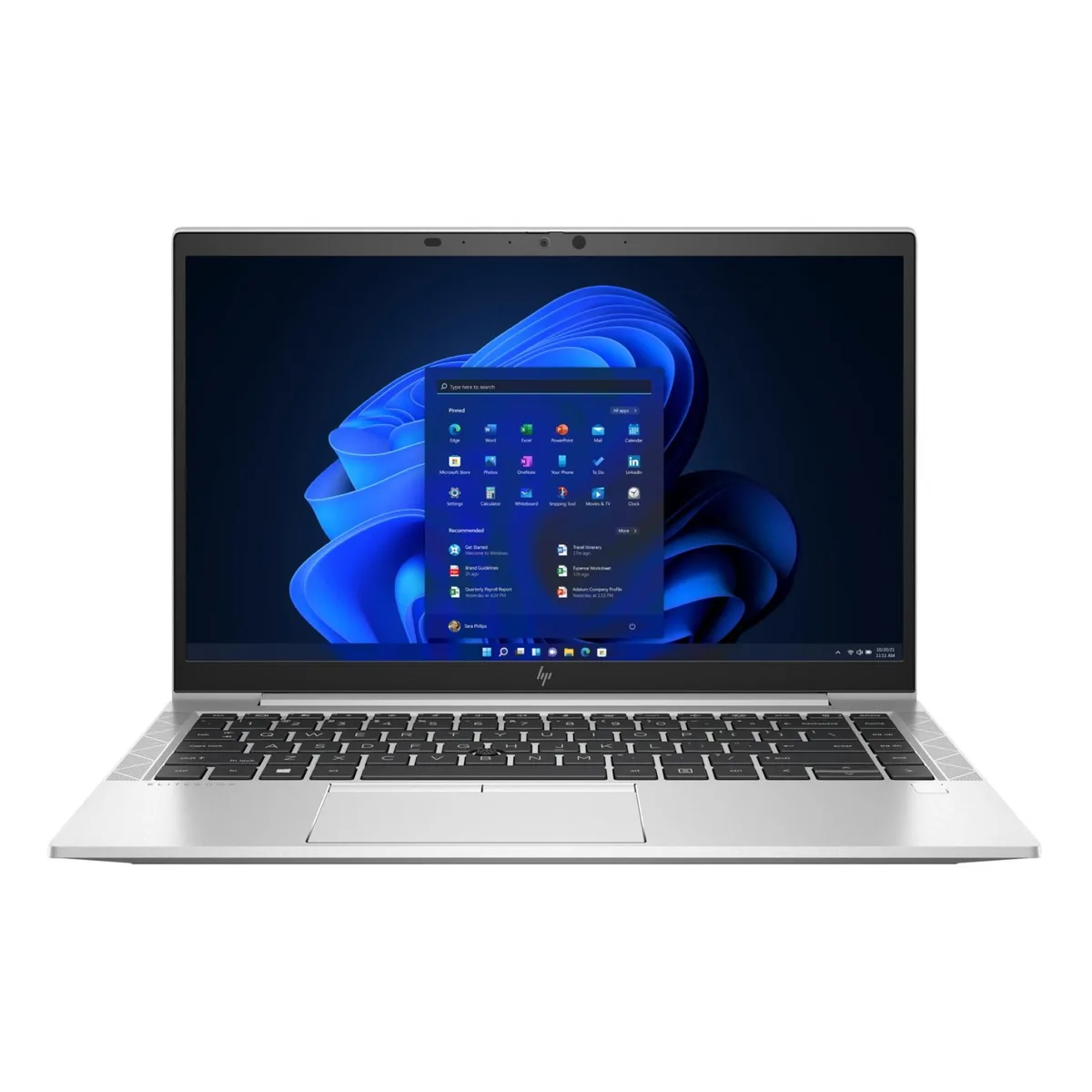
HP EliteBook 840 G4 14" i5-7300U 32GB 256GB
A 14-inch business laptop with a dual-core 2.6 GHz processor, 32 GB DDR4 memory and a 256 GB NVMe drive
- ColorSilver
- Operating SystemWindows 10 Home 🙋♀️Microsoft Windows 11 Pro Upgrade 👉Check
- CPU TypeIntel Core i5 7th Gen
- Processor NameIntel Core i5-7300U
- Core NameKaby Lake
- Number of CoresDual-core Processor
- 32 GB DDR4 memory handles heavy multitasking
- 256 GB NVMe SSD boots and loads files fast
- Intel Core i5-7300U 2.6 GHz delivers responsive everyday performance
- 14 inch HD LED display with 1366 x 768 resolution
- USB 3.1 Type C plus VGA and DisplayPort connect peripherals and monitors
Ready for business mobility
The HP EliteBook 840 G4 is a 14 inch laptop built for professionals who need a reliable Windows 10 machine. It runs on an Intel Core i5-7300U dual core processor at 2.6 GHz with 32 GB of DDR4 memory and a 256 GB NVMe SSD. Integrated Intel HD Graphics 620 drives the 1366 by 768 HD display. The silver chassis includes a webcam and SIM card reader for mobile connectivity.
Practical port selection
A full size DisplayPort and a VGA port make it simple to connect legacy projectors or modern monitors without adapters. One USB 3.1 Type C port and two USB 3.0 ports handle peripherals and data transfer. Gigabit Ethernet through the RJ-45 jack provides a stable wired link, while 802.11 wireless covers office and travel networks. The laptop ships with its charger and battery included.
Efficient thermal profile
The low power U series processor and integrated graphics keep heat output modest during typical office workloads such as document editing, email and video calls. Fan noise stays low in these scenarios, rising only under sustained heavy compute tasks. Power draw remains restrained, helping the battery last through a standard workday. The SSD has no moving parts, eliminating mechanical noise and reducing thermal load compared to traditional hard drives.
Points forts
- 32 GB DDR4 memory handles heavy multitasking
- 256 GB NVMe SSD boots and loads files fast
- Intel Core i5-7300U 2.6 GHz delivers responsive everyday performance
- 14 inch HD LED display with 1366 x 768 resolution
- USB 3.1 Type C plus VGA and DisplayPort connect peripherals and monitors
Caractéristiques
| Brand | HP |
|---|---|
| Series | EliteBook |
| Model | 840 G4 |
| Color | Silver |
| Operating System | Windows 10 Home 🙋♀️Microsoft Windows 11 Pro Upgrade 👉Check ABS/Helix computers with Windows 11 |
| CPU Type | Intel Core i5 7th Gen |
| Processor Name | Intel Core i5-7300U |
| Core Name | Kaby Lake |
| Number of Cores | Dual-core Processor |
| CPU L3 Cache | 3 MB |
| Screen Size | 14.0" |
| Touchscreen | Non-Touch Screen |
| Wide Screen Support | Yes |
| Display Type | HD |
| Resolution | 1366 x 768 |
| Display Features | LED backlight |
| GPU/VPU | Intel HD Graphics 620 |
| Video Memory | Shared system memory |
| Graphic Type | Integrated Card |
| SSD | 256GB |
| Storage Spec | NVMe PCIe M.2 SSD |
| Memory | 32GB |
| LAN | 10/100/1000Mbps |
| WLAN | 802.11ac Wireless LAN |
| Bluetooth | Yes |
| USB | 3 |
| Video Port | 1 x VGA, 1 x DisplayPort |
| HDMI | No |
| Touchpad | Yes |
| Webcam | Yes |
| Style | Standard |
| Type | Mainstream |
| Usage | Business |
| Software Included | Fresh install and activated Windows 10 with zero bloatware. Your very own genuine Windows 10 COA sticker will be attached to the unit and in some laptops, under the battery. |
| Consumer Alert | Previously Used, Seller Refurbished. Laptop may show very minor signs of previous wear but will be in good condition. Protective vinyl skin cover may be applied. |
Questions sur cet article
What speed does the USB 3.1 Type-C port provide and what can it connect?
The USB 3.1 Type-C port runs at 10 Gbps for data and attaches standard USB-C peripherals such as drives, hubs or docks; it does not carry a native video signal.
What are the chassis dimensions and screw pattern for mounting or replacing internal parts?
The 14.0-inch silver chassis uses the standard EliteBook 840 G4 layout with captive screws on the bottom cover; removing that cover gives access to the M.2 slot, memory slots and battery.
How is the NVMe SSD installed and which step do people miss?
Slide the 256 GB NVMe drive into the M.2 slot at a 30-degree angle, press it flat and secure it with the single retention screw; the step often missed is pressing the drive fully flat before tightening the screw.
Également dans ce rayon
Les clients ont aussi comparé
Même rayon, même caisse — huit monnaies et un taux bloqué 30 minutes.

MSI
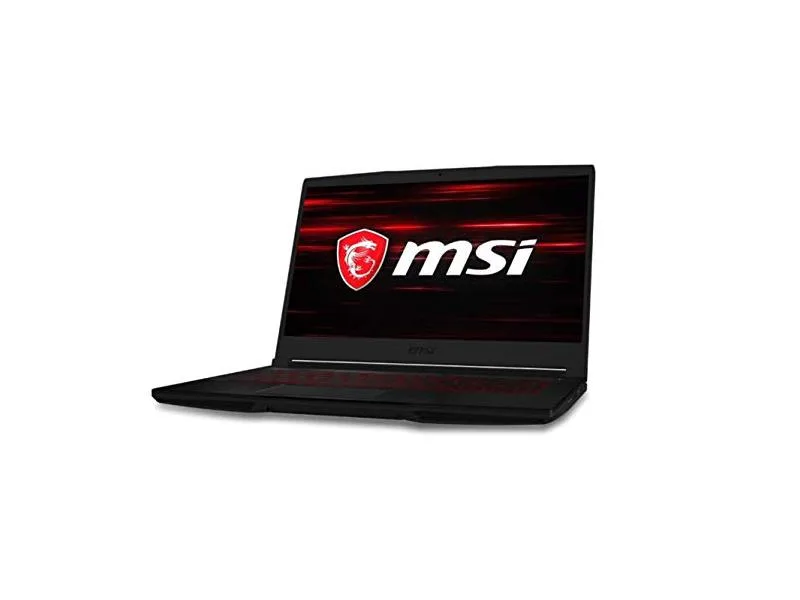
MSI GF63 Thin 10SCXR-222 15.6 laptop i5-10300H 8GB 256GB GTX 1650 4.1GB Black
- 15.6"
- Mainstream
657,99 $US
0.00836467BTC
En stock