HP
HP V194 18.5" Monitor 1366 x 768 60 Hz Anti-glare
An 18.5 inch anti-glare display with 1366 x 768 resolution, 60 Hz refresh, 200 cd/m² brightness, 600:1 contrast, 5 ms response and built-in speakers
- Cabinet ColorBlack
- Screen Size18.5"
- Monitor Pixel Density0.30mm
- Brightness200 cd/m2
- Contrast Ratio600:1
- Aspect Ratio16:9
- 5" anti-glare screen reduces reflections for comfortable viewing
- HD 1366 x 768 resolution at 60 Hz delivers clear everyday visuals
- 5 ms response time keeps motion smooth during video playback
- Built-in speakers provide audio without extra desktop hardware
- Tilt range of -5 to +22° lets you set the ideal viewing angle
Compact 18.5" HD Monitor
The HP V194 is an 18.5-inch display with a 1366 x 768 resolution at 60 Hz. Its anti-glare panel and 16:9 aspect ratio suit basic office tasks and multi-monitor arrays. Built-in speakers add convenient audio without extra cables.
Suits Tight Spaces and Simple Setups
This monitor fits cramped desks and serves well for data entry, point-of-sale terminals or secondary reference screens. Buyers who need Full HD clarity, higher brightness or digital video inputs should look at other models.
Single VGA Input Decides Compatibility
The only video connection is a VGA port, so the host must provide an analogue output or an active adapter. Systems limited to HDMI or DisplayPort outputs cannot drive this display without extra hardware.
Points forts
- 5" anti-glare screen reduces reflections for comfortable viewing
- HD 1366 x 768 resolution at 60 Hz delivers clear everyday visuals
- 5 ms response time keeps motion smooth during video playback
- Built-in speakers provide audio without extra desktop hardware
- Tilt range of -5 to +22° lets you set the ideal viewing angle
Caractéristiques
| Brand | HP |
|---|---|
| Model | V194 |
| Cabinet Color | Black |
| Screen Size | 18.5" |
| Monitor Pixel Density | 0.30mm |
| Brightness | 200 cd/m2 |
| Contrast Ratio | 600:1 |
| Aspect Ratio | 16:9 |
| Response Time | 5 ms |
| Built-in Speakers | Yes |
Questions sur cet article
How do I attach the stand and which cable do I use for the VGA input?
Place the monitor face-down on a soft surface, align the stand neck with the rear bracket and press until it clicks; then connect the supplied VGA cable to the blue 15-pin port and tighten the thumbscrews so the signal stays secure.
What part will need attention first if the screen dims or the backlight flickers after long use?
The LED backlight module behind the 18.5" panel is the component most likely to degrade first; if brightness drops below the rated 200 cd/m² or flicker appears, a backlight replacement restores normal output.
At what point does the contrast ratio stop improving during a long session?
The panel's static contrast is fixed at 600:1, so black-level depth reaches its limit immediately and does not change with extended operation.
Également dans ce rayon
Les clients ont aussi comparé
Même rayon, même caisse — huit monnaies et un taux bloqué 30 minutes.

Acer America
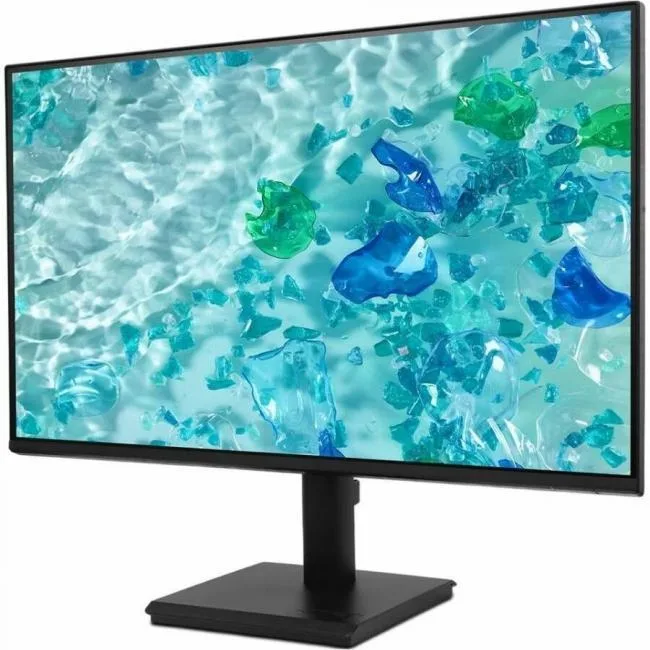
Acer Vero V277 G 27" Monitor Black 4ms Speakers HDMI VGA DisplayPort
- Black
- 27"
104,99 $US
0.00133399BTC
En stock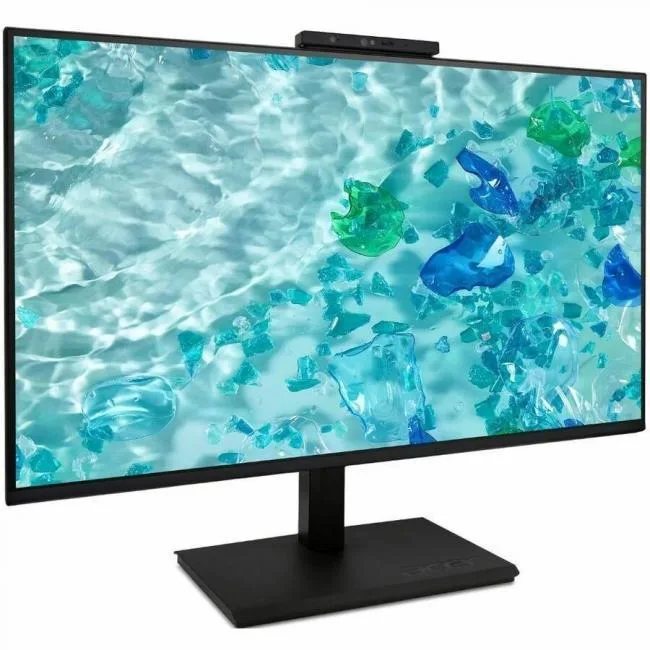
Acer America
Acer Vero B7 27" Full HD IPS 100Hz Monitor Black UM.HB7AA.601
- Black
- 27"
166,99 $US
0.00212175BTC
En stock