

Micron Technology, Inc.
Micron Technology, Inc. MT4JTF12864AZ-1G4D1 1GB DDR3 1333 Desktop RAM
- 1GB
- DDR3 1333 (PC3 1060…
$28.99
0.00037503BTC
En stockNous acceptons la cryptomonnaie — les cryptos que vous détenez peuvent ainsi acheter du matériel réel.Payez en crypto, dépensez-la en matériel réel. Livraison assurée offerte partout dans le monde au-delà de 399 $. Cartons neutres, sans marque, expédiés depuis l’Allemagne.Livraison assurée offerte au-delà de 399 $. Votre taux est bloqué pendant 30 minutes dès l’ouverture de la caisse.Taux bloqué 30 minutes. Chaque article est scellé, son numéro de série est vérifié, et il est couvert par une garantie de 24 mois.Scellé, garanti 24 mois.
Intel
A 10-core desktop processor with six performance cores, four efficiency cores and 16 threads reaching 4.6 GHz turbo, 20 MB L3 cache, dual-channel DDR4-3200 or DDR5-4800 support up to 128 GB.
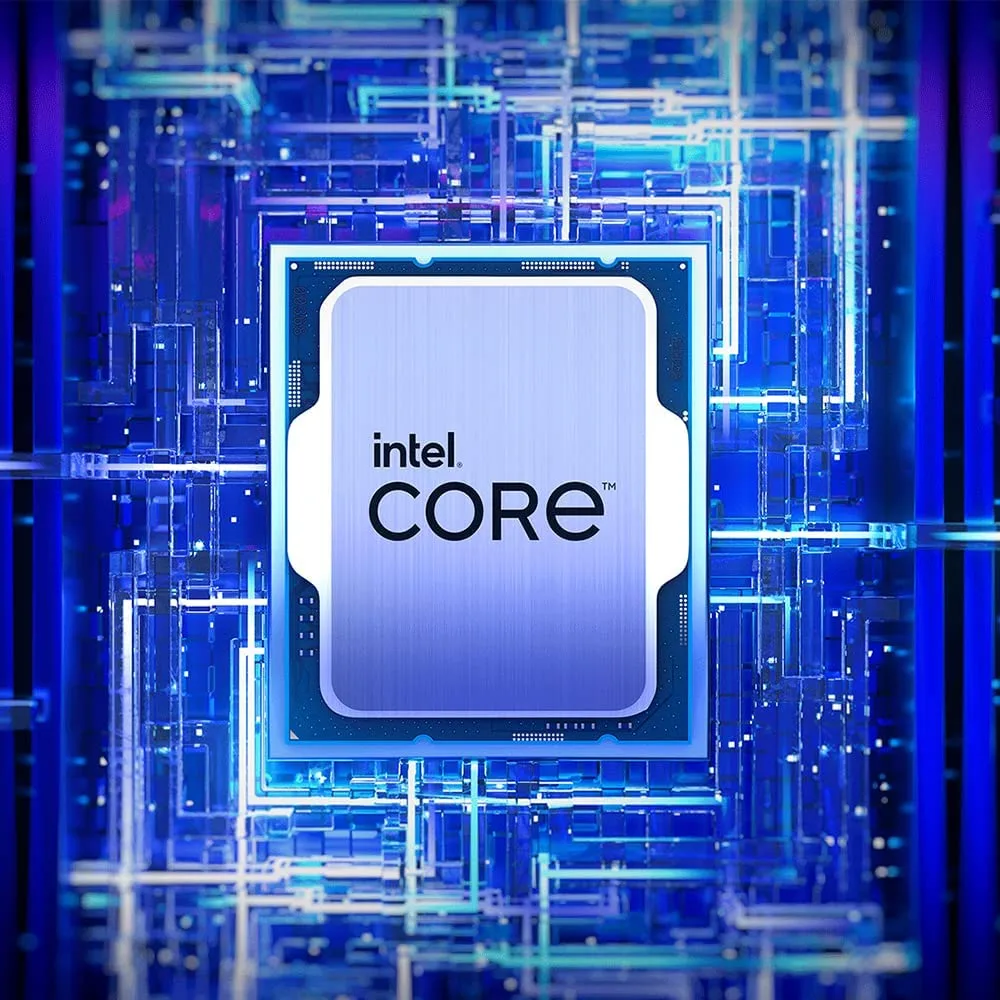
The Intel Core i5-13400F is a desktop processor built on the Raptor Lake architecture for the LGA 1700 socket. It delivers six performance cores and four efficient cores with a 20 MB L3 cache and 9.5 MB L2 cache. The chip supports DDR4 3200 and DDR5 4800 memory in dual-channel mode up to 128 GB. It has no integrated graphics so a discrete card is required.
Moving from a six-core or eight-core CPU adds four extra threads and a higher 4.6 GHz peak turbo on the performance cores. The 65 W base power and 148 W maximum turbo power give headroom for sustained workloads such as compiling, rendering or streaming. The upgrade is most noticeable when background tasks compete with a foreground application for cache and scheduler attention.
The boxed processor ships with a heatsink and fan that mount using the standard LGA 1700 retention mechanism. Apply thermal paste evenly, seat the cooler squarely and tighten the fasteners in a cross pattern to avoid uneven pressure. Common issues are forgetting to remove the protective film on the cooler base, not connecting the fan header or leaving the motherboard power limits at defaults that throttle the 148 W turbo ceiling.
| Brand | Intel |
|---|---|
| Processors Type | Desktop |
| Series | Core i5 13th Gen |
| Name | Core i5-13400F |
| Model | BX8071513400F |
| CPU Socket Type | LGA 1700 |
| Core Name | Raptor Lake |
| # of Cores | 10-Core (6P+4E) |
| # of Threads | 16-Threads |
| Operating Frequency | P-core Base Frequency: 2.5 GHz E-core Base Frequency: 1.8 GHz |
| Max Turbo Frequency | P-core Max Turbo Frequency: Up to 4.6 GHz E-core Max Turbo Frequency: Up to 3.3 GHz |
| L2 Cache | 9.5MB |
| L3 Cache | 20MB |
| Memory Types | DDR4 3200 / DDR5 4800 |
| Memory Channel | 2 |
| Max Memory Size | 128 GB |
| Integrated Graphics | None Integrated Graphics |
| PCI Express Revision | 5.0 / 4.0 / 3.0 |
| Max Number of PCI Express Lanes | 20 |
| Thermal Design Power | Processor Base Power: 65W Maximum Turbo Power: 148W |
| Cooling Device | Cooling device not included - Processor Only |
| Operating System Supported | Windows 11 |
| Poids d’expédition | 0.46 kg |
| Dimensions du colis | 164 × 139 × 130 mm |
The boxed processor includes a heatsink and fan that mount directly to the LGA 1700 socket using the standard Intel push-pin mechanism; no separate bracket is needed.
Align the four push-pins with the motherboard holes, press each pin diagonally in an X-pattern until it clicks, then verify the cooler sits flat before connecting the 4-pin fan header.
Replace the thermal material whenever the cooler is removed for cleaning or upgrade; wipe old paste with isopropyl alcohol and apply a fresh pea-sized drop before reseating.
Également dans ce rayon
Même rayon, même caisse — huit monnaies et un taux bloqué 30 minutes.
Ce que vous envoyez, et ce dans quoi vous lisez les prix.
Envoyé depuis votre portefeuille à la caisse
Affichage seul — le catalogue est libellé en dollars
Aucune monnaie ne correspond.
Choisissez la langue dans laquelle le site vous parle.
Première visite ?
Vous avez déjà un compte ?
Il n’y a pas de réinitialisation automatique : cette boutique n’envoie aucun e-mail, il n’existe donc aucun lien à usage unique à demander. Laissez l’adresse sur le compte, elle sera traitée à la main.
Demande enregistrée
Rien n’arrivera dans votre boîte de réception — cette boutique n’envoie aucun e-mail. Quelqu’un s’en occupe à la main.
Vous l’avez retrouvé ?



