Kingston Technology Corp.
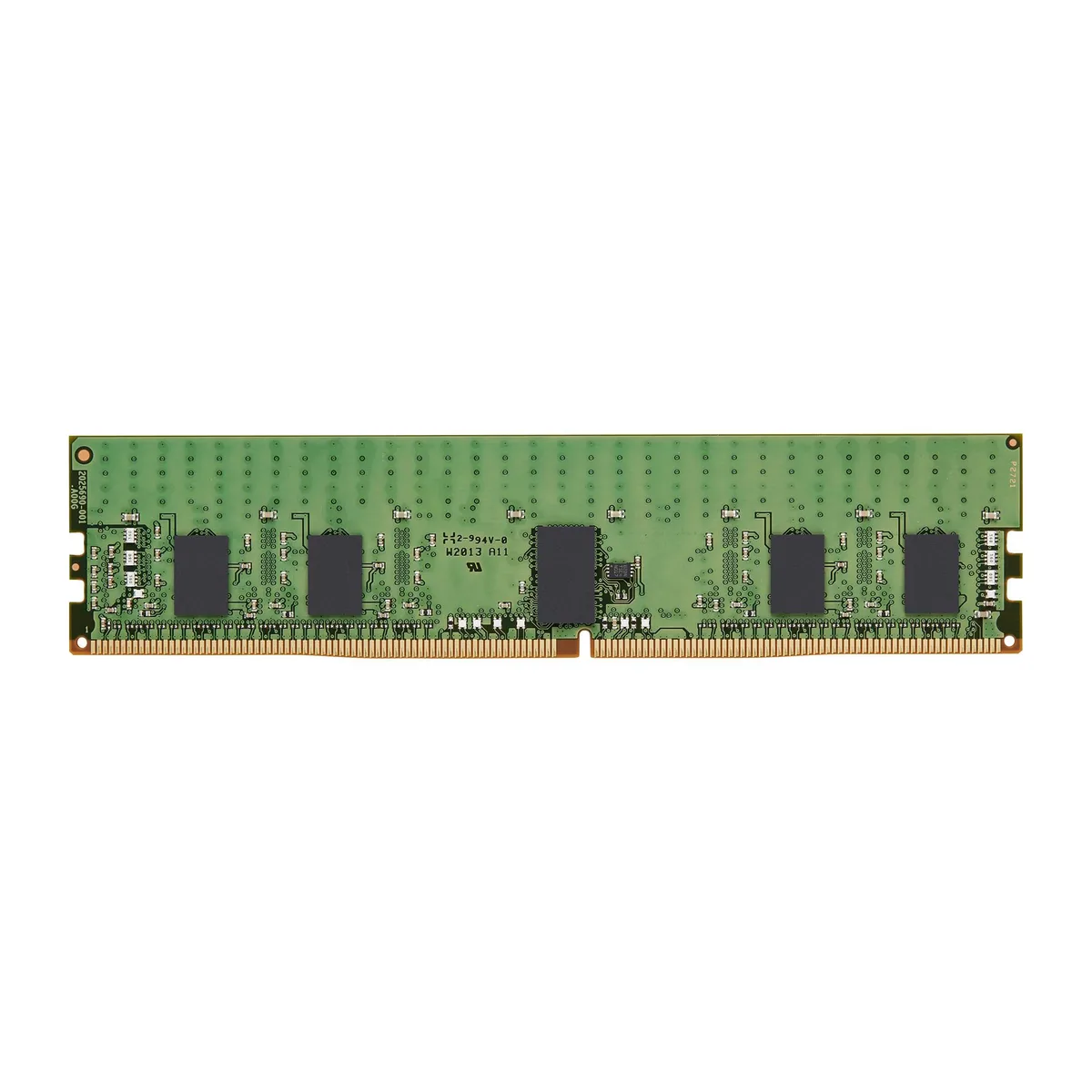
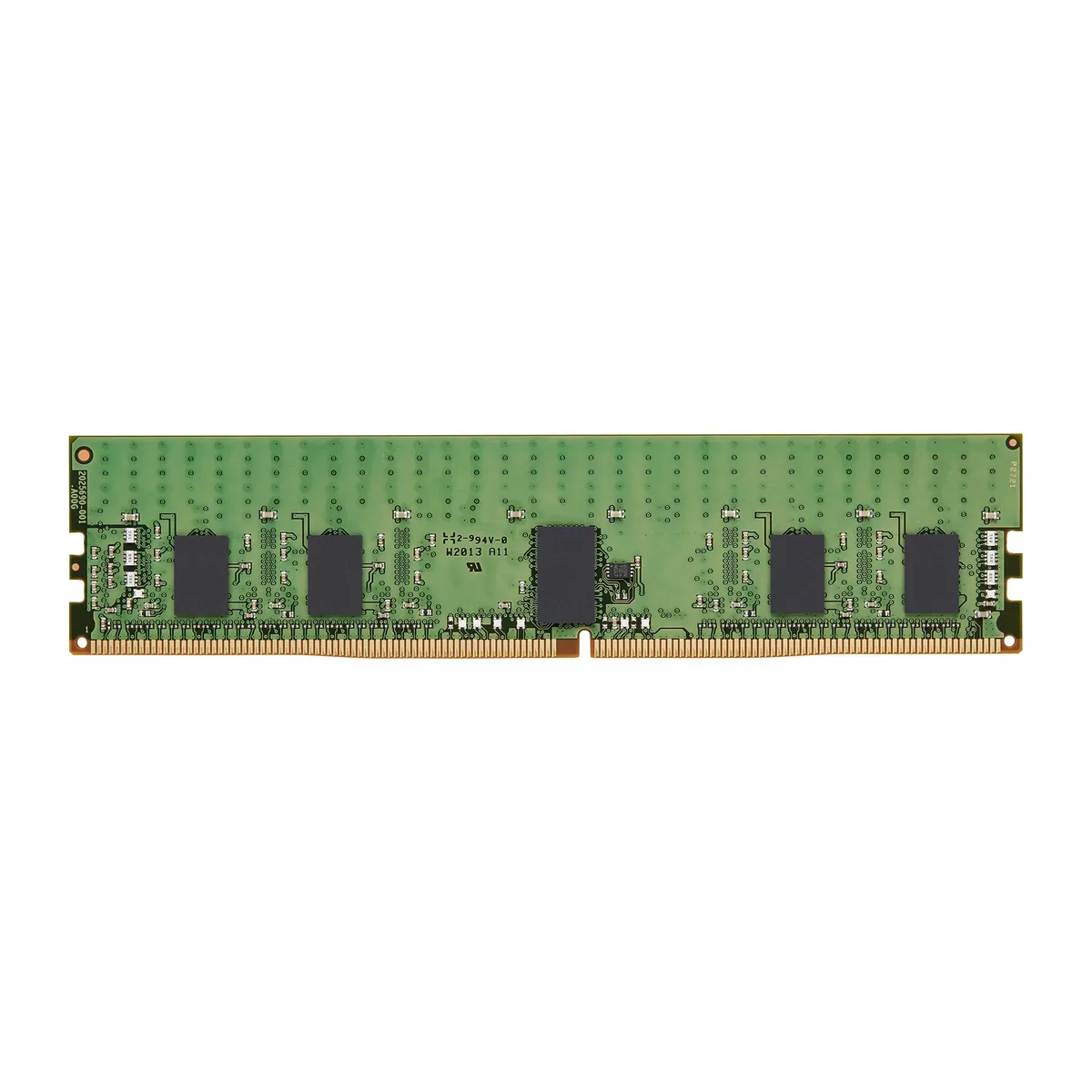
Kingston Technology Corp. KSM32RD4/32MRR 32GB DDR4 3200 CL22 ECC Registered Server RAM
- 32GB
- 288-Pin DDR4 SDRAM
334,99 $US
0.00425719BTC
En stockNous acceptons la cryptomonnaie — les cryptos que vous détenez peuvent ainsi acheter du matériel réel.Payez en crypto, dépensez-la en matériel réel. Livraison assurée offerte partout dans le monde au-delà de 399 $. Cartons neutres, sans marque, expédiés depuis l’Allemagne.Livraison assurée offerte au-delà de 399 $. Votre taux est bloqué pendant 30 minutes dès l’ouverture de la caisse.Taux bloqué 30 minutes. Chaque article est scellé, son numéro de série est vérifié, et il est couvert par une garantie de 24 mois.Scellé, garanti 24 mois.
KHACHIMO
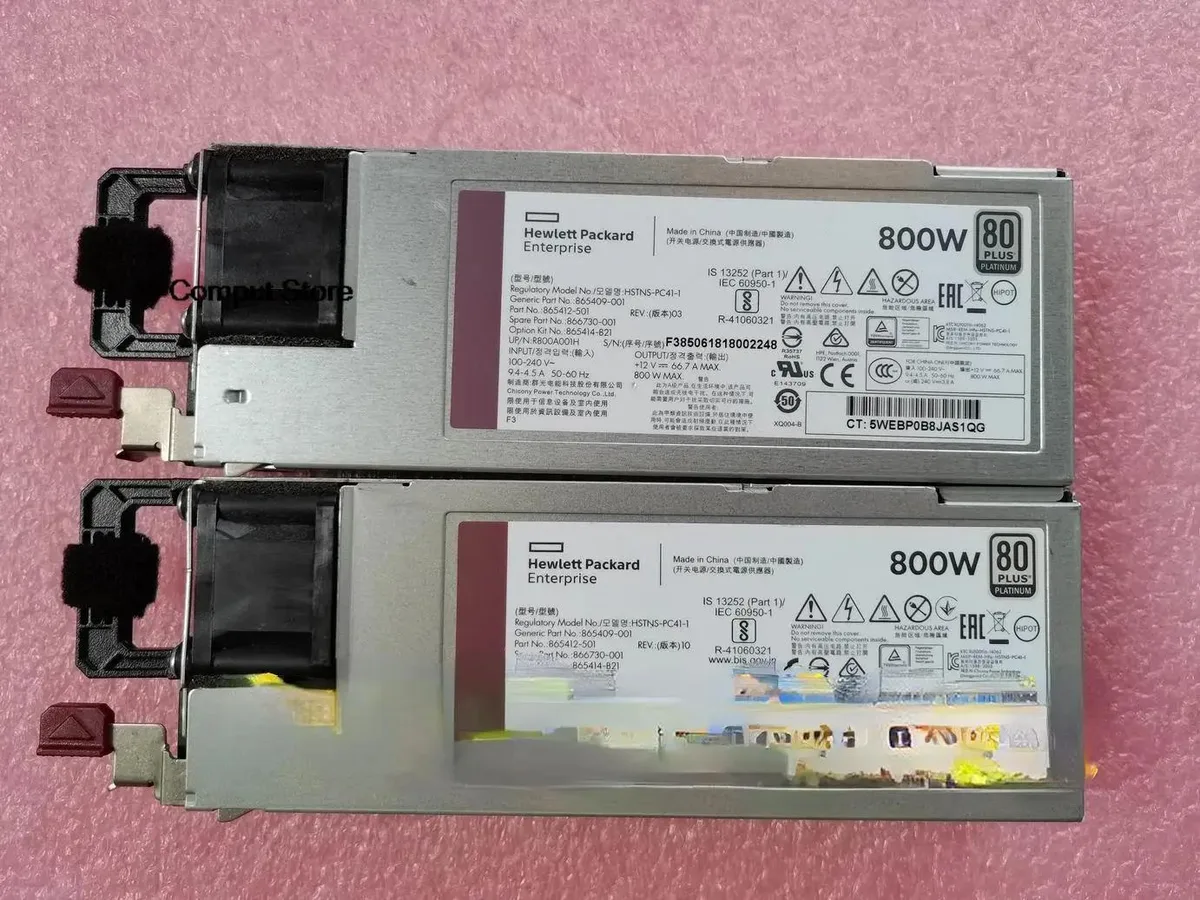
800 W ATX power supply tested working for HPE part numbers HSTNS-PC41-1, 865414-B21, 865409-001 and 866730-001
The KHACHIMO G10 delivers 800 watts of ATX power for desktop builds and workstation replacements. It suits system integrators and technicians who need a tested unit for compatible HP chassis using the listed part numbers. This new supply is verified working before dispatch. Buyers requiring modular cables or higher efficiency ratings should look elsewhere.
The unit operates at its rated 800 W capacity under normal load conditions. Cooling performance and acoustic output match standard ATX expectations for this class. No specific fan curves or decibel figures are provided by the supplier. Power draw scales with connected hardware up to the maximum rated output.
| Type | ATX |
|---|
Mount the unit with the four rear screws, orient the fan toward the case vent, then firmly seat the 24-pin ATX connector into the motherboard socket until the latch clicks.
Use compressed air to clear dust from the fan grill and internal heatsinks once a year; if the fan becomes noisy or stops spinning, replace the entire power supply unit.
Également dans ce rayon
Même rayon, même caisse — huit monnaies et un taux bloqué 30 minutes.
Ce que vous envoyez, et ce dans quoi vous lisez les prix.
Envoyé depuis votre portefeuille à la caisse
Affichage seul — le catalogue est libellé en dollars
Aucune monnaie ne correspond.
Choisissez la langue dans laquelle le site vous parle.
Première visite ?
Vous avez déjà un compte ?
Il n’y a pas de réinitialisation automatique : cette boutique n’envoie aucun e-mail, il n’existe donc aucun lien à usage unique à demander. Laissez l’adresse sur le compte, elle sera traitée à la main.
Demande enregistrée
Rien n’arrivera dans votre boîte de réception — cette boutique n’envoie aucun e-mail. Quelqu’un s’en occupe à la main.
Vous l’avez retrouvé ?