
Kingston Technology Corp.
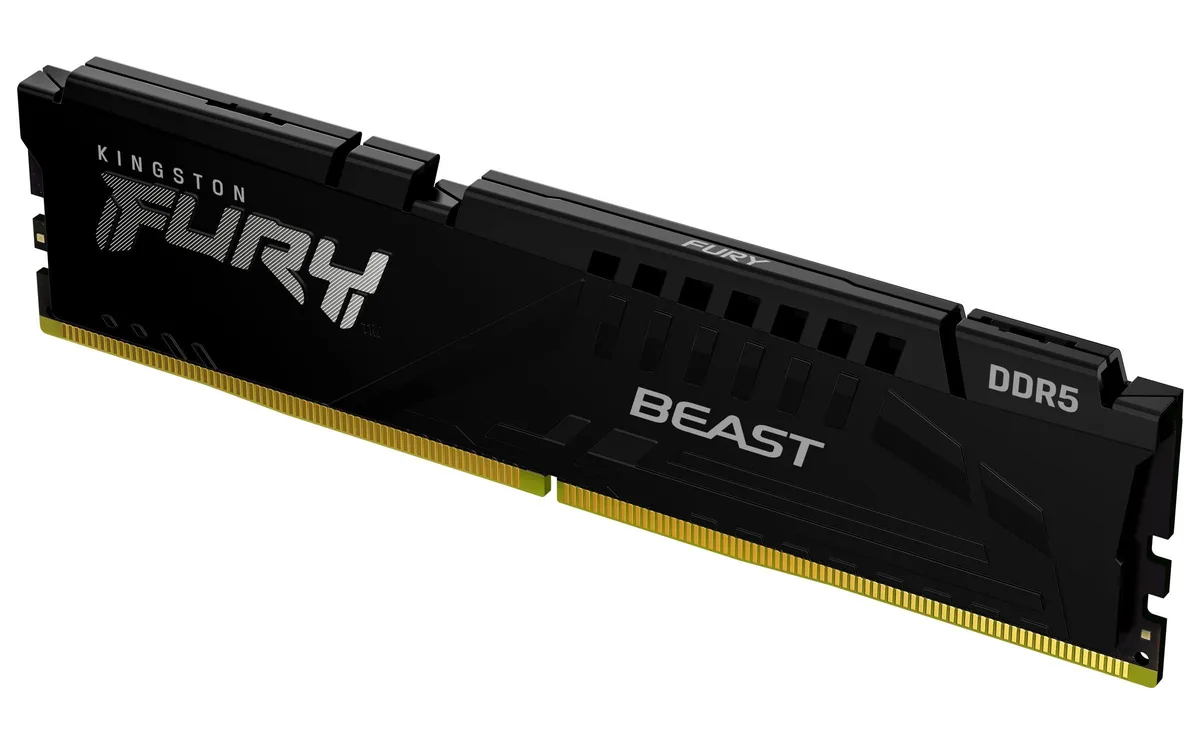
Kingston Technology Corp. FF2D532G6400HC32ADC01 16GB DDR5 6400MT/s CL32 desktop RAM
16 GB DDR5 module runs at 6400 MT/s with CL32 latency for fast desktop performance
- 16 GB DDR5 capacity handles demanding workloads
- 6400 MT/s speed accelerates data throughput
- CL32 latency tightens response times
- AMD EXPO 1.0 profiles simplify overclocking setup
- On-die ECC and PMIC boost stability at speed
Kingston Fury Beast DDR5 16GB Module
This single 16GB DDR5 module targets gamers and content creators who want a straightforward capacity boost without filling every slot. It runs at 6400MT/s with a CL32 latency profile and supports AMD EXPO plus XMP 3.0 for easy one-click tuning. The on-module PMIC and on-die ECC help keep data stable when speeds climb.
Upgrade from 4800MT/s JEDEC or lower-speed DDR5
Moving from the base 4800MT/s JEDEC speed to 6000MT/s or 6400MT/s pays off when you run memory-sensitive workloads such as high-frame-rate gaming or large media timelines. The jump is worth it if your platform can enable EXPO or XMP profiles and you need the extra bandwidth without adding more sticks. Builders staying at stock JEDEC speeds will not see the rated gain.
Check motherboard DDR5 slot count
Verify that your board has a free DDR5 slot and that its BIOS exposes EXPO 1.0 or XMP 3.0 profiles for the rated frequency. The module defaults to 4800MT/s until a profile is enabled, so the BIOS must allow that step. Confirm the maximum supported speed per slot in your board manual before ordering.
Points forts
- 16 GB DDR5 capacity handles demanding workloads
- 6400 MT/s speed accelerates data throughput
- CL32 latency tightens response times
- AMD EXPO 1.0 profiles simplify overclocking setup
- On-die ECC and PMIC boost stability at speed
Caractéristiques
Aucune caractéristique publiée pour cet article pour l’instant.
Questions sur cet article
Does this single 16 GB DDR5 module use the standard 288-pin DIMM form factor for desktop motherboards?
The product is a single desktop DDR5 module; physical fit follows the DDR5 DIMM standard used by current desktop platforms.
How do I enable the 6000 MT/s CL30 speed using AMD EXPO on this Fury Beast module?
Install the module, enter the motherboard BIOS, locate the AMD EXPO profile labelled 6000 MT/s CL30, enable it, save and reboot; the on-module PMIC handles voltage regulation automatically.
Will the on-die ECC and on-module PMIC on this DDR5 stick require any user maintenance or replacement over time?
On-die ECC and the integrated PMIC are built into the memory silicon and power circuitry; they have no serviceable parts and do not require user maintenance or replacement.
Également dans ce rayon
Les clients ont aussi comparé
Même rayon, même caisse — huit monnaies et un taux bloqué 30 minutes.


PrimoChill
PrimoChill Praxis Wetbench Open-Air Test Bench 461.8mm
- Open-Air
274,89 $US
0.00356417BTC
En stock
Silverstone Technology
SilverStone Technology Strider 1200W 80 Plus Platinum Modular Power Supply
- ATX Mid Tower
- 1200W
324,03 $US
0.00420131BTC
En stock