


Kingston Technology Corp.
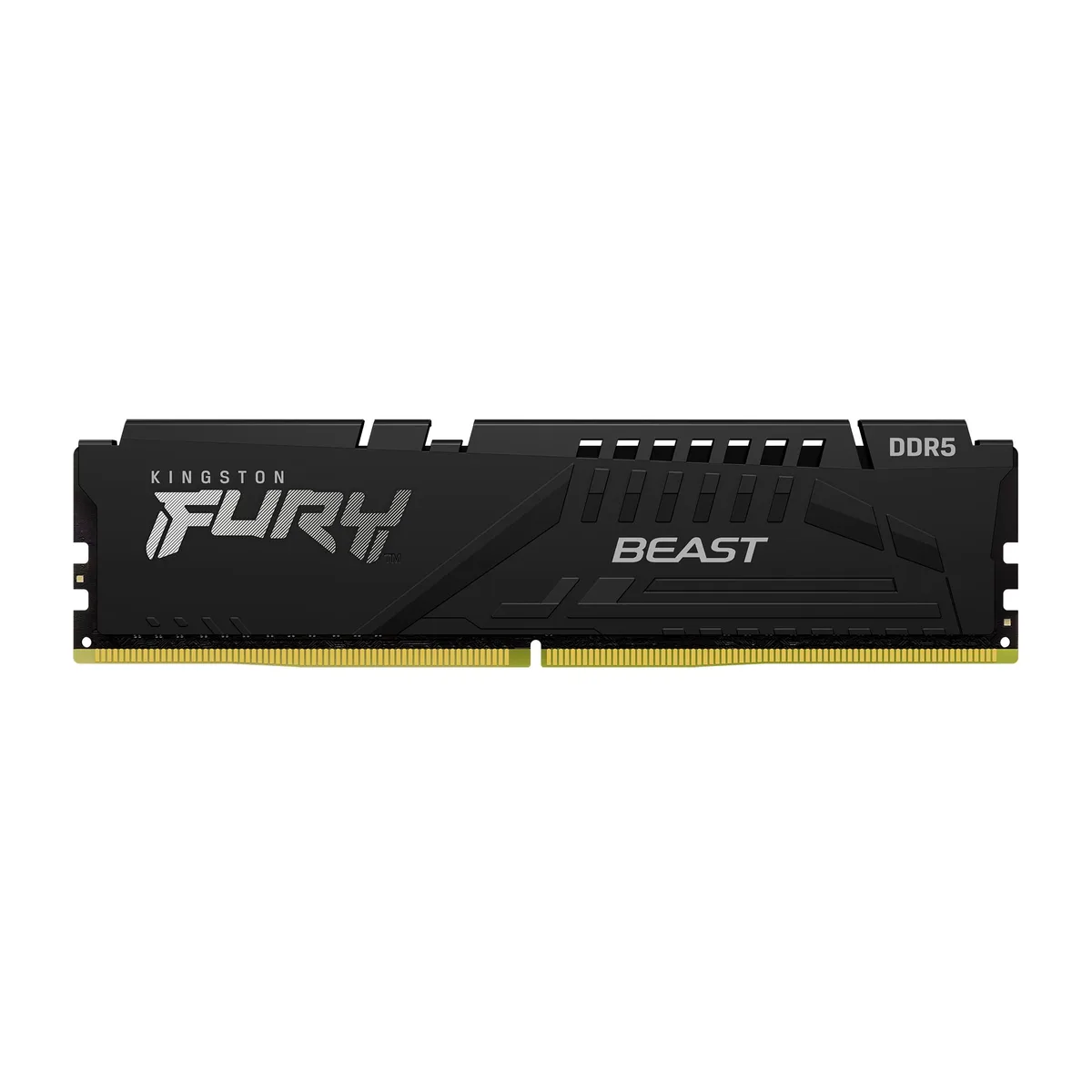
Kingston Technology Corp. KF552C40BB-32 32GB DDR5 5200 CL40 desktop RAM
A 32 GB DDR5 desktop module running at 5200 MT/s with CL40 latency and Intel XMP 3.0 support
- Capacity32GB
- Type288-Pin PC RAM
- SpeedDDR5 5200 (PC5 41600)
- Voltage1.25
- BIOS/Performance ProfileIntel XMP 3.0
- 32 GB capacity handles heavy multitasking and large datasets
- DDR5 5200 MT/s speed delivers high data throughput
- CL40 latency keeps response times tight under load
- 25 V operating voltage reduces power draw
- Intel XMP 3.0 profile enables simple one-click overclocking
32 GB DDR5 module for Intel XMP 3.0 systems
This single 32 GB DIMM uses DDR5 technology and runs at 5200 MT/s with a CL40 latency profile. It is built for desktop PCs that support Intel XMP 3.0 profiles and need a straightforward capacity upgrade without multi-module kits.
Black heat-spreader on 288-pin PCB
The matte black aluminium spreader covers the PCB and fits standard 288-pin DDR5 slots. It clears most CPU coolers and keeps the module running at the rated 1.25 V without extra airflow requirements.
5200 MT/s CL40 at 1.25 V
The decisive specification is the 5200 MT/s data rate combined with CL40 timing at the standard DDR5 voltage. If your platform demands a higher frequency or tighter latency this module will not meet that target.
Points forts
- 32 GB capacity handles heavy multitasking and large datasets
- DDR5 5200 MT/s speed delivers high data throughput
- CL40 latency keeps response times tight under load
- 25 V operating voltage reduces power draw
- Intel XMP 3.0 profile enables simple one-click overclocking
Caractéristiques
| Brand | Kingston |
|---|---|
| Capacity | 32GB |
| Type | 288-Pin PC RAM |
| Speed | DDR5 5200 (PC5 41600) |
| Voltage | 1.25 |
| BIOS/Performance Profile | Intel XMP 3.0 |
| Poids d’expédition | 0.02 kg |
| Dimensions du colis | 127 × 76 × 13 mm |
Questions sur cet article
What does the DDR5 5200 (PC5 41600) rating cap in practice?
The module runs at 5200 MT/s with CL40 latency, delivering a peak bandwidth of PC5 41600 when the XMP 3.0 profile is active.
What physical slot and clearance does the 288-pin DIMM need?
It fits a standard DDR5 288-pin DIMM socket; the Fury Beast black heatspreader adds height, so verify CPU cooler clearance before installing.
How is the Intel XMP 3.0 profile enabled, and what step is often missed?
Enter the motherboard BIOS, enable the XMP 3.0 profile for this kit, save and reboot; the step many miss is confirming the profile applied after the first POST.
Également dans ce rayon
Les clients ont aussi comparé
Même rayon, même caisse — huit monnaies et un taux bloqué 30 minutes.


PrimoChill
PrimoChill Praxis Wetbench Open-Air Test Bench 461.8mm
- Open-Air
274,89 $US
0.00355155BTC
En stock
Silverstone Technology
SilverStone Technology Strider 1200W 80 Plus Platinum Modular Power Supply
- ATX Mid Tower
- 1200W
324,03 $US
0.00418643BTC
En stock