Lenovo
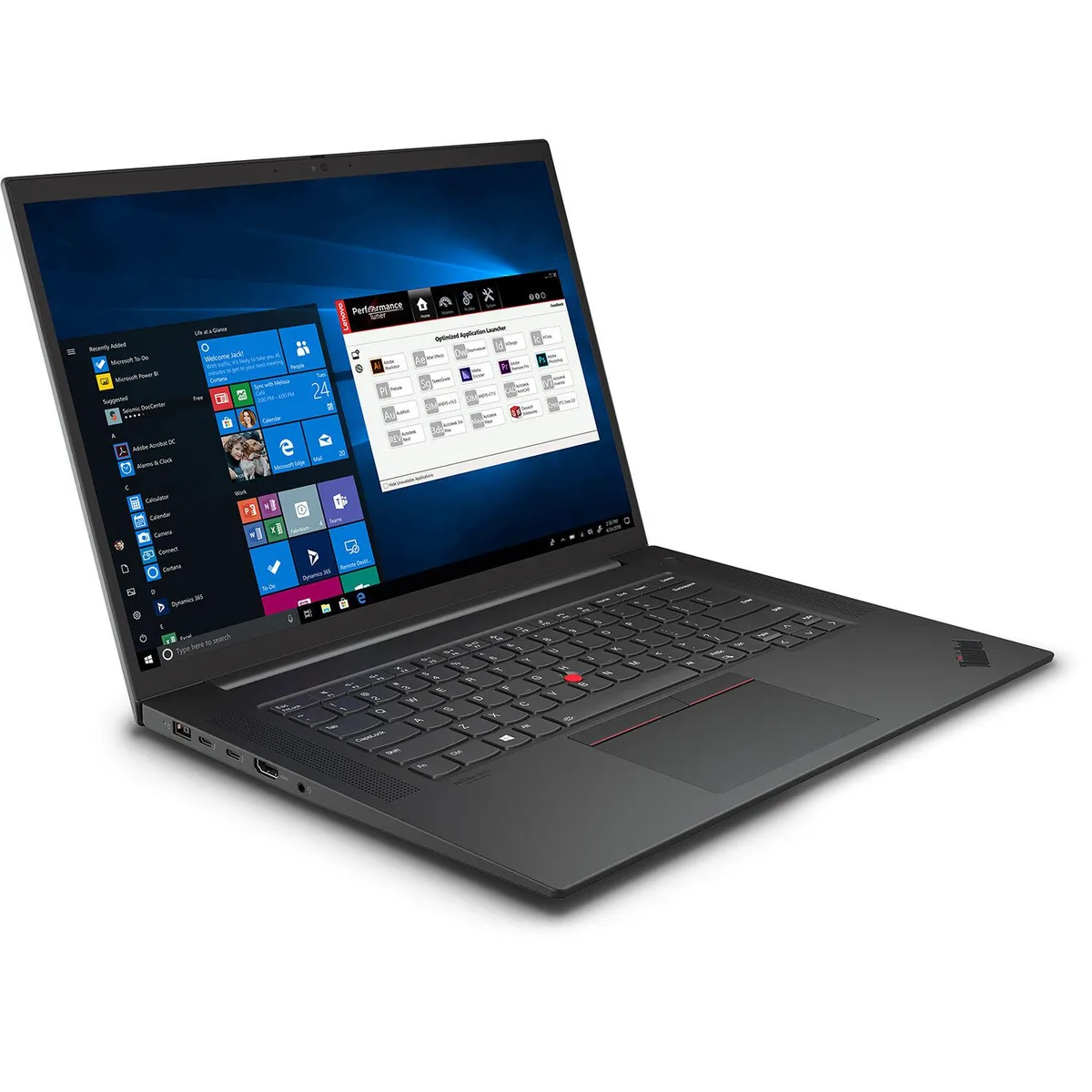
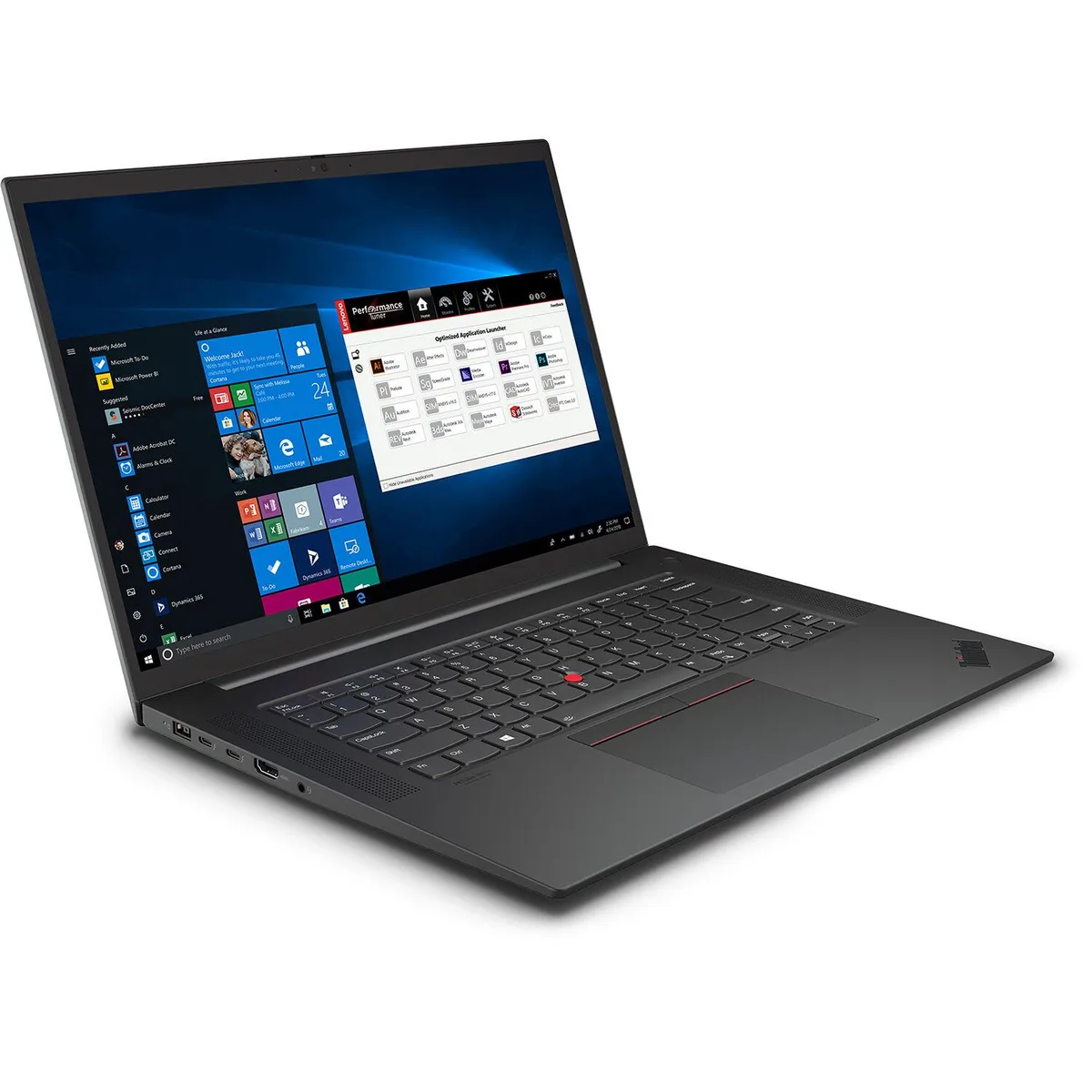
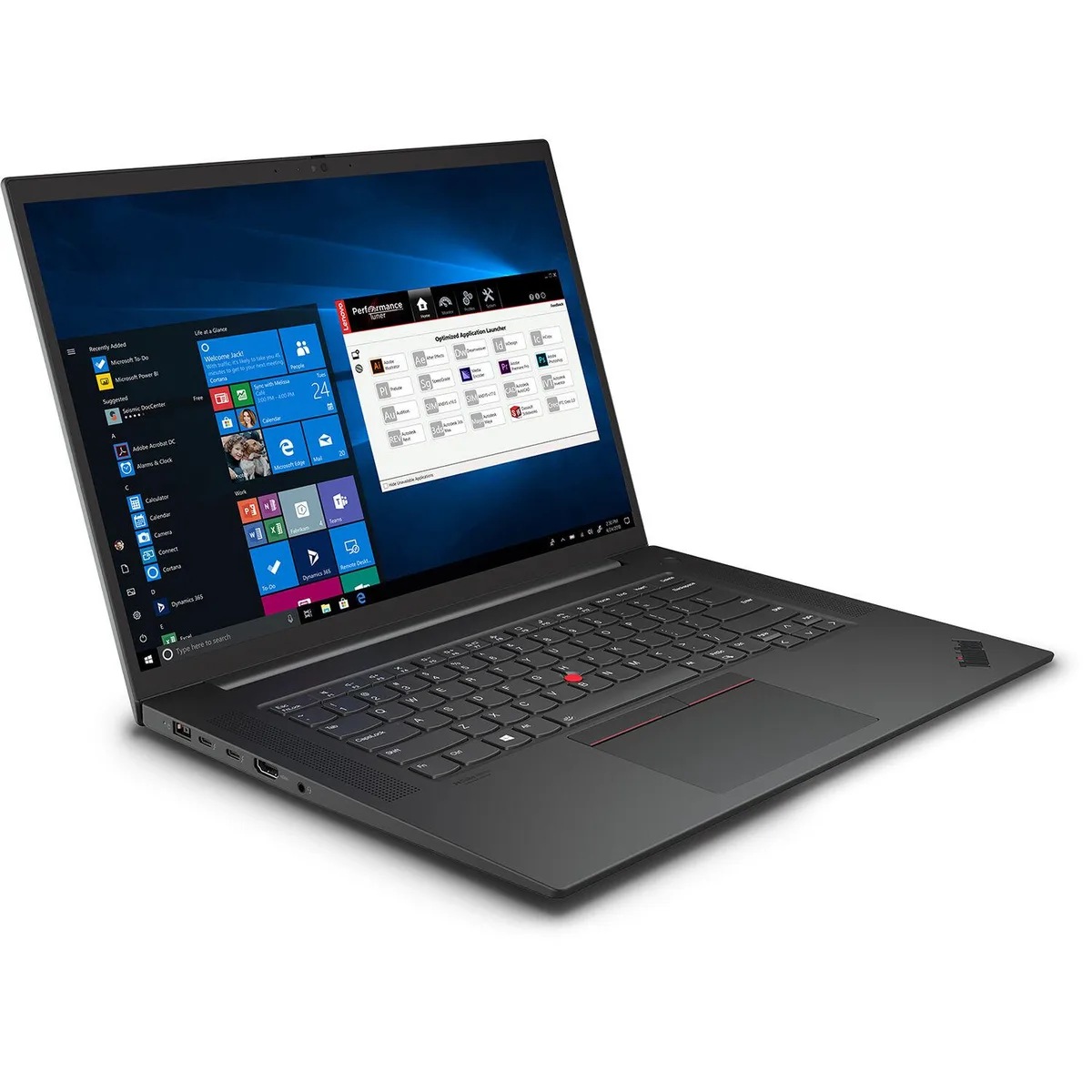
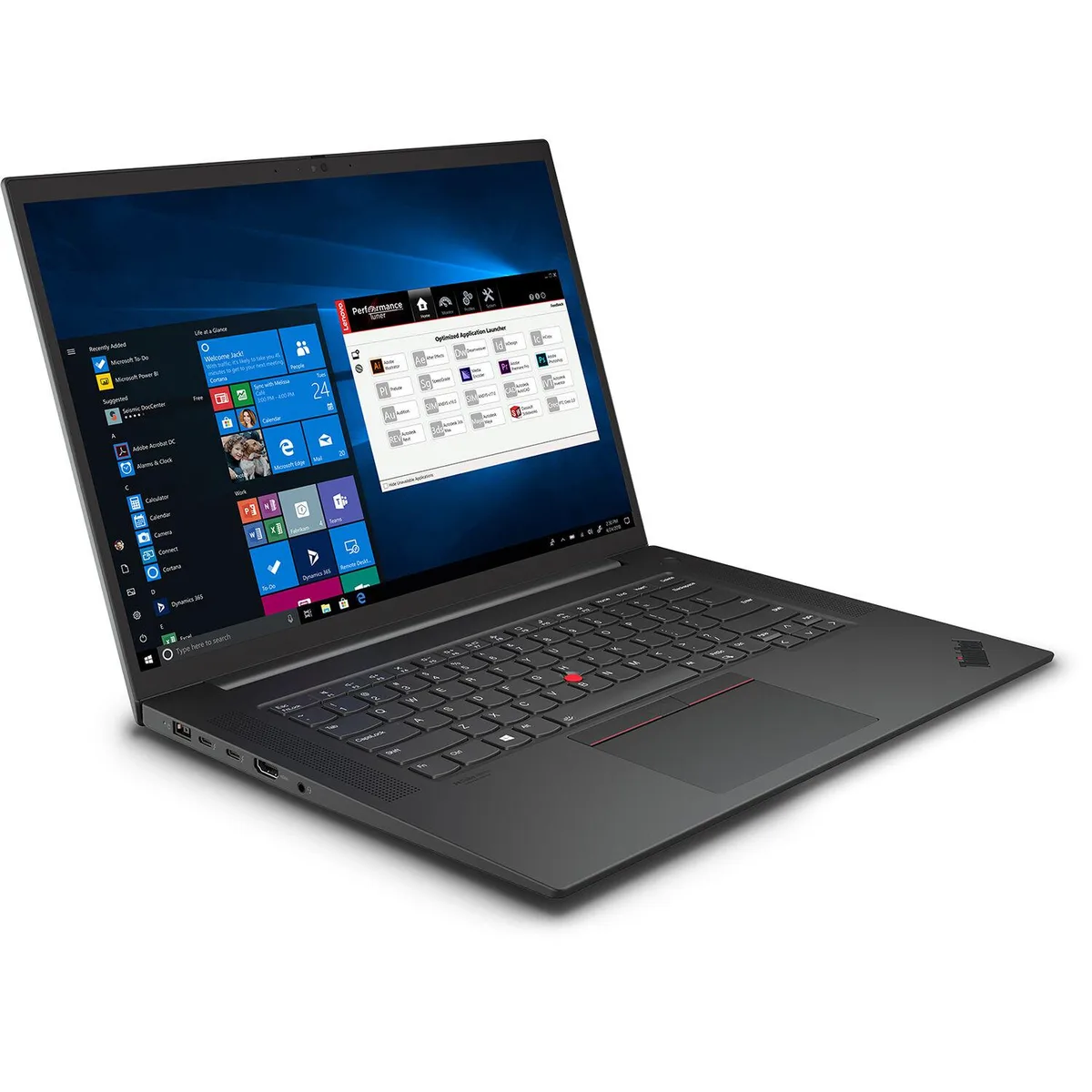
Lenovo ThinkPad P1 Gen 4 business laptop i7-11850H 32GB 1TB RTX 3070 16" WQUXGA IPS
- Black Textured
- Security Chip: Disc…
2 061,99 $US
0.02619298BTC
En stockNous acceptons la cryptomonnaie — les cryptos que vous détenez peuvent ainsi acheter du matériel réel.Payez en crypto, dépensez-la en matériel réel. Livraison assurée offerte partout dans le monde au-delà de 399 $. Cartons neutres, sans marque, expédiés depuis l’Allemagne.Livraison assurée offerte au-delà de 399 $. Votre taux est bloqué pendant 30 minutes dès l’ouverture de la caisse.Taux bloqué 30 minutes. Chaque article est scellé, son numéro de série est vérifié, et il est couvert par une garantie de 24 mois.Scellé, garanti 24 mois.


Lenovo
A 14-inch FHD+ business laptop with an Intel Core Ultra 5 135U processor, 32GB DDR5 memory and a 1TB SSD for AI-ready productivity
The Lenovo ThinkPad E14 Gen 6 is a new business laptop powered by an Intel Core Ultra 5 135U processor with 12 cores and a 4.80GHz turbo frequency. It includes a built-in NPU for AI workloads and 32GB of DDR5 memory. The 14.0-inch FHD+ display runs at 1920 x 1200 resolution and 60Hz refresh rate.
The chassis provides two USB Type-A ports, two USB Type-C ports, one HDMI output and a headphone/microphone combo jack. Wireless connectivity uses Wi-Fi 6. The 1TB PCIe M.2 SSD handles storage duties while the integrated Intel Graphics drives the internal panel and external displays.
This configuration suits professionals who need AI-ready processing and large memory capacity in a 14-inch form factor. Buyers who want more storage or a discrete GPU for heavy rendering should evaluate other models. The 60Hz panel targets general productivity rather than high-motion content creation.
| Processor Name | Intel Core Ultra 5 135U |
|---|---|
| CPU Type | Intel Core Ultra 5 (Series 1) |
| Turbo Frequency | 4.80GHz |
| CPU L3 Cache | 12 MB |
| Memory | 32GB DDR5 |
| Type | Work / Business |
| Usage | Business |
| Resolution | 1920 x 1200 |
| Screen Size | 14.0" |
| Display Type | FHD+ |
| Refresh Rate | 60Hz |
| SSD | 1TB |
| Brand | Lenovo |
| Series | ThinkPad |
| Model | E14 |
| Color | Black |
| AI Features | AI Ready |
| GPU/VPU | Intel Graphics |
| Graphic Type | Integrated Card |
| Operating System | Windows 11 Pro |
| WiFi Generation | Wi-Fi 6 |
| WLAN | 802.11ax Wireless LAN |
| Bluetooth | Yes |
| Dimensions (W x D x H) | 20" x 14" x 4" |
| Weight | 6 lbs |
| Webcam | Yes |
| Touchpad | Yes |
| Battery | Lithium Ion |
| Battery Life | Up to 10 Hours |
| AC Adapter/Charger | 65-watt AC Adapter |
| USB | 4 |
| Video Port | 1 x HDMI |
| HDMI | 1 x HDMI |
| Audio Ports | Yes |
| Audio | Integrated Sound card |
| Speaker | Internal Speakers |
The 12-core processor reaches 4.8 GHz turbo for burst performance, while integrated Intel Graphics share system memory, so extended heavy loads may throttle due to thermal limits within the 14.0-inch chassis.
The 60 Hz FHD+ display and Intel Graphics draw modest power, but the 12 MB L3 cache and 32 GB DDR5 keep the CPU active; expect audible fan spin and warm palm rests during continuous use.
Use the single HDMI port for one display and a USB Type-C cable or adapter that supports DisplayPort Alt Mode for the second; the laptop provides two Type-C ports for this purpose.
Également dans ce rayon
Même rayon, même caisse — huit monnaies et un taux bloqué 30 minutes.
Ce que vous envoyez, et ce dans quoi vous lisez les prix.
Envoyé depuis votre portefeuille à la caisse
Affichage seul — le catalogue est libellé en dollars
Aucune monnaie ne correspond.
Choisissez la langue dans laquelle le site vous parle.
Première visite ?
Vous avez déjà un compte ?
Il n’y a pas de réinitialisation automatique : cette boutique n’envoie aucun e-mail, il n’existe donc aucun lien à usage unique à demander. Laissez l’adresse sur le compte, elle sera traitée à la main.
Demande enregistrée
Rien n’arrivera dans votre boîte de réception — cette boutique n’envoie aucun e-mail. Quelqu’un s’en occupe à la main.
Vous l’avez retrouvé ?