HP
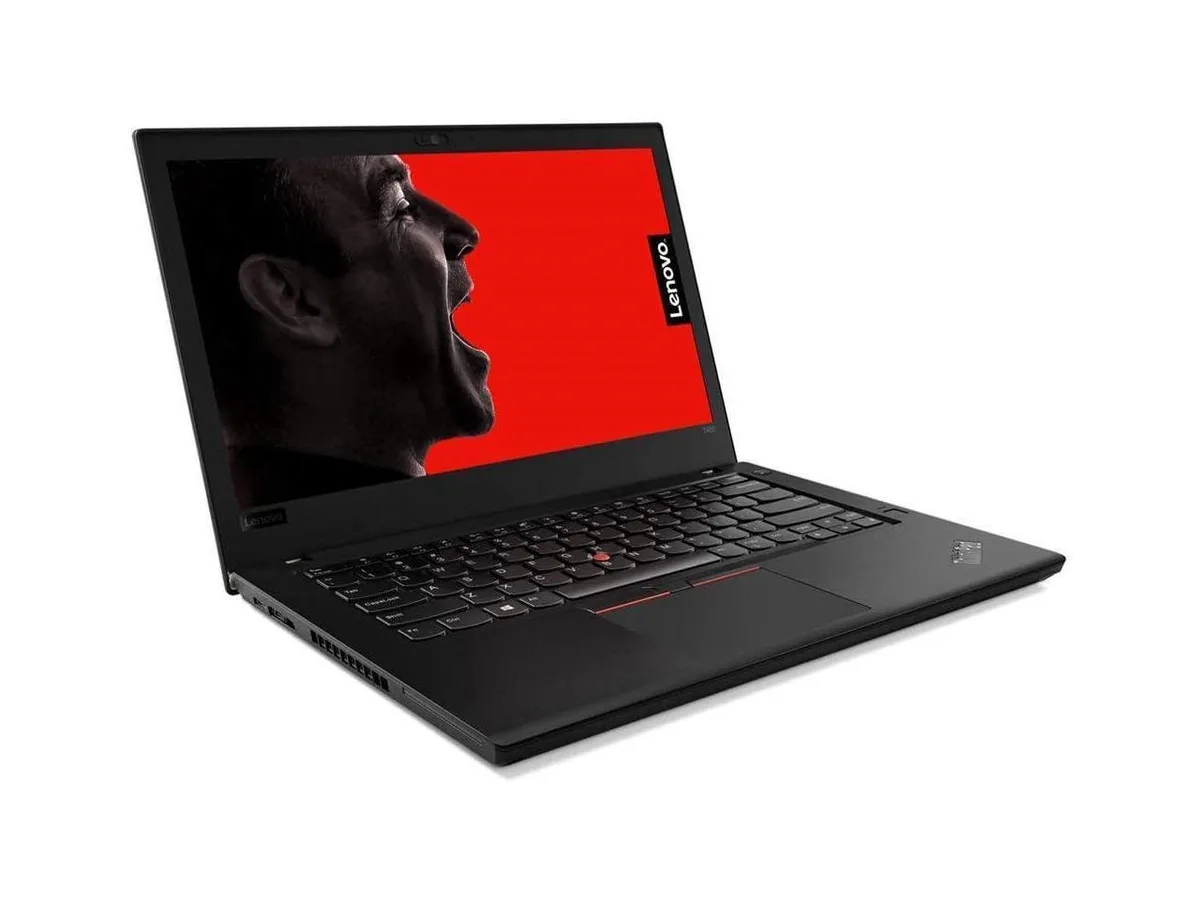
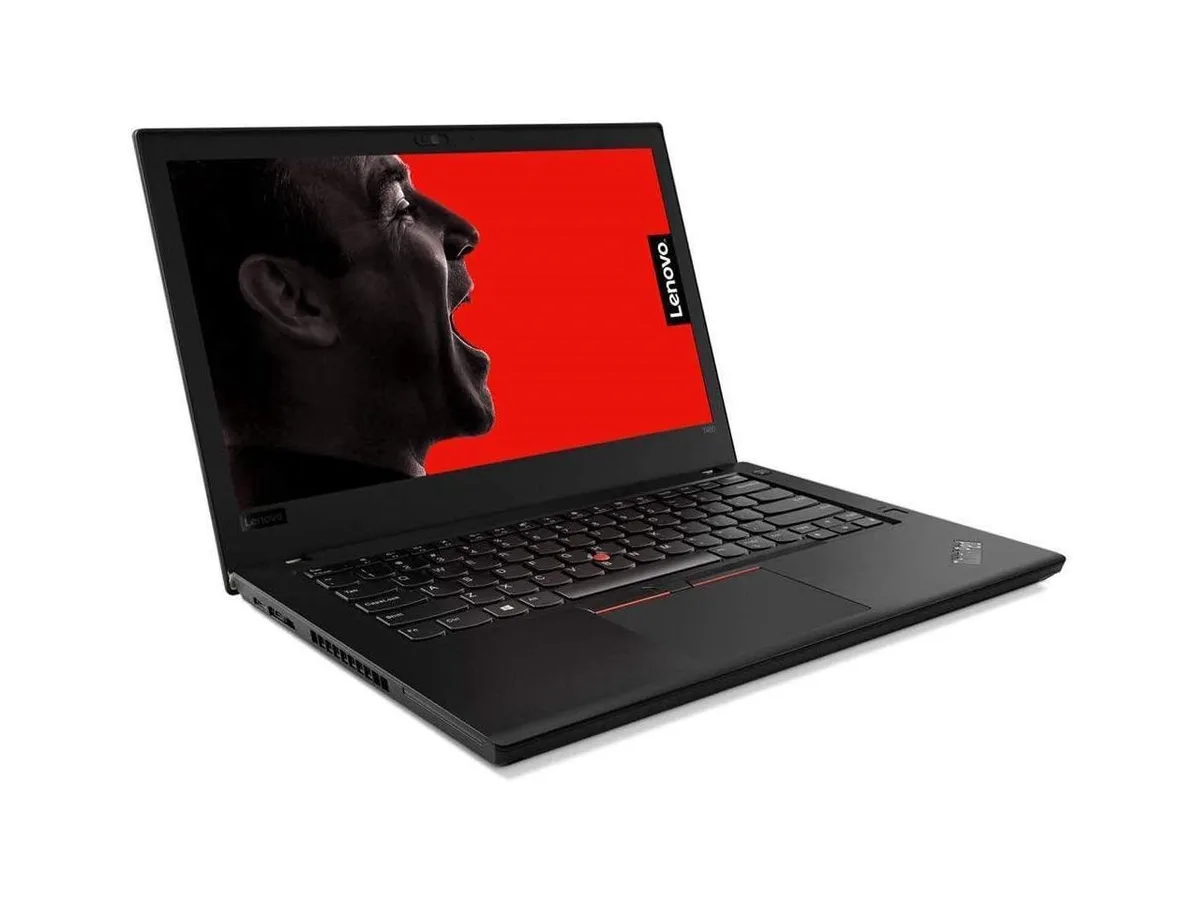
HP ProBook 630 G8 13.2" FHD Touchscreen i5-1145G7 16GB 512GB
- Black
- AI Ready
369 $US
0.00478736BTC
En stockNous acceptons la cryptomonnaie — les cryptos que vous détenez peuvent ainsi acheter du matériel réel.Payez en crypto, dépensez-la en matériel réel. Livraison assurée offerte partout dans le monde au-delà de 399 $. Cartons neutres, sans marque, expédiés depuis l’Allemagne.Livraison assurée offerte au-delà de 399 $. Votre taux est bloqué pendant 30 minutes dès l’ouverture de la caisse.Taux bloqué 30 minutes. Chaque article est scellé, son numéro de série est vérifié, et il est couvert par une garantie de 24 mois.Scellé, garanti 24 mois.


Lenovo
A 16-inch business laptop with a 12-core Intel Core Ultra 5 processor, 32GB DDR5 memory and a 2TB NVMe drive running Windows 11 Pro
The Lenovo ThinkPad E16 Gen 3 is a 16-inch business laptop running Windows 11 Pro. It uses an Intel Core Ultra 5 225U processor with a 4.8 GHz turbo frequency and 12 cores. The system includes 32 GB of DDR5 memory and a 2 TB NVMe SSD. A fingerprint reader and backlit keyboard are built in.
This configuration suits professionals who need a large 1920 x 1200 IPS display, integrated Intel UHD Graphics, and modern connectivity including Thunderbolt 4, HDMI and LAN. Buyers who require a dedicated GPU for rendering, gaming or certified ISV applications should consider a different class of machine.
The single specification that determines fit is the 2 TB NVMe solid-state drive. It sets the total high-speed capacity available for the operating system, applications and active project files without relying on external storage.
| Brand | Lenovo |
|---|---|
| Series | ThinkPad |
| Model | E16 Gen 3 |
| Part Number | 21SSS78R00 |
| Color | Black |
| Other Features | Fingerprint reader |
| Operating System | Windows 11 Pro |
| CPU Type | Intel Core Ultra 5 (Series 2) |
| Turbo Frequency | 4.8GHz |
| Number of Cores | 12-core Processor |
| Smart Cache | 12MB |
| Screen Size | 16.0" |
| Touchscreen | No |
| Wide Screen Support | Yes |
| Display Type | WUXGA |
| Resolution | 1920 x 1200 |
| Panel | IPS |
| GPU/VPU | Intel UHD Graphics |
| Graphic Type | Integrated Card |
| SSD | 2 TB |
| HDD | No |
| Storage Spec | 2TB NVMe SSD |
| Memory | 32GB |
| Memory Speed | DDR5 4800 |
| Memory Spec | 16 GB x 2 |
| Memory Slot (Total) | 2 |
| Memory Slot (Available) | 0 |
| Max Memory Supported | 64 GB |
| Optical Drive Type | No |
| LAN | 10/100/1000Mbps |
| WLAN | 802.11ax Wireless LAN |
| WiFi Generation | Wi-Fi 6E |
| Bluetooth | Bluetooth 5.4 |
| USB | 4 |
| Video Port | 1 x HDMI, Thunderbolt |
| HDMI | 1 x HDMI |
| Ethernet | 1 x RJ-45 (1Gbps) |
| Audio Ports | 1 x Headphone/Microphone Combo Jack |
| Audio | Integrated Sound card |
| Speaker | Integrated Stereo Speakers |
| Touchpad | Yes |
| Keyboard | Standard |
| Backlit Keyboard | Backlit |
| Webcam | Yes |
| Style | Standard |
| Type | Work / Business |
| Battery | 3-cell Lithium Ion |
| Battery Life | Up to 9 Hours |
| Dimensions (W x D x H) | 9.8 x 14.02 x 0.67 in |
| Weight | 3 - 3.9 lbs. |
Yes, the manufacturer highlights that the battery and speaker are customer-replaceable units to simplify maintenance.
Power off the laptop, disconnect the AC adapter, remove the base cover screws, insert the DDR5 module into the SO-DIMM slot at the correct angle, seat the NVMe drive into the M.2 slot and secure it with the screw, then reassemble the base cover before powering on.
The NVMe SSD should be replaced if SMART health indicators show wear or capacity loss, while the DDR5 memory typically lasts the laptop's lifetime unless a fault occurs.
Également dans ce rayon
Même rayon, même caisse — huit monnaies et un taux bloqué 30 minutes.
Ce que vous envoyez, et ce dans quoi vous lisez les prix.
Envoyé depuis votre portefeuille à la caisse
Affichage seul — le catalogue est libellé en dollars
Aucune monnaie ne correspond.
Choisissez la langue dans laquelle le site vous parle.
Première visite ?
Vous avez déjà un compte ?
Il n’y a pas de réinitialisation automatique : cette boutique n’envoie aucun e-mail, il n’existe donc aucun lien à usage unique à demander. Laissez l’adresse sur le compte, elle sera traitée à la main.
Demande enregistrée
Rien n’arrivera dans votre boîte de réception — cette boutique n’envoie aucun e-mail. Quelqu’un s’en occupe à la main.
Vous l’avez retrouvé ?