HP
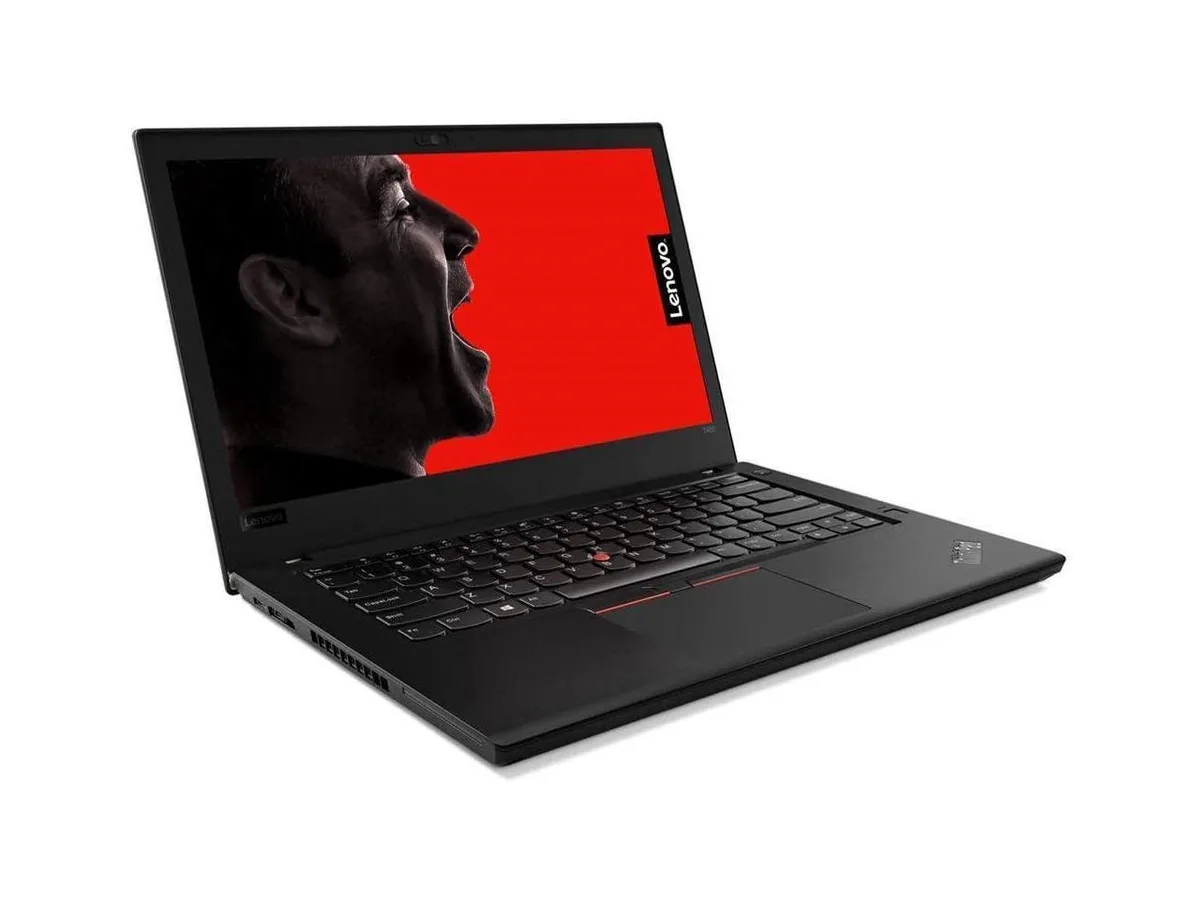
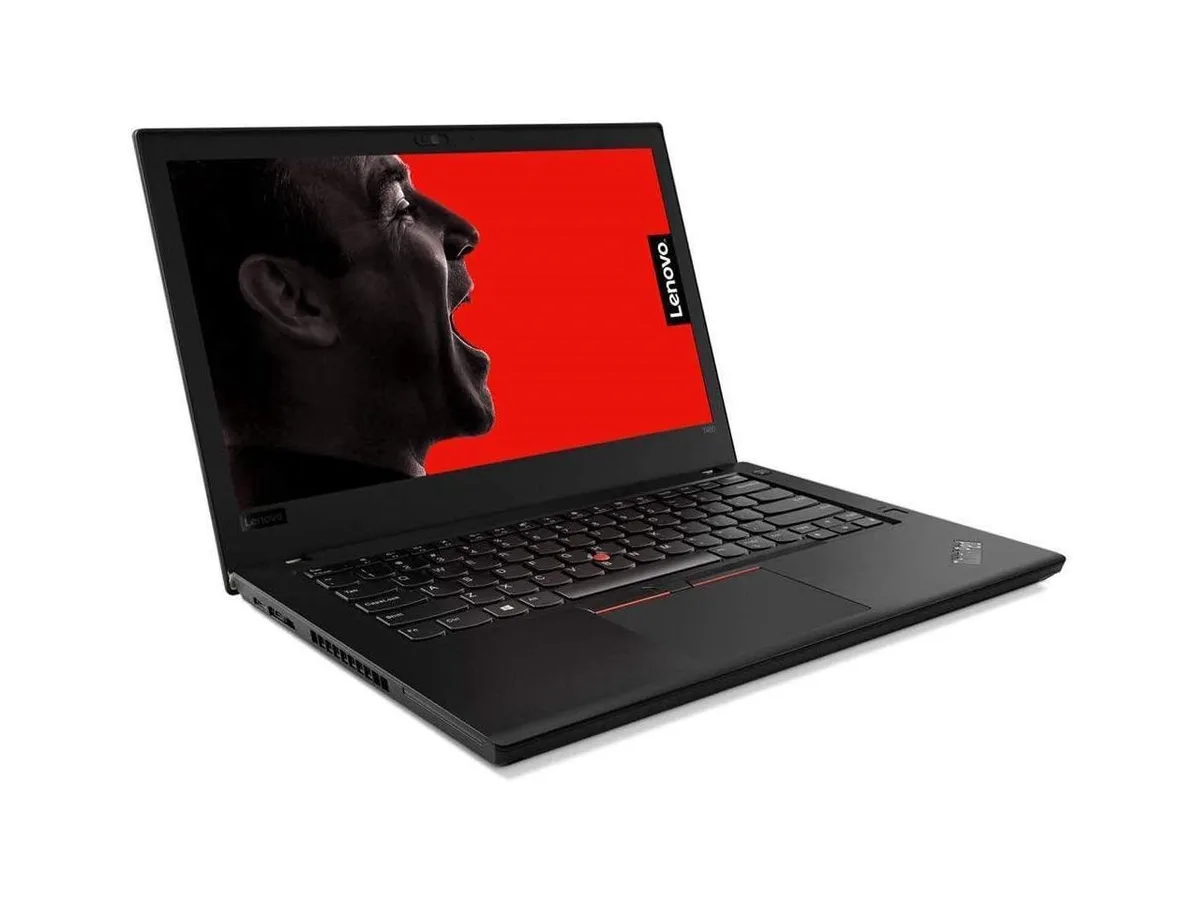
HP ProBook 630 G8 13.2" FHD Touchscreen i5-1145G7 16GB 512GB
- Black
- AI Ready
369 $US
0.0047505BTC
En stockNous acceptons la cryptomonnaie — les cryptos que vous détenez peuvent ainsi acheter du matériel réel.Payez en crypto, dépensez-la en matériel réel. Livraison assurée offerte partout dans le monde au-delà de 399 $. Cartons neutres, sans marque, expédiés depuis l’Allemagne.Livraison assurée offerte au-delà de 399 $. Votre taux est bloqué pendant 30 minutes dès l’ouverture de la caisse.Taux bloqué 30 minutes. Chaque article est scellé, son numéro de série est vérifié, et il est couvert par une garantie de 24 mois.Scellé, garanti 24 mois.


Lenovo
A 16-inch WUXGA IPS laptop with a 16-core Intel Core Ultra 7 255H, 32 GB DDR5 and a 4 TB NVMe drive
The ThinkPad E16 Gen 3 pairs a 16-core Intel Core Ultra 7 255H processor with 32GB of DDR5 memory and a 4TB NVMe drive, giving professionals a single chassis that compiles code, renders timelines and runs local AI models without swapping to disk. Windows 11 Pro is pre-installed and the 16.0-inch WUXGA IPS panel shows 1920 x 1200 detail for documentation and spreadsheets.
Integrated graphics handle office suites, video playback and light content creation, but the system cannot accelerate 3D rendering, CAD viewport work or modern game engines that require dedicated VRAM. Buyers who need more storage than 4TB or who rely on legacy docking stations without Thunderbolt should look elsewhere.
The 4TB NVMe drive is the single figure that determines fit — it holds large project libraries, virtual machines and offline media so the laptop stays productive off-site; if your workflow fits in less space, a smaller drive lowers cost, while heavier datasets demand external arrays.
| Brand | Lenovo |
|---|---|
| Series | ThinkPad |
| Model | E16 Gen 3 |
| Part Number | 21SSS3X500 |
| Color | Black |
| Other Features | Fingerprint reader |
| Operating System | Windows 11 Pro |
| CPU Type | Intel Core Ultra 7 (Series 2) |
| Turbo Frequency | 5GHz |
| Number of Cores | 16-core Processor |
| Smart Cache | 24MB |
| Screen Size | 16.0" |
| Touchscreen | No |
| Wide Screen Support | Yes |
| Display Type | WUXGA |
| Resolution | 1920 x 1200 |
| Panel | IPS |
| GPU/VPU | Not found |
| Graphic Type | Integrated Card |
| SSD | 4 TB |
| HDD | No |
| Storage Spec | 4TB NVMe SSD |
| Memory | 32GB |
| Memory Speed | DDR5 4800 |
| Memory Spec | 16 GB x 2 |
| Memory Slot (Total) | 2 |
| Memory Slot (Available) | 0 |
| Max Memory Supported | 64 GB |
| Optical Drive Type | No |
| LAN | 10/100/1000Mbps |
| WLAN | 802.11ax Wireless LAN |
| WiFi Generation | Wi-Fi 6 |
| Bluetooth | Bluetooth 5.3 |
| USB | 4 |
| Thunderbolt | 1 x Thunderbolt 4 |
| Video Port | 1 x HDMI, Thunderbolt |
| HDMI | 1 x HDMI |
| Ethernet | 1 x RJ-45 (1Gbps) |
| Audio Ports | 1 x Headphone/Microphone Combo Jack |
| Audio | Integrated Sound card |
| Speaker | Integrated Stereo Speakers |
| Touchpad | Yes |
| Keyboard | Standard |
| Backlit Keyboard | Backlit |
| Webcam | Yes |
| Style | Standard |
| Type | Work / Business |
| Battery | 3-cell Lithium Ion |
| Battery Life | Up to 9 Hours |
| Dimensions (W x D x H) | 9.8 x 14.01 x 0.67 in |
| Weight | 3 - 3.9 lbs. |
The 16.0 inch chassis with 1920 x 1200 IPS display needs a compartment sized for a 16 inch laptop; the non-touch WUXGA panel adds no extra thickness beyond the standard lid profile.
The 4TB NVMe drive is factory-installed in the M.2 slot; the common error is assuming the slot is user-accessible without removing the bottom cover and disconnecting the battery first.
Lenovo lists the battery and speaker as customer-replaceable units; both can be swapped by removing the base cover and following the hardware maintenance guide.
Également dans ce rayon
Même rayon, même caisse — huit monnaies et un taux bloqué 30 minutes.
Ce que vous envoyez, et ce dans quoi vous lisez les prix.
Envoyé depuis votre portefeuille à la caisse
Affichage seul — le catalogue est libellé en dollars
Aucune monnaie ne correspond.
Choisissez la langue dans laquelle le site vous parle.
Première visite ?
Vous avez déjà un compte ?
Il n’y a pas de réinitialisation automatique : cette boutique n’envoie aucun e-mail, il n’existe donc aucun lien à usage unique à demander. Laissez l’adresse sur le compte, elle sera traitée à la main.
Demande enregistrée
Rien n’arrivera dans votre boîte de réception — cette boutique n’envoie aucun e-mail. Quelqu’un s’en occupe à la main.
Vous l’avez retrouvé ?