Lenovo
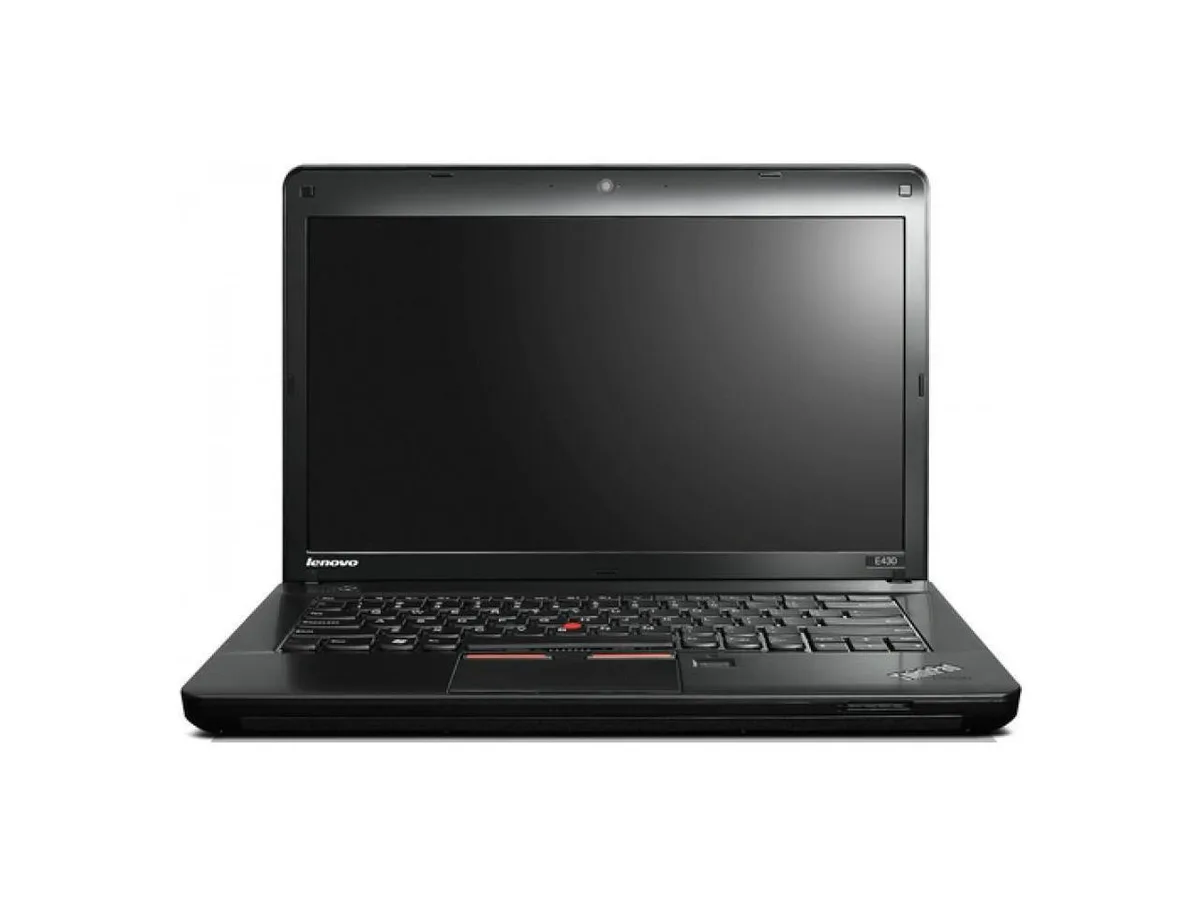
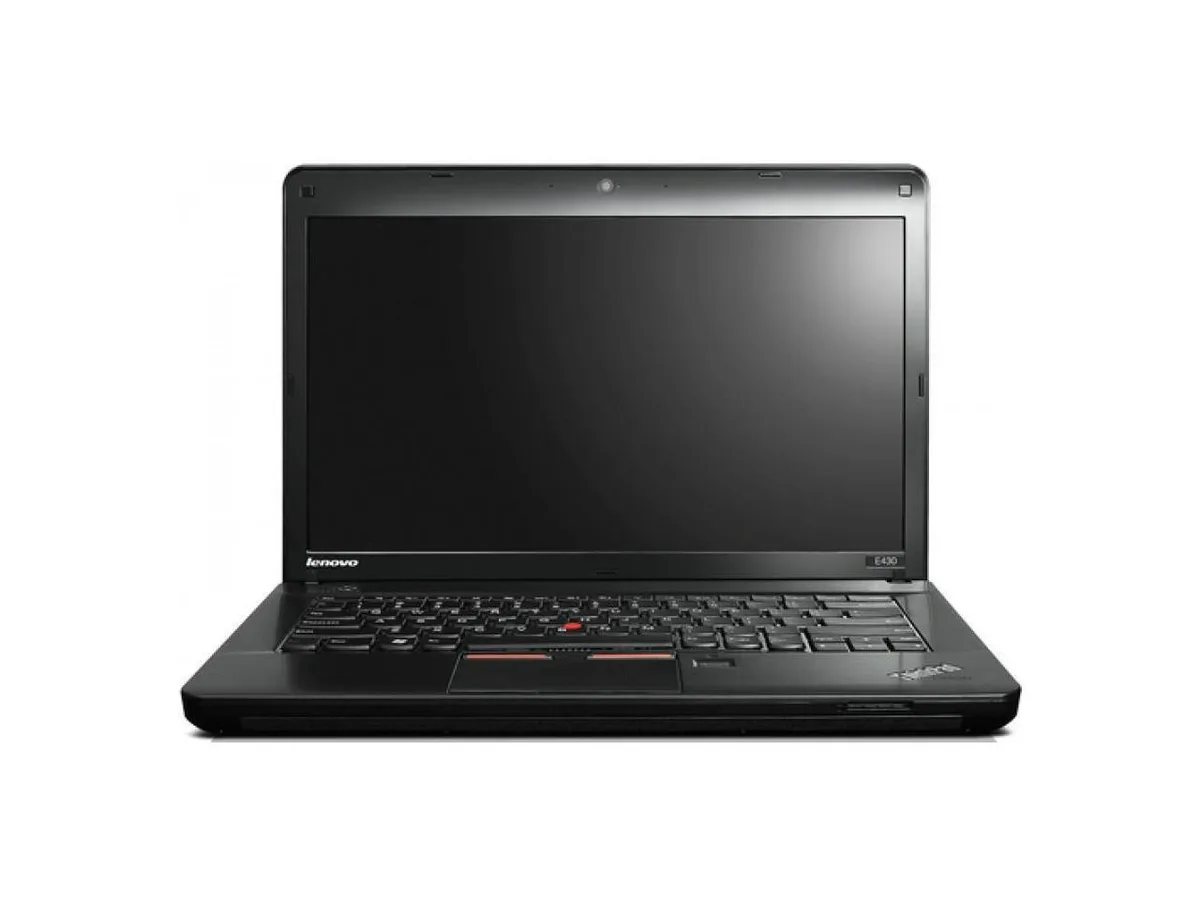
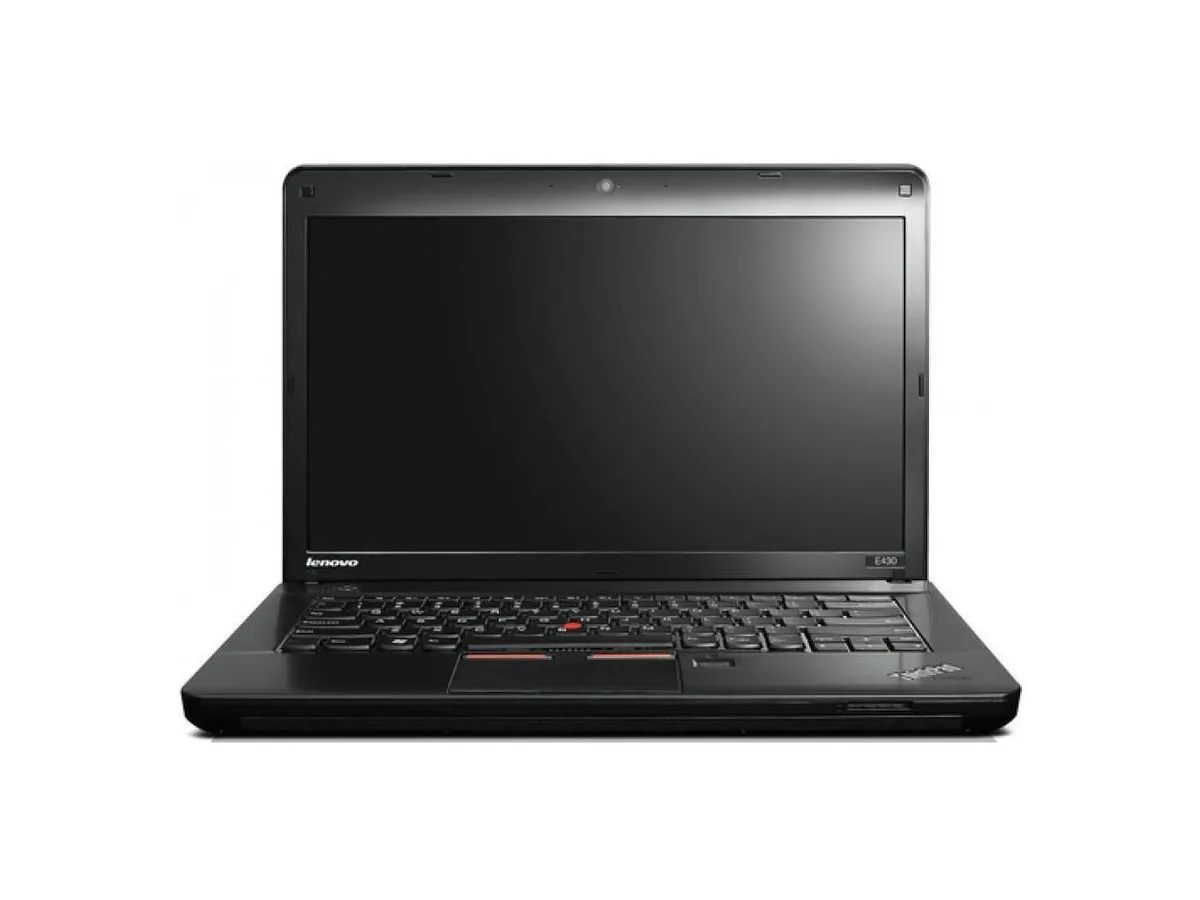
Lenovo ThinkPad Edge E430 laptop 14" Core i3 2.4GHz 16GB DDR3 256GB SSD
- Black
- Windows 10 Pro
287,99 $US
0.00360899BTC
En stockNous acceptons la cryptomonnaie — les cryptos que vous détenez peuvent ainsi acheter du matériel réel.Payez en crypto, dépensez-la en matériel réel. Livraison assurée offerte partout dans le monde au-delà de 399 $. Cartons neutres, sans marque, expédiés depuis l’Allemagne.Livraison assurée offerte au-delà de 399 $. Votre taux est bloqué pendant 30 minutes dès l’ouverture de la caisse.Taux bloqué 30 minutes. Chaque article est scellé, son numéro de série est vérifié, et il est couvert par une garantie de 24 mois.Scellé, garanti 24 mois.


Lenovo
A 14-inch laptop with an Intel Core i3 2.4 GHz processor, 4 GB DDR3 memory, 256 GB SSD, DVD-RW drive and Windows 10 Pro
Options 4GB/256GB
This 14.0 inch laptop uses an Intel Core i3 processor running at 2.40GHz. It comes with 4GB of DDR3 memory in a dual-channel 2 GB x 2 configuration across two filled slots. A 2.5 inch 256GB solid-state drive provides storage. Windows 10 Pro 64-bit is pre-installed with a Certificate of Authenticity.
The 1360 x 768 non-touch screen and integrated graphics handle documents and web browsing. The DVD-RW drive reads and writes optical media. Both VGA and HDMI outputs connect external displays. Buyers who want more storage or faster multi-tasking should look at models with larger SSDs and higher memory configurations.
Under continuous load the dual-core processor maintains its 2.40GHz clock while the SSD keeps data access consistent. The 4GB DDR3 limit means heavy multi-tasking will swap to the drive, reducing responsiveness. The 16 GB maximum supported memory allows a future upgrade if workloads grow.
| Brand | Lenovo |
|---|---|
| Series | Edge |
| Model | Thinkpad |
| Part Number | E430 |
| Color | Black |
| Operating System | Windows 10 Pro |
| CPU Type | Intel Core i3 |
| Processor Name | 2.40GHz |
| Screen Size | 14.0" |
| Touchscreen | Non-Touch Screen |
| Resolution | 1360 x 768 |
| SSD | 256GB |
| HDD | No |
| Storage Spec | 2.5" 256 GB Solid State Drive |
| Memory | 4GB |
| Memory Speed | DDR3 |
| Memory Spec | 2 GB x 2 |
| Memory Slot (Total) | 2 |
| Memory Slot (Available) | 0 |
| Max Memory Supported | 16 GB |
| Optical Drive Type | DVD-R/RW |
| LAN | 10/100/1000Mbps |
| WLAN | 802.11b/g/n |
| USB | 3 x USB 3.0, 1 x Powered USB 2.0 |
| Video Port | 1 x VGA, 1 x HDMI |
| HDMI | 1 x HDMI |
| Audio Ports | 1 x Headphone/Microphone Combo Jack |
| Audio | Integrated Sound card |
| Speaker | Internal Speakers |
| Touchpad | ThinkPad UltraNav |
| Keyboard | Standard |
| Other Input Devices | Yes |
| Webcam | Yes |
| Card Reader | 4-in-1 |
| Style | Standard |
| Type | Everyday Value |
| Usage | Consumer |
| AC Adapter/Charger | 65-watt AC Adapter |
| Weight | 7 - 7.9 lbs. |
| Software Included | Installed |
Autres versions de ce modèle
Même famille, mémoire, ventirad ou fréquence différents — comparez avant de vous décider.
The board has two DDR3 slots, both filled with 2 GB modules. To reach the 16 GB limit you would replace both with 8 GB DDR3 SO-DIMMs.
Yes, the integrated graphics can mirror or extend to an external display over VGA or HDMI while the internal screen remains on.
Open Windows Settings, go to System > Storage, and verify the 256 GB drive appears as the C: partition with Windows 10 Pro installed.
Également dans ce rayon
Même rayon, même caisse — huit monnaies et un taux bloqué 30 minutes.
Ce que vous envoyez, et ce dans quoi vous lisez les prix.
Envoyé depuis votre portefeuille à la caisse
Affichage seul — le catalogue est libellé en dollars
Aucune monnaie ne correspond.
Choisissez la langue dans laquelle le site vous parle.
Première visite ?
Vous avez déjà un compte ?
Il n’y a pas de réinitialisation automatique : cette boutique n’envoie aucun e-mail, il n’existe donc aucun lien à usage unique à demander. Laissez l’adresse sur le compte, elle sera traitée à la main.
Demande enregistrée
Rien n’arrivera dans votre boîte de réception — cette boutique n’envoie aucun e-mail. Quelqu’un s’en occupe à la main.
Vous l’avez retrouvé ?