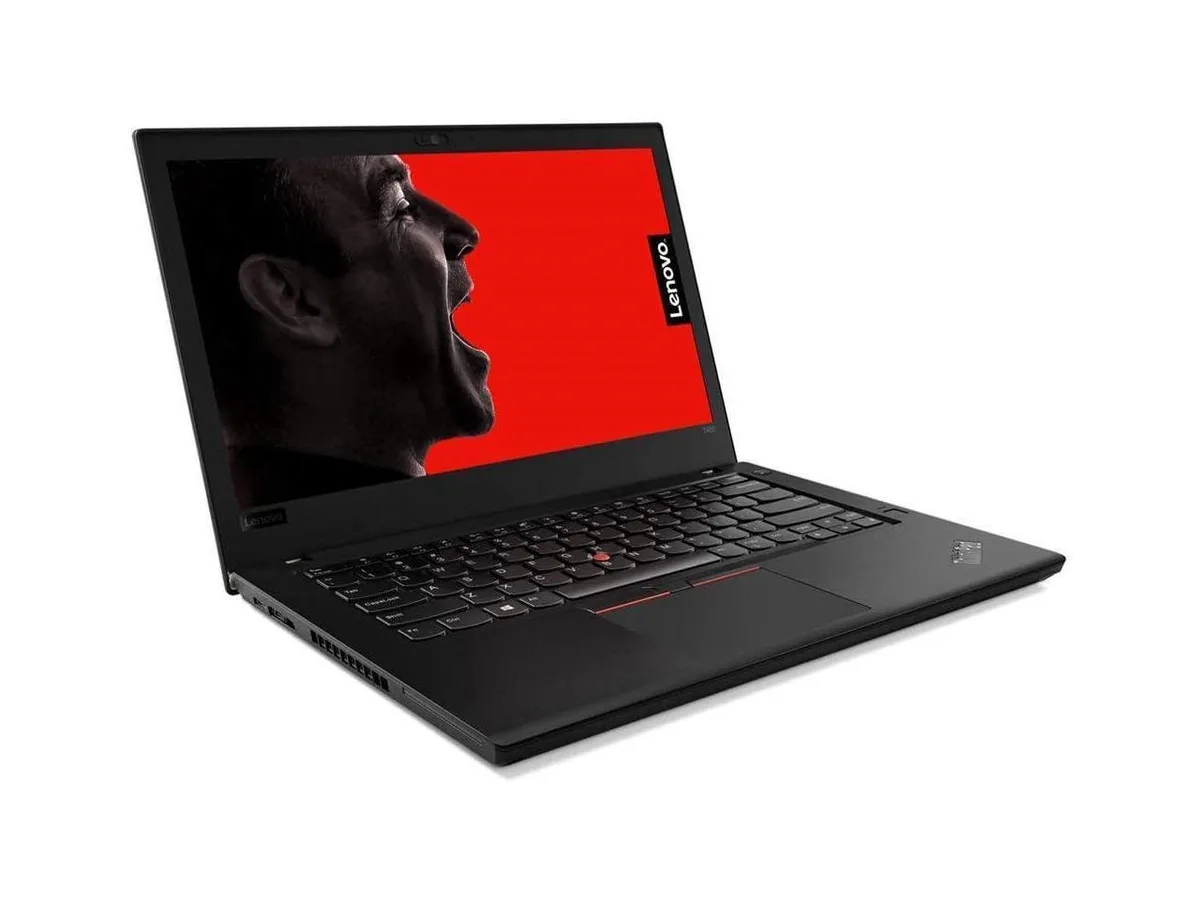
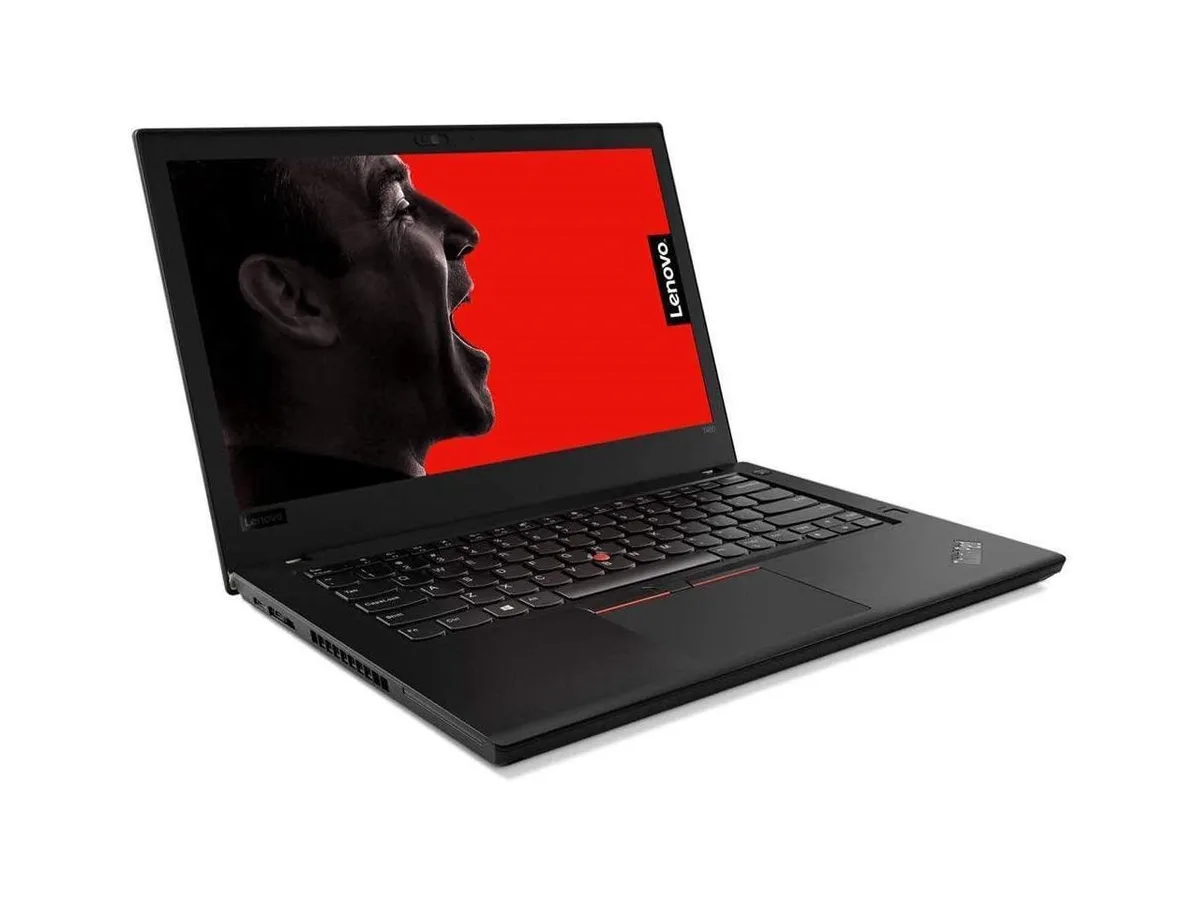
HP
HP ProBook 630 G8 13.2" FHD Touchscreen i5-1145G7 16GB 512GB
- Black
- AI Ready
369 $US
0.00477472BTC
En stockNous acceptons la cryptomonnaie — les cryptos que vous détenez peuvent ainsi acheter du matériel réel.Payez en crypto, dépensez-la en matériel réel. Livraison assurée offerte partout dans le monde au-delà de 399 $. Cartons neutres, sans marque, expédiés depuis l’Allemagne.Livraison assurée offerte au-delà de 399 $. Votre taux est bloqué pendant 30 minutes dès l’ouverture de la caisse.Taux bloqué 30 minutes. Chaque article est scellé, son numéro de série est vérifié, et il est couvert par une garantie de 24 mois.Scellé, garanti 24 mois.


Lenovo
14-inch mobile workstation with 16-core Core Ultra 7, 32 GB LPDDR5X memory, 512 GB SSD and Windows 11 Pro
The Lenovo ThinkPad P14s Gen 7 is a 14.0 inch mobile workstation built around the Intel Core Ultra 7 366H processor with 16 cores. It ships with 32GB of LPDDR5X memory at 7467MHz and a 512GB M.2 SSD. Windows 11 Pro is pre-installed, and the integrated Intel Graphics handles display output. The chassis weighs 3.59 lb and includes a 5MP IR webcam, backlit keyboard, Wi-Fi 7, two Thunderbolt 4 ports, two USB 3.2 Gen1 Type-A ports, HDMI and Gigabit Ethernet.
Under continuous workloads the 16-core processor maintains performance for compile jobs, data analysis and multi-tab development environments without thermal throttling that would cut clock speeds in short bursts. The 32GB LPDDR5X memory pool feeds both CPU and integrated GPU, so large datasets and virtual machines stay resident. Thunderbolt 4 ports allow external GPU enclosures or high-speed storage arrays when the integrated graphics ceiling is reached.
In typical office use the cooling system runs quietly while the chassis remains comfortable on a desk or lap. The 50 TOPS NPU handles background AI tasks such as Windows Studio Effects and Copilot+ features without spinning fans audibly. Battery life benefits from the efficient LPDDR5X memory and the low-power integrated graphics when external displays are not driven.
| Processor Name | Core Ultra 7 366H |
|---|---|
| CPU Type | Intel Core Ultra 7 |
| Core Name | 366H |
| Number of Cores | 16-Core |
| Memory | 32GB LPDDR5X 7467MHz |
| Type | Business |
| Style | Mobile Workstation |
| Resolution | 1920 x 1200 |
| Screen Size | 14.0" |
| Touchscreen | No |
| SSD | 512GB M.2 SSD |
| HDD | None |
| Brand | Lenovo |
| Series | ThinkPad P14s Gen 7 |
| Part Number | 21XJ003DUS |
| Color | Black |
| AI Features | AI Powered, Copilot+ PC, NPU up to 50 TOPS |
| Cosmetic Condition | New |
| GPU/VPU | Intel Graphics (integrated) |
| Operating System | Windows 11 Pro |
| WiFi Generation | Wi-Fi 7 |
| WLAN | Intel Wi-Fi 7 (802.11be) |
| Bluetooth | Yes |
| Weight | 3.59 lb |
| Optical Drive Type | None |
| Webcam | Yes, 5MP IR camera |
| Backlit Keyboard | Yes |
| Battery | Lithium Ion (Li-Ion) |
| USB | 2x USB 3.2 Gen1 Type-A, 2x Thunderbolt 4 |
| Thunderbolt | 2x Thunderbolt 4 |
| Video Port | Thunderbolt 4 (USB-C) |
| HDMI | Yes |
| Ethernet | 1x RJ-45 (Gigabit Ethernet) |
| Poids d’expédition | 2.69 kg |
| Dimensions du colis | 470 × 305 × 71 mm |
The 16-core Core Ultra 7 366H runs at 3.59 lb in a slim mobile workstation chassis; fan noise and surface temperature rise with sustained load but remain within typical ThinkPad thermal limits for a 14.0" form factor.
You need Thunderbolt 4 or USB-C cables for the two Thunderbolt 4 ports and an HDMI cable for the HDMI port; the laptop also includes two USB 3.2 Gen1 Type-A ports and a Gigabit RJ-45 jack for wired networks.
Yes — the two USB 3.2 Gen1 Type-A ports accept legacy USB-A devices directly, while Thunderbolt 4 and HDMI support older displays via standard cables or adapters.
Également dans ce rayon
Même rayon, même caisse — huit monnaies et un taux bloqué 30 minutes.
Ce que vous envoyez, et ce dans quoi vous lisez les prix.
Envoyé depuis votre portefeuille à la caisse
Affichage seul — le catalogue est libellé en dollars
Aucune monnaie ne correspond.
Choisissez la langue dans laquelle le site vous parle.
Première visite ?
Vous avez déjà un compte ?
Il n’y a pas de réinitialisation automatique : cette boutique n’envoie aucun e-mail, il n’existe donc aucun lien à usage unique à demander. Laissez l’adresse sur le compte, elle sera traitée à la main.
Demande enregistrée
Rien n’arrivera dans votre boîte de réception — cette boutique n’envoie aucun e-mail. Quelqu’un s’en occupe à la main.
Vous l’avez retrouvé ?